1. Sarrera
The Qilmy 1080P Wireless WiFi Home Security Camera is designed to provide reliable surveillance for your home. This device combines a high-definition camera with motion detection, night vision, and remote viewing capabilities, all integrated into a standard light bulb form factor for easy installation. This manual will guide you through the installation, setup, and operation of your new security camera.
2. Ezaugarri nagusiak
- Full HD 1080P bereizmena: Bideo argi eta zehatza eskaintzen dutage.
- Wireless WiFi Connectivity: Easy connection to your home network for remote access.
- Motion Detection & Instant Alarm: Automatically detects movement and sends alerts to your connected device.
- Clear Night Vision: Ensures visibility in low-light conditions.
- Urrunekoa Viewesan: Monitor your property from anywhere using a smartphone app.
- Integrated Flood Light: Features 3 built-in flood lights that can activate automatically upon motion detection.
- Instalazio erraza: Screws into a standard E27 light socket.
- Mikro SD txartelaren zirrikitua: For local storage of recordings.

Irudia: Gainetikview of the Qilmy Home Security Camera's key features, including 1080P resolution, video recording, 360 panoramic viewing, Wi-Fi connection, light function, motion detection, remote viewing, and Micro SD card slot.
3. Zer dago kutxan
- Qilmy 1080P Wireless WiFi Home Security Camera (Bulb-shaped)
- E27 Light Socket Adapter (for mounting)
- Muntatzeko torlojuak eta hormako aingurak
- Hasierako gida azkarra

Image: Contents of the Qilmy Home Security Camera package, showing the camera, an E27 socket adapter, mounting hardware, and a quick start guide.
4. Konfigurazioa
4.1 Instalazio fisikoa
- Aukeratu kokapena: Select a location with a standard E27 light socket that provides the desired viewangelua eta zure 2.4 GHz-ko Wi-Fi sarearen irismenean dago.
- Itzali: Ensure the power to the light socket is turned off at the circuit breaker before installation.
- Instalatu kamera: Carefully screw the Qilmy security camera into the E27 light socket. If no existing socket is available, use the provided E27 adapter and mounting hardware to install it on a wall or ceiling.
- Piztu: Restore power to the light socket. The camera will power on and emit a voice prompt indicating it is ready for configuration.

Image: A person's hands installing the Qilmy Home Security Camera into a ceiling light fixture, demonstrating its easy and quick installation process.
4.2 Wi-Fi Connection and App Setup
- Deskargatu aplikazioa: Download the recommended mobile application (e.g., "iCSee" or similar as indicated in the Quick Start Guide) from your smartphone's app store.
- Erregistratu kontua: Open the app and register a new user account if you don't already have one.
- Gehitu gailua: Follow the in-app instructions to add a new device. This typically involves scanning a QR code on the camera or selecting the device type and following prompts.
- Konektatu wifira: Connect the camera to your 2.4GHz Wi-Fi network. Ensure your smartphone is also connected to the same 2.4GHz network during the setup process.
- Konfigurazioa: The camera will confirm successful connection with a voice prompt. Once connected, you can access live video and adjust settings through the app.

Image: A smartphone displaying the live feed from the Qilmy Home Security Camera, illustrating Wi-Fi connection and remote viewing capabilities from anywhere, anytime.
5. Funtzionamendu-argibideak
5.1 Bizi Viewing eta Grabaketa
- Open the mobile app to view zure kameraren zuzeneko jarioa.
- Erabili aplikazioaren interfazea bideoa eskuz grabatzeko edo pantaila-argazkiak ateratzeko.
- Sartu grabatutako footage stored on the Micro SD card or cloud storage (if subscribed).
5.2 Mugimenduaren detekzioa eta alertak
- Gaitu mugimendua hautematea aplikazioaren ezarpenetan.
- Alarma faltsuak gutxitzeko, egokitu sentikortasun mailak.
- Jaso berehalako push jakinarazpenak zure telefonoan mugimendua detektatzen denean.
- The camera can automatically activate its floodlights and siren alarm upon detecting motion, deterring intruders.
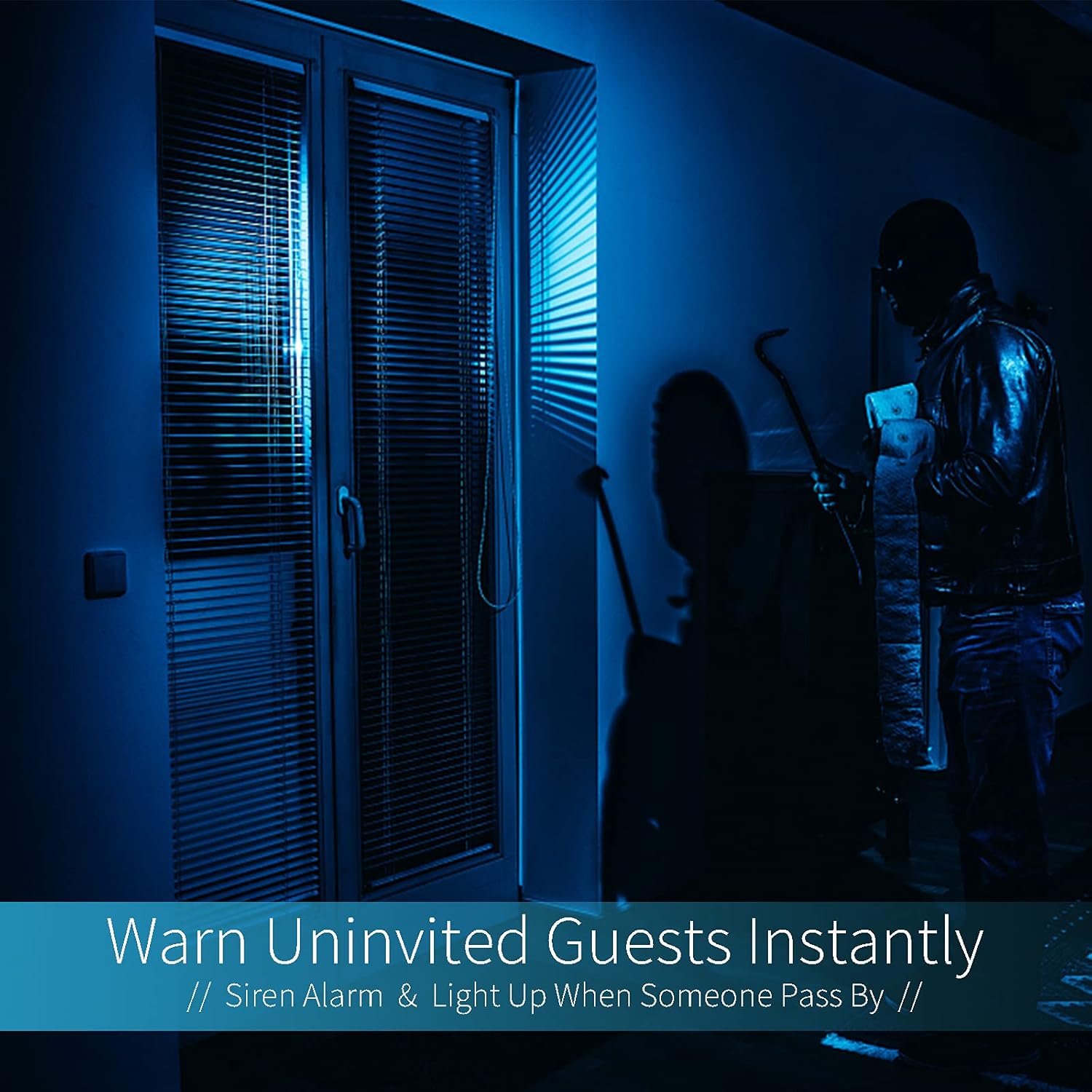
Image: A dark room with a security camera's light illuminating a figure, depicting the camera's ability to warn uninvited guests instantly with a siren alarm and light activation upon motion detection.
5.3 Argi-funtzioa
- The camera features built-in floodlights.
- Control the floodlights manually through the app.
- Configure the floodlights to turn on automatically when motion is detected, especially during nighttime.

Image: A comparison of a standard light bulb and the Qilmy Home Security Camera, highlighting its dual function as both a light bulb and a security camera with 3W consumption.
6. Mantentzea
- Garbiketa: Garbitu kameraren lentea eta gorputza oihal leun eta lehor batekin. Ez erabili produktu kimiko gogorrik edo garbitzaile urratzailerik.
- Firmware eguneraketak: Regularly check the mobile app for available firmware updates to ensure optimal performance and security.
- SD Txartela Kudeatzeko: Mikro SD txartel bat erabiltzen baduzu, aldizka berrituview eta ezabatu janari zaharratage to free up space, or enable loop recording if supported by the app.
- Sarearen egonkortasuna: Ziurtatu zure Wi-Fi sarea egonkorra eta sendoa dela kameraren funtzionamendu etenik gabe.
7. Arazoak
| Arazoa | Kausa posiblea | Irtenbidea |
|---|---|---|
| Kamera ez da pizten. | No power to the light socket; camera not screwed in properly. | Check the circuit breaker. Ensure the camera is securely screwed into the E27 socket. |
| Ezin da Wi-Fira konektatu. | Incorrect Wi-Fi password; camera too far from router; 5GHz Wi-Fi network used. | Verify Wi-Fi password. Move camera closer to router. Ensure you are connecting to a 2.4GHz Wi-Fi network. |
| Ez dago mugimendu detektatzeko alertarik. | Motion detection disabled; sensitivity too low; app notifications blocked. | Enable motion detection in the app. Increase sensitivity. Check app notification settings on your phone. |
| Bideoaren kalitate eskasa. | Wi-Fi seinale ahula; lente zikina. | Hobetu Wi-Fi seinalearen indarra. Garbitu kameraren lentea zapi leun batekin. |
| Urrunekoa viewez dabil funtzionatzen. | Internet connection issue on camera or phone; app not updated. | Check internet connectivity for both camera and phone. Update the app to the latest version. |
8. Zehaztapenak
- Modelo zenbakia: ZXL2023011
- Bideoa ateratzeko ebazpena: 1080p full HD
- Konektibitate Teknologia: Haririk gabeko (WiFi)
- Haririk gabeko komunikazio teknologia: Wi-Fi (2.4 GHz bakarrik)
- Energia iturria: AC/DC (E27 light socket)
- Wattage: 3 watt
- Ezaugarri bereziak: Motion Sensor, Night Vision, Integrated Flood Light
- Forma-faktorea: Dome (Bulb-shaped)
- Muntatze mota: Wall Mount (via E27 adapter)
- Elementuaren neurriak (L x W x H): 6.45 x 4.1 x 3.54 hazbete
- Elementuaren pisua: 7.8 ontza (222 gramo)
- Nazioarteko Babesteko Balorazioa: IP67
- Gailu bateragarriak: Smartphone
- UPC: 605660998393
9. Bermea eta Laguntza
Specific warranty information and detailed support contact details are typically provided with the product packaging or on the manufacturer's official website. Please refer to the documentation included with your purchase for the most accurate and up-to-date warranty terms and customer support options.