1. Sarrera
This manual provides instructions for the Monoprice Dark Matter 27-inch 165Hz Gaming Monitor. This monitor features an IPS panel, a 165Hz refresh rate, and a 1920x1080p Full HD resolution. It includes Adaptive Sync technology for smooth visuals and offers multiple connectivity options, including HDMI and DisplayPort inputs.
2. Segurtasun informazioa
- Read all instructions before operating the monitor.
- Keep the monitor away from water or damp inguruneak.
- Ez blokeatu aireztapen baoak.
- Erabili fabrikatzaileak emandako korronte-egokitzailea soilik.
- Saihestu monitorea gainazal ezegonkorren gainean jartzea.
- Disconnect the power cable during lightning storms or when unused for long periods.
- Jarri zerbitzu-zerbitzu guztiak langile kualifikatuari.
3. Paketearen edukia
Egiaztatu zure paketeak elementu hauek dituela:
- Monoprice Dark Matter 27-inch Gaming Monitor
- Monitorearen euskarria (oinarria eta lepoa)
- Energia egokitzailea eta energia kablea
- HDMI kablea
- Erabiltzailearen eskuliburua (dokumentu hau)
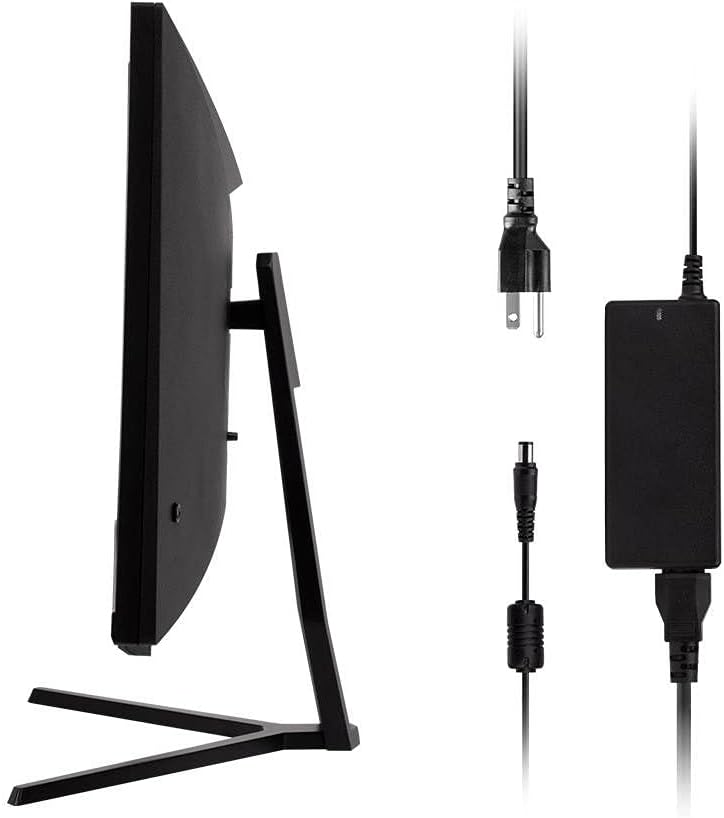
Image: Monitor side view with included power adapter and cable.
4. Monitorea baino gehiagoview
Aurrealdea View
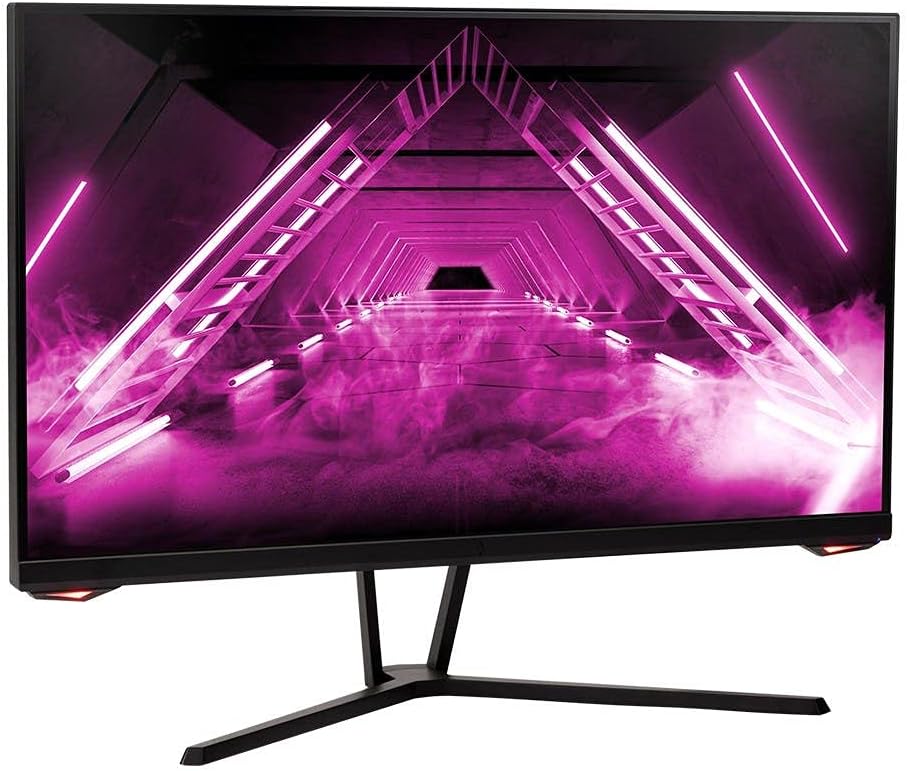
Irudia: Aurrealdea view monitorearena.
Atzekoa View eta Portuak
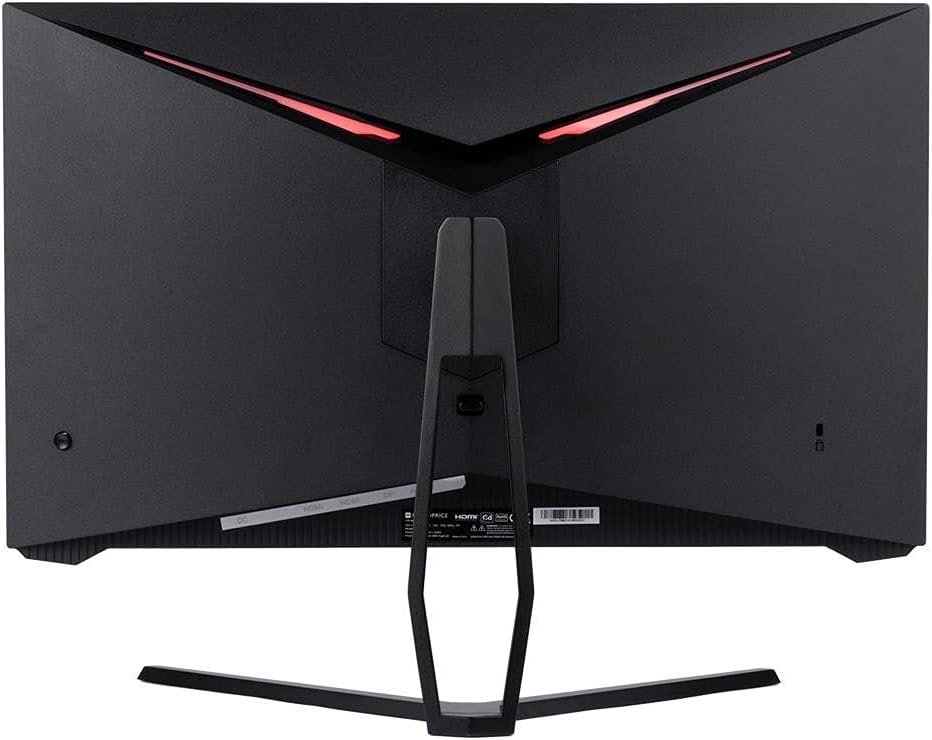
Irudia: Atzealdea view of the monitor, highlighting the VESA mount and stand attachment.

Image: Close-up of the monitor's input ports.
5. Konfigurazioa
5.1 Euskarriko muntaketa
- Kontu handiz atera monitorearen paketea, gainazal bigun batean babestuta mantenduz.
- Attach the stand neck to the monitor's rear panel by aligning the tabs and securing any screws if present.
- Attach the stand base to the stand neck, ensuring it is firmly secured.
- Jarri muntatutako monitorea gainazal egonkor eta lau batean.
5.2 VESA muntatzea
The monitor supports a 75x75mm VESA mount pattern. To use a wall or desk mount:
- Remove the pre-attached stand by unscrewing it from the monitor's rear panel.
- Attach your VESA-compatible mount to the monitor using the appropriate screws (not included).
- Ensure the mount is securely fastened before releasinmonitoreari g.
5.3 Ordenagailu batera konektatzea
Connect the monitor to your computer using one of the following methods:
- DisplayPort: Konektatu DisplayPort kablearen mutur bat ordenagailuaren txartel grafikoaren DisplayPort irteerara eta beste muturra monitorearen DisplayPort sarrerara.
- HDMI: Connect one end of an HDMI cable to an HDMI output on your computer's graphics card and the other end to one of the HDMI inputs on the monitor.
After connecting the video cable, connect the power adapter to the monitor's DC input and then plug the power cable into a wall outlet.
6. Monitorea funtzionatzea
6.1 Piztu/Itzali
Press the power button, typically located on the rear or bottom of the monitor, to turn the monitor on or off. The power indicator light will illuminate when the monitor is on.
6.2 Pantailan bistaratzeko (OSD) menua
The OSD menu allows you to adjust various monitor settings. Access the OSD menu by pressing the menu button (often a joystick or a series of buttons) on the monitor. Navigate through the options using the directional controls and confirm selections.
Common OSD settings include:
- Irudiaren ezarpenak: Distira, Kontrastea, Zorroztasuna, Kolore Tenperatura.
- Sarrera hautatzea: Aukeratu DisplayPort eta HDMI sarreren artean.
- Audioa: Volume control for the audio output.
- Jokoen Ezaugarriak: Overdrive, FreeSync/Adaptive Sync settings.
6.3 Ezaugarri nagusiak
- 165 Hz freskatze-abiadura: This monitor supports a 165Hz refresh rate, providing smoother motion and reduced input lag compared to standard 60Hz monitors. Ensure your graphics card and system settings are configured to utilize this refresh rate.
- Sinkronizazio egokitzailea: This technology synchronizes the monitor's refresh rate with your graphics card's frame rate, eliminating screen tearing and stuttering for a smoother gaming experience. Enable Adaptive Sync in your graphics card's control panel and the monitor's OSD menu.
- Full HD Resolution (1920x1080p): The monitor displays content at 1920x1080 pixels, offering clear and detailed visuals.
7. Mantentzea
To maintain your monitor and ensure its longevity:
- Pantaila garbitzea: Garbitu pantaila astiro-astiro zapi leun eta pelusik gabeko batekin. Orban egoskorrak izanez gero, erabili monitorearentzako garbiketa-soluzio espezifikoa zapian aplikatuta, ez zuzenean pantailan.
- C garbiketaasing: Erabili zapi leun eta lehor bat monitorearen c garbitzeko.asing. Saihestu garbitzaile urratzaileak.
- Aireztapena: Ziurtatu monitorearen aireztapen-irekiduretatik hautsik eta oztoporik gabe dagoela gehiegi berotzea saihesteko.
- Itzali: Turn off the monitor when not in use for extended periods.
8. Arazoak
Monitorearekin arazoak badituzu, jo ezazu arazoak konpontzeko gida honetara:
| Arazoa | Kausa posiblea | Irtenbidea |
|---|---|---|
| No image on screen / Power LED off | Monitor not powered on; Power cable loose; Power outlet faulty. | Press the power button; Check power cable connections; Try a different power outlet. |
| No image / "No Signal" message | Video cable loose; Incorrect input selected; Computer not outputting signal. | Check video cable connections; Select the correct input via OSD; Ensure computer is on and outputting video. |
| Screen flickers or goes black intermittently | Loose video cable; Graphics driver issue; Monitor overheating; Faulty cable. | Ensure video cable is secure; Update graphics drivers; Ensure adequate ventilation around the monitor; Try a different video cable. |
| Gehiegi berotzea / Kea | Blocked ventilation; Internal component issue. | Immediately unplug the monitor. Ensure ventilation is clear. Do not use the monitor if smoke is present. Contact support. |
| Red line or other display artifacts | Faulty panel; Graphics card issue. | Test with a different video cable and computer. If the issue persists, contact support. |
| Backlight turns off, requires power cycle | Power management settings; Internal fault. | Check computer's power saving settings. If issue persists, contact support. |
9. Zehaztapenak
| Ezaugarri | Zehaztapena |
|---|---|
| Modelo zenbakia | 142771 |
| Pantailaren tamaina | 27 hazbete |
| Panel mota | IPS |
| Ebazpena | 1920 x 1080 (FHD 1080p) |
| Freskatze tasa | 165Hz |
| Aspektu-erlazioa | 16:9 |
| Bideo Sarrerak | 2x HDMI 1.4, 1x DisplayPort 1.2a |
| VESA mendia | 75x75mm |
| Neurriak (LxWxH) | 28.8 x 7.1 x 19.3 hazbete |
| Elementuaren pisua | 15.77 kilo |
10. Bermea eta Laguntza
10.1 Bermearen informazioa
This Monoprice monitor is backed by a 1 Year PixelPerfect Guarantee. This warranty covers defects in materials and workmanship under normal use for one year from the date of purchase. Please refer to Monoprice's official webgunea bermearen baldintza eta baldintza osoetarako.
10.2 Bezeroarentzako laguntza
For technical assistance, warranty claims, or further information, please contact Monoprice Customer Support. Contact details can typically be found on the official Monoprice webgunea edo zure erosketa-dokumentazioa.
11. Bideo baliabideak
Ez da saltzailearen produktuaren bideo ofizialik aurkitu modelo honetarako.


