Produktua amaituview
The ANSMANN AES4 Timer Switch is a digital weekly timer designed to automate the switching of electrical devices. It features a clear LCD display, 10 programmable switching times, a random function for simulating presence, and a summer time adjustment feature. This device helps in managing energy consumption and enhancing home security.

1. irudia: Aurrealdea view of the ANSMANN AES4 Timer Switch, showing the LCD display and control buttons.
Konfigurazioa eta hasierako konfigurazioa
Before first use, ensure the timer switch is fully charged by plugging it into a live socket for at least 30 minutes. This will activate the internal battery for memory retention.
1. Gailua berrezarri
To clear all previous settings and ensure a fresh start, locate the small Berrezarri button (usually recessed) and press it with a pointed object (e.g., a pen tip). The display will show all segments, then reset to 00:00.
2. Uneko ordua eta eguna ezartzea
- Sakatu ERLOIA button once. The display will show the current time.
- Sakatu ASTEA button repeatedly to set the current day (MO, TU, WE, TH, FR, SA, SU).
- Sakatu ORDUA botoia behin eta berriz sakatu uneko ordua (0-23) ezartzeko.
- Sakatu MINUTUA botoia behin eta berriz sakatu uneko minutua (0-59) ezartzeko.
- To exit time setting mode, press any other button or wait approximately 30 seconds for the device to return to normal display.

2. irudia: Close-up of the LCD display, illustrating the day and time setting interface. Note the "SUMMER" indicator for summer time function.
3. 12/24 Hour Display Selection
While in normal clock mode, press the ERLOIA botoia eta gero tenporizadorea button simultaneously to toggle between 12-hour (with AM/PM indicator) and 24-hour display formats.
4. Summer Time Function
To activate or deactivate the summer time (Daylight Saving Time) function, press the ERLOIA botoia eta gero ON/AUTO/OFF button simultaneously. The display will show "SUMMER" when activated, and the time will advance by one hour.
Funtzionamendu-argibideak
The AES4 Timer Switch allows for up to 10 ON/OFF programs per day or week, along with manual control and a random function.
1. PIZTE/ITZALDU ordutegiak programatzea
- Sakatu tenporizadorea button. The display will show "1 ON". This is the first ON program.
- Erabili ASTEA, ORDUA, eta MINUTUA buttons to set the desired ON time and day(s) for this program. You can select specific days, weekdays, weekends, or all days.
- Sakatu tenporizadorea button again. The display will show "1 OFF". This is the first OFF program.
- Erabili ASTEA, ORDUA, eta MINUTUA buttons to set the desired OFF time and day(s) for this program.
- Repeat steps 1-4 for up to 10 ON/OFF programs. Pressing tenporizadorea will cycle through P1 ON, P1 OFF, P2 ON, P2 OFF, ..., P10 ON, P10 OFF.
- Programazio modutik irteteko, sakatu ERLOIA botoia edo itxaron 30 segundoz.

3. irudia: Example of the timer switch being used to automate Christmas lighting, turning lights on from 17:00 to 08:00.
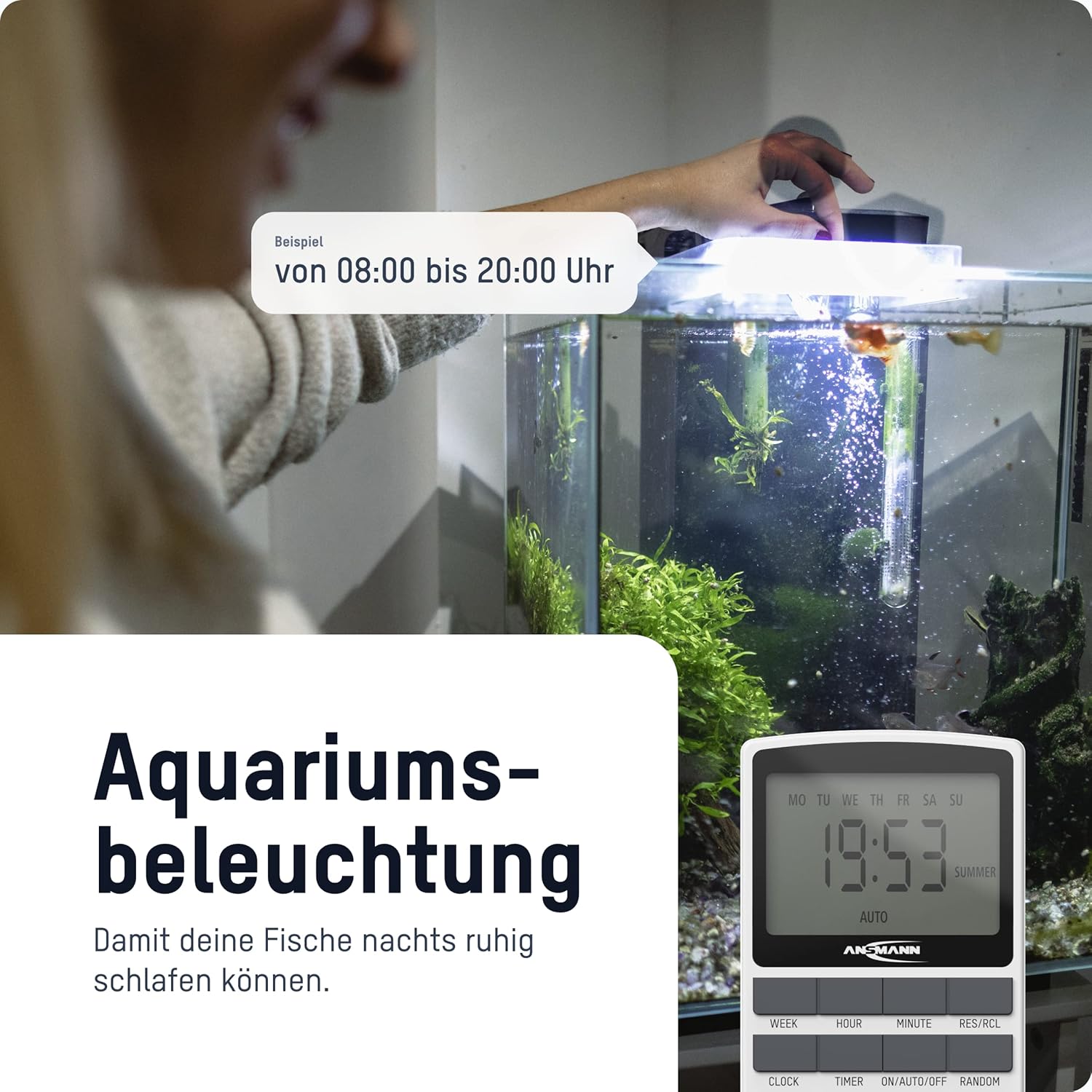
4. irudia: The timer switch automating aquarium lighting, ensuring fish have a regular light cycle, for example, 08:00etik 20:00ra.
2. Manual ON/AUTO/OFF Mode
Sakatu ON/AUTO/OFF botoia funtzionamendu moduen artean aldatzeko:
- ON: The connected device is continuously ON, overriding all programs.
- AUTOA: The connected device operates according to the programmed ON/OFF times. This is the standard operating mode for automated control.
- DESaktibatuta: The connected device is continuously OFF, overriding all programs.
3. Ausazko Funtzioa
The random function is designed to simulate presence in your home by randomly switching the connected device ON and OFF within a specific time window (e.g., 18:00 to 06:00). This can deter potential intruders.
To activate the random function, press the Ausazko button. "RANDOM" will appear on the display. Press it again to deactivate.
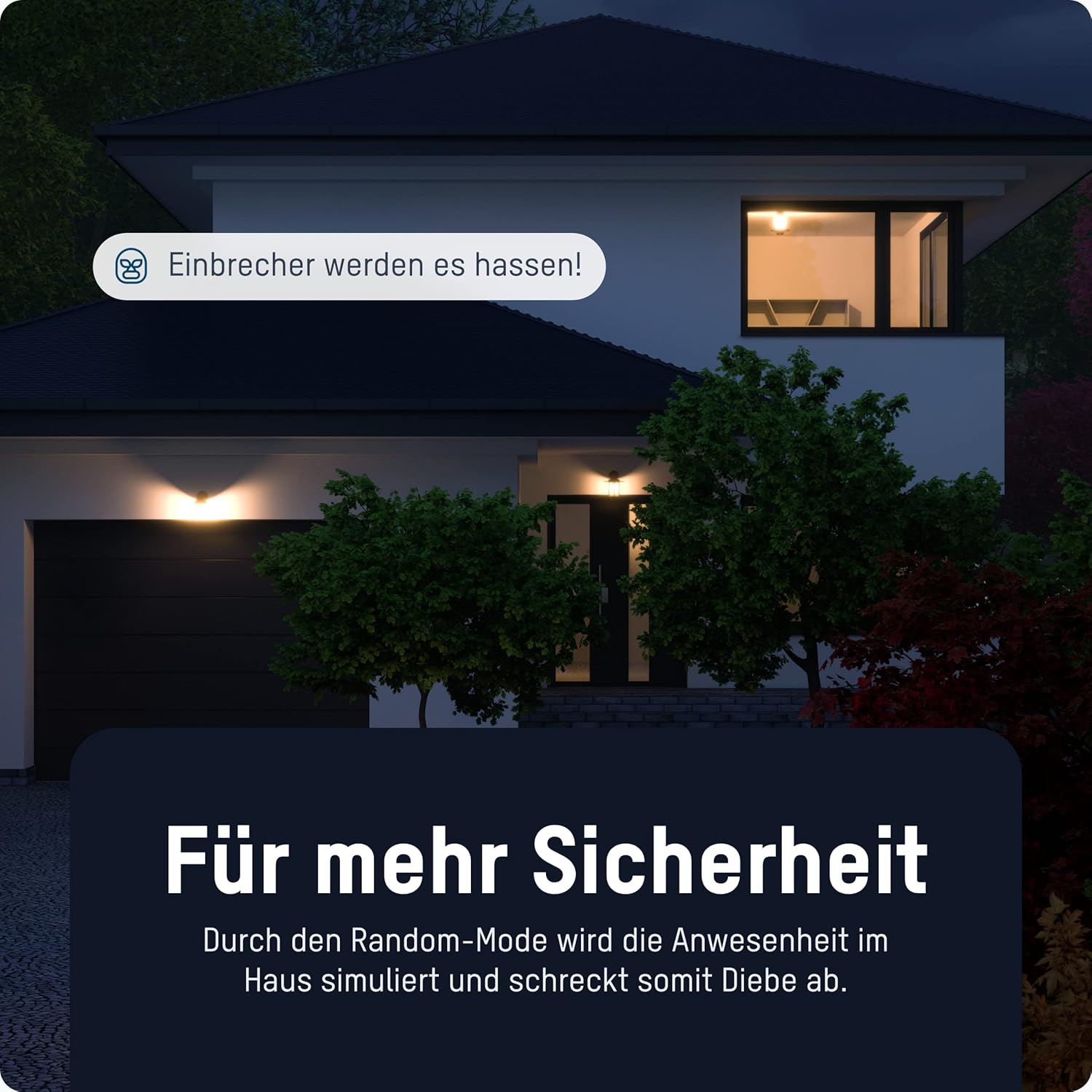
5. irudia: The timer switch utilizing its random mode to simulate occupancy, enhancing home security by randomly turning lights on and off.
Mantentzea
The ANSMANN AES4 Timer Switch requires minimal maintenance.
- Garbiketa: Garbitu gailua zapi leun eta lehor batekin. Ez erabili garbitzaile edo disolbatzaile urratzailerik. Ziurtatu gailua deskonektatuta dagoela garbitu aurretik.
- Biltegiratzea: If storing the device for an extended period, ensure it is unplugged and kept in a dry, cool place.
- Bateria: The internal battery is designed for memory retention during power outages. It is not user-replaceable.
Arazoak konpontzea
If you encounter issues with your ANSMANN AES4 Timer Switch, try the following steps:
- Display is blank or unresponsive: Ensure the timer is plugged into a live power outlet. If it has been unplugged for a long time, the internal battery might be depleted. Plug it in for at least 30 minutes to charge.
- Programs are not running:
- Check if the timer is in "AUTO" mode. If it's in "ON" or "OFF" mode, programs will be overridden.
- Verify that the current time and day are set correctly.
- Review your programmed ON/OFF times to ensure they are set as intended and do not conflict.
- Device connected to timer is not turning ON/OFF:
- Ensure the connected device is properly plugged into the timer switch.
- Check if the connected device itself is working by plugging it directly into a wall socket.
- Ensure the timer switch is receiving power.
- Random function not working: Ensure the "RANDOM" indicator is visible on the display.
- Matxura orokorra: Perform a full reset of the device by pressing the recessed Berrezarri button. Note that this will erase all programmed settings.
Zehaztapenak
| Ezaugarri | Xehetasuna |
|---|---|
| Modelo zenbakia | 1260-0006 |
| Produktuaren neurriak | 2.36 x 2.35 x 5.31 hazbete |
| Elementuaren pisua | 5.4 ontza (153 gramo) |
| Pantailaren tamaina | 2.1 hazbete |
| Gehienez Potentziaren balorazioa | 3680 W (as per product title/description) |
| Aldaketa Orduak | Gehienez 10 ON/OFF programa eguneko/asteko |
| Funtzioak | Digital Timer, Random Function, Summer Time, 12/24-hour display |
Bermea eta Laguntza
For detailed warranty information and technical support, please refer to the official Ansmann webwebgunera edo jarri harremanetan zuzenean bezeroarentzako arreta-zerbitzuarekin. Gorde erosketa-agiria erosketaren frogagiri gisa.
Official Ansmann Webgunea: www.ansmann.de


