Sarrera
This manual provides comprehensive instructions for the operation and maintenance of your HAYLOU GT6 Wireless Earbuds. Please read this manual thoroughly before use to ensure proper functionality and to maximize your listening experience. The HAYLOU GT6 earbuds feature advanced Bluetooth 5.2 technology, ultra-low latency game mode, and smart touch controls, designed for convenience and high-quality audio.
Kutxan dagoena
Egiaztatu elementu guztiak paketean daudela:
- 1x Pair of HAYLOU GT6 Wireless Earbuds
- 1x Kargatzeko kasua
- 1x USB-C kargatzeko kablea
- 1x Erabiltzailearen eskuliburua

Produktua amaituview
The HAYLOU GT6 earbuds are designed for comfort and performance. Each earbud is lightweight, weighing approximately 3.9 grams, and features a semi-in-ear design for extended wear. The charging case provides additional battery life and protects the earbuds when not in use.
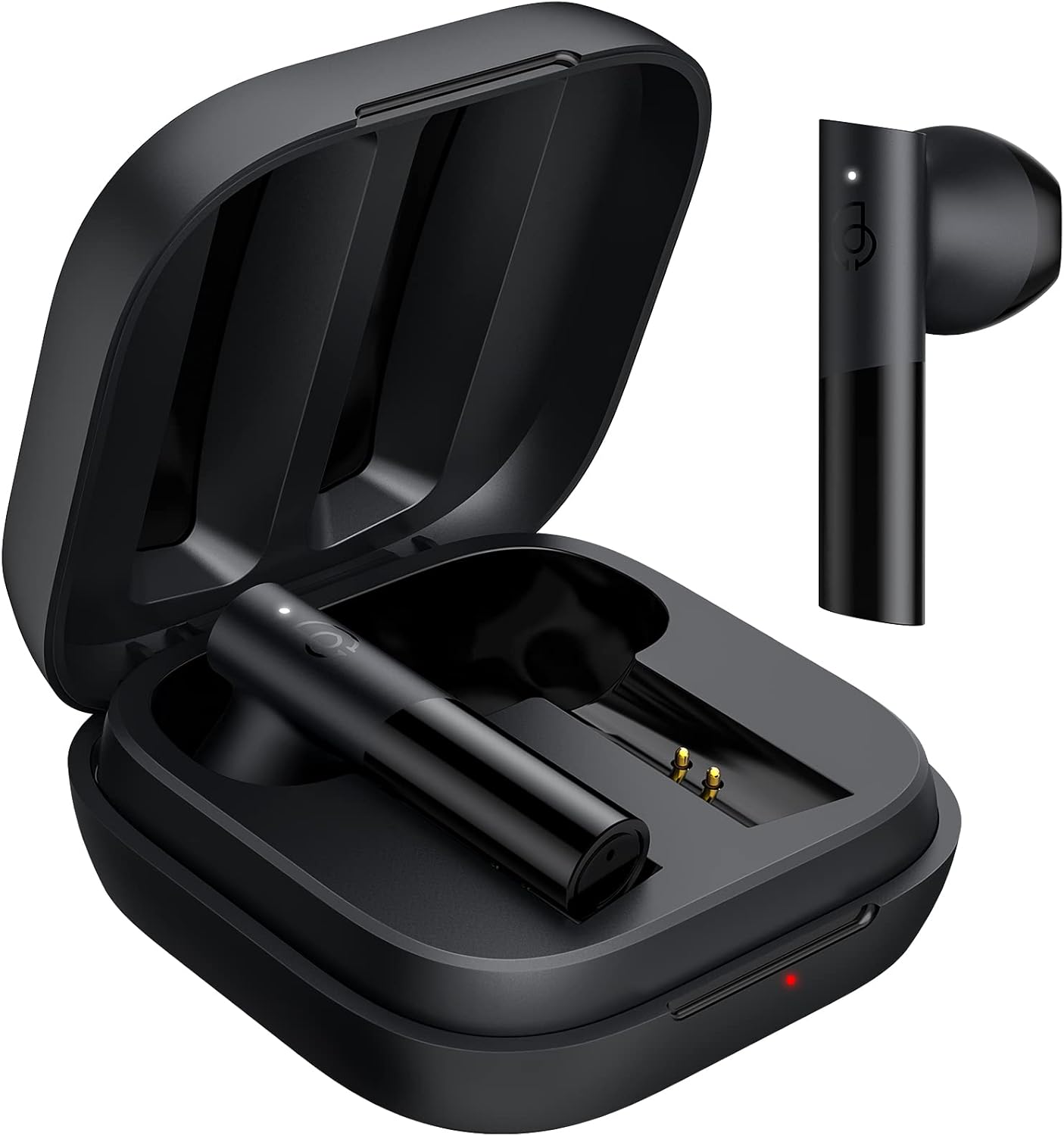
Ezaugarri nagusiak:
- Bluetooth 5.2: Ensures stable and fast connection.
- 12 mm-ko gidari dinamikoa: Delivers balanced audio with clear bass, midrange, and treble.
- Ultra-Low Latency Game Mode: Jokoetarako audioaren atzerapena murrizten du.
- Smart Touch Control: Manage music, calls, and modes with simple taps.
- IPX4 Uraren Erresistentzia: Zipriztinen eta izerdiaren aurka babesten du.
Konfigurazioa
1. Hasierako kargatzea
Before first use, fully charge the earbuds and the charging case. Connect the provided USB-C cable to the charging port on the case and to a power source. The indicator light on the case will show charging status.
2. Zure gailuarekin parekatzea
The HAYLOU GT6 earbuds support Bluetooth 5.2 for a stable connection.
- Ziurtatu zure gailuaren Bluetooth-a piztuta dagoela.
- Open the charging case and take out both earbuds. They will automatically enter pairing mode, indicated by a blinking white light on the earbuds.
- On your device, search for Bluetooth devices and select "Haylou GT6" from the list.
- Once connected, a sound will confirm successful pairing.

Berriro konexioa: After initial pairing, the earbuds will automatically reconnect to the last paired device when taken out of the case, provided the device's Bluetooth is active.
Funtzionamendu-argibideak
The HAYLOU GT6 earbuds feature intuitive touch controls on each earbud.
Touch Controls Overview:

- Piztu: Take out from case.
- Itzali: Put back into case.
- Erreproduzitu/Pausatu: Single tap (either earbud).
- Erantzun/Ezin egin deia: Single tap (either earbud).
- Saltatu pista aurrera: Sakatu bi aldiz eskuineko entzungailua.
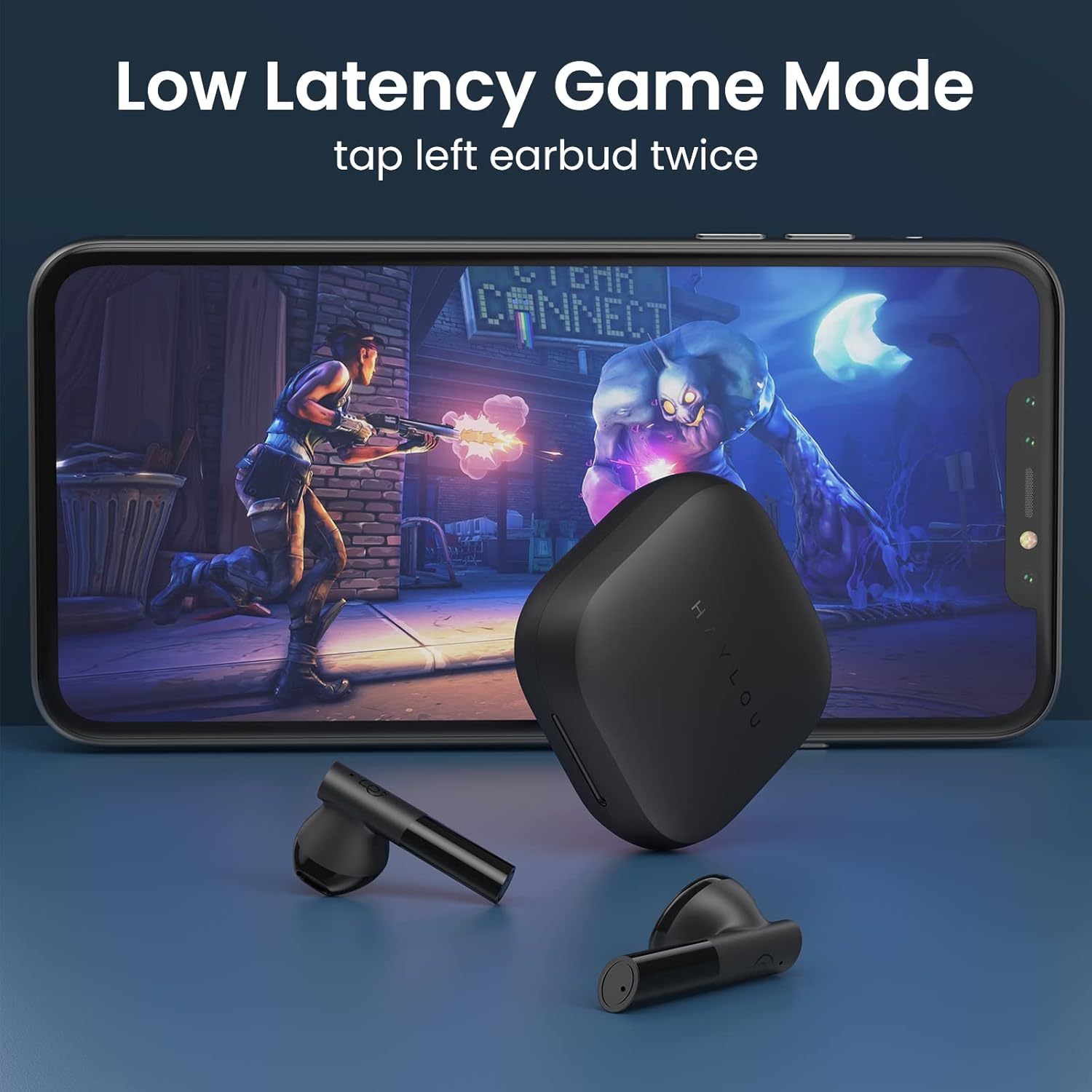
- Low Latency Game Mode On/Off: Sakatu bi aldiz ezkerreko entzungailua.
- Aktibatu Ahots Laguntzailea: Triple tap (either earbud).
Latentzia baxuko joko modua
For an optimized gaming experience, activate the ultra-low latency mode. This reduces audio delay to approximately 65ms, ensuring synchronized sound with on-screen action.
- To activate/deactivate: Double tap the ezker aurikularra.
Mono and Stereo Mode Switching
The earbuds support seamless switching between mono and stereo modes. When both earbuds are connected, they operate in stereo mode. To switch to mono mode, simply place one earbud back into the charging case. The remaining earbud will continue to function independently. To return to stereo mode, take the second earbud out of the case.
Official Operation Video Guide
For a visual demonstration of pairing, re-connection, mono/stereo switching, call handling, music control, low latency mode, voice assistant, and factory reset, please refer to the official operation video below:
Mantentzea
- Garbiketa: Garbitu aldizka entzungailuak eta kargatzeko zorroa oihal leun eta lehor batekin. Saihestu produktu kimiko gogorrak edo material urratzaileak erabiltzea.
- Biltegiratzea: Gorde entzungailuak kargatzeko zorroan erabiltzen ez dituzunean, hautsetik eta kalteetatik babesteko. Gorde itzazu leku fresko eta lehor batean, muturreko tenperaturetatik urrun.
- Uraren erresistentzia: The earbuds are IPX4 water-resistant, meaning they can withstand splashes and sweat. Do not submerge them in water or expose them to heavy rain.
Arazoak konpontzea
| Arazoa | Irtenbidea |
|---|---|
| Entzungailuak ez dira parekatzen | Ensure both earbuds are out of the case and have sufficient charge. Turn off and on your device's Bluetooth. If issues persist, perform a factory reset. |
| Aurikular bakarra funtzionatzen du | Place both earbuds back into the charging case, then take them out again simultaneously. Ensure both are charged. |
| Bolumen baxua | Adjust the volume on both your connected device and the earbuds. Ensure earbuds are properly seated in your ears. |
| Aurikularrak ez dira kargatzen | Check the USB-C cable and power source. Ensure the charging contacts on the earbuds and inside the case are clean and free of debris. |
| Fabrikaren berrezarpena: |
|
Zehaztapenak
| Ezaugarri | Xehetasuna |
|---|---|
| Ereduaren izena | GT6 |
| Konektibitate Teknologia | Haririk gabeko (Bluetooth) |
| Bluetooth bertsioa | 5.2 |
| Bluetooth barrutia | 10 metro |
| Audio kontrolatzaile mota | Gidari dinamikoa |
| Audio kontrolatzailearen tamaina | 12 milimetro |
| Audio latentzia | 65 milisegundo (joko modua) |
| Bateriaren iraupena (entzungailuak) | 5.5 ordu |
| Jolas-denbora osoa (zorroarekin) | Gehienez 20 ordu |
| Kontrol-metodoa | Ukitu |
| Uraren Erresistentzia Maila | IPX4 (iragazgaitza) |
| Elementuaren pisua (entzungailu bakoitzarena) | 3.9 gramo (gutxi gorabehera 0.141 ontza) |
| Materiala | Metala, Plastikoa |
| Kolorea | Beltza |
| Gailu bateragarriak | iPhone, Android, Tablets, Laptops |
Bermea eta Laguntza
For warranty information and technical support, please refer to the warranty card included in your product packaging or visit the official HAYLOU webgunea. Gorde erosketa-agiria erosketaren frogagiri gisa berme-erreklamazioetarako.
For further assistance, you may contact HAYLOU customer service through their official channels.