1. Sarrera
Welcome to the Radley London Series 7 Smartwatch. This manual provides essential information for setting up, operating, and maintaining your new device. The elegant silver case frames a generous touchscreen display, offering a wide range of signature Radley watch faces. You can also personalize your watch with a photo from your smartphone's album. The set includes both a sleek black soft silicone strap and an additional pink strap, which can be easily interchanged to suit any occasion. The Radley London Series 7 also includes various health monitoring features to help you track your well-being. Download the free Radley London Active app to set your goals and stay motivated.

The Radley Series 7 smartwatch displayed with its default black silicone strap and an interchangeable beige silicone strap. The watch face shows a floral design with time and date.
2. Segurtasun informazioa
Please read all safety instructions before using your smartwatch to prevent injury or damage. Keep the device away from extreme temperatures, direct sunlight, and water (beyond its water resistance rating). Do not attempt to disassemble or repair the device yourself. Consult a qualified professional for service. Keep out of reach of children.
3. Paketearen edukia
- Radley London Series 7 Smartwatch
- Black Soft Silicone Strap
- Pink Soft Silicone Strap (interchangeable)
- USB kargatzeko kablea
- Argibide eskuliburua
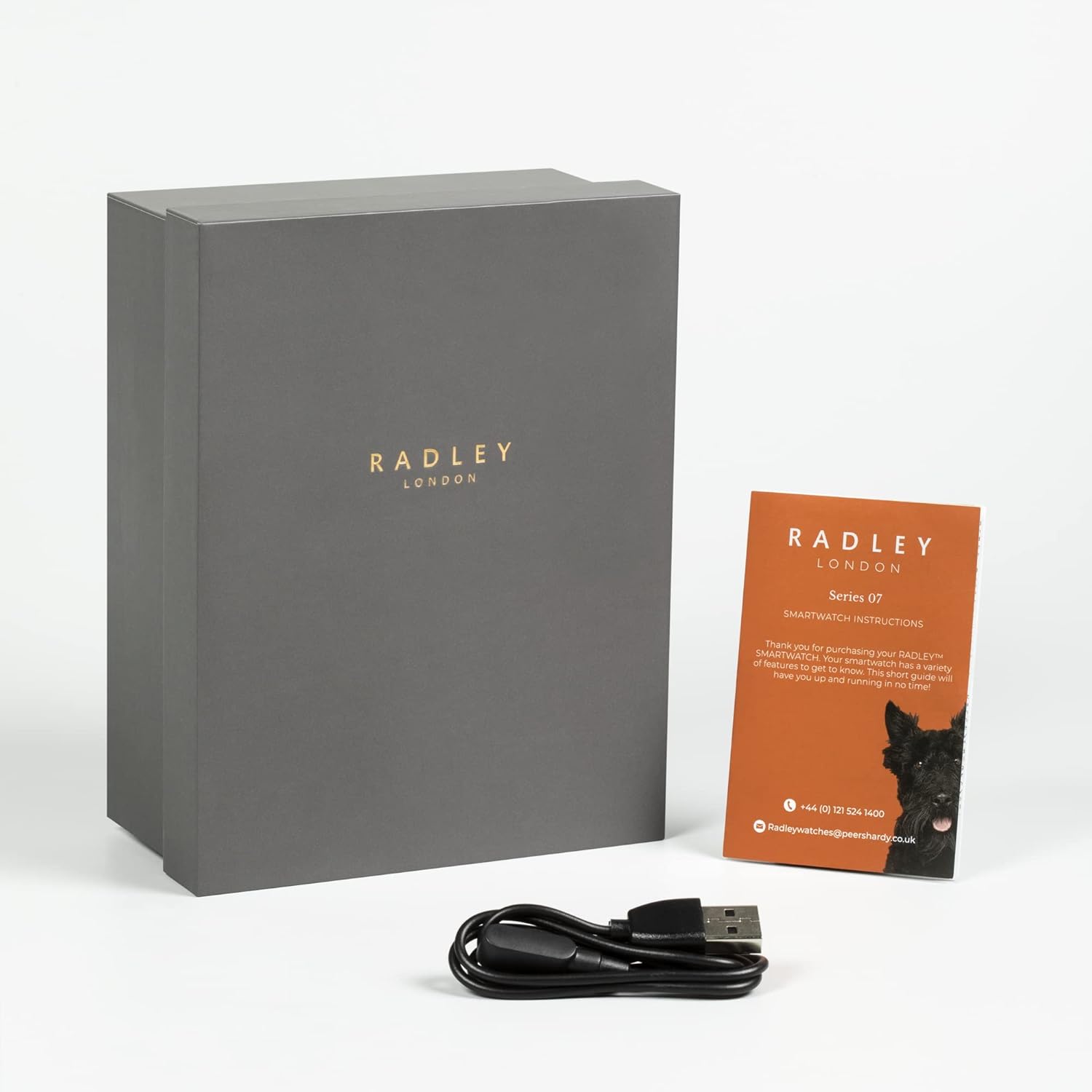
The Radley Series 7 smartwatch retail packaging, consisting of a grey gift box, a USB charging cable, and a small instruction booklet.
4. Konfigurazioa
4.1. Zure erloju adimenduna kargatzea
Before first use, fully charge your smartwatch. Connect the provided USB charging cable to the charging port on the back of the watch and plug the other end into a USB power adapter (not included) or a computer's USB port. The watch display will indicate charging status.
4.2. Aplikazioaren instalazioa
To unlock the full potential of your Radley Smartwatch, download the Radley London Active app from your smartphone's app store (available for Android and iOS). Bilatu "Radley London Active" and install the application.
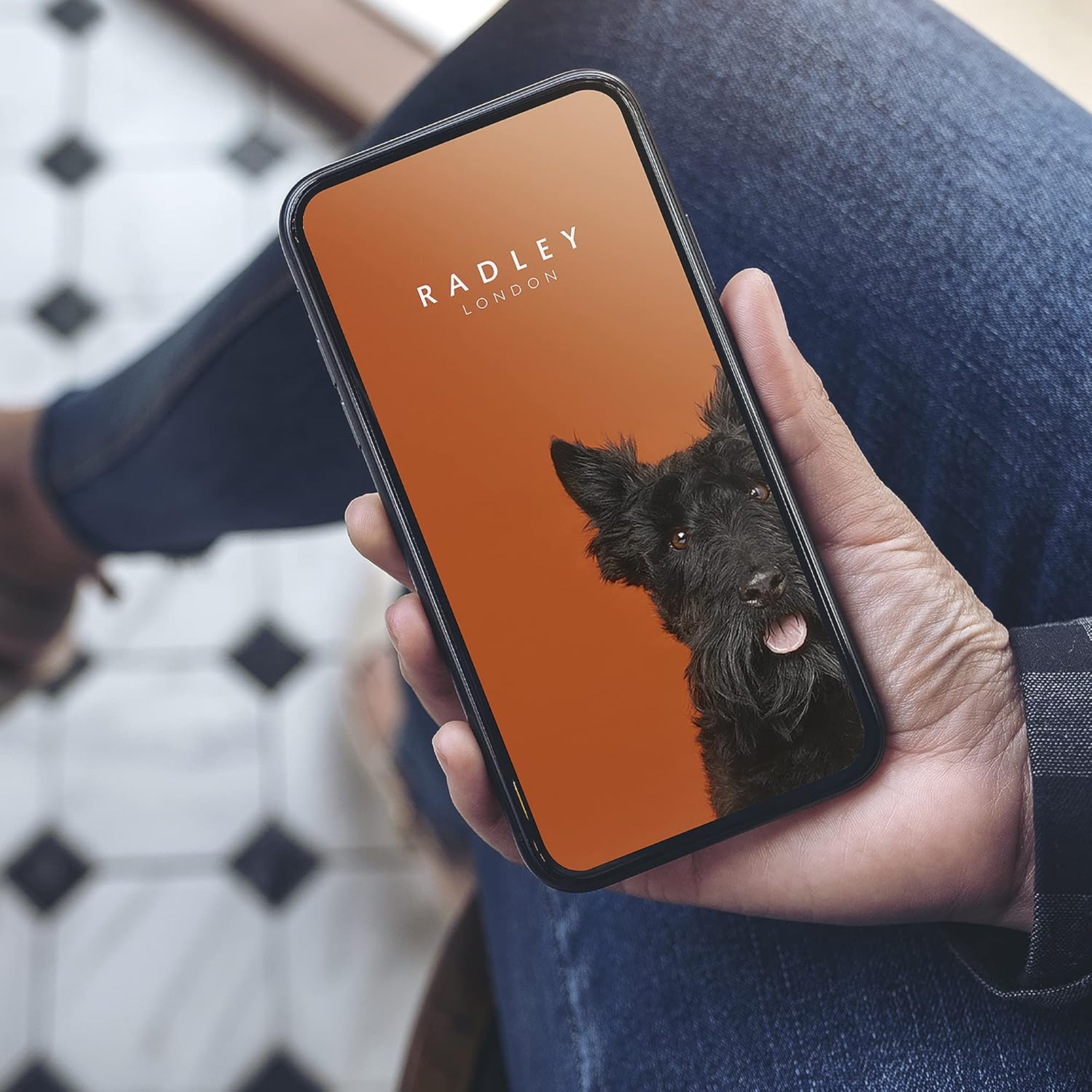
A smartphone held in hand, showing the Radley London application interface on its screen, with the brand logo and a dog image.
4.3. Zure telefonoarekin parekatzea
- Ziurtatu Bluetootha gaituta dagoela zure telefonoan.
- Open the Radley London Active app.
- Jarraitu aplikazioko pantailan agertzen diren argibideei kontu bat sortzeko edo saioa hasteko.
- Hautatu 'Gehitu gailua' edo 'Parekatu gailu berria' aplikazioan.
- The app will search for your smartwatch. Select your Radley Series 7 when it appears.
- Berretsi parekatze eskaera zure telefonoan eta erloju adimendunean.
4.4. Erloju-aurpegiak pertsonalizatzea
Your Radley Smartwatch offers a variety of pre-installed watch faces. You can also personalize your watch face using photos from your smartphone's album via the Radley London Active app.
- Changing Pre-set Faces: Swipe left or right on the watch screen to browse available watch faces.
- Custom Photo Faces: Open the Radley London Active app, navigate to the watch face customization section, and select an image from your phone's gallery to set as your watch background.
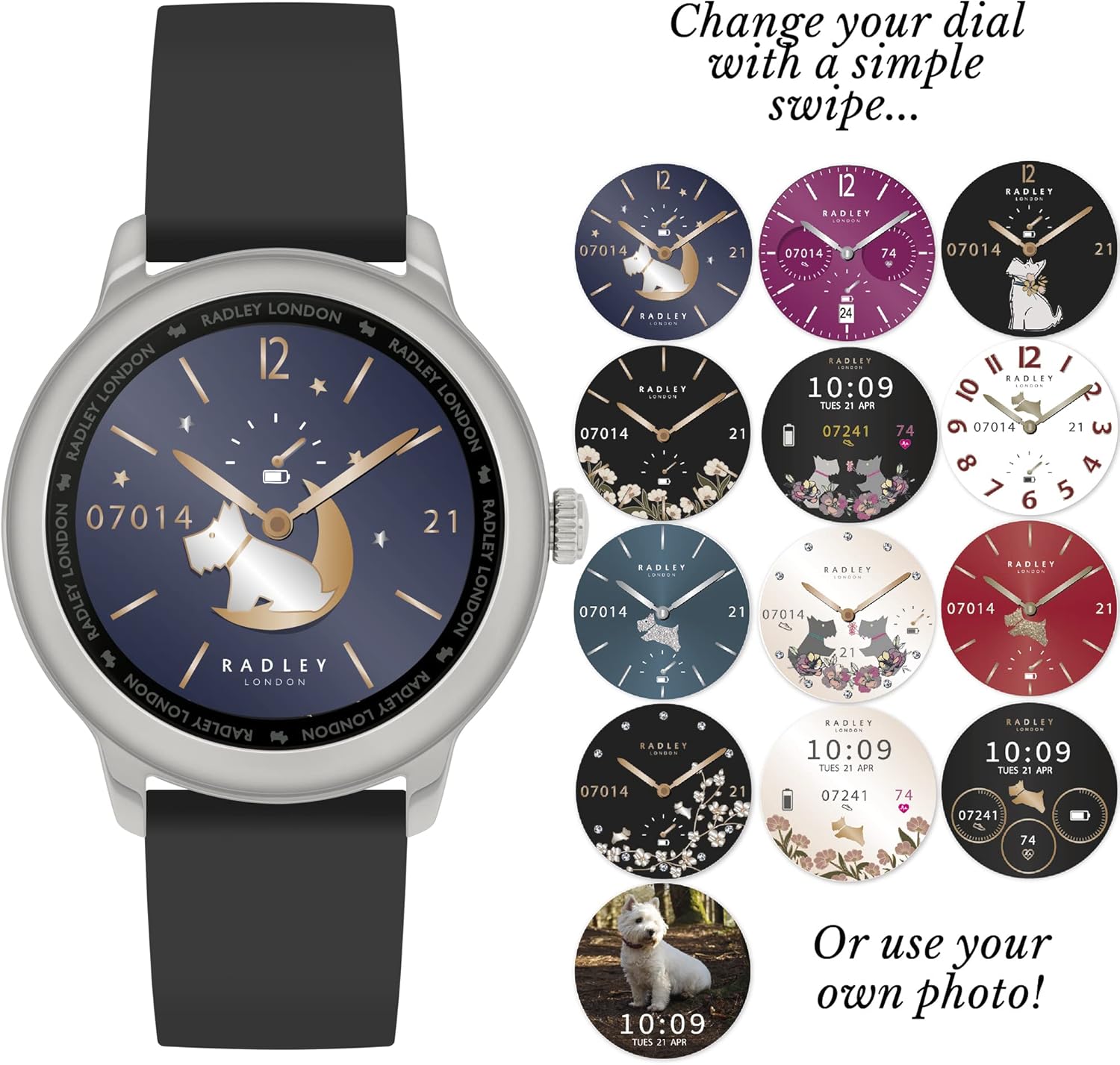
The smartwatch shown with its black silicone strap, alongside a grid of different digital watch face designs, illustrating the customization options available. One option shows a dog photo as the background.
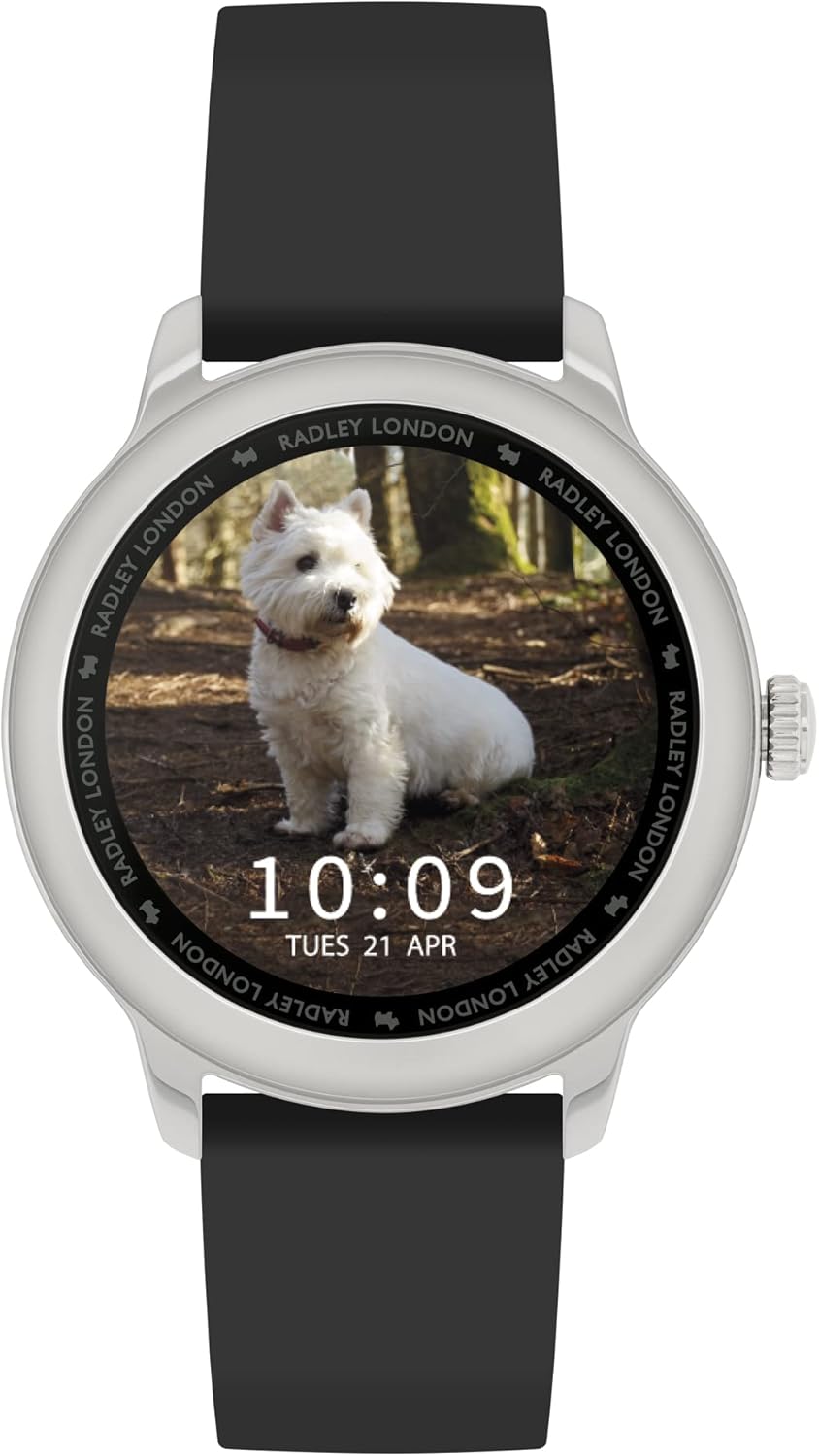
A close-up of the Radley Series 7 smartwatch with a black silicone strap, featuring a personalized watch face displaying a picture of a white dog in a forest setting, along with the time and date.
5. Funtzionamendu-argibideak
5.1. Oinarrizko nabigazioa
- Ukipen-pantaila: Tap to select, swipe to navigate menus and screens.
- Alboko botoia: Typically used to return to the home screen or activate certain functions.
5.2. Ezaugarri nagusiak
The Radley Series 7 Smartwatch offers a comprehensive suite of features to support your daily activities and health monitoring:
- Bihotz-taupadak: Egun osoan zehar zure bihotz-maiztasuna kontrolatzen du.
- Urratsen kontagailua: Records your daily steps and activity levels.
- Loaren jarraipena: Zure loaren ereduak eta kalitatea kontrolatzen ditu.
- Deien jakinarazpenak: Receive alerts for incoming calls on your wrist.
- Mezuen jakinarazpenak: Get notifications for messages from various apps.
- Musika kontrola: Kontrolatu musika erreprodukzioa zure parekatutako telefonoan.
- Kameraren kontrola: Urrunetik aktibatu zure telefonoaren kameraren obturadorea.
- GPS konexioa: Utilizes your phone's GPS for activity tracking.
- Weather Notifications: Provides current weather updates.
- Hidratazio alertak: Reminds you to drink water at set intervals.
- Kalorien jarraipena: Jardueraren arabera erretako kaloriak kalkulatzen ditu.
- Eguneroko alarmak: Set alarms directly from your watch or app.
- Aurkitu zure telefonoa: Zure parekatutako telefonoa aurkitzen laguntzen du.
- Tenporizadorea eta kronometroa: Denbora neurtzeko jardueretarako tresna integratuak.
- Uraren erresistentzia: Designed to withstand splashes and brief immersion (refer to specifications for details).
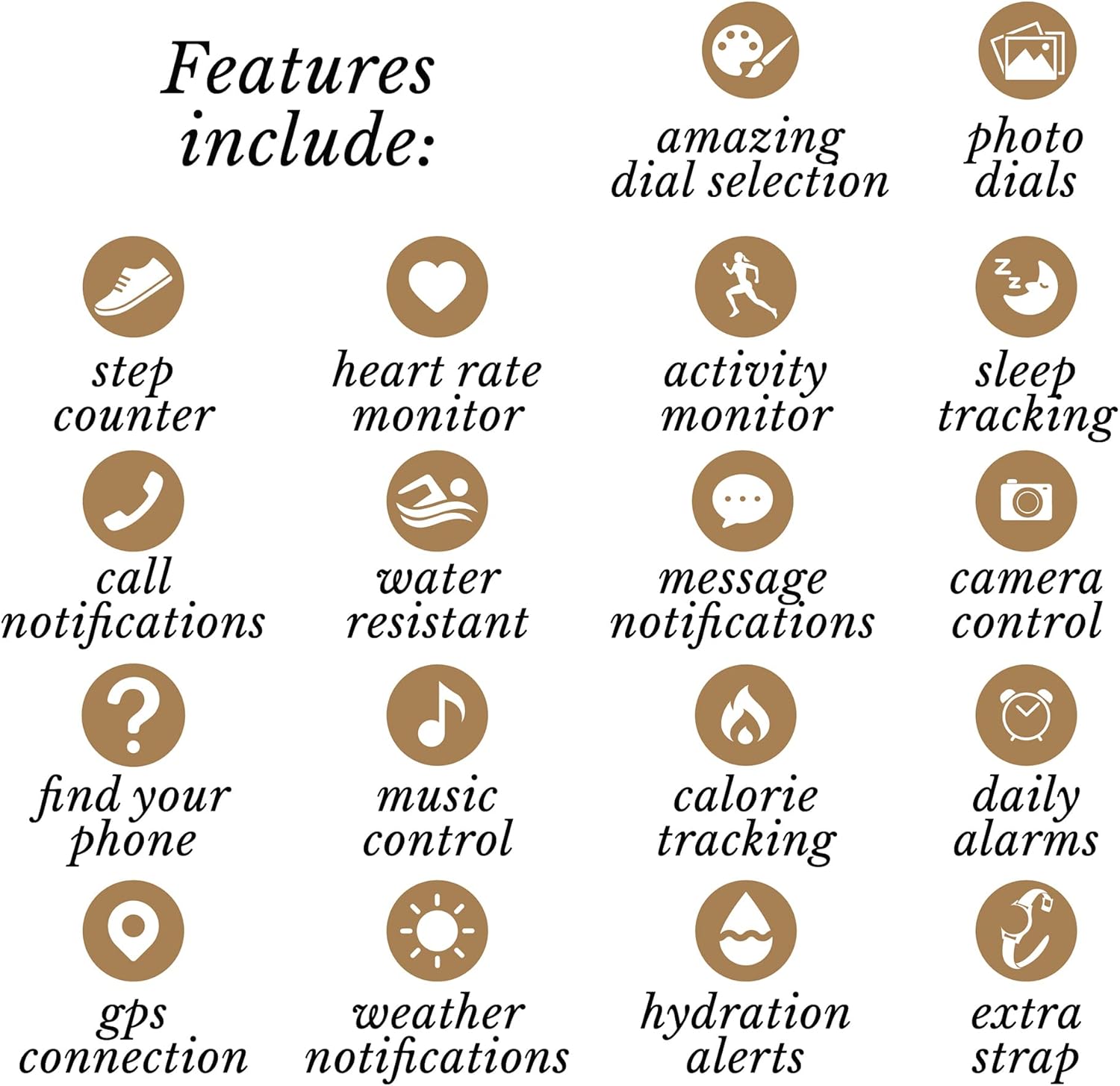
An infographic displaying various features of the smartwatch through icons and text, including step counter, heart rate monitor, activity monitor, sleep tracking, call notifications, water resistant, message notifications, camera control, find your phone, music control, calorie tracking, daily alarms, GPS connection, weather notifications, hydration alerts, and an extra strap.

The Radley Series 7 smartwatch worn on a wrist, featuring the pink silicone strap and a watch face displaying time, date, and health metrics like heart rate and step count, alongside a decorative bracelet.

The Radley Series 7 smartwatch worn on a wrist, featuring the black silicone strap and a sophisticated black watch face with sparkling accents and floral designs, accompanied by a rose gold bracelet.
6. Mantentzea
6.1. Garbiketa
Gently wipe your smartwatch and straps with a soft, damp, lint-free cloth. Avoid using harsh chemicals, abrasive materials, or strong detergents, as these can damage the device's finish and functionality.
6.2. Uhalaren ordezkapena
The Radley Series 7 Smartwatch comes with interchangeable straps. To replace a strap, locate the quick-release pins on the underside of the strap where it connects to the watch case. Slide the pin to detach the strap, then align the new strap and slide the pin back into place until it clicks securely.
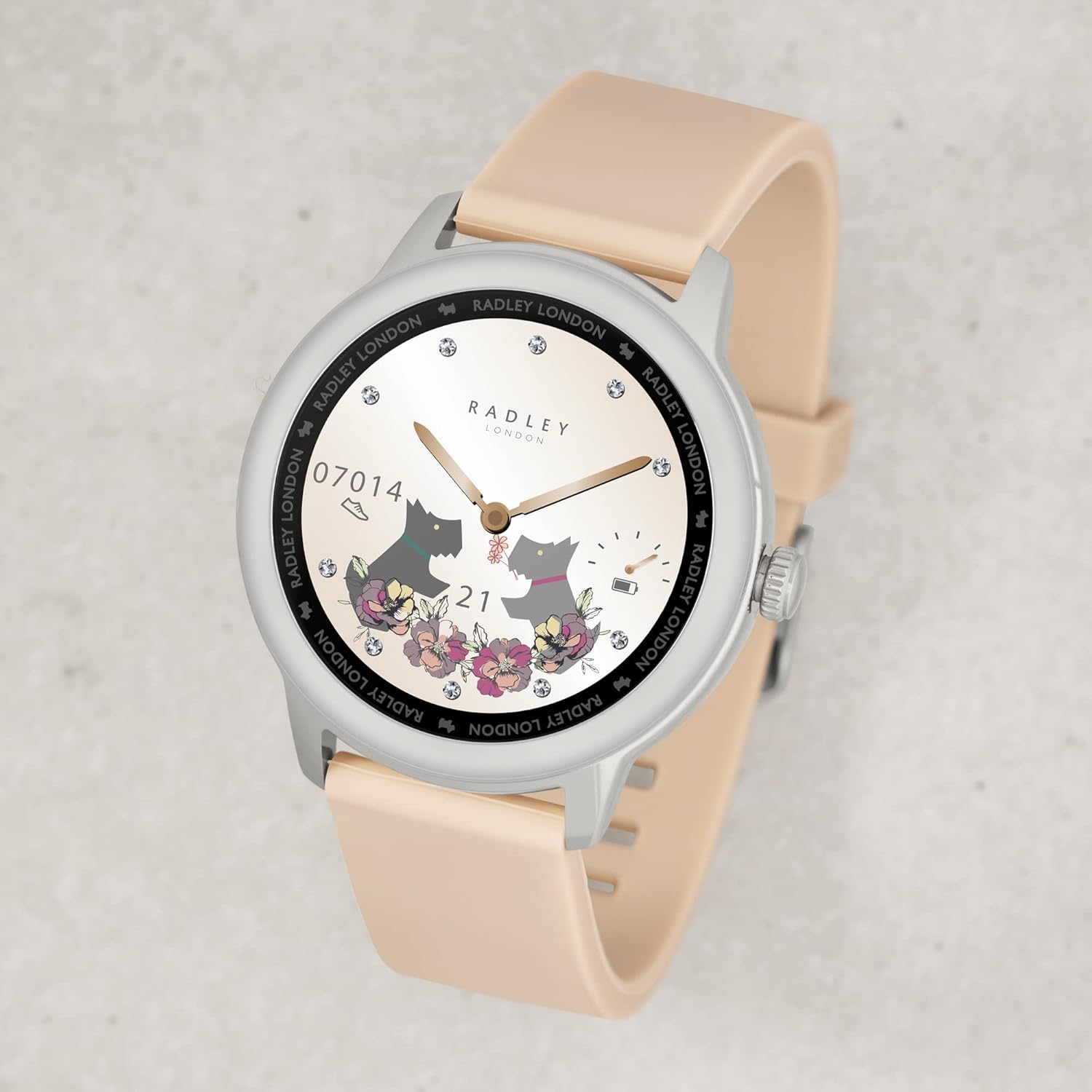
The Radley Series 7 smartwatch with an interchangeable pink silicone strap, showcasing a light-colored watch face adorned with floral patterns and small dog illustrations.
6.3. Bateria zaintzea
To prolong battery life, avoid fully discharging the battery frequently. Charge the device regularly, and if storing for an extended period, ensure it has at least a 50% charge. Do not expose the battery to extreme heat or cold.
7. Arazoak
If you encounter issues with your Radley Smartwatch, try the following steps:
- Gailua ez da pizten: Ziurtatu erlojua guztiz kargatuta dagoela. Konektatu kargagailura gutxienez 30 minutuz.
- Ezin da telefonoarekin parekatu: Make sure Bluetooth is enabled on your phone and the watch is within range. Restart both your phone and the smartwatch, then try pairing again through the Radley London Active app.
- Jaso ez diren jakinarazpenak: Check app permissions on your phone to ensure the Radley London Active app has access to notifications. Also, verify that notifications are enabled within the app settings.
- Inaccurate Data (Steps/HR): Ensure the watch is worn snugly on your wrist, not too loose or too tight. Calibrate settings like stride length in the app if available.
- Aplikazioa kraskatzen/izozten: Close and reopen the Radley London Active app. If the issue persists, try reinstalling the app.
Arazo iraunkorren kasuan, jo ezazu laguntza atalera edo jarri harremanetan bezeroarentzako arreta-zerbitzuarekin.
8. Zehaztapenak
| Ezaugarri | Xehetasuna |
|---|---|
| Marka | Henry London (Radley) |
| Ereduaren izena | 7. seriea |
| Elementuaren eredu-zenbakia | RYS07-2067-SET |
| Kolorea | Beltza |
| Sistema eragilea | Android, iOS |
| Pantailaren tamaina | 74 milimetro |
| Konektibitate Teknologia | GPSa, Bluetootha |
| Haririk gabeko komunikazio estandarra | Bluetootha |
| Ezaugarri bereziak | Heart Rate Monitor, Sleep Tracking, Calorie Tracking, Step Counter, Message Alerts, Call Alerts, Timer, Stopwatch, Music Control, Phone Finder, Weather Alerts, Camera Control, Alarms, Hydration Alerts |
| Gailu bateragarriak | Smartphone |
| Bateriaren konposizioa | Litio-polimeroa |
| Bateria kargagarria | Bai |
| Kasuaren Diametroa | 46.0 mm |
| Uhalaren zabalera | 20 mm |
| Forma | Biribila |
| Saila | Emakumeak |
| Fabrikatzailea | Radley |
9. Bermearen informazioa
This Radley Smartwatch is covered by a standard manufacturer's warranty. Please refer to the warranty card included in your package for specific terms, conditions, and duration. Keep your proof of purchase for any warranty claims.
10. Laguntza
For further assistance, technical support, or inquiries, please visit the official Radley London website or contact their customer service department. Contact details may also be found on the packaging or in the warranty information.
Lineako laguntza: www.radley.co.uk/customer-service/


