1. Sarrera
This manual provides detailed instructions for the setup, operation, and maintenance of your Coolfire Wooden Vibrating Alarm Clock, Model 1735BK. Please read this manual thoroughly before using the product to ensure proper function and longevity. This alarm clock is designed to provide multiple wake-up options, including a powerful vibrator, sound alarm, or a combination of both, catering to various user preferences, including heavy sleepers.
2. Paketearen edukia
- Coolfire Wooden Vibrating Alarm Clock (Main Unit)
- Vibrating Shaker Unit with Cable
- USB energia kablea
- Erabiltzailearen eskuliburua (dokumentu hau)

3. Produktua amaitu daview
The Coolfire alarm clock features a wooden finish and a digital LED display. It provides time, date, temperature, and humidity readings. The accompanying vibrator unit offers customizable alarm modes.
Unitate Nagusiaren Ezaugarriak:
- Digital Time Display (12/24-hour format)
- Data bistaratzea
- Temperature Display (°C/°F)
- Humidity Display (%RH)
- Distira-maila doigarriak
- Sound Control Mode (Power Saving)
- Alarma ezarpenak
Vibrating Shaker Unit Features:
- Powerful Vibration Alarm
- Audible Buzzer Alarm
- Combination Vibration and Sound Alarm
- High/Low Vibration Intensity Switch
- Snooze/Off Button
- Kanpoko gailuetarako USB kargatzeko ataka

4. Konfigurazioa
4.1 Energia-konexioa
- Connect the provided USB power cable to the DC 5V input port on the back of the main alarm clock unit.
- Plug the other end of the USB cable into a standard USB power adapter (not included) and then into a wall outlet.
- Pantaila piztuko da, erlojua piztuta dagoela adieraziz.
4.2 Vibrator Unit Connection
- Locate the cable attached to the vibrating shaker unit.
- Insert the vibrator cable's plug into the designated port on the back of the main alarm clock unit. Ensure it is securely connected.
- Place the vibrator unit under your pillow or mattress for optimal effect.

5. Funtzionamendu-argibideak
The alarm clock features several buttons on the back for setting and adjusting functions. Refer to the labels on the back of your unit for specific button identification.
5.1 Ordua eta data ezartzea
- Eduki sakatuta EZARTU button (usually located on the back) until the year display starts flashing.
- Erabili UP eta BEHERA urtea doitzeko botoiak.
- Sakatu EZARTU again to confirm the year and move to the month setting.
- Repeat steps 2 and 3 for setting the month, day, 12/24-hour format, hour, and minute.
- After setting the minutes, press EZARTU azken aldiz ordua/data ezartzeko modutik irteteko.
5.2 Alarmak ezartzea
The clock supports multiple alarms (e.g., AL1, AL2, AL3). The process is similar for each.
- Sakatu ALARMA button (or a button labeled with an alarm icon) to cycle through AL1, AL2, AL3, and OFF.
- When the desired alarm (e.g., AL1) is displayed, press and hold the ALARMA button until the hour display for that alarm starts flashing.
- Erabili UP eta BEHERA alarma-ordua doitzeko botoiak.
- Sakatu ALARMA again to confirm the hour and move to the minute setting.
- Erabili UP eta BEHERA alarmaren minutuak doitzeko botoiak.
- Sakatu ALARMA again to confirm the minute. The alarm icon will appear on the display, indicating the alarm is active.
- Alarma desaktibatzeko, sakatu tekla ALARMA button to select it, then press ALARMA again until the alarm icon disappears.
5.3 Vibrator Alarm Modes
The vibrator unit has a switch on its underside to select the alarm mode:
- 1. VIBRATION ONLY: The vibrator will activate without an audible alarm.
- 2. SOUND ONLY: The vibrator will remain silent, and only the audible buzzer will sound.
- 3. VIBRATION + SOUND: Both the vibrator and the audible buzzer will activate simultaneously.
Gainera, badago HI/BAIXA switch to adjust the vibration intensity.

5.4 Snooze funtzioa
Alarma jotzen duenean, sakatu SNOOZE/OFF button on the vibrator unit to temporarily silence the alarm. The alarm will sound again after a set snooze interval (typically 5-9 minutes, check product specifics if available).
5.5 Alarma desaktibatuta
To turn off the alarm completely after it sounds, press and hold the SNOOZE/OFF button on the vibrator unit until the alarm stops.
5.6 Distira doitzea
The clock display has adjustable brightness levels. Press the UP or BEHERA button (or a dedicated brightness button if available) to cycle through different brightness settings (e.g., Dim, Medium, Bright).

5.7 Sound Control Mode (Power Saving)
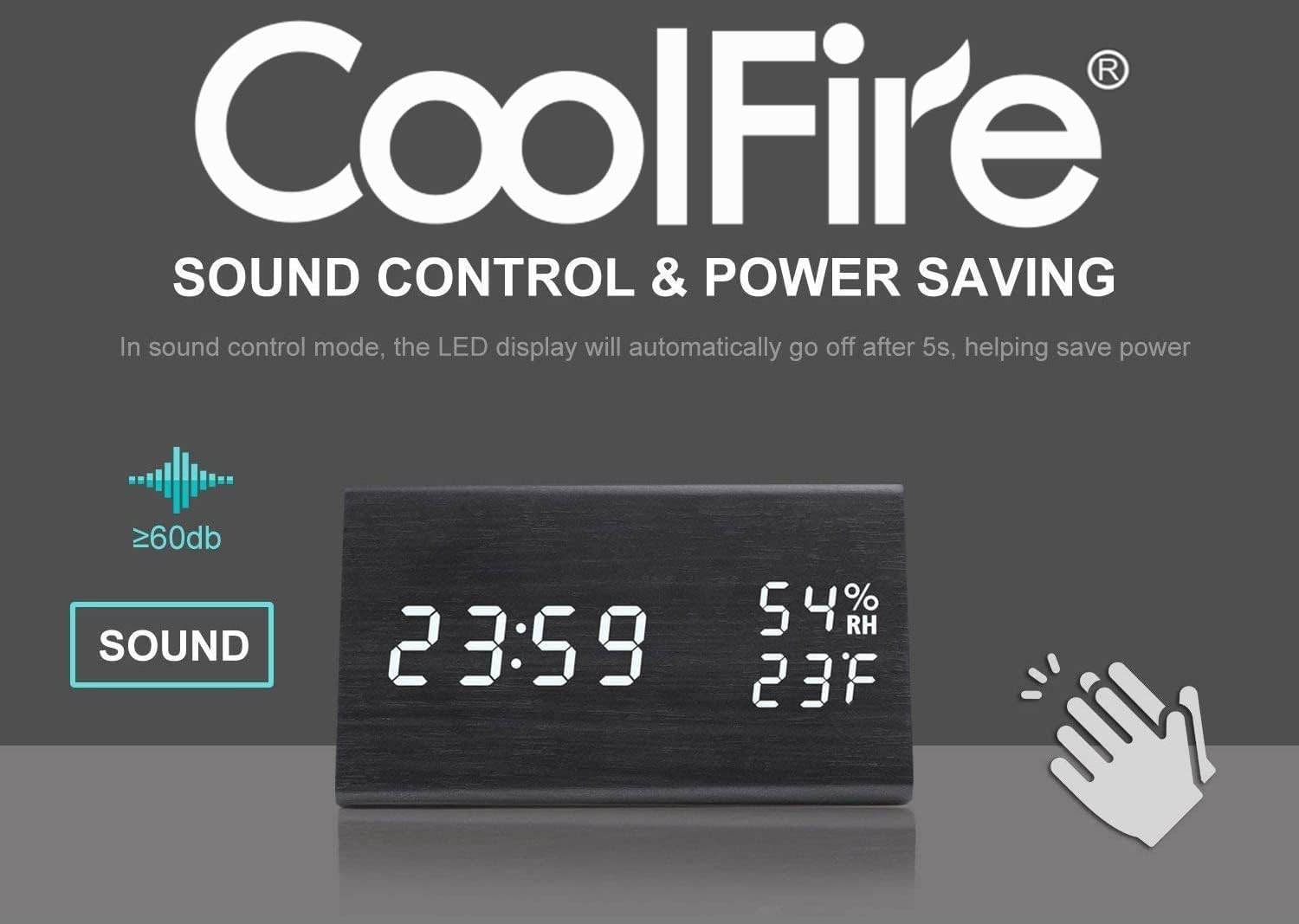
This feature allows the LED display to turn off automatically after approximately 5 seconds to save power. The display will reactivate when a sound above 60dB (e.g., a clap) is detected or when a button is pressed.
5.8 USB kargatzeko ataka
The vibrator unit includes a USB port that can be used to charge external devices, such as smartphones, overnight. Connect your device's charging cable to this port.

6. Mantentzea
- Clean the clock and vibrator unit with a soft, dry cloth. Do not use abrasive cleaners or solvents.
- Saihestu unitatea tenperatura altuen, eguzki-argiaren eraginpean edo hezetasun handiaren eraginpean jartzea.
- Ziurtatu kable guztiak ondo konektatuta daudela eta ez daudela tolestuta edo kaltetuta.
7. Arazoak
- Q: The display is blank or not turning on.
- A: Ensure the USB power cable is securely connected to both the clock and a working power adapter/outlet. If using sound control mode, make a sound (e.g., clap) to activate the display.
- Q: The vibrator is not working.
- A: Check that the vibrator unit's cable is firmly plugged into the main clock unit. Verify the alarm mode switch on the vibrator is set to 'VIBRATION ONLY' or 'VIBRATION + SOUND'. Ensure an alarm is set and active.
- Q: It is difficult to set the time or alarm.
- A: Follow the instructions in sections 5.1 and 5.2 carefully. Ensure you press and hold the respective buttons to enter setting mode and press them briefly to confirm each step. If the display is flashing rapidly, you may be in a different setting mode; press the SET/ALARM button to cycle through options.
- Q: The temperature/humidity readings seem inaccurate.
- A: The sensors provide approximate readings. Ensure the clock is not placed near heat sources, direct sunlight, or in areas with significant air currents that could affect local measurements.
8. Zehaztapenak
- Marka: Coolfire
- Modelo zenbakia: 1735BK
- Bistaratzeko mota: Digitala
- Estiloa: Modernoa
- Energia iturria: Battery Powered (for backup, main power via USB)
- Gela mota: Logela
- Forma: Laukizuzena
- Materiala: Egurra
- Markoaren materiala: Egurra
- Muntatze mota: Mahaigaina
- Iratzargailua: Bai
- Eragiketa modua: Elektrikoa
- UPC: 724268990254
- Produktuaren neurriak: 2.3 x 4 x 1 hazbete
- Elementuaren pisua: 14 ontza
9. Produktuaren bideo ofiziala
Watch this video for a visual guide on the features and operation of the Coolfire Wooden Vibrating Alarm Clock.
10. Bermea eta Laguntza
For warranty information and customer support, please refer to the contact details provided with your purchase documentation or visit the official Coolfire webgunea. Gorde erosketa-agiria erosketaren frogagiri gisa, berme-erreklamazioetarako.


