1. Sarrera
The Kipcush E1 White Noise Bluetooth Transmitter is a portable device designed to provide a relaxing audio environment. It features 20 high-fidelity soothing sounds and a timer function to help users fall asleep faster and stay asleep longer. This device is specifically designed for use with Bluetooth-enabled earphones, such as Apple AirPods.

Image: Kipcush E1 device highlighting its Hi-Fi Lossless Sound capabilities and DAC audio decoder chip.
2. Segurtasun-argibide garrantzitsuak
- Never drop or insert any objects into openings of the device.
- This device should not be used near water, such as in bathtubs, swimming pools, faucets, or basins.
- Disconnect the power supply of the device when it is unused for an extended period of time or when moving the machine.
- Erabili gailu hau eskuliburu honetan deskribatzen den moduan aurreikusitako erabilerarako soilik.
- Never operate this device if it has damaged cord, cable, or housing.
- Do not use this product if you have a pacemaker or other medical device that may be affected by electromagnetic radiation.
- Mantendu produktu hau haurren eskura.
- Do not use this product while sleeping to avoid the risk of overheating.
- Charge the battery only with the provided charger to avoid the risk of electric shock.
- Do not use this product if the battery is damaged or leaking.
- Produktu hau ez da jostailu bat eta ez dago umeek erabiltzeko pentsatuta.
- Jarraitu beti fabrikatzailearen argibideak segurtasunez erabiltzeko eta biltegiratzeko.
3. Paketearen edukia
- Kipcush E1 White Noise Bluetooth Transmitter x1
- USB C motako kargatzeko kablea x1
- Erabiltzailearen eskuliburua x1
4. Produktua amaitu daview
Kontrolak eta Adierazleak
Irudia: Goian view of the Kipcush E1 device displaying its control buttons and indicators.
- PAIR botoia: Bluetooth parekatze modua abiarazten du.
- Pizteko / itzaltzeko botoia: Gailua pizten edo itzaltzen du.
- Bolumena igotzeko (+) / Hurrengo abestiaren botoia: Increases volume or skips to the next sound.
- Bolumena Jaisteko (-) / Aurreko Pistaren Botoia: Decreases volume or goes to the previous sound.
- Erreproduzitu/Pausatu botoia: Plays or pauses the current sound.
- Tenporizadorearen botoia: Lo egiteko tenporizadorea aktibatzen edo doitzen du.
- Bluetooth adierazlea: Bluetooth konexioaren egoera erakusten du.
- Denboraren adierazlea: Shows timer status.
- Bateria mailaren adierazlea: Bateriaren uneko karga erakusten du.
- USB Type-C Jack: Gailua kargatzeko.
5. Konfigurazioa
5.1 Gailua kargatzea
Before first use, fully charge your Kipcush E1 using the provided USB Type-C cable. Connect the cable to the device's Type-C jack and a compatible USB power source. The battery level indicator will show charging status.
5.2 Piztu/Itzaltzea
To power on the device, press and hold the Power On/Off button until the power/pairing indicator flashes blue three times. To power off, repeat the process.
5.3 Bluetooth parekatzea
The Kipcush E1 is designed to connect with Bluetooth audio devices, primarily Apple earphones. Follow these steps to pair your device:
- Turn on your Bluetooth headphone device (e.g., Apple AirPods) and ensure it is in pairing mode. This is usually found on your earphone's charging case.
- With the E1 transmitter powered on, press and hold the BIKOTEA button until the Bluetooth indicator blinks blue, indicating it is in 'ready to pair' mode.
- Briefly press and hold both the BIKOTEA button on the E1 and the pairing button on your headphone device until the Bluetooth light on the E1 stays solid blue.
- Once successfully paired, you will hear a sound confirming the connection. The E1 will automatically connect to this device in the future.
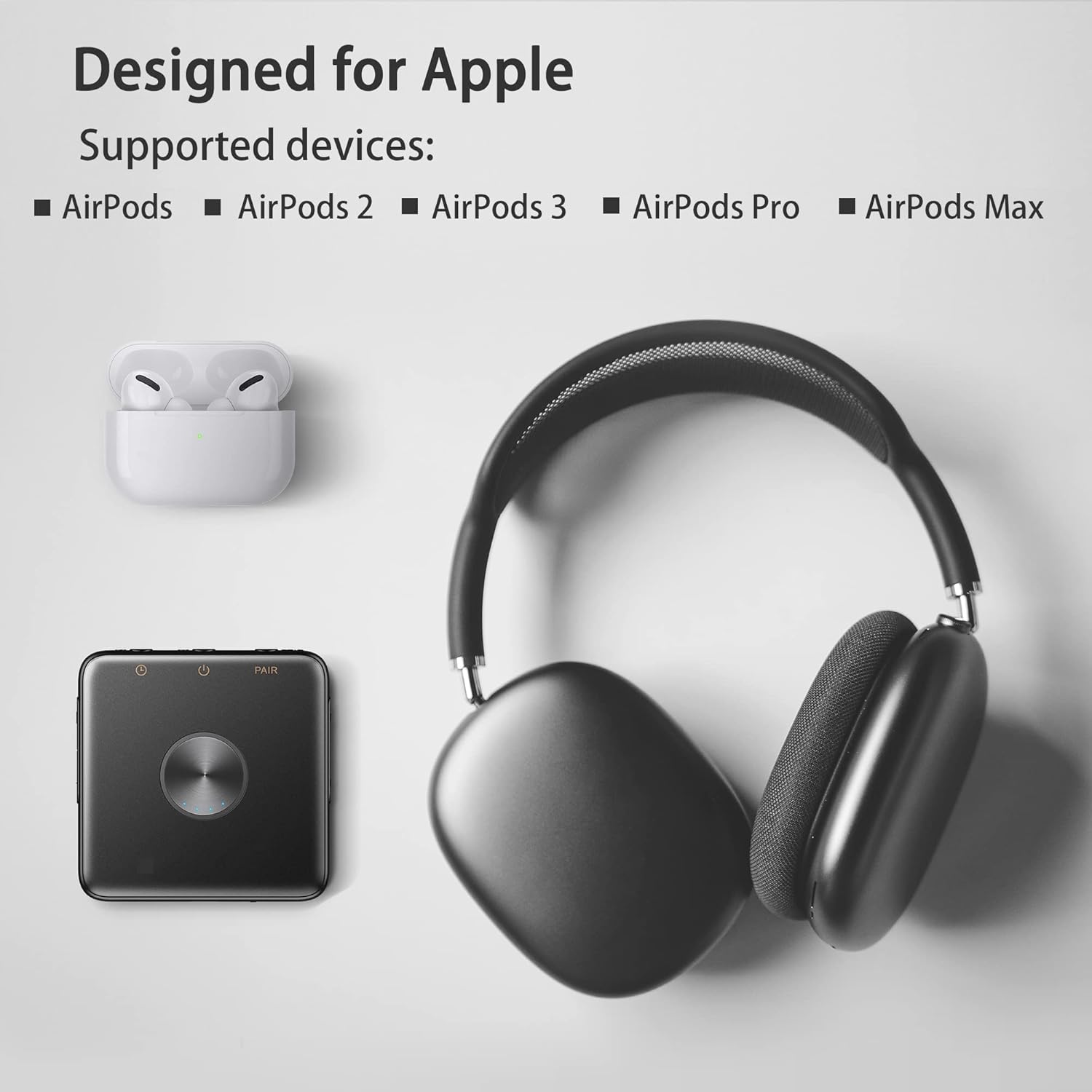
Image: Kipcush E1 shown with various Apple AirPods models, indicating compatibility.
Video: Demonstration of the Kipcush E1 Bluetooth Transmitter pairing process with Apple earphones.
6. Gailuaren funtzionamendua
6.1 Soinu hautaketa
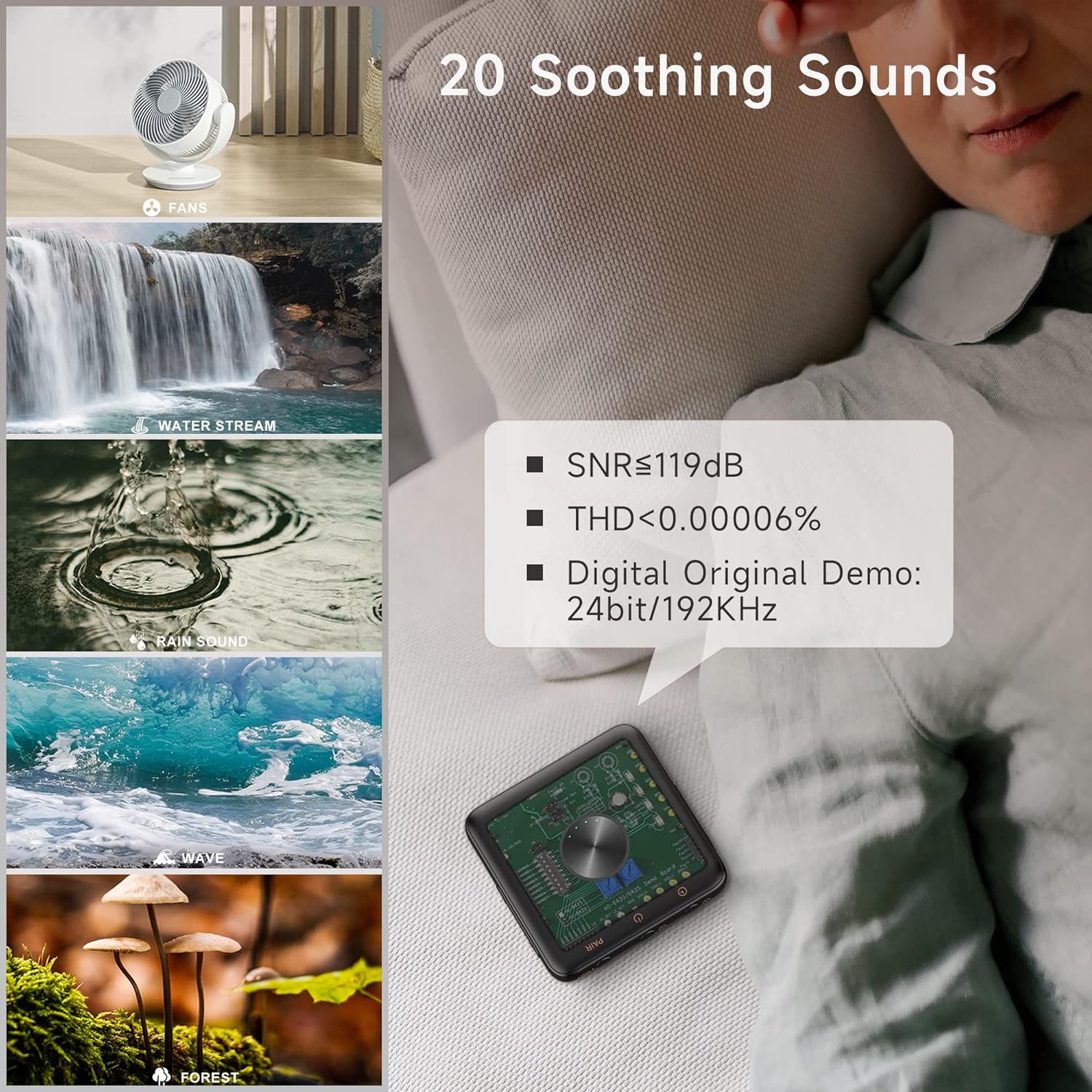
The Kipcush E1 offers 20 high-fidelity soothing sounds, including white noise, fan noises, natural sounds, and water stream sounds. Use the Bolumena igo (+) / Hurrengo pista button to skip to the next sound, and the Bolumena jaitsi (-) / Aurreko pista button to go to the previous sound.

Image: Visual representation of the 20 soothing sounds available on the Kipcush E1, including natural and fan noises.
6.2 Bolumen kontrola
Doitu bolumena Bolumena igo (+) eta Bolumena jaitsi (-) buttons. The device has up to 32 volume level settings.
6.3 Erreproduzitu / Pausatu
Sakatu Erreproduzitu/Pausatu button to start or stop the current sound.
6.4 Tenporizadorearen funtzioa
The Kipcush E1 includes timer functions at 15, 30, 60, 90, and 120-minute intervals. Tap the Tenporizadorea button to cycle through the available timer settings. The timing indicator will turn green when a timer is successfully set. To turn off the timer, press the Tenporizadorea button until the timing indicator turns off.
7. Mantentzea
- Garbitu gailua zapi leun eta lehor batekin. Ez erabili garbitzaile edo disolbatzaile urratzailerik.
- Gorde gailua leku fresko eta lehor batean, eguzki-argitik eta muturreko tenperaturetatik babestuta.
- Ensure the USB Type-C port is free from dust and debris.
8. Arazoak
| Arazoa | Irtenbidea |
|---|---|
| Gailua ez da pizten. | Ensure the device is fully charged. Press and hold the Power On/Off button for a few seconds. |
| Cannot pair with Bluetooth earphones. | Ensure both the E1 and your earphones are in pairing mode. Make sure your earphones are not connected to another device. Re-enter pairing mode on both devices if necessary. |
| Soinurik ez edo bolumen baxua. | Check the volume level on both the E1 and your connected earphones. Ensure the devices are properly paired. |
| Soinuaren kalitatea eskasa da. | Ensure the E1 is within range of your Bluetooth earphones. Avoid obstacles that may interfere with the signal. |
| Tenporizadorearen funtzioa ez dabil. | Ensure the Timer button is pressed correctly to select a duration. The timing indicator should light up green. |
9. Zehaztapenak
| Ezaugarri | Xehetasuna |
|---|---|
| Eredua | E1 |
| C motako sarrera | 5V = 1.5A |
| Bateria Edukiera | 1000mAh |
| Produktuaren neurriak | 70 x 70 mm |
| Typical Bluetooth Transmit Power | 2dBm |
| Funtzionamendu-tenperatura-tartea | -10°C eta 45°C artean |
| Biltegiratze-tenperatura-tartea | -30°C eta 45°C artean |
| Elementuaren pisua | 50 gramo |
| Materiala | Plastikoa |
10. Bermea eta Laguntza
Bermea
We strive to build our products with the highest attention to detail and craftsmanship. However, sometimes there are occurrences of defects, and we understand this. As such, we are happy to offer a one-year hassle-free warranty on all our devices as we continue and strive to make amazing products.
Laguntza
Please contact us if you have any questions regarding this product or require assistance. Refer to the product packaging or the official Kipcush webharremanetarako informazioa lortzeko gunea.


