1. Sarrera
Thank you for choosing the Skyworth 55-inch 4K QLED Google TV, Model 55SUE9500. This manual provides essential information for the safe and efficient use of your television. Please read it thoroughly before operating the device and retain it for future reference.
This television features a 55-inch QLED 4K UHD display, Google TV operating system, Dolby Vision & HDR 10+ support, Google Assistant with far-field voice control, Dolby Atmos, DTS Virtual X, and built-in Chromecast. It is designed to deliver a high-quality viewing and smart home entertainment experience.
2. Segurtasun informazioa
Always adhere to the following safety precautions to prevent electric shock, fire, or damage to the television:
- Ez jarri telebista euri edo hezetasunera.
- Ez ireki telebistaren c.asing; bidali mantentze-lan guztiak langile kualifikatuen esku.
- Ziurtatu aireztapen egokia telebistaren inguruan.
- Erabili telebistarekin batera datorren elikatze-kablea soilik.
- Mantendu telebista eguzki-argitik, bero-iturrietatik eta eremu magnetiko indartsuetatik urrun.
- Clean the TV with a soft, dry cloth. Avoid liquid cleaners.
3. Paketearen edukia
Egiaztatu elementu guztiak paketean daudela:
- Skyworth 55-inch 4K QLED Google TV (Model 55SUE9500)
- Urruneko Kontrola
- Elikatze-kablea
- Telebista-euskarria (2 pieza)
- Euskarri instalaziorako torlojuak
- Erabiltzailearen eskuliburua (dokumentu hau)
4. Produktua amaitu daview
Aurrealdea View
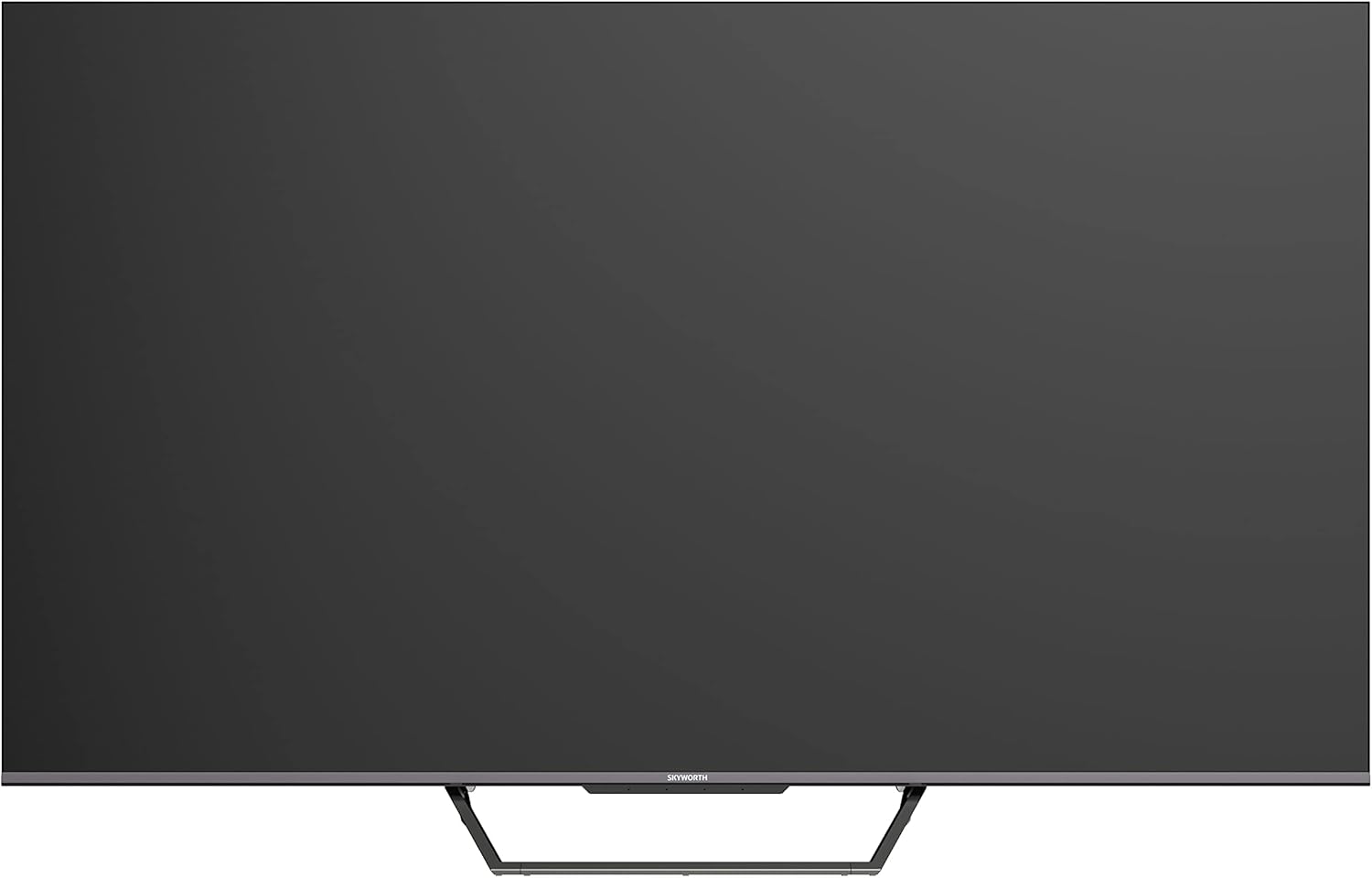
This image displays the front of the Skyworth 55-inch 4K QLED Google TV, showcasing its slim bezels and central stand design.
Aldea View

Irudi honek alboko profesionala erakusten dufile of the television, highlighting its thin design and the depth of the screen.
Itzuli View

Irudi honek eskaintzen du view of the back panel of the TV, including the mounting points and general layout.
Sarrera/Irteera Portuak

This image details the various input and output ports located on the side/back of the television, including HDMI, USB, and other connectivity options.

The television offers multiple interfaces to meet various connectivity needs, including USB (x2), RF, AV IN, HDMI (x3), LAN, and Digital Out.
5. Konfigurazioa
5.1 Standaren instalazioa
Telebistako euskarria instalatzeko:
- Kontu handiz jarri telebista aurpegia behera gainazal bigun eta lau batean, pantaila kaltetu ez dadin.
- Lerrokatu euskarri-piezak telebistaren behealdeko dagokien zirrikituekin.
- Lotu euskarria emandako torlojuak erabiliz. Ziurtatu ondo estututa daudela.

The TV features a unique U-shaped central base design, crafted with metal die-casting technology for stability.
5.2 Periferikoak konektatzea
Connect your external devices (e.g., cable box, Blu-ray player, gaming console) to the appropriate HDMI or AV IN ports. For internet access, connect an Ethernet cable to the LAN port or use the built-in Wi-Fi.
5.3 Hasierako piztea
After connecting all necessary cables, plug the power cable into an electrical outlet. Press the power button on the remote control or the TV to turn it on. Follow the on-screen instructions to complete the initial setup, including network connection, Google account login, and channel scanning.
6. Funtzionamendu-argibideak
6.1 Urruneko kontrola
The remote control allows you to navigate the Google TV interface, adjust volume, change channels, and access smart features. Ensure batteries are correctly inserted.
6.2 Google TV interfazea
Your TV runs on Google TV OS, providing a personalized content experience. The home screen displays recommended content, installed apps, and quick access to settings.

Google TV refines the Android TV experience with personalized content and tailored recommendations based on your viewing habits and interests.

Enjoy abundant resources with Google TV, including over 700,000 movies & TV series and millions of songs from platforms like Netflix, YouTube, and Prime Video.
6.3 Ezaugarri adimendunak
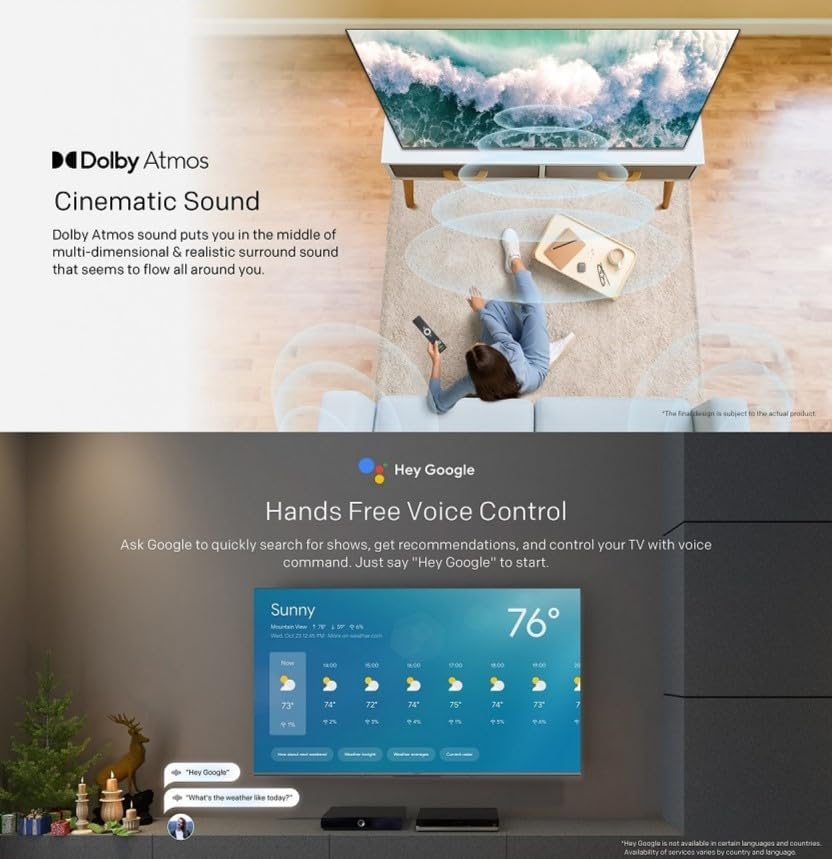
- Esku libreko ahots kontrola: Use "Hey Google" to search for shows, get recommendations, and control your TV with your voice.
- Chromecast integratua: Easily cast content from your compatible mobile devices (Android and iOS) to the TV.
- Bidirectional Bluetooth: Connect Bluetooth headphones or speakers to the TV, or use the TV as a speaker for your mobile devices.
- Kids Care: Konfiguratu profiles for children with age-appropriate content recommendations and parental controls.
- Google Duo: Make video calls directly from your TV to connect with friends and family.
- Google Argazkiak: Share and view your memories on the big screen.

Ask Google to quickly search for shows, get recommendations, and control your TV using voice commands. Simply say "Hey Google" to activate.
The TV supports bidirectional Bluetooth, allowing connection to mobile phones and Bluetooth audio products for versatile sound options.

This image highlights key features such as Kids Care for child-friendly content, Google Duo for video calls, Google Photos for sharing memories, and Chromecast built-in for easy content casting.
6.4 Irudi eta soinu ezarpenak
Access the settings menu to customize picture and sound preferences.
- QLED 4K UHD with Dolby Vision & HDR10+: Experience vibrant colors and enhanced contrast.
- Zinemagile modua: Disables post-processing to preserve the original aspect ratios, colors, and frame rates as intended by the filmmaker.
- Dolby Atmos & DTS Virtual X: Enjoy immersive, multi-dimensional sound.
- Osasun Plataforma: Includes Eye Protection Mode, Night Mode, and Auto Volume Control for comfortable viewing.
- Flicker Free: Begietako nekea murrizten du pantailaren keinua gutxituz.

With Dolby Vision and advanced HDR10+, the TV enhances the viewing experience, producing images with greater realism and brightness.

Filmmaker Mode ensures a cinematic experience by disabling post-processing, preserving the director's original vision.
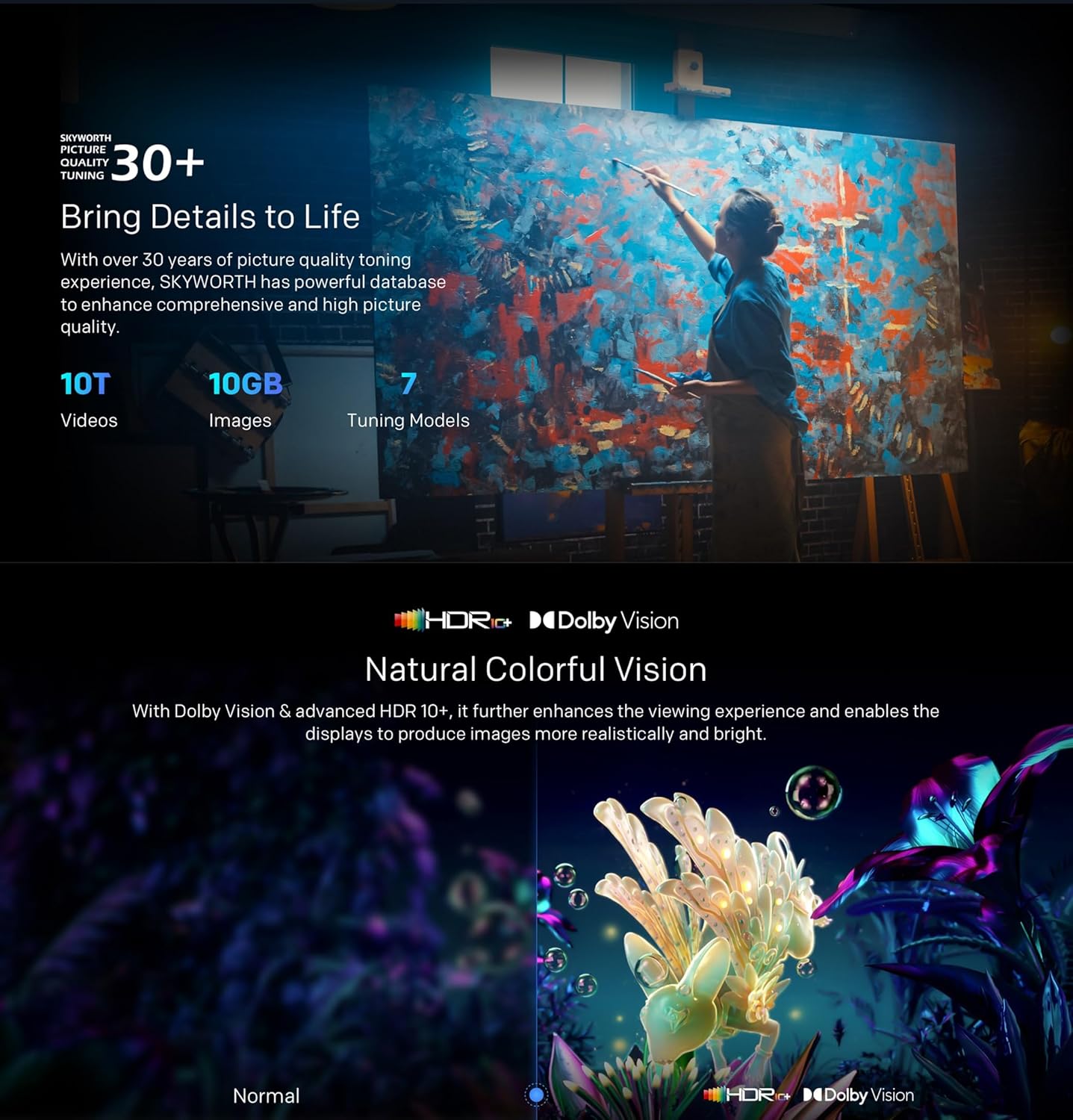
Dolby Atmos sound technology provides a multi-dimensional and realistic surround sound experience that flows around you.

The Health Platform allows you to choose comfort modes such as Eye Protection Mode, Night Mode, or Auto Volume Control for an optimized viewesperientzia.

Flicker Free technology effectively reduces harm from rapid flickers by adapting direct current backlight, protecting your eye health.
7. Mantentzea
7.1 Garbiketa
To clean the TV screen and casing:
- Unplug the TV from the power outlet before cleaning.
- Erabili zapi leun eta pelurik gabeko bat pantaila astiro-astiro garbitzeko. Orba egoskorrak badira, garbitu pixka bat.ampen the cloth with water or a specialized screen cleaner (ensure it's TV-safe).
- Garbitu casinGarbitu zapi leun eta lehor batekin. Saihestu garbitzaile edo disolbatzaile urratzaileak.
7.2 Software eguneraketak
Your Google TV may receive automatic software updates. Ensure your TV is connected to the internet to receive these updates, which can improve performance and add new features. You can also manually check for updates in the settings menu.
8. Arazoak
Telebistarekin arazoak badituzu, jo ezazu ohiko irtenbide hauetara:
| Arazoa | Irtenbide posiblea |
|---|---|
| Botererik ez | Egiaztatu kablea telebistara eta hormako entxufean ondo konektatuta dagoen. Saiatu beste entxufe batekin. |
| Ez dago irudirik, baina soinua badago | Ziurtatu sarrera-iturri zuzena hautatuta dagoela. Egiaztatu kanpoko gailuetarako kable-konexioak. |
| Soinurik ez, baina irudia badago | Egiaztatu bolumen mailak eta isilarazteko ezarpenak. Egiaztatu audio kableen konexioak. |
| Urruneko kontrola ez dabil | Aldatu bateriak. Ziurtatu ez dagoela oztoporik urrutiko agintearen eta telebistaren IR sentsorearen artean. |
| Wi-Fi konexio arazoak | Restart your router and the TV. Check network settings on the TV. Ensure the TV is within range of your Wi-Fi signal. |
Arazoak jarraitzen badu, jarri harremanetan bezeroarentzako arreta-zerbitzuarekin.
9. Zehaztapenak
The following table outlines the key specifications for the Skyworth 55SUE9500 TV:
| Ezaugarri | Deskribapena |
|---|---|
| Modelo zenbakia | 55SUE9500 |
| Pantailaren tamaina | 55 hazbete |
| Bistaratzeko Teknologia | QLED |
| Ebazpena | 4K UHD (3840 x 2160) |
| Freskatze tasa | 60 Hz |
| Sistema eragilea | Google TV |
| HDR euskarria | Dolby Vision, HDR10+ |
| Audio Teknologia | Dolby Atmos, DTS Virtual X |
| Prozesadorea | Chameleon Extreme 2.0 |
| RAM | 2 GB |
| Biltegiratzea | 16 GB |
| Konektibitatea | Wi-Fi, Bluetooth 5.1, Ethernet (LAN) |
| Portuak | HDMI x3, USB x2, RF, AV IN, Digital Out |
| Ezaugarri bereziak | Google Assistant, Chromecast Built-in, Game Mode, Flicker Free, Health Platform, Filmmaker Mode |
| Produktuaren neurriak (euskarriarekin) | 122.5 x 77 x 26 cm (gutxi gorabehera) |
| Pisua (zutiluarekin) | 12.2 kg (gutxi gorabehera) |

This diagram provides detailed measurements of the television, including its width, height, and depth, both with and without the stand, along with the corresponding weights.
10. Bermea eta Laguntza
10.1 Bermearen informazioa
Your Skyworth 55-inch 4K QLED Google TV Model 55SUE9500 comes with a 2-year warranty. This warranty covers manufacturing defects and malfunctions under normal use. Please retain your proof of purchase for warranty claims. The warranty does not cover damage caused by misuse, accidents, unauthorized repairs, or acts of nature.
10.2 Bezeroarentzako laguntza
For technical assistance, troubleshooting beyond this manual, or warranty service, please contact Skyworth customer support. Refer to the contact information provided in your product packaging or on the official Skyworth webzure eskualderako gunea.


