1. Sarrera
Thank you for choosing the realme TechLife Portable Room Air Purifier. This manual provides essential information for the safe and efficient operation, maintenance, and troubleshooting of your device. Please read this manual thoroughly before use and retain it for future reference.
2. Segurtasun-argibideak
Deskarga elektriko, sute edo lesio arriskua murrizteko, jarraitu segurtasun neurri hauek:
- Deskonektatu beti aire-arazgailua garbitu, mantentze-lanak egin edo erabiltzen ez denean.
- Ez erabili unitatea kablea edo entxufea hondatuta badago. Kablea edo entxufea hondatuta badago, jarri harremanetan bezeroarentzako arreta-zerbitzuarekin.
- Ez blokeatu aire-sarrerak edo irteerak. Ziurtatu nahikoa leku unitatearen inguruan aire-fluxu egokia izan dadin.
- Ez erabili aire-arazgailua hezeetan edo damp inguruneak, hala nola bainugelak edo garbitegiak.
- Mantendu unitatea bero-iturrietatik, eguzki-argitik eta material sukoietatik urrun.
- Tresna hau ez da gaitasun fisiko, sentsorial edo mental murriztua duten edo esperientzia eta ezagutza falta duten pertsonek (haurrak barne) erabiltzeko, baldin eta haien segurtasunaz arduratzen den pertsona batek gailuaren erabilerari buruz gainbegiratu edo jarraibiderik eman ez badu.
- Only use genuine realme replacement filters.
3. Paketearen edukia
Egiaztatu elementu guztiak paketean daudela:
- realme TechLife Portable Room Air Purifier Unit
- HEPA H12 Filter (pre-installed or separate)
- Elikatze-moldagailua
- Erabiltzailearen eskuliburua
4. Produktua amaitu daview
4.1 Osagaiak
The image below illustrates the main components of the realme TechLife Portable Room Air Purifier.
1. irudia: Aurrealdea view of the realme TechLife Portable Room Air Purifier. The unit is white with a sleek, minimalist design.
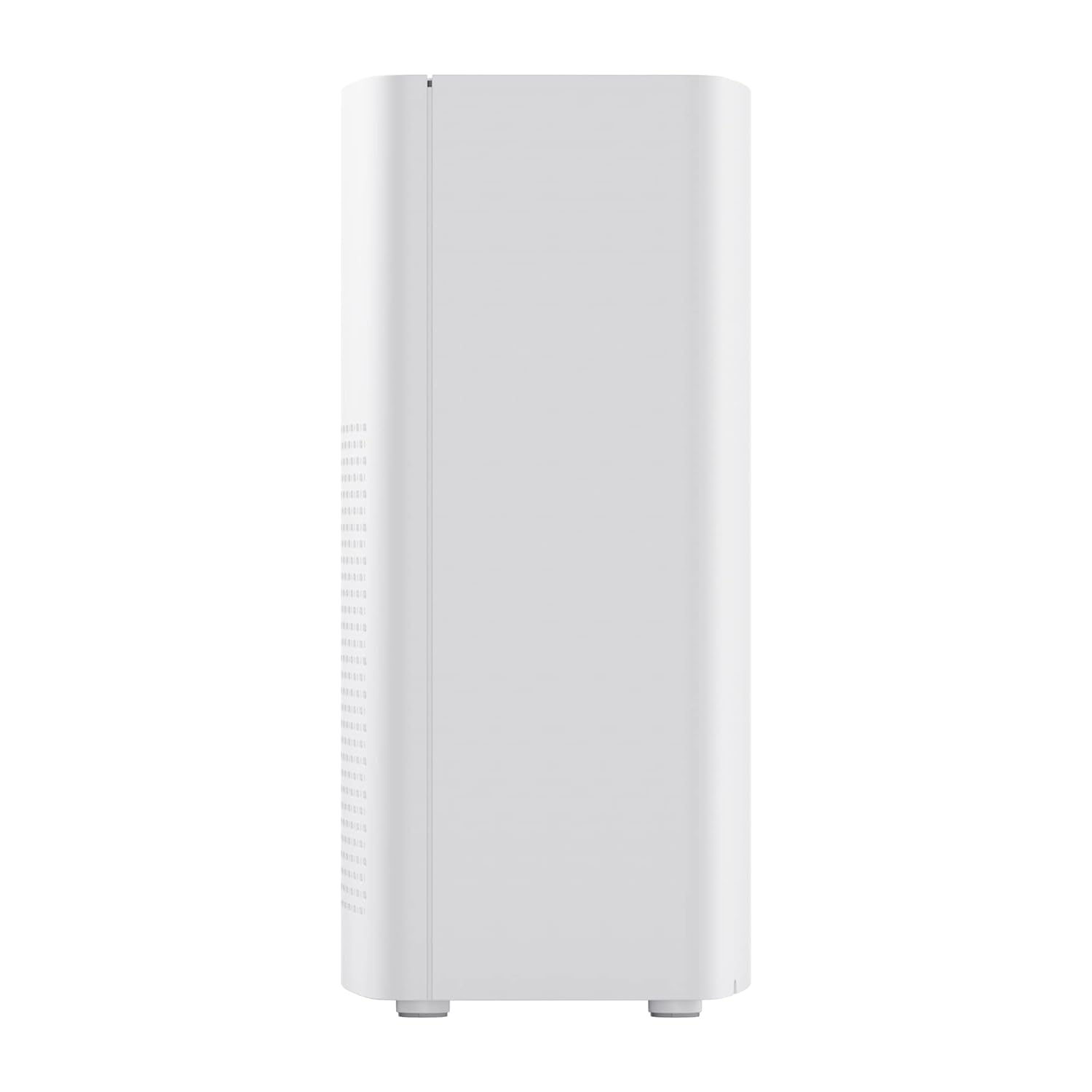
2. irudia: Aldea view of the realme TechLife Portable Room Air Purifier, showing its compact and lightweight profile.
4.2 Kontrol-panela
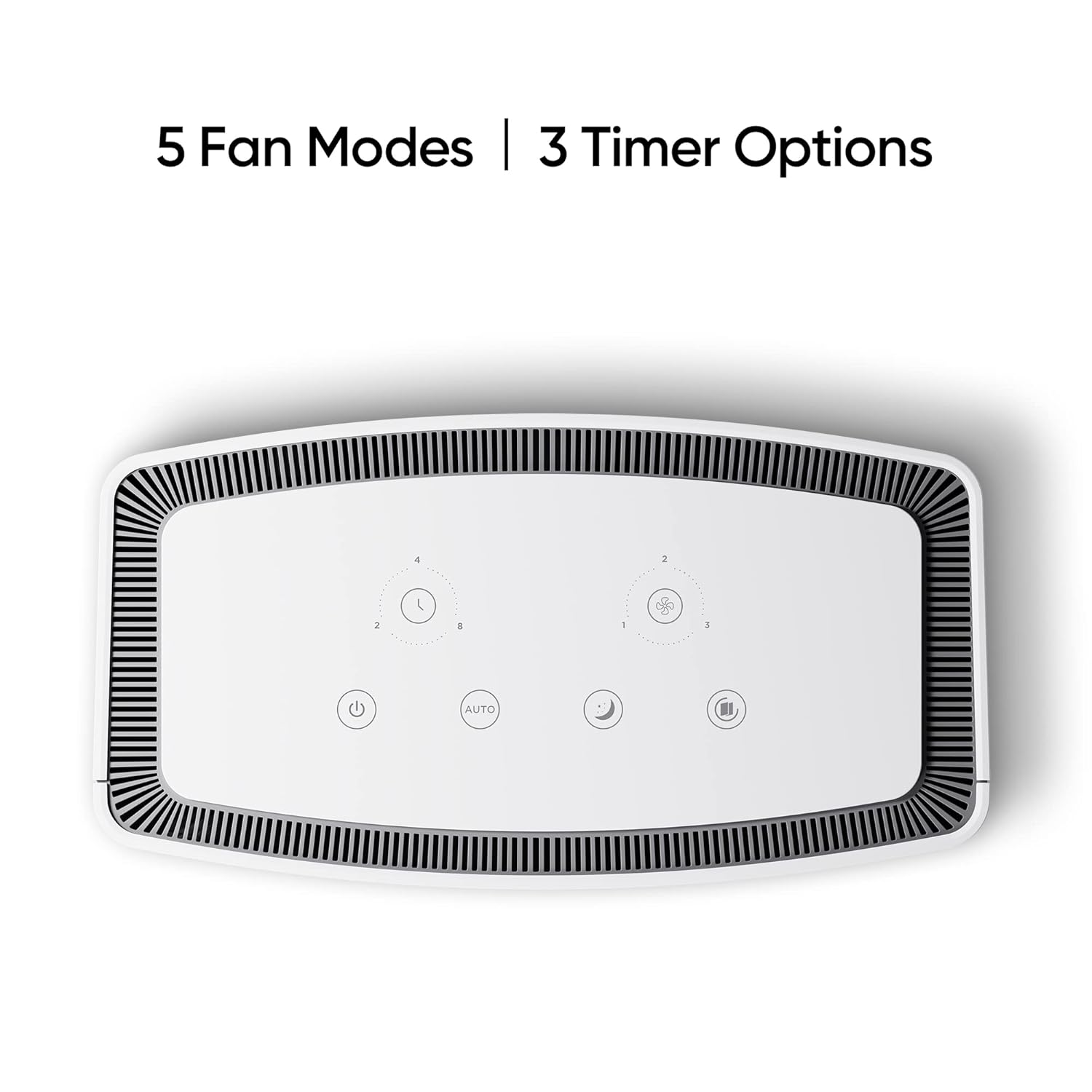
The control panel is located on the top of the air purifier and features touch-sensitive buttons for various functions.

3. irudia: Goitik behera view of the control panel, displaying touch buttons for power, auto mode, sleep mode, fan speed, and timer settings.
- Pizteko botoia: Unitatea pizten edo itzaltzen du.
- AUTO Mode Button: Activates automatic fan speed adjustment based on air quality.
- Lo moduko botoia: Sets the fan to its lowest speed for quiet operation.
- Fan abiadura botoia: Cycles through manual fan speed settings (e.g., Level 1, 2, 3).
- Tenporizadorearen botoia: Sets the operating duration (e.g., 2, 4, 8 hours).
- Airearen kalitatearen adierazlea: Displays current air quality (color-coded).
5. Konfigurazioa
5.1 Iragazkien instalazioa
The HEPA filter may be pre-installed or require installation before first use.
- Unpack the air purifier and place it on a stable, flat surface.
- Locate the filter compartment cover, usually at the bottom or rear of the unit.
- Open the cover and remove any plastic packaging from the HEPA filter.
- Sartu iragazkia konpartimentuan, ondo kokatuta dagoela ziurtatuz.
- Itxi iragazkiaren konpartimentuaren estalkia ondo itxita.
5.2 Jartzea
For optimal performance, place the air purifier in a location with good air circulation, away from walls or furniture that might obstruct airflow. Avoid placing it near windows or vents.
5.3 Energia-konexioa
Connect the power adapter to the air purifier's power port, then plug the adapter into a standard electrical outlet.
6. Funtzionamendu-argibideak
6.1 Piztu/Itzali
Sakatu Pizteko botoia once to turn the air purifier on. Press it again to turn the unit off.
6.2 Haizagailuaren abiadura moduak
- AUTO MODUA: Sakatu AUTO botoia. The purifier will automatically adjust its fan speed based on the detected air quality.
- Lo egiteko modua: Sakatu Lo moduko botoia. The fan operates at its lowest speed for quiet purification, ideal for nighttime use.
- Eskuzko haizagailuaren abiadura: Sakatu Fan Abiadura Botoia repeatedly to cycle through different fan speed levels (e.g., Level 1, Level 2, Level 3).
6.3 Tenporizadorearen ezarpenak
Sakatu Tenporizadorearen botoia repeatedly to set the desired operating duration (e.g., 2 hours, 4 hours, 8 hours). The unit will automatically turn off after the set time expires.
6.4 Airearen kalitatearen adierazlea
The air quality indicator light changes color to reflect the current air quality:
- Berdea: Airearen kalitate ona
- Horia/Laranja: Airearen kalitate moderatua
- Gorria: Airearen kalitate txarra
7. Mantentzea
7.1 Iragazkia ordezkatzea
The HEPA filter has a limited lifespan and needs regular replacement to maintain purification efficiency. The filter life depends on usage and air quality. A filter replacement indicator light will typically illuminate when replacement is due.
- Deskonektatu aire-arazgailua korronte-hartunetik.
- Ireki iragazkiaren konpartimentuaren estalkia.
- Kendu iragazki zaharra eta bota ezazu behar bezala.
- Insert a new, genuine realme HEPA H12 replacement filter.
- Itxi iragazkiaren konpartimentuaren estalkia ondo itxita.
- Plug in the air purifier and reset the filter life indicator (refer to specific model instructions if available, usually by pressing and holding the filter button for a few seconds).
Note: Replacement filters may need to be purchased separately. Ensure availability of replacement filters for continued use of the product.
7.2 Unitatea garbitzea
Regular cleaning helps maintain performance and appearance.
- Garbitu unitatearen kanpoaldea zapi leun eta lehor batekin.
- Ez erabili garbitzaile urratzailerik, argizaririk edo disolbatzailerik.
- Gently vacuum the air inlet and outlet grilles to remove dust accumulation.
8. Arazoak
Aire-arazgailuarekin arazoak badituzu, beheko taulan aurkituko dituzu arazo ohikoenak eta irtenbideak.
| Arazoa | Kausa posiblea | Irtenbidea |
|---|---|---|
| Unitatea ez da pizten | Ez dago elikatze-iturririk; Elikatze-egokitzailea ez dago konektatuta; Unitatea hondatuta. | Check power cord and outlet; Ensure adapter is securely connected; Contact customer support if damaged. |
| Aire fluxu ahula | Air inlets/outlets blocked; Filter clogged; Filter not installed correctly. | Clear obstructions; Replace filter; Reinstall filter correctly. |
| Ezohiko zarata | Foreign object inside; Unit not on a flat surface; Filter not seated correctly. | Unplug and check for obstructions; Place on a stable surface; Reinstall filter. |
| Air quality indicator always red/orange | High pollution level; Sensor dirty; Sensor malfunction. | Allow more time for purification; Clean the sensor area (if accessible); Contact customer support. |
If the problem persists after trying these solutions, please contact realme customer support.
9. Zehaztapenak
Technical specifications for the realme TechLife Portable Room Air Purifier:
| Ezaugarri | Zehaztapena |
|---|---|
| Marka | erreala |
| Eredua | TechLife Portable Room Air Purifier |
| Kolorea | Zuria |
| Iragazki mota | HEPA H12 |
| Kutsatzaileen iragazketa | %99.97 |
| Kontrolagailu mota | Ukitu Kontrola |
| Ezaugarri bereziak | High Precision Air Quality Sensor, Lightweight |
| Elementuaren pisua | 5 kg 780 g |
| Energia iturria | Battery Powered (Please refer to product label for specific power input) |
10. Bermea eta Laguntza
The realme TechLife Portable Room Air Purifier comes with a limited warranty. Please refer to the warranty card included with your product for detailed terms and conditions, including warranty period and coverage.
For technical support, service, or to purchase genuine replacement parts and filters, please visit the official realme website or contact realme customer service through the contact information provided in your warranty documentation.
Gorde erosketa-agiria erosketaren frogagiri gisa, berme-erreklamazioetarako.


