Hama MW-300 V2 Wireless Optical Mouse User Manual
Model: MW-300 V2
1. Sarrera
This manual provides comprehensive instructions for the Hama MW-300 V2 Wireless Optical Mouse. It covers setup, operation, maintenance, and troubleshooting to ensure optimal performance and longevity of your device. The MW-300 V2 is designed for precise and smooth cursor control, featuring silent main buttons and a compact USB receiver for convenience.
2. Paketearen edukia
Mesedez, egiaztatu paketea elementu hauek dituen:
- 1 Hama MW-300 V2 Wireless Optical Mouse
- 1 USB hargailua
- 2 AAA Micro Batteries
- 1 Erabiltzailearen eskuliburua
3. Konfigurazioa
3.1. Pilak sartzea
- Kokatu bateriaren konpartimendua saguaren azpialdean.
- Ireki bateriaren konpartimenduaren estalkia.
- Insert the two AAA Micro batteries, ensuring correct polarity (+/-).
- Itxi bateriaren konpartimenduaren estalkia ondo.
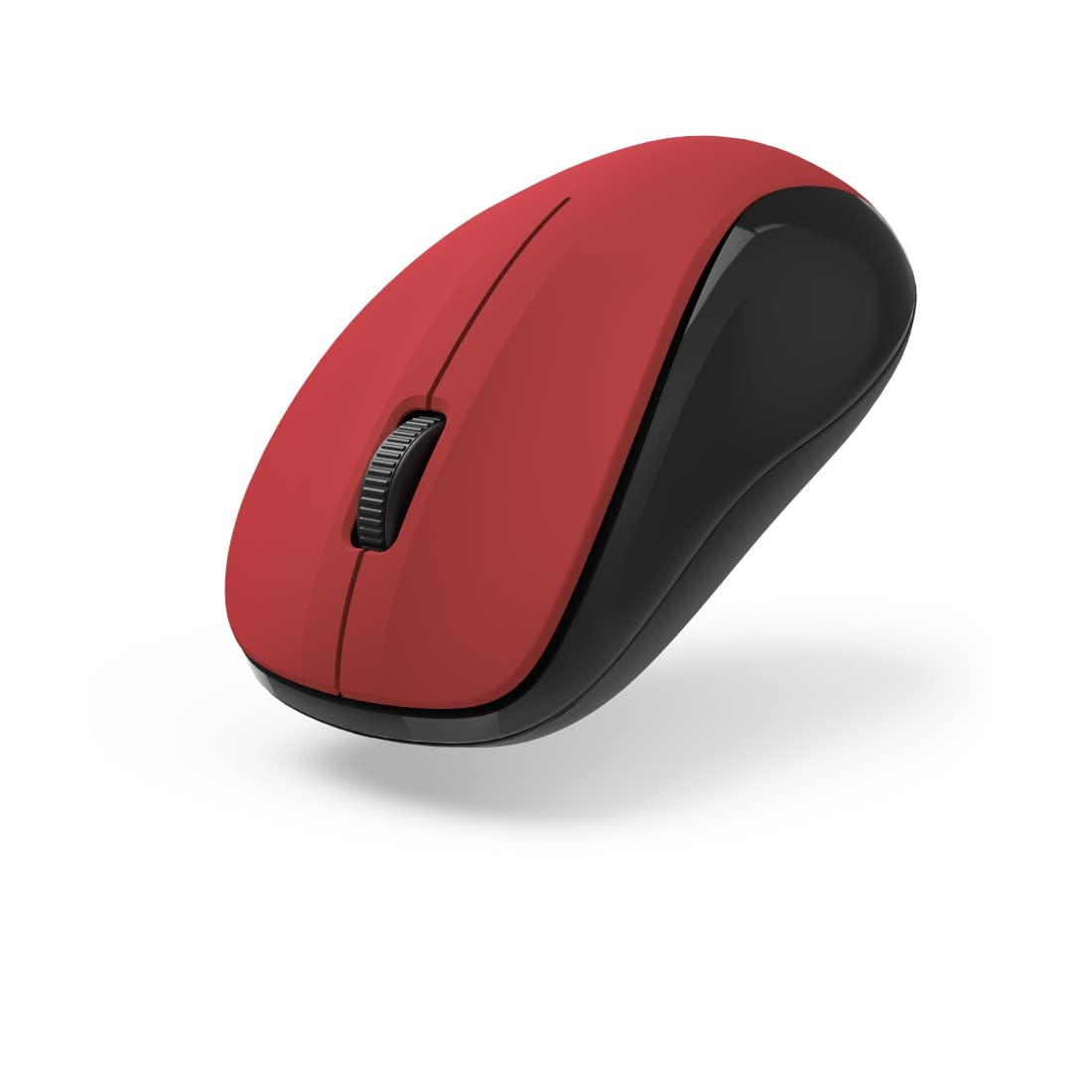
1. irudia: Goikoa view of the Hama MW-300 V2 Wireless Optical Mouse. This image displays the mouse's ergonomic shape, the central scroll wheel, and the left and right click buttons. The red top surface contrasts with the black sides.
3.2. USB hargailua konektatzea
- Remove the compact USB receiver from its storage slot, usually located within the battery compartment or near it.
- Plug the USB receiver into an available USB-A port on your computer (laptop or PC).
- The mouse will automatically connect to the receiver using Smart Link technology. No additional drivers are typically required for Windows or macOS.

2. irudia: Angeludun view of the Hama MW-300 V2 Wireless Optical Mouse. This perspective shows the comfortable curve of the mouse, designed for both left and right-handed users, and the textured scroll wheel.
4. Funtzionamendu-argibideak
4.1. Oinarrizko funtzioak
- Ezkerreko klik: Lehen mailako hautaketa eta aktibazioa.
- Egin klik eskuineko botoiarekin: Testuinguru-menuak irekitzen ditu.
- Korritzeko gurpila: Dokumentuak korritzen ditu eta web orrialdeak bertikalki. Gurpilak erdiko klik egiteko botoia ere balio du.
4.2. Klik isila egiteko funtzioa
The main buttons of the MW-300 V2 mouse are designed to be silent, providing a quiet working environment. This feature is integrated into the mouse's design and does not require any special activation.
4.3. Wireless Range and Power Saving
The mouse operates on a reliable 2.4 GHz wireless technology with a range of up to 10 meters, depending on environmental conditions. To conserve battery life, the mouse features an automatic power-saving mode that activates during periods of inactivity. To reactivate, simply move the mouse or click a button.
5. Mantentzea
- Garbiketa: Erabili zapi leun eta lehor bat sagua garbitzeko. Saihestu produktu kimiko gogorrak edo material urratzaileak erabiltzea.
- Bateria ordezkatzea: Replace batteries when the mouse performance degrades or stops responding. Always use new AAA Micro batteries.
- Biltegiratzea: When not in use for extended periods, remove the batteries to prevent leakage. The USB receiver can be stored inside the mouse for safe transport.
6. Arazoak
| Arazoa | Irtenbidea |
|---|---|
| Sagua ez du erantzuten |
|
| Kurtsorearen mugimendu irregularra |
|
| Konexio arazoak |
|
7. Zehaztapenak
| Ereduaren izena | MW-300 V2 |
| Marka | Hama |
| Konektibitate Teknologia | 2.4 GHz RF Wireless, USB Receiver |
| Sentsore mota | Optikoa |
| DPI sentikortasuna | 1200 DPI |
| Botoi kopurua | 3 (Ezkerra, Eskuina, Gurpilarekin/Erdiko klik) |
| Eskuen Orientazioa | Anbidistroa |
| Ezaugarri bereziak | Silent Clicks, Power Saving Mode, Rubberized Surface, PTFE Gliding Pads |
| Wireless Range | Gehienez 10 metro |
| Sistema eragile bateragarriak | Windows 11/10/8/7, macOS 10.10 or higher |
| Bateria mota | 2 x AAA Micro (included) |
| Neurriak (W x H x D) | 5.8 x 3.7 x 10.3 cm |
| Kolorea | Gorria/Beltza |
8. Bermea eta Laguntza
Hama products are covered by a limited warranty. For detailed warranty information, please refer to the warranty card included with your product or visit the official Hama website. For technical support, product inquiries, or service, please contact Hama customer support through their official channels.
Mesedez, gorde zure erosketa-froga berme-erreklamazioetarako.
© 2023 Hama GmbH & Co KG. Eskubide guztiak erreserbatuta.


