1. Sarrera
Thank you for choosing the LORELEI B-C6 Wireless Over Ear Headphones. These headphones are designed to provide a superior audio experience with deep bass, comfortable memory foam earmuffs, and versatile connectivity options. This manual will guide you through the setup, operation, and maintenance of your new headphones.

Image: LORELEI B-C6 Wireless Over Ear Headphones in Beige White.
2. Zer dago kutxan
Your LORELEI B-C6 package includes the following items:
- LORELEI B-C6 Wireless Headphones
- Black leather bundle pocket (carrying case)
- 3.5mm non-wound Braided audio cable
- C motako kargatzeko kablea
- Erabiltzailearen eskuliburua (dokumentu hau)
3. Konfigurazioa eta Konektibitatea
3.1. Entzungailuak kargatzea
Before first use, fully charge your LORELEI B-C6 headphones. A full charge provides up to 50 hours of music enjoyment.
- Connect the Type-C charging cable to the charging port on the headphone.
- Konektatu kablearen beste muturra USB elikatze-iturri batera (adibidez, ordenagailuko USB ataka, USB hormako egokitzailea).
- LED adierazleak kargatze-egoera erakutsiko du eta guztiz kargatuta dagoenean itzali egingo da.
3.2. Bluetooth parekatzea
The LORELEI B-C6 headphones feature Bluetooth 5.3 for stable and low-latency audio transmission.
- Ziurtatu entzungailuak kargatuta daudela.
- Slide the power switch to the ON position. The headphones will enter pairing mode, indicated by a flashing LED light.
- On your device (smartphone, tablet, laptop), enable Bluetooth and search for "LORELEI B-C6" in the list of available devices.
- Select "LORELEI B-C6" to connect. Once connected, the LED indicator will stop flashing and remain solid.
3.3. Wired Connection (Auxiliary Mode)
You can use the headphones in wired mode with the included 3.5mm audio cable, even if the battery is low or depleted.
- Konektatu 3.5 mm-ko audio kablearen mutur bat entzungailuen audio konektorean.
- Konektatu beste muturra zure gailuaren 3.5 mm-ko audio irteeran.
- Entzungailuak automatikoki aldatuko dira kable bidezko modura.
4. Entzungailuak erabiltzea
The right earcup features intuitive controls for managing your audio and calls.

Irudia: Xehetasun handikoa view of the audio controls on the right earcup.
4.1. Piztu/Itzali
- To Power On: Slide the power switch to the ON position.
- To Power Off: Slide the power switch to the OFF position.
4.2. Musika erreproduzitzea
- Erreproduzitu/Pausatu: Press the Multi-function Button (center button).
- Bolumena igo: Sakatu "+" botoia.
- Bolumena jaitsi: Sakatu "-" botoia.
- Hurrengo ibilbidea: Sakatu luze "+" botoia.
- Aurreko pista: Sakatu luze "-" botoia.
4.3. Deien kudeaketa
- Erantzun deia: Press the Multi-function Button.
- Amaitu deia: Press the Multi-function Button during a call.
- Deia baztertu: Long press the Multi-function Button.
5. Mantentzea eta Zainketa
To ensure the longevity and optimal performance of your LORELEI B-C6 headphones, follow these care guidelines:
- Garbiketa: Use a soft, dry cloth to clean the headphones. For the protein ear pads, gently wipe with a slightly damp cloth if necessary, then dry immediately. Avoid harsh chemicals or abrasive materials.
- Biltegiratzea: When not in use, store the headphones in the provided black leather bundle pocket to protect them from dust and scratches. The foldable design allows for compact storage.
- Tenperatura: Saihestu entzungailuak tenperatura altuetan (beroan edo hotzean) edo hezetasun handietan jartzea.
- Uraren esposizioa: Entzungailu hauek ez dira iragazgaitzak. Saihestu urarekin edo beste likido batzuekin kontaktua.
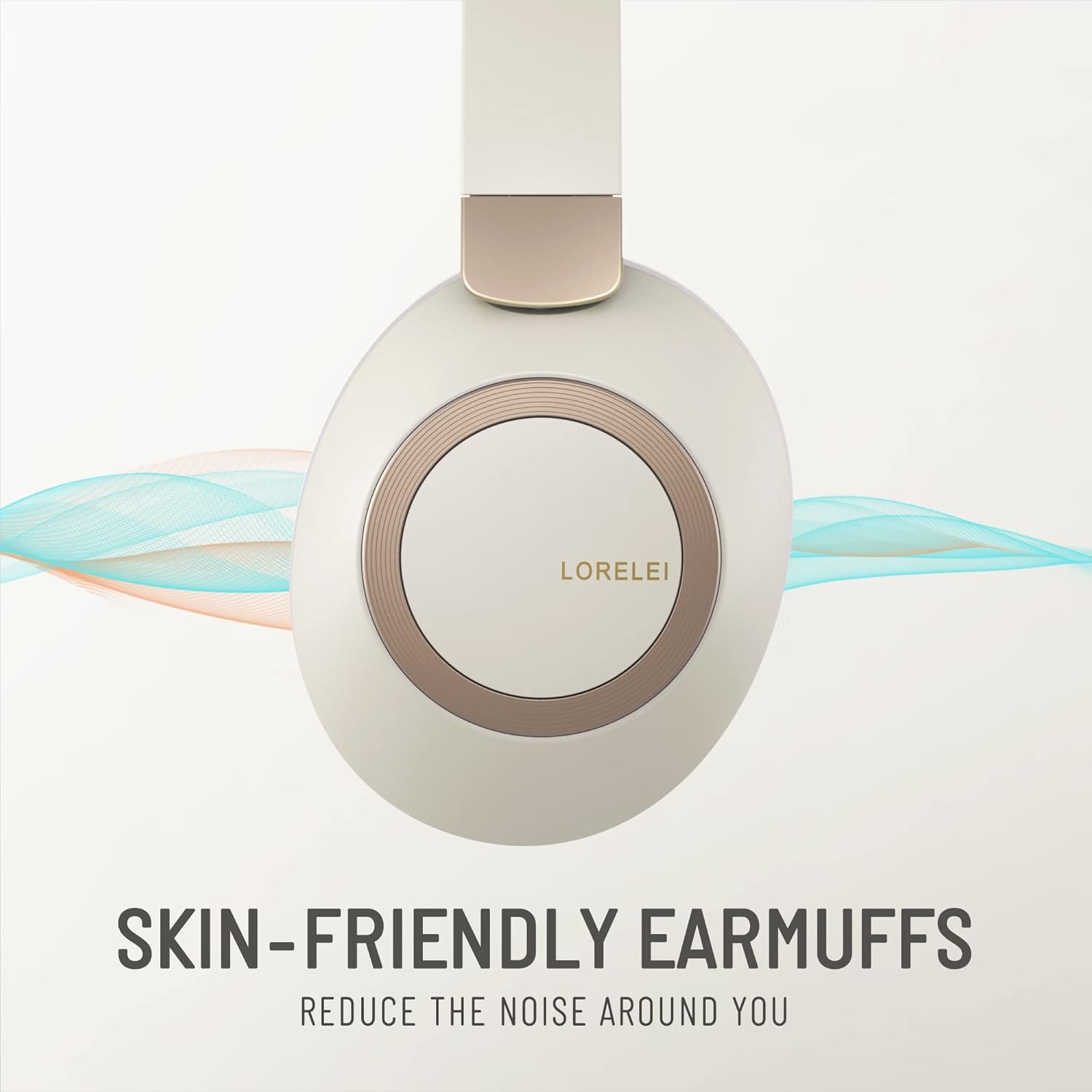
Image: Close-up of the skin-friendly memory foam earmuffs.
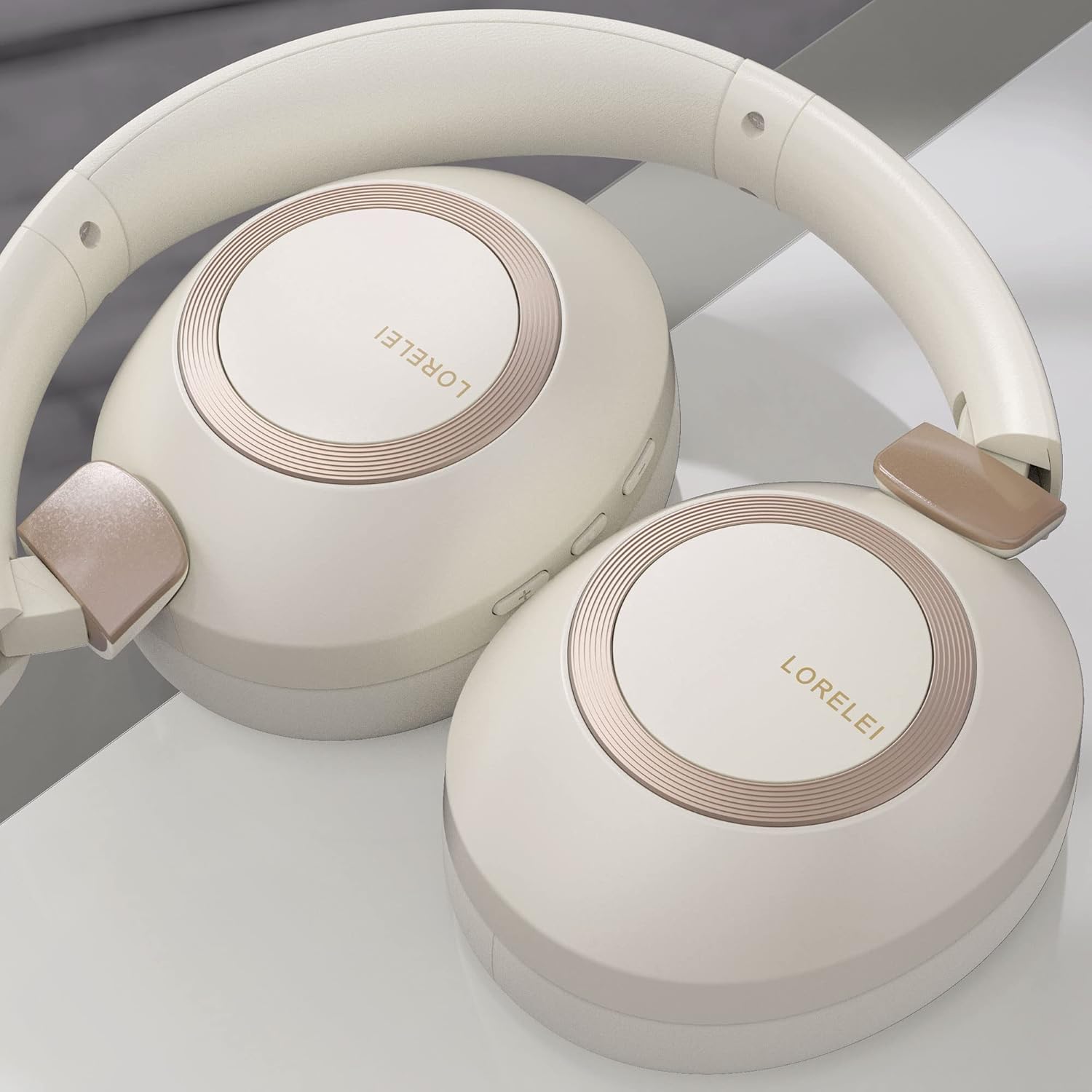
Image: LORELEI B-C6 headphones in their folded, compact state.
6. Arazoak
If you encounter any issues with your LORELEI B-C6 headphones, please refer to the following common solutions:
| Arazoa | Irtenbide posiblea |
|---|---|
| Entzungailuak ez dira pizten. | Ziurtatu entzungailuak guztiz kargatuta daudela. Konektatu itzazu energia-iturri batera C motako kablea erabiliz. |
| Ezin da Bluetooth bidez parekatu. | Make sure Bluetooth is enabled on your device and the headphones are in pairing mode (flashing LED). Try turning both devices off and on again. Ensure no other devices are currently connected to the headphones. |
| Ez dago soinurik Bluetooth moduan. | Egiaztatu entzungailuen eta konektatutako gailuaren bolumen mailak. Ziurtatu entzungailuak behar bezala parekatuta daudela. |
| Ez dago soinurik kable bidezko moduan. | Ensure the 3.5mm audio cable is fully inserted into both the headphone and your device. Check the volume levels on your device. |
| Soinu kalitate txarra. | For Bluetooth, ensure you are within the 10-meter range of your device. Check the audio source quality. |
| Bateriaren iraupena espero zena baino laburragoa da. | Ensure the headphones are fully charged before use. High volume levels can reduce battery life. |
7. Zehaztapenak
| Ezaugarri | Xehetasuna |
|---|---|
| Ereduaren izena | B-C6 |
| Marka | LORELEI |
| Konektibitate Teknologia | Haririk gabekoa (Bluetooth), Kable bidezkoa (3.5 mm-ko jacka) |
| Haririk gabeko Komunikazio Teknologia | Bluetooth 5.3 |
| Bluetooth barrutia | 10 metro |
| Bateriaren iraupena | 50 ordu |
| Audio kontrolatzailearen tamaina | 40 milimetro |
| Audio kontrolatzaile mota | Gidari dinamikoa |
| Zarata Kontrola | Soinu Isolamendua |
| Belarrien Kokatzea | Belarri gainean |
| Forma-faktorea | Belarri gainean |
| Materiala | Plastic (body), Leather (carrying case) |
| Elementuaren pisua | 11.2 ontza |
| Maiztasun barrutia | 20 Hz - 20,000 Hz |
| Inpedantzia | 32 Ohm |
| Kontrol mota | Bolumenaren kontrola, botoia |
| Gailu bateragarriak | Laptops, Tablets, Telephones, Smart Speaker, Television, Cellphones |
| Kolorea | Beige white |
8. Bermea eta Laguntza
LORELEI is committed to providing reliable quality products and the best user experience. If you have any questions, concerns, or require assistance with your LORELEI B-C6 headphones, please do not hesitate to contact our customer service team. We aim to solve your problem within 24 hours.
For support, please visit the official LORELEI store or contact us through the platform where you purchased the product.
Note: Specific warranty details may vary. Please refer to your purchase documentation for complete warranty information.


