1. Sarrera
The BuzzTV B5 is an advanced Android 11 TV Box designed to deliver a superior 4K UHD streaming experience. This device allows you to access a wide range of entertainment, including movies, TV shows, and applications, directly on your television. This manual provides essential information for the proper setup, operation, maintenance, and troubleshooting of your BuzzTV B5.
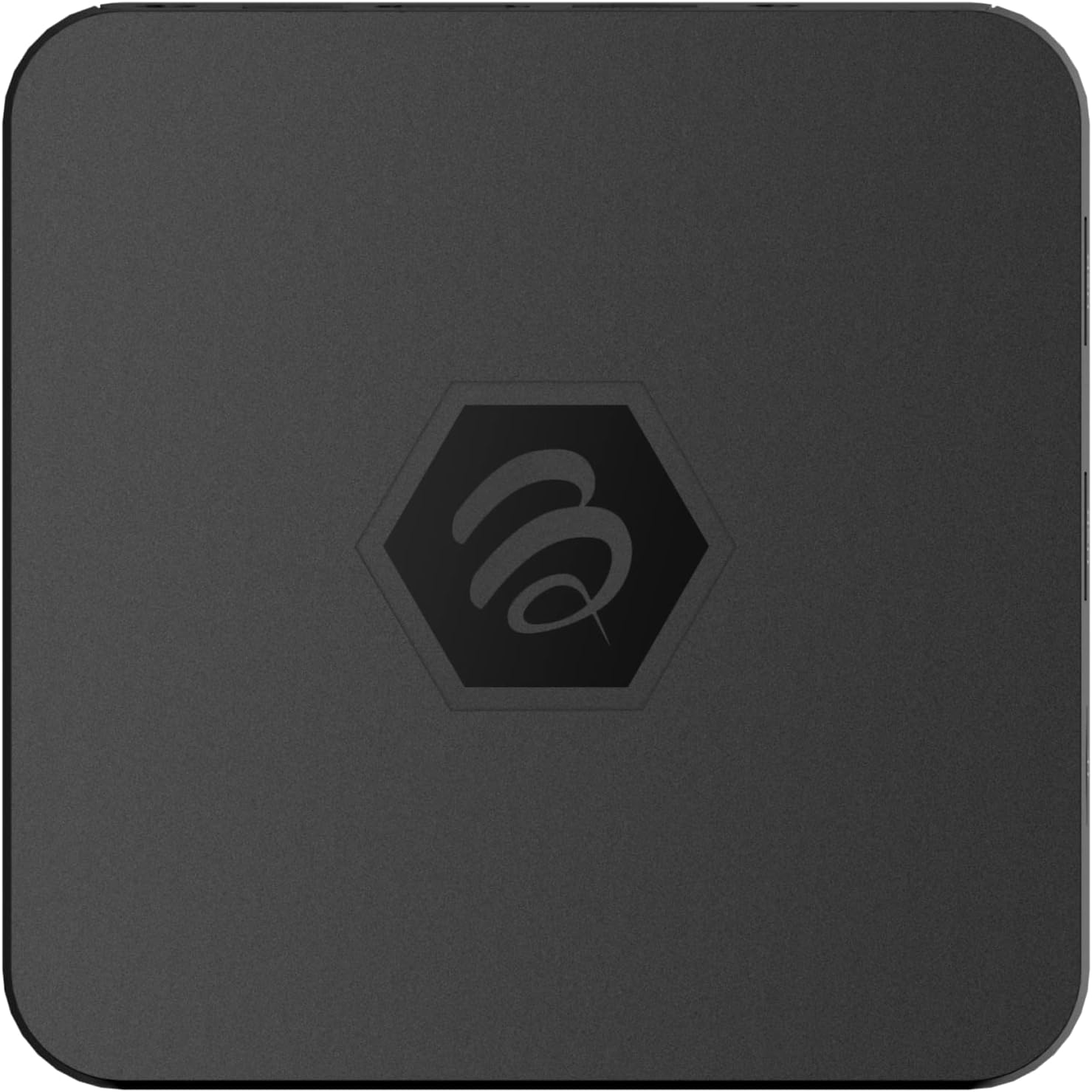
1.1. irudia: Goian view of the BuzzTV B5 Android 11 TV Box.
2. Paketearen edukia
Please verify that all items listed below are included in your BuzzTV B5 package:
- BuzzTV B5 Set Top Box
- IR-100 Remote Control
- Energia hornitzailearen egokitzailea
- 2x AAA bateria (urrutiko aginterako)
- HDMI kablea
- Erabiltzailearen eskuliburua (dokumentu hau)

Image 2.1: Contents included in the BuzzTV B5 retail package.
3. Konfigurazio gida
Follow these steps to set up your BuzzTV B5 TV Box:
- Telebistara konektatu: Connect one end of the provided HDMI cable to the HDMI port on the BuzzTV B5 and the other end to an available HDMI input on your television.
- Konektatu energia: Plug the power supply adapter into the DC 5V port on the BuzzTV B5, then plug the adapter into a wall outlet. The device should power on automatically or can be powered on using the remote control.
- Sartu bateriak urrutiko agintean: Open the battery compartment on the back of the IR-100 Remote Control and insert the two AAA batteries, ensuring correct polarity (+/-).
- Sare-konexioa: Once the device boots up, follow the on-screen instructions to connect to your network. You can choose between Wi-Fi (wireless) or Ethernet (wired) connection. For a wired connection, connect an Ethernet cable from your router to the Ethernet port on the BuzzTV B5.
- Hasierako konfigurazioa: Complete the initial Android setup process, which may include language selection, Google account login, and time zone settings.

Image 3.1: Rear ports of the BuzzTV B5 for connectivity.
4. Funtzionamendu-argibideak
The BuzzTV B5 operates on Android 11, providing a user-friendly interface for navigation and content access.
4.1 Urruneko kontrolaren funtzioak
The IR-100 Remote Control is your primary interface for the BuzzTV B5. Key functions include:
- Pizteko botoia: Gailua pizten edo itzaltzen du.
- Nabigazio-tekla (Gora/Behera/Ezkerra/Eskuina/Ados): Menuetan nabigatzeko eta elementuak hautatzeko erabiltzen da.
- Atzera botoia: Aurreko pantailara edo menura itzultzen da.
- Hasierako botoia: Returns to the main Android home screen.
- Bolumen-botoiak: Audioaren bolumena doitzen du.
- App/Menu Buttons: Accesses specific applications or context menus.

Image 4.1: Layout of the IR-100 Remote Control.
4.2 Aplikazioetara sartzea
From the home screen, you can access pre-installed applications like Netflix and YouTube, or download new applications from the Google Play Store. Use the navigation pad on your remote to select and launch applications.
4.3 4K UHD Streaming
The BuzzTV B5 supports 4K UHD resolution. Ensure your television is 4K compatible and that you are using a high-speed HDMI cable for optimal picture quality. Streaming quality will also depend on your internet connection speed and the content source.
5. Mantentzea
To ensure the longevity and optimal performance of your BuzzTV B5, consider the following maintenance tips:
- Garbiketa: Erabili zapi leun eta lehor bat gailuaren kanpoaldea garbitzeko. Saihestu garbitzaile likidoak edo material urratzaileak.
- Aireztapena: Ziurtatu gailua ondo aireztatutako leku batean dagoela gehiegi berotzea saihesteko. Ez estali aireztapen-irekidurak.
- Software eguneraketak: Periodically check for and install system updates to benefit from new features, performance improvements, and security patches. These can usually be found in the device's settings menu.
- Potentzia-zikloa: If the device becomes unresponsive, disconnect the power adapter, wait 10 seconds, and then reconnect it to perform a power cycle.
6. Arazoak
If you encounter issues with your BuzzTV B5, refer to the following common problems and solutions:
| Arazoa | Kausa posiblea | Irtenbidea |
|---|---|---|
| Botererik ez | Korronte egokitzailea ez dago konektatuta; entxufea ez dabil. | Ziurtatu korronte-egokitzailea ondo konektatuta dagoela gailura eta funtzionatzen duen entxufe batera. Saiatu beste entxufe batekin. |
| Telebistan seinalerik ez | Incorrect HDMI input selected; faulty HDMI cable. | Select the correct HDMI input on your TV. Check HDMI cable connections or try a different HDMI cable. |
| Urruneko kontrola ez du erantzuten | Dead batteries; remote not paired (if applicable); obstruction. | Replace AAA batteries. Ensure no obstructions between remote and device. |
| Sareko konexio arazoak | Incorrect Wi-Fi password; router issues; weak signal. | Verify Wi-Fi password. Restart your router. Move the device closer to the router or use an Ethernet cable. |
| Applications Crashing/Freezing | Insufficient memory; outdated app; software glitch. | Close background apps. Update the app or the device's firmware. Clear app cache/data in settings. |
7. Zehaztapenak
Detailed technical specifications for the BuzzTV B5 Android 11 TV Box:
- Sistema eragilea: Android OS 11
- CPU: Amlogic S905W2 Quad-Core A-35
- GPU: Mali-G31 MP2
- RAM: 2GB DDR
- Biltegiratzea: 16GB eMMC
- Wi-Fi: Dual Band AC
- LAN: 10/100 Mbps Ethernet
- Bluetootha: 4.2
- USB atakak: 2x USB 2.0
- MicroSD zirrikitua: 1
- Potentzia Interfazea: DC 5V
- HDMI irteera: 1
- Audio Irteera Optikoa: 1
- Irteerako ebazpena: 4K (32 FPS)
- Neurriak: 9.06 x 5.63 x 2.32 hazbete
- Elementuaren pisua: 1.01 kilo

Image 7.1: BuzzTV B5 with a summary of its technical specifications.
8. Bermearen informazioa
For detailed warranty information regarding your BuzzTV B5, please refer to the warranty card included in your product packaging or visit the official BuzzTV webgunea. Bermearen baldintzak eta zehaztapenak eskualdearen eta saltzailearen arabera alda daitezke.
9. Laguntza
If you require further assistance or have questions not covered in this manual, please contact BuzzTV customer support or visit their official website for FAQs, software downloads, and additional resources.
BuzzTV Official Webgunea: www.buzztv.com


