Sarrera
This manual provides essential information for setting up, operating, maintaining, and troubleshooting your Vodafone 4G Mobile Broadband Hotspot R228t. Please read this manual carefully before using the device to ensure optimal performance and safety.

Irudia: Aurrealdea view of the Vodafone 4G Mobile Broadband Hotspot R228t, showing the indicator lights for signal, Wi-Fi, messages, and battery.
Konfigurazio Gida
1. Paketearen edukia
Hasi aurretik, ziurtatu elementu guztiak paketean daudela:
- Vodafone 4G Mobile Broadband Hotspot R228t Device
- Bateria kargagarria
- USB kargatzeko kablea
2. SIM txartela eta bateria sartzea
The device requires a standard SIM card (not included). Follow these steps:
- Kontu handiz kendu hotspot-aren atzeko estalkia.
- Locate the SIM card slot. Insert your activated SIM card into the slot with the gold contacts facing down, ensuring it clicks into place.
- Insert the provided battery into its compartment, aligning the contacts.
- Jarri atzeko estalkia modu seguruan.
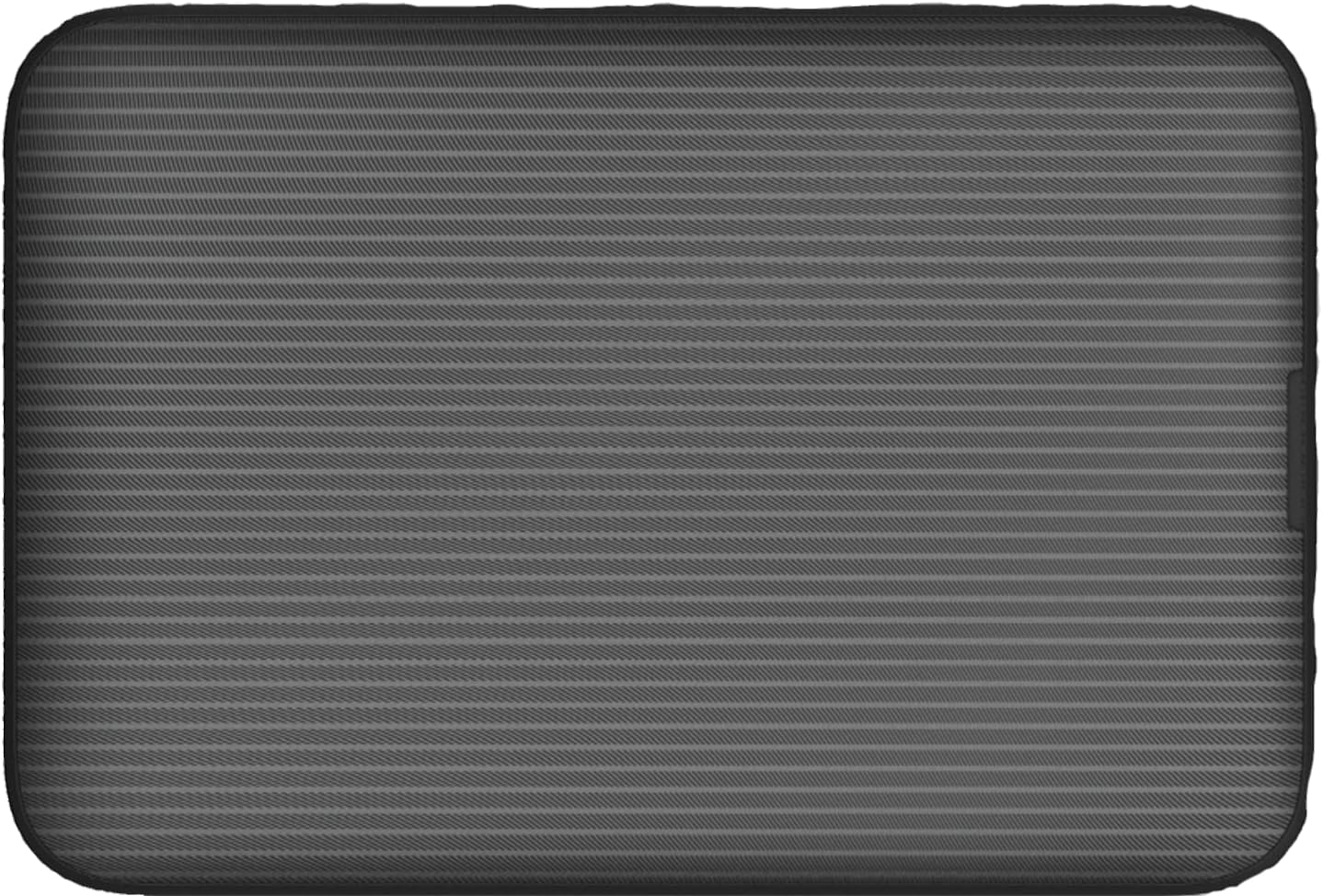
Irudia: Atzealdea view of the Vodafone R228t hotspot with the back cover removed, illustrating the placement of the SIM card and battery.
3. Gailua kargatzea
Lehenengo aldiz erabili aurretik, kargatu gailua guztiz.
- Konektatu USB kargatzeko kablea hotspot-aren kargatzeko atakara.
- Konektatu kablearen beste muturra USB elikatze-egokitzaile batera (ez dago barne) edo ordenagailuaren USB atakara.
- The battery indicator light will show charging status. A full charge typically takes a few hours.

Irudia: Gertuko planoa view of the Vodafone R228t hotspot's charging port, located on the side of the device.
Funtzionamendu-argibideak
1. Piztu/Itzaltzea
- To power on: Press and hold the power button (located on the side) until the indicator lights illuminate.
- Itzaltzeko: Sakatu eta eutsi pizteko botoia adierazle-argiak itzali arte.
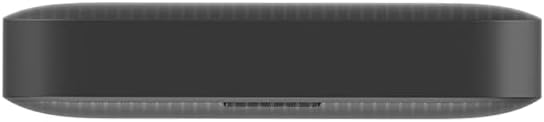
Irudia: Albokoa view of the Vodafone R228t hotspot, highlighting the power button.
2. Connecting to the Wi-Fi Network
Once powered on, the hotspot will broadcast a Wi-Fi network. You can connect up to 32 devices simultaneously.
- On your device (laptop, smartphone, tablet), open your Wi-Fi settings.
- Bilatu available networks. The network name (SSID) and password (Wi-Fi Key) are typically found on a sticker inside the battery compartment or on the device packaging.
- Select the hotspot's SSID and enter the Wi-Fi Key when prompted.
- Once connected, you should have internet access.
3. Argi adierazleak
The front panel features several indicator lights:
- Seinalearen indarra: Indicates the strength of the 4G mobile signal. More bars mean better signal.
- Wi-Fi egoera: Shows if Wi-Fi is active and if devices are connected.
- Mezuak: Indicates new SMS messages received on the SIM card.
- Bateria egoera: Displays the current battery level and charging status.
4. Web Kudeaketa interfazea
For advanced settings, such as changing Wi-Fi name/password, checking data usage, or managing SMS, access the web kudeaketa interfazea:
- Konektatu zure gailua hotspot-aren Wi-Fi sarera.
- Ireki a web arakatzailea eta sartu IP helbide lehenetsia (adibidez, http://192.168.0.1 or http://vodafonemobile.wifi). Refer to your device's sticker for the exact address.
- Enter the default login password (usually "admin" or found on the device sticker).
Mantentzea
- Garbiketa: Erabili zapi leun eta lehor bat gailua garbitzeko. Saihestu garbitzaile likidoak edo material urratzaileak.
- Biltegiratzea: Gorde gailua leku fresko eta lehor batean, eguzki-argitik eta muturreko tenperaturetatik babestuta.
- Bateria zaintzea: To prolong battery life, avoid fully discharging the battery frequently. If storing for extended periods, charge the battery to about 50% and recharge every few months.
- Software eguneraketak: Aldian-aldian egiaztatu web errendimendu eta segurtasun optimoak bermatzeko eskuragarri dauden firmware eguneratzeen kudeaketa interfazea.
Arazoak konpontzea
| Arazoa | Irtenbide posiblea |
|---|---|
| Ez dago Interneteko konexiorik |
|
| Ezin da wifira konektatu |
|
| Interneteko abiadura motela |
|
| Gailua ez da pizten |
|
Zehaztapenak
| Ezaugarri | Xehetasuna |
|---|---|
| Ereduaren izena | R228t (Vodafone MW40) |
| Konektibitate Teknologia | 4G LTE, Wi-Fi |
| Deskarga-abiadura maximoa | Gehienez 300 Mbps |
| Wi-Fi estandarra | 802.11a (Single-Band) |
| Segurtasuna | WPA + WPA2 |
| Wi-Fi erabiltzaile maximoak | 32 arte |
| Bateria mota | Litio ioia (1 barne) |
| Egonean Denbora | Gehienez 300 ordu |
| Neurriak (L x W x H) | 9.5 x 6.5 x 1.5 cm |
| Pisua | 87 g |
| Dakarten osagaiak | Device, Battery, USB charging cable |
Bermea eta Laguntza
For warranty information and technical support, please refer to the official Vodafone website or contact Vodafone customer service. Keep your purchase receipt as proof of purchase.
Official Vodafone Store: Vodafone Amazon Store

Image: The official Vodafone logo, a red circle with a white teardrop shape and the word "vodafone" in lowercase below it.


