Sarrera
This manual provides comprehensive instructions for the installation, operation, maintenance, and troubleshooting of your Sharp 40-inch Full HD Smart LED Roku TV. Please read this manual thoroughly before using your television to ensure proper setup and functionality. Keep this manual for future reference.

Irudia: Aurrealdea view of the Sharp 40-inch Full HD Smart LED Roku TV.
Konfigurazioa
1. Kutxa irekitzea eta paketearen edukia
Kontu handiz atera osagai guztiak paketetik. Egiaztatu behean zerrendatutako elementu guztiak daudela:
- Sharp 40-inch Full HD Smart LED Roku TV
- Urrutiko agintea (2 AAA bateria behar ditu, ez daude barne)
- Table Stand with Screws
- Erabiltzailearen eskuliburua (dokumentu hau)
- Bermearen informazioa
2. Telebistaren euskarria jartzea
If you are placing the TV on a table or entertainment unit, you will need to attach the included stand. Place the TV screen-down on a soft, clean surface to prevent scratches. Align the stand legs with the mounting holes on the bottom of the TV and secure them using the provided screws.

Image: The Sharp Roku TV displayed on its table stand in a room.
3. Kanpoko gailuak konektatzea
Your Sharp Roku TV offers various ports for connecting external devices such as cable boxes, gaming consoles, and USB drives.
- HDMI atakak: Connect high-definition devices using HDMI cables. This TV features 3 HDMI inputs.
- USB ataka: Connect USB storage devices for media playback. This TV features 1 USB input.
- Composite Video Input: For older devices, use the composite video (AV) input.
- Audio Irteera Optikoa: Kanpoko soinu-sistemetara konektatzeko.

Image: Rear panel of the TV illustrating the power connector and various input/output ports (HDMI, USB, Optical, AV).
4. Energia-konexioa
Connect the power cord to the TV's power input and then plug it into a standard electrical outlet (120V AC, 60Hz).
5. Hasierako konfigurazioa eta sareko konexioa
Upon first power-on, the TV will guide you through the initial setup process. This includes selecting your language, connecting to your Wi-Fi network, and activating your Roku account. A stable Wi-Fi connection is required to access smart TV features and streaming content.
Funtzionamendu-argibideak
1. Urruneko kontrol funtzioak
The included remote control uses infrared technology. Ensure there is a clear line of sight between the remote and the TV's IR receiver. Insert two AAA batteries into the remote control, observing polarity.
2. Roku OS Interface
Your TV operates on the Roku OS, providing a user-friendly interface for accessing streaming channels, live TV, and connected devices. The home screen displays your installed channels and input selections.

Image: The Roku TV home screen interface and a smartphone displaying the Roku mobile app remote control with voice search functionality.
3. Ahots kontrola
The Sharp Roku TV supports voice control through compatible devices like Amazon Alexa or Google Assistant. You can use voice commands to search for movies, change channels, switch inputs, and more.
4. Streaming and Apps
Access a wide variety of streaming services and applications through the Roku Channel Store. Many popular apps are pre-installed, and you can download additional ones to customize your viewesperientzia.
5. Dolby Audio
This television features Dolby Audio technology, which enhances sound quality for a more immersive listening experience. Ensure your audio settings are configured to utilize this feature for optimal performance.
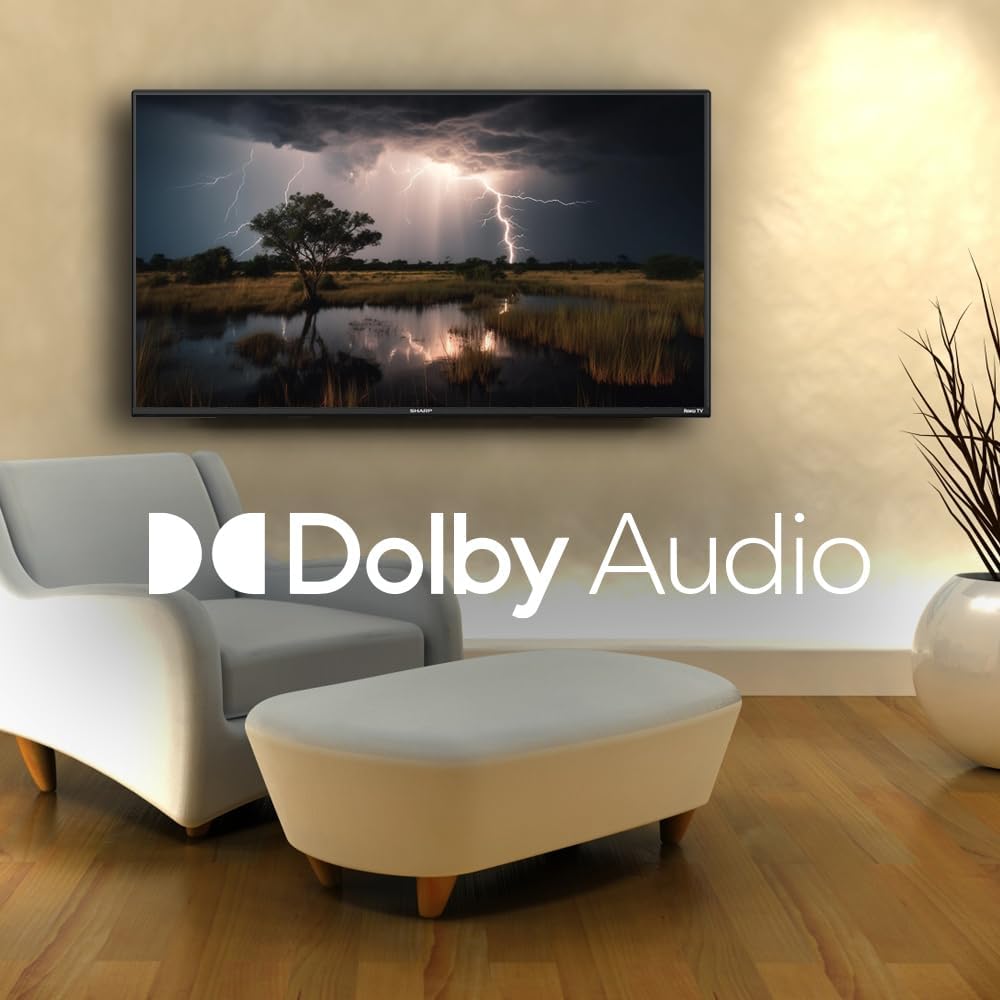
Image: A television screen displaying a dramatic scene with the Dolby Audio logo prominently featured.
Mantentzea
1. Cleaning the TV Screen
Pantaila garbitzeko, astiro-astiro zapi leun eta pelusik gabeko batekin garbitu. Orban egoskorrak izanez gero, astiro-astiro garbitu.ampen the cloth with water or a screen-specific cleaning solution. Avoid using harsh chemicals, abrasives, or direct spraying onto the screen.
2. Cleaning the TV Casing
Garbitu telebista casinOihal leun eta lehor batekin garbitu. Ez erabili garbitzaile likidorik zuzenean gailuan.asing.
3. Aireztapena
Ensure that the ventilation openings on the back of the TV are not blocked. Proper airflow is essential to prevent overheating.
Arazoak konpontzea
Telebistarekin arazoak badituzu, jo ezazu honako arazo eta irtenbide ohikoenei:
| Arazoa | Irtenbide posiblea |
|---|---|
| Botererik ez | Check if the power cord is securely connected to both the TV and the electrical outlet. Ensure the outlet is functional. |
| Irudirik ez, baina soinua badago | Egiaztatu sarrera-iturri zuzena hautatu dela. Egiaztatu kanpoko gailuaren konexioak. |
| Soinurik ez, baina irudia badago | Check the volume level and mute status. Ensure external audio systems are properly connected and powered on. |
| Urruneko kontrola ez dabil | Replace the batteries in the remote control. Ensure no obstructions are between the remote and the TV. |
| Ezin da Wi-Fira konektatu | Verify your Wi-Fi password. Restart your router and the TV. Ensure the TV is within range of your Wi-Fi network. |
| Ezaugarri adimendunak ez dute erantzuten | Check your internet connection. Restart the TV by unplugging it for 30 seconds and plugging it back in. |
Zehaztapenak
| Ezaugarri | Xehetasuna |
|---|---|
| Modelo zenbakia | 2TC40EF4UR |
| Pantailaren tamaina | 40 hazbete (102 cm-ko diagonal ikusgaia) |
| Bistaratzeko Teknologia | LED |
| Ebazpena | Full HD (1920 x 1080) |
| Freskatze tasa | 60 Hz |
| Sistema eragilea | Roku OS |
| RAM | 512 MB |
| Audio Irteerako Potentzia | 16 Watts (2.0 Dolby) |
| HDMI atakak | 3 |
| USB atakak | 1 |
| Konektibitatea | HDMI, USB, Wi-Fi, Composite Video |
| Ahots kontrolaren bateragarritasuna | Amazon Alexa, Google Laguntzailea |
| Energia-kontsumoa (piztuta moduan) | 65 Watt |
| liburukiatage | 120 voltio (AC) |
| Neurriak (euskarriarekin) | 99 cm (W) x 12 cm (L) x 57 cm (H) |
| Pisua | 5.7 kg |
| Urruneko Kontrol Teknologia | Infragorriak |
| Bluetooth euskarria | Ez |

Image: The Sharp Roku TV with its width, depth, and height dimensions indicated.
Bermea eta Laguntza
Bermearen informazioa
Your Sharp 40-inch Full HD Smart LED Roku TV comes with a manufacturer's warranty. Please refer to the warranty document included in your product packaging for detailed terms, conditions, and registration information. Keep your proof of purchase for warranty claims.
Bezeroarentzako Arreta
For technical assistance, troubleshooting beyond this manual, or warranty service, please contact Sharp customer support. Contact information can typically be found on the Sharp official webgunean edo bermearen dokumentazioan.


