
1. Sarrera
This manual provides instructions for the installation, operation, and maintenance of your TEEHO Fingerprint Door Lock. Please read this manual thoroughly before installation and use to ensure proper function and safety.
The TEEHO Fingerprint Door Lock offers multiple access methods including fingerprint recognition, keypad codes, and traditional keys. It is designed for residential door security and keyless access control.
2. Paketearen edukia
- Fingerprint Keypad Door Lock (Exterior and Interior Assemblies)
- 2 Passage Door Knobs / Levers
- Deadbolt Latch
- Greba Plaka
- Muntatzeko Hardwarea
- Keys (for emergency override)
- Instalazio txantiloia
3. Konfigurazioa eta instalazioa
Before installation, ensure your door meets the required dimensions for compatibility.

Image: Diagram illustrating door compatibility and dimensions for installation, including backset (2-3/8" or 2-3/4"), door thickness (1-3/8" to 2"), and bore hole diameter (2-1/8").
3.1 Ateak prestatzea
- Verify door thickness and backset measurement.
- Use the provided template to mark and drill holes if necessary. The lock is suitable for 2-1/8" (54mm) door holes.
3.2 Deadbolt Latch-a instalatzea
- Insert the deadbolt latch into the door edge. Ensure the 'UP' arrow is pointing upwards.
- Lotu torlojuekin.
3.3 Installing the Exterior Assembly
- Feed the cable through the door hole, below the deadbolt latch.
- Align the exterior assembly with the deadbolt and door holes.
3.4 Installing the Interior Assembly
- Konektatu kablea kanpo-multzotik barne-multzora.
- Mount the interior assembly, ensuring proper alignment.
- Muntatzeko torlojuekin finkatu.
3.5 Bateriaren instalazioa
- Kendu bateriaren estalkia barneko muntaketan.
- Insert 4 AA alkaline batteries (not included), observing polarity.
- Jarri bateriaren estalkia.
3.6 Installing Passage Door Levers
- Install the passage door levers according to their specific instructions.
4. Funtzionamendu-argibideak
4.1 Hatz-marka desblokeatzea
The lock features 3D biometric fingerprint recognition. It can recognize your fingerprint in approximately 0.3 seconds and unlock the door in 1 second.
- Jarri erregistratutako hatza hatz-marken sentsorean.
- The lock will unlock upon successful recognition.

Image: A person using their finger on the fingerprint sensor of the TEEHO door lock for quick unlocking.
4.2 Keyless Entry (Keypad)
The lock supports up to 20 access codes, each 4-10 digits long.
- Enter your registered access code on the keypad.
- Press the '#' key (or equivalent confirmation key).
- Blokeoa desblokeatuko da.
Anti-Peeping Password
To prevent others from guessing your code, you can enter random digits before or after your actual access code.

Image: Illustration of the anti-peep function, showing random digits entered before and after the actual password on the backlit keypad.
4.3 One-Time PIN Code
Generate a temporary PIN code for guests, cleaners, or delivery staff. This code will be automatically deleted after a single use.

Image: A person receiving a one-time PIN code on their phone for temporary access to the door.
4.4 Blokeo automatikoaren funtzioa
The lock can be configured to automatically lock after a set period. This period can be adjusted between 10 and 99 seconds.
4.5 One-Touch Locking
To manually lock the door instantly, press and hold any key on the keypad for 2 seconds.
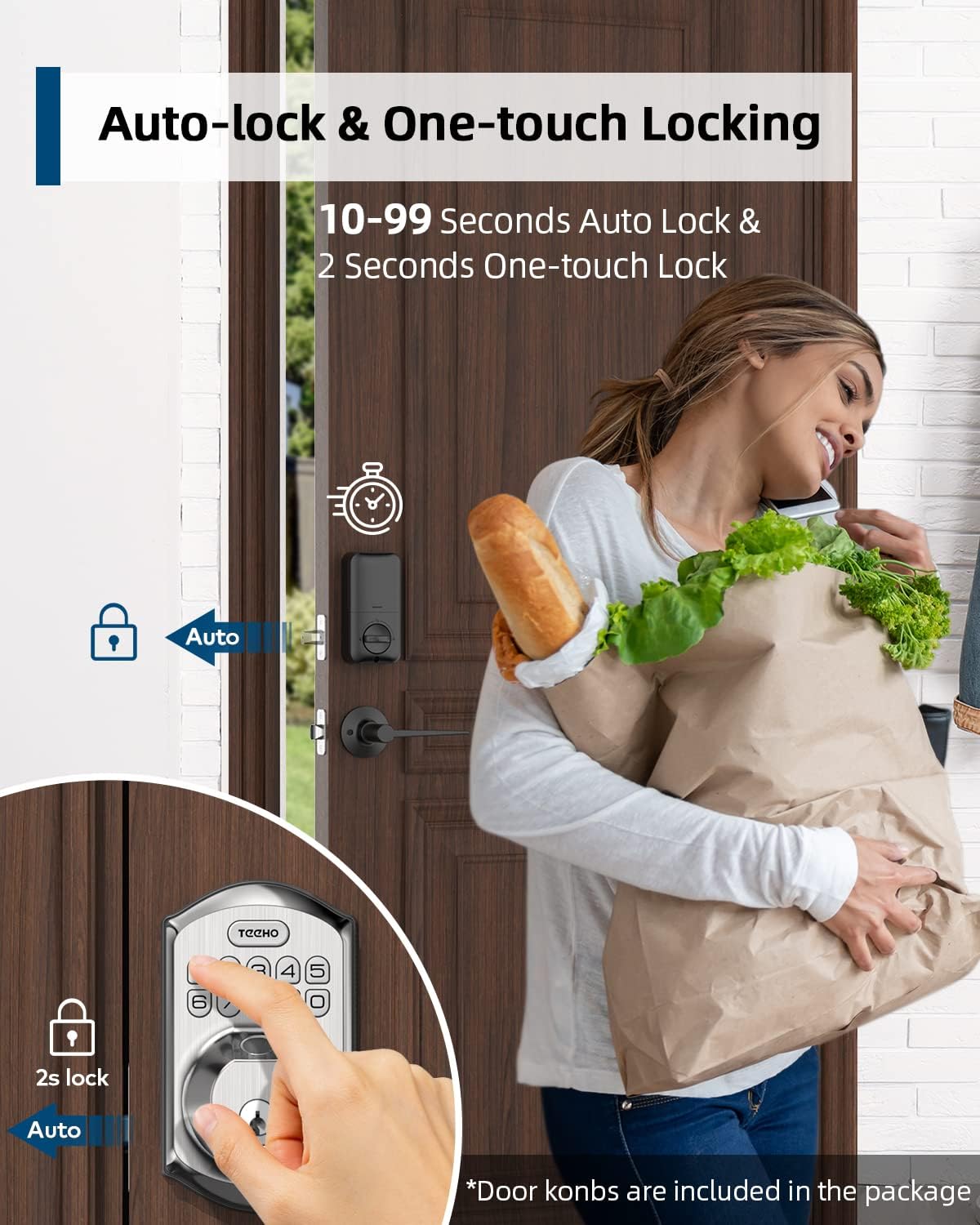
Image: Illustration showing the auto-lock function (10-99 seconds) and one-touch lock function (2 seconds hold) on the TEEHO door lock.
4.6 Ezaugarri gehigarriak
- Mututu modua: Teklatuaren soinuak desgaitzen ditu funtzionamendu isila lortzeko.
- Oporretarako modua: Enhances security when you are away for extended periods.
- Atzeko argiztatutako teklatua: Ikusgarritasuna hobetzen du argi gutxiko baldintzetan.
5. Mantentzea
5.1 Bateria ordezkatzea
The lock is powered by 4 AA batteries, providing up to 1 year of battery life. The lock features a low battery indicator.

Irudia: Gainetikview of lock features including 20 fingerprints, 20 user codes, auto-lock, IP54 waterproof rating, one-time PIN code, one-touch locking, low battery indicator, and up to 1 year battery life.
- When the low battery indicator appears, replace all 4 AA batteries promptly.
- Use new alkaline batteries for optimal performance.
5.2 Garbiketa
Garbitu giltzarrapoaren kanpoaldea oihal leun batekinamp oihal. Saihestu akabera edo osagai elektronikoak kaltetu ditzaketen garbitzaile edo disolbatzaile urratzaileak.
5.3 Eguraldiarekiko erresistentzia
The lock has an IP54 weather resistance rating, providing protection against dust and splashing water. While durable, avoid direct exposure to heavy rain or prolonged submersion.
6. Arazoak
- Blokeoak ez du erantzuten: Check battery level. Replace batteries if low. Ensure cables are securely connected.
- Hatz-marka ez da ezagutzen: Ensure your finger is clean and dry. Try placing your finger at different angles. Re-register your fingerprint if issues persist.
- Keypad not working: Verify battery power. Ensure you are entering the correct code. Check for any physical damage to the keypad.
- Blokeo automatikoa ez da aktibatzen: Check the auto-lock settings to ensure it is enabled and the delay time is set correctly.
- Giltzarrapoa askatuta dago: Tighten mounting screws on both interior and exterior assemblies.
7. Zehaztapenak
| Ezaugarri | Xehetasuna |
|---|---|
| Marka | TEEHO |
| Eredua | B0C69VNJ27 |
| Ezaugarri Berezia | Hatz-marka |
| Blokeo mota | Teklatua |
| Materiala | Nikela |
| Gomendatutako Erabilerak | Residential door security and keyless access control |
| Estiloa | Modernoa |
| Kolorea | Satin nikela |
| Pieza kopurua | 1 (set includes lock and 2 passage door knobs) |
| Dakarten osagaiak | Fingerprint keypad door lock, 2 passage door knobs, door levers |
| Kontrolagailu mota | Eskuzko kontrola, botoia mekanikoa |
| Kontrol-metodoa | Ukitu |
| Energia iturria | 4 AA pilak (alkalinoak gomendatzen dira) |
| Bateriaren iraupena | Urte 1 arte |
| Eguraldi Erresistentzia | IP54 |
| ANSI Rating | 3. maila |
8. Bermea eta Laguntza
8.1 Bermearen informazioa
Specific warranty details are not provided within this manual. Please refer to the product packaging, the manufacturer's official website, or your purchase documentation for comprehensive warranty information.
8.2 Bezeroarentzako laguntza
For technical assistance, troubleshooting beyond this manual, or inquiries regarding your TEEHO Fingerprint Door Lock, please contact TEEHO customer support through their official webproduktua erosi zen gunea edo dendaria.


