1. Sarrera
The TCL S642W is a 2.1 channel soundbar system designed to significantly enhance your home audio experience. This system includes a main soundbar unit and a wireless subwoofer, delivering powerful sound with deep, resonant bass. With advanced connectivity options like Bluetooth 5.3 and HDMI ARC, and support for Dolby Audio, the S642W provides an immersive and high-quality audio environment for movies, music, and games.
2. Paketearen edukia
Mesedez, egiaztatu paketea elementu hauek dituen:
- TCL S642W Soundbar Unit
- Haririk gabeko subwoofer
- Urruneko agintea pilekin
- Power Cable for Soundbar
- Power Cable for Subwoofer
- HDMI kablea
- Horman muntatzeko kit
- Erabiltzailearen eskuliburua (dokumentu hau)
3. Konfigurazioa
3.1 Jartzea
Proper placement of the soundbar and subwoofer is crucial for optimal sound performance and an immersive audio experience.
- Soinu barra: Position the soundbar centrally below your television. Ensure there are no obstructions in front of the soundbar that could block the sound.
- Haririk gabeko subwoofer: The wireless subwoofer can be placed anywhere in the room, ideally near the soundbar, for enhanced bass. Avoid placing it in enclosed spaces that might muffle the sound.

Figure 1: Recommended placement of the soundbar and subwoofer in a living room environment.

Figure 2: Dimensions of the TCL S642W Soundbar (560mm x 62mm x 96.7mm) and Wireless Subwoofer (195mm x 320.4mm x 195mm).
3.2 Konexioak
Jarraitu urrats hauek zure soinu-barra sistema konektatzeko:
- Potentzia-konexioa: Connect the power cables to the soundbar and the wireless subwoofer, then plug them into a wall outlet. The subwoofer will automatically pair with the soundbar when both are powered on.
- HDMI ARC konexioa (gomendatua): For the best audio quality and control, connect one end of the provided HDMI cable to the HDMI ARC port on your soundbar and the other end to the HDMI ARC/eARC port on your television. This allows your TV remote to control the soundbar's volume.
- Bluetooth konexioa: To stream audio wirelessly from your smart device, ensure the soundbar is powered on. Press the Bluetooth button on the remote control or the soundbar unit. The Bluetooth indicator light will flash. On your smart device, search for Bluetooth devices and select 'TCL S642W' to pair.
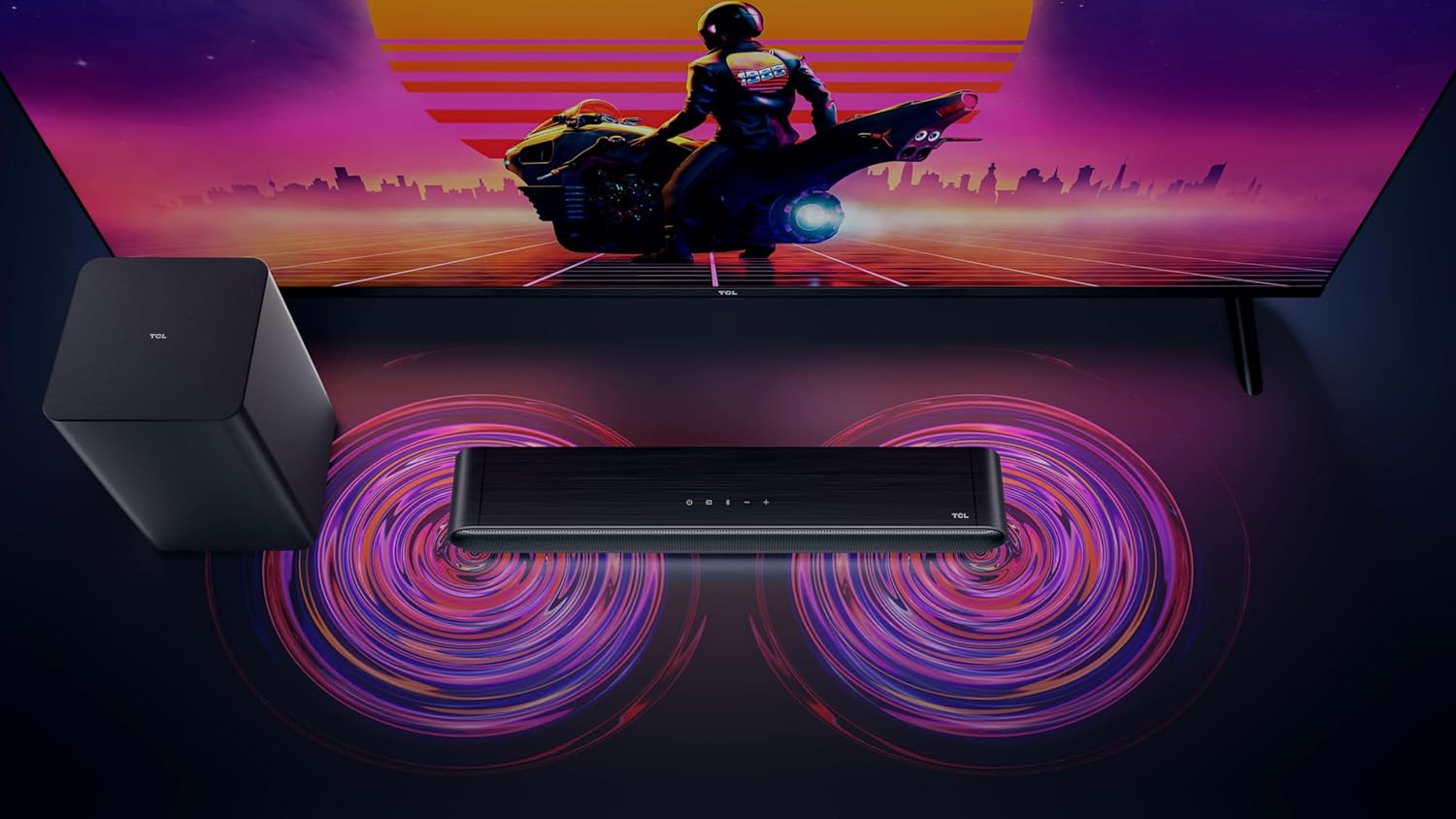
Figure 3: Connectivity options for the TCL S642W Soundbar, including Bluetooth 5.3 and HDMI.
4. Funtzionamendu-argibideak
4.1 Piztu/Itzali
Sakatu Boterea button on the remote control or the soundbar unit to turn the system on or off.
4.2 Sarrera hautatzea
Sakatu Iturria or Sarrera button on the remote control to cycle through available input sources: HDMI ARC, Bluetooth.
4.3 Bolumen kontrola
Erabili Bolumena igo (+) eta Bolumena jaitsi (-) buttons on the remote control or the soundbar unit to adjust the volume. If connected via HDMI ARC, your TV remote may also control the soundbar volume.
4.4 Bluetooth parekatzea
Bluetooth gailu berri bat parekatzeko:
- Ensure the soundbar is in Bluetooth mode (press the Bluetooth button).
- On your smart device, enable Bluetooth and search for available devices.
- Select 'TCL S642W' from the list to connect. The Bluetooth indicator on the soundbar will stop flashing and remain solid once connected.
Figure 4: The included remote control for convenient operation of the soundbar.
5. Mantentzea
To ensure the longevity and optimal performance of your TCL S642W Soundbar system, follow these maintenance guidelines:
- Garbiketa: Use a soft, dry, lint-free cloth to clean the surfaces of the soundbar and subwoofer. Do not use liquid cleaners, sprays, or abrasive materials, as these can damage the finish or internal components.
- Aireztapena: Ensure that the soundbar and subwoofer have adequate ventilation. Do not block any ventilation openings. Avoid placing the units in enclosed cabinets without proper airflow.
- Ingurumena: Keep the system away from direct sunlight, heat sources, excessive dust, moisture, and strong magnetic fields.
- Potentzia: Unplug the power cables from the wall outlet if the system will not be used for an extended period.
6. Arazoak
If you encounter issues with your soundbar, refer to the following troubleshooting guide:
| Arazoa | Kausa posiblea | Irtenbidea |
|---|---|---|
| Ez dago soinu barratik |
|
|
| Subwoofer-ak ez du baxua sortzen |
|
|
| Bluetooth konexio arazoak |
|
|
7. Zehaztapenak
Key technical specifications for the TCL S642W Soundbar system:
- Marka: TCL
- Ereduaren izena: S642W (2.1 Channel Soundbar with Wireless Subwoofer and HDMI ARC with Bluetooth 5.3 – Wall Mountable)
- Hizlari mota: Soinu barra
- Bozgorailuen irteerako potentzia maximoa: 200 Watt
- Maiztasun-erantzuna: 10 KHz
- Konektibitate Teknologia: HDMI, Bluetooth 5.3
- Audio irteera modua: Dolby Audio, DTS Virtual X
- Muntatze mota: Horman muntagarria
- Materiala: Plastikoa
- Ezaugarri bereziak: Bluetooth, USB Port, Portable
8. Segurtasun informazioa
Please read and follow these safety precautions to prevent damage and ensure safe operation:
- Ez jarri unitatea euri, hezetasun, tanta edo zipriztinen eraginpean.
- Ez jarri likidoz betetako objekturik, adibidez, loreontziak, aparatuan.
- Ez blokeatu aireztapen-irekidurak. Instalatu fabrikatzailearen argibideen arabera.
- Ez instalatu bero-iturri inongo ondoan, esate baterako, erradiadoreak, bero-erregistroak, sukaldeak edo beste aparatu batzuk (barne ampberoa sortzen duten argitzaileak).
- Babestu korronte-kablea oinez ibiltzetik edo atxilotzetik, batez ere entxufeetan, erosotasun-harguneetan eta aparatutik irteten diren puntuetan.
- Erabili soilik fabrikatzaileak zehaztutako eranskinak/osagarriak.
- Deskonektatu aparatu hau tximista-ekaitzetan edo denbora luzez erabiltzen ez duzunean.
9. Bermea eta Laguntza
For detailed warranty information, terms, and conditions, please refer to the warranty card included with your product package. For technical support, product registration, or to find answers to frequently asked questions, please visit the official TCL support website or contact your local TCL customer service representative.
You can often find additional resources and contact information on the official TCL webgunea: www.tcl.com


