Sarrera
This manual provides comprehensive instructions for the safe and efficient use of your GP RECYKO Pro P461 USB Charger and D461 Charging Dock. Please read this manual thoroughly before operation and retain it for future reference.

Figure 1: GP RECYKO Pro P461 USB Charger inserted into the D461 Docking Station.
Segurtasun informazio garrantzitsua
Funtzionamendu segurua bermatzeko eta kalteak saihesteko, jarraitu neurri hauek:
- Use only with NiMH rechargeable batteries. Do not attempt to charge disposable batteries.
- Ensure correct battery polarity when inserting batteries into the charger.
- Ez desmuntatu, ez aldatu kargagailua edo bateriak, eta ez egin zirkuitulaburrik.
- Saihestu kargagailua uraren, hezetasunaren edo muturreko tenperaturen eraginpean jartzea.
- Mantendu haurren eskura.
- Unplug the charger from the power source when not in use or during cleaning.
- The charger features automatic power shutdown, dV full charge detection, and temperature shutdown to prevent overcharge, overvoltage, eta zirkuitulaburrak.
- If defective or disposable batteries are inserted, a red LED will flash quickly. Remove immediately.
Paketearen edukia
Egiaztatu elementu guztiak zure paketean daudela:
- 1 x GP P461 USB Charger
- 4 x GP ReCyko PRO AA Batteries (2000 mAh)
- 1 x GP D461 Docking Station
- 1 x USB kargatzeko kablea

Figure 2: Included components: P461 charger, D461 docking station, 4 AA batteries, and USB cable.
Produktua amaituview
GP RECYKO Pro P461 USB Charger
The P461 is a 4-slot USB charger designed for NiMH AA and AAA batteries. It features individual charging channels, smart safety functions, and LED indicators for charging status.
GP RECYKO Pro D461 Docking Station
The D461 docking station enhances the P461 charger by providing a vertical charging concept, an LCD display for detailed battery information, and advanced battery analysis functions such as capacity checking and recovery. It is compatible with GP RECYKO chargers B421, M451, and P461.

3. Irudia: Atzealdea view of the P461 charger, showing input (DC 5V=2A) and output specifications for AA and AAA batteries.
Konfigurazioa
- Connect the Docking Station (Optional): If using the D461 docking station, connect the provided USB charging cable to the USB input port on the D461 and then to a compatible USB power adapter (DC 5V/2A recommended, not included).
- Insert the P461 Charger: Place the P461 USB Charger into the D461 Docking Station. The vertical design ensures a secure fit.
- Connect the P461 Charger Directly (Alternative): If not using the docking station, connect the USB charging cable directly to the P461 charger's USB input port and then to a compatible USB power adapter.
- Piztu: Once connected, the charger/dock will power on. The green LED on the P461 charger will flash for 0.5 seconds and then turn off, indicating it's ready.
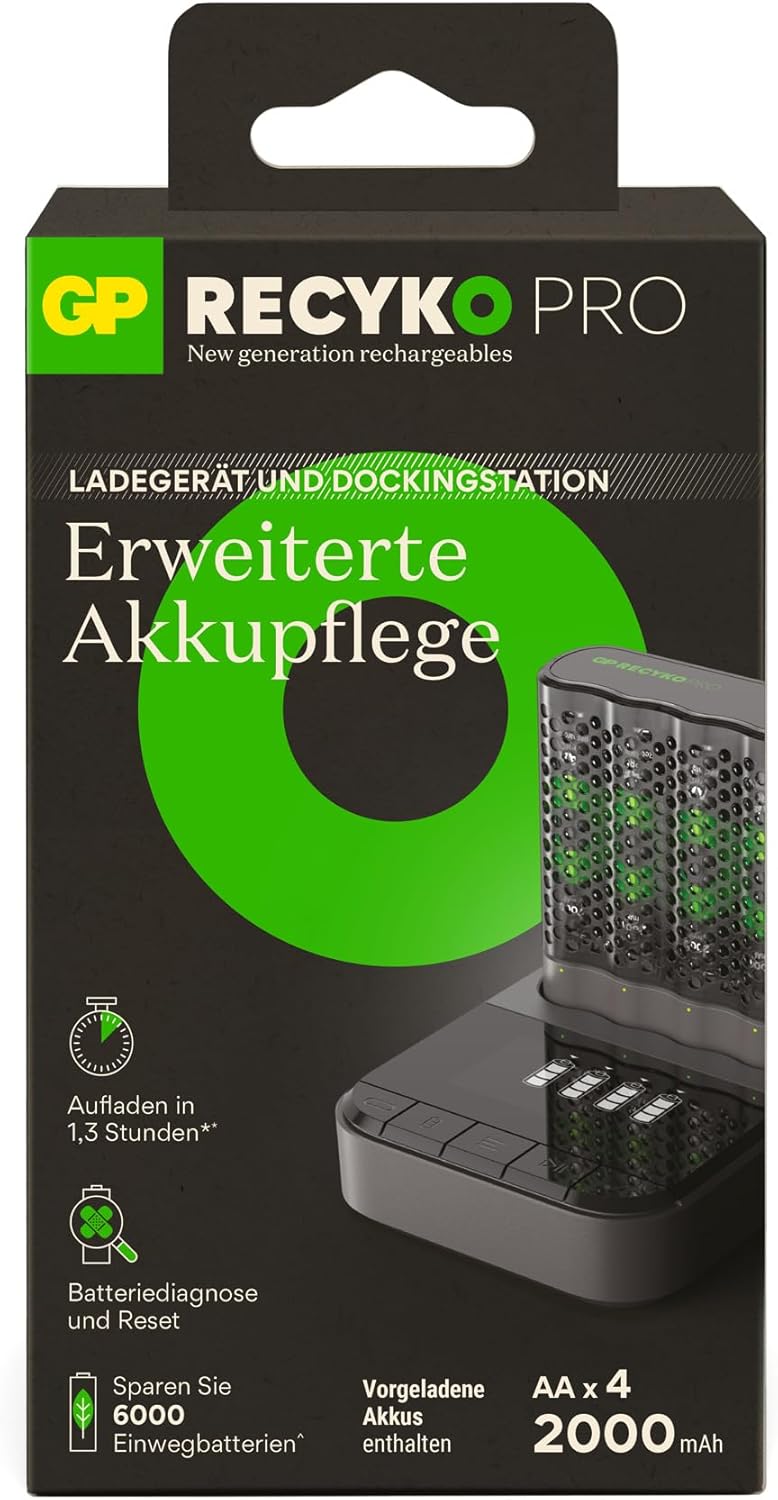
Figure 4: The vertical charging concept of the P461 charger within the D461 docking station, designed for space-saving.
Operating the P461 USB Charger
Pilak sartzea
Insert 1 to 4 AA or AAA NiMH rechargeable batteries into the charging slots, ensuring correct polarity (+/-). The charger can accommodate both AA and AAA battery sizes simultaneously.
LED adierazleak
- Piztu: Green LED flashes 0.5s and turns off.
- Kargatzen: LED berdea keinu egiten du poliki-poliki.
- Guztiz kargatuta: Green LED lights solid.
- Defective/Disposable Batteries: Red LED flashes quickly. Remove the battery immediately.
Charging Times (Approximate)
(Input DC 5.0V 2A min, for 2 batteries)
- 2000 mAh AA battery: Approximately 80 minutes
- 800 mAh AAA battery: Approximately 80 minutes
For 4 x 2000mAh AA batteries, charging takes approximately 2.6 hours.
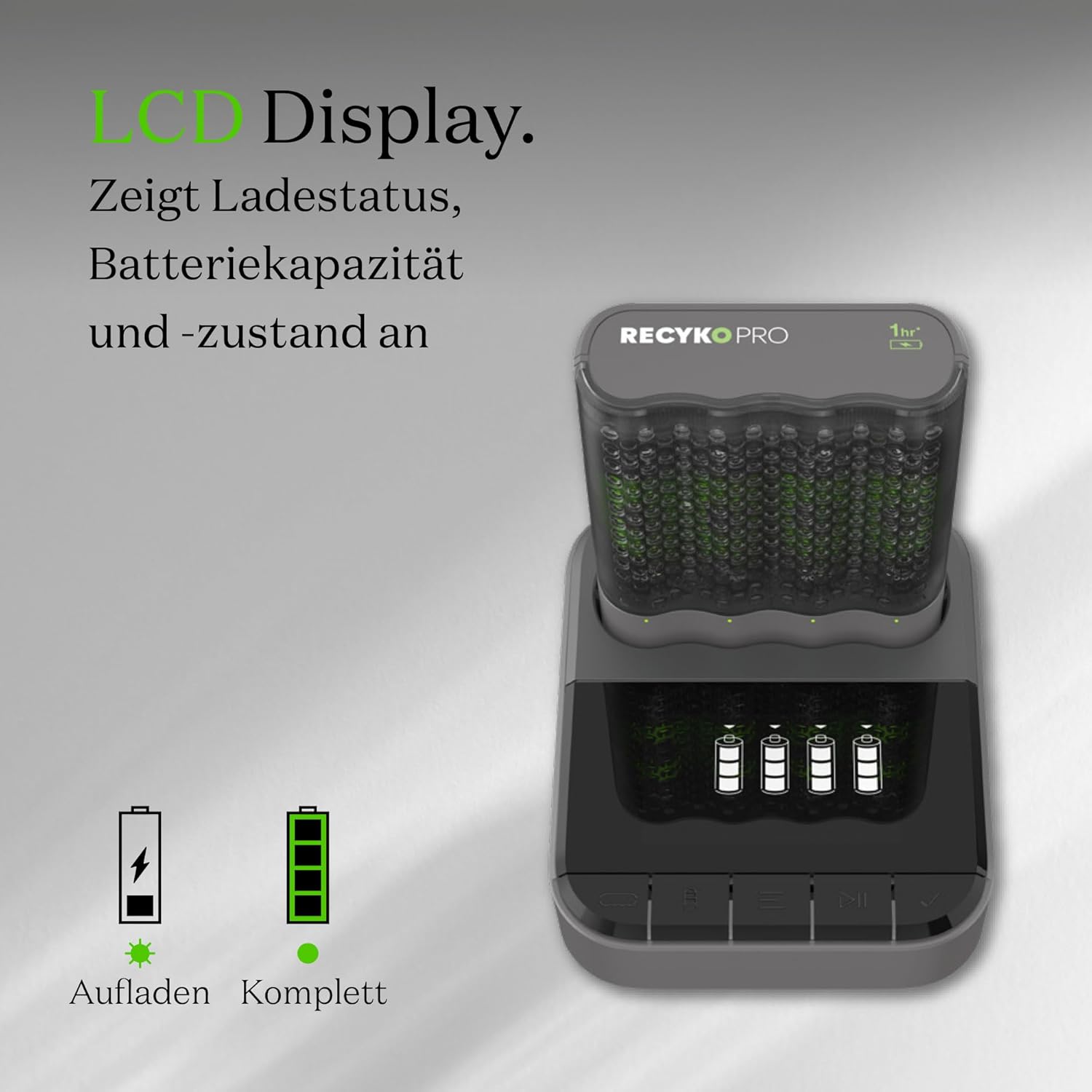
Figure 5: The GP RECYKO Pro charger provides fast charging, enabling quick readiness for devices like RC cars. *For 2 Recyko AA 2100mAh batteries.
Operating the D461 Docking Station
When the P461 charger is inserted into the D461 docking station, the LCD display on the dock provides enhanced information and control.
LCD pantailaren funtzioak
The LCD display shows the charging status and battery status for each individual battery. It also alerts if disposable or defective batteries have been inserted.

Figure 6: The D461's LCD display indicates charging status, battery capacity, and overall battery condition.
Advanced Battery Analysis
The D461 docking station offers advanced functions for individual batteries:
- Edukiera egiaztatzea: Verify the full and remaining capacity of your batteries.
- Battery Recovery/Conditioning: Restore and improve the condition of older or worn batteries.

Figure 7: The D461 allows for checking both full and remaining battery capacity.

Figure 8: The D461 offers battery conditioning and capacity restoration features.
Kargatzeko moduak
The D461 docking station provides two charging modes:
- Karga azkarra: Charges batteries quickly (e.g., 1.3 hours for certain battery types).
- Modu ekologikoa: A slower charging mode (e.g., 4 hours) which can be beneficial for battery longevity.
Mantentzea
- Garbiketa: Disconnect the charger and dock from power. Use a dry, soft cloth to wipe the surfaces. Do not use abrasive cleaners or solvents.
- Biltegiratzea: Store the charger, dock, and batteries in a cool, dry place away from direct sunlight and extreme temperatures. The P461 charger's sturdy case can serve as a battery holder for safe storage.
- Bateria zaintzea: For optimal performance and longevity, fully charge new batteries before first use. Avoid completely discharging batteries frequently.
Arazoak konpontzea
| Arazoa | Kausa posiblea | Irtenbidea |
|---|---|---|
| Charger LEDs not lighting up. | Ez dago energia konexiorik. | Ensure the USB cable is securely connected to both the charger/dock and a powered USB adapter. Check the power source. |
| Red LED flashes quickly. | Defective or disposable battery inserted. | Remove the battery immediately. Only charge NiMH rechargeable batteries. |
| Batteries not charging or charging slowly. | Incorrect battery insertion, low power input, or very old/damaged batteries. | Check battery polarity. Ensure USB power adapter provides DC 5V/2A. Try the battery recovery function on the D461 dock if available. Replace very old batteries. |
| D461 LCD display not working. | P461 charger not properly seated in the dock, or dock not powered. | Ensure the P461 charger is fully inserted into the D461 dock. Check the USB power connection to the D461. |
Zehaztapenak
GP RECYKO Pro P461 USB Charger
- Neurriak: Gutxi gorabehera. 68 (L) x 84 (W) x 26 (H) mm
- Pisua: Gutxi gorabehera. 62 g
- Number of Slots/Channels: 4 / 4
- USB sarrerako potentzia: DC 5.0V / 2A
- Irteera boltage/Charging Current (AA): DC 1.4V / 1.73A (1-2 batteries), DC 1.4V / 0.87A (3-4 batteries)
- Irteera boltage/Charging Current (AAA): DC 1.4V / 0.7A (1-2 batteries), DC 1.4V / 0.35A (3-4 batteries)
- Segurtasun Ezaugarriak: Timer shutdown (3 hours), dV full charge detection, Temperature interruption, Primary battery protection, Reverse polarity protection.
GP RECYKO Pro D461 Docking Station
- Neurriak: Gutxi gorabehera. 100.5 (L) x 82 (W) x 27 (H) mm
- Pisua: Gutxi gorabehera. 100.5 g
- USB sarrerako potentzia: DC 5.0V / 2A
- Irteera boltage/Charging Current: DC 5V / 2.1A
- LCD pantaila: 26 x 46 mm
- Segurtasun Ezaugarriak: Timer shutdown (6 hours), Full load detection, Temperature shutdown.
- Kargagailu bateragarriak: B421, M451, P461 (4-slot USB chargers)
GP RECYKO PRO AA Batteries (2000mAh)
- Mota: NiMH
- Edukiera: 2000 mAh
- Tamaina: AA

Figure 9: The charger and dock incorporate automatic power shutdown to prevent overcharging, overvoltage, and short circuits, ensuring safe operation.
Bermea eta Laguntza
For warranty information, technical support, or service inquiries, please refer to the official GP Batteries webwebgunera edo jarri harremanetan bezeroarentzako arreta-zerbitzuarekin. Gorde erosketa-agiria erosketaren frogagiri gisa.
Fabrikatzailea: GP bateriak
Webgunea: www.gpbatteries.com