1. Sarrera
Thank you for choosing JOYWISE Bluetooth Headphones. These wireless earbuds are designed for an active lifestyle, offering a comfortable and secure fit, long-lasting battery life, and high-fidelity audio. With IPX7 waterproofing and Bluetooth 5.3 technology, they are ideal for sports, running, and workouts.
This manual provides detailed instructions on how to set up, operate, and maintain your headphones to ensure optimal performance and longevity.
2. Zer dago kutxan
Upon unboxing your JOYWISE U18C headphones, please verify that all the following components are included:
- Wireless Headphones (JOYWISE U18C)
- USB-C kargatzeko kablea
- Erabiltzailearen eskuliburua
- Eartips (3 pairs: S, M, L)
- Garraio Poltsa
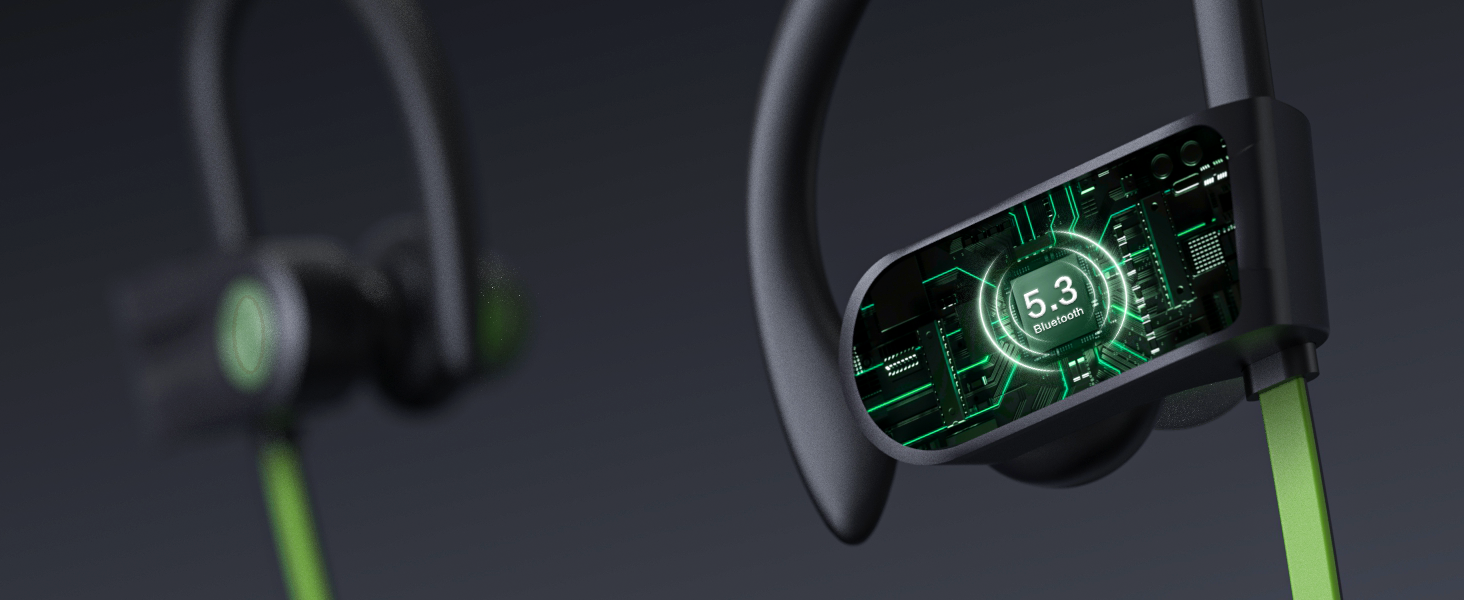
Figure 2.1: Included components of the JOYWISE U18C package.
3. Produktua amaitu daview
The JOYWISE U18C headphones feature an ergonomic design with ear hooks for a secure fit, a durable neckband, and intuitive controls for a seamless audio experience.

Figure 3.1: JOYWISE U18C Bluetooth Headphones and carrying case.
3.1 Ezaugarri nagusiak
- Comfortable Fit and Durability: Ergonomic design with adjustable ear hooks and an upgraded durable neck lanyard for secure wear during intense activities.
- Long-lasting 16-hour Play Life: Enjoy extended music playback and call time without frequent recharging.
- Premium High-Fidelity Music & Clear Calls: Advanced audio technology for immersive sound and clear communication.
- Bluetooth 5.3 & Hassle-Free Button Controls: Stable wireless connection and easy management of audio and calls.
- IPX7 Iragazgaitzaren balorazioa: Designed to withstand sweat and splashes, suitable for various workout conditions.
- AI Tailored Tunes with Boean APP: Enhance your music experience with the exclusive AI-driven Boean app for personalized compositions.

3.2 Irudia: Gainetikview ezaugarri nagusien artean.
3.2 Kontrolak eta adierazleak
Entzungailuek botoi intuitiboak dituzte erabiltzeko errazak izateko:
- MFB botoia (funtzio anitzeko botoia): Power On/Off, Play/Pause, Answer/End Calls.
- "+" Button: Volume Up, Next Track.
- "-" Button: Volume Down, Previous Track.
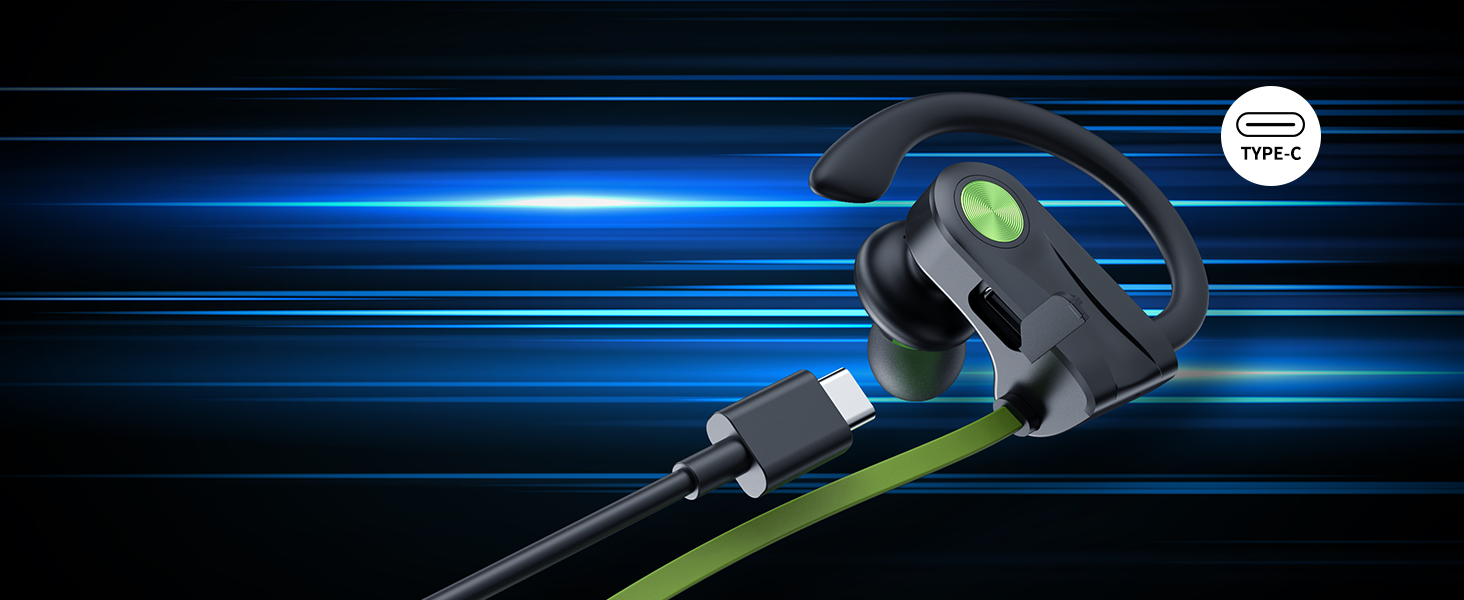
Figure 3.3: Button controls layout.
4. Konfigurazioa
4.1 Entzungailuak kargatzea
Before first use, fully charge your JOYWISE U18C headphones. Use the provided USB-C charging cable.
- Konektatu kablearen USB-C muturra entzungailuen kargatzeko atakara.
- Connect the USB-A end to a compatible USB power source (e.g., computer USB port, wall adapter).
- The LED indicator on the headphones will show charging status (refer to specific light patterns in the quick start guide if available).
- A full charge provides up to 16 hours of continuous music playback.

4.1. irudia: Bateriaren iraupena eta kargatzeari buruzko informazioa.
4.2 Bluetooth parekatzea
Pair your headphones with your Bluetooth-enabled device (smartphone, tablet, laptop) for the first time.
- Ziurtatu entzungailuak guztiz kargatuta eta itzalita daudela.
- Press and hold the MFB button until the LED indicator flashes blue and red alternately, indicating pairing mode.
- Gailuan, gaitu Bluetootha eta bilatu eskuragarri dauden gailuak.
- Select "JOYWISE U18C" (or similar name) from the list of found devices.
- Behin konektatuta, LED adierazleak normalean argi urdin finko bat erakutsiko du edo urdin keinuka poliki egingo du.
Note: The headphones do not currently support direct connection with smartwatches. This is a common limitation across many headphone brands.

Figure 4.2: Bluetooth 5.3 technology for stable connection.
5. Funtzionamendu-argibideak
5.1 Piztu/Itzali
- Piztu: Press and hold the MFB button for approximately 3 seconds until the LED indicator flashes blue.
- Itzali: Press and hold the MFB button for approximately 5 seconds until the LED indicator flashes red and then turns off.
5.2 Musika erreproduzitzea
- Erreproduzitu/Pausatu: Sakatu labur MFB botoia.
- Hurrengo ibilbidea: Sakatu luze "+" botoia.
- Aurreko pista: Sakatu luze "-" botoia.
- Bolumena igo: Sakatu labur "+" botoia.
- Bolumena jaitsi: Sakatu labur "-" botoia.
5.3 Telefono deiak
- Deia erantzun/amaitu: Sakatu labur MFB botoia.
- Deia baztertu: Luze sakatu MFB botoia.
- Aktibatu Ahots Laguntzailea: Double-press the MFB button.

Figure 5.1: Built-in microphone for clear calls.
5.4 Boean App Integration
Enhance your audio experience by connecting your JOYWISE U18C headphones with the exclusive AI-driven Boean app. The app allows you to:
- Experiment with diverse genres, beats, and tones.
- Generate personalized compositions based on your interactions.
- Access convenient modes for music creation.
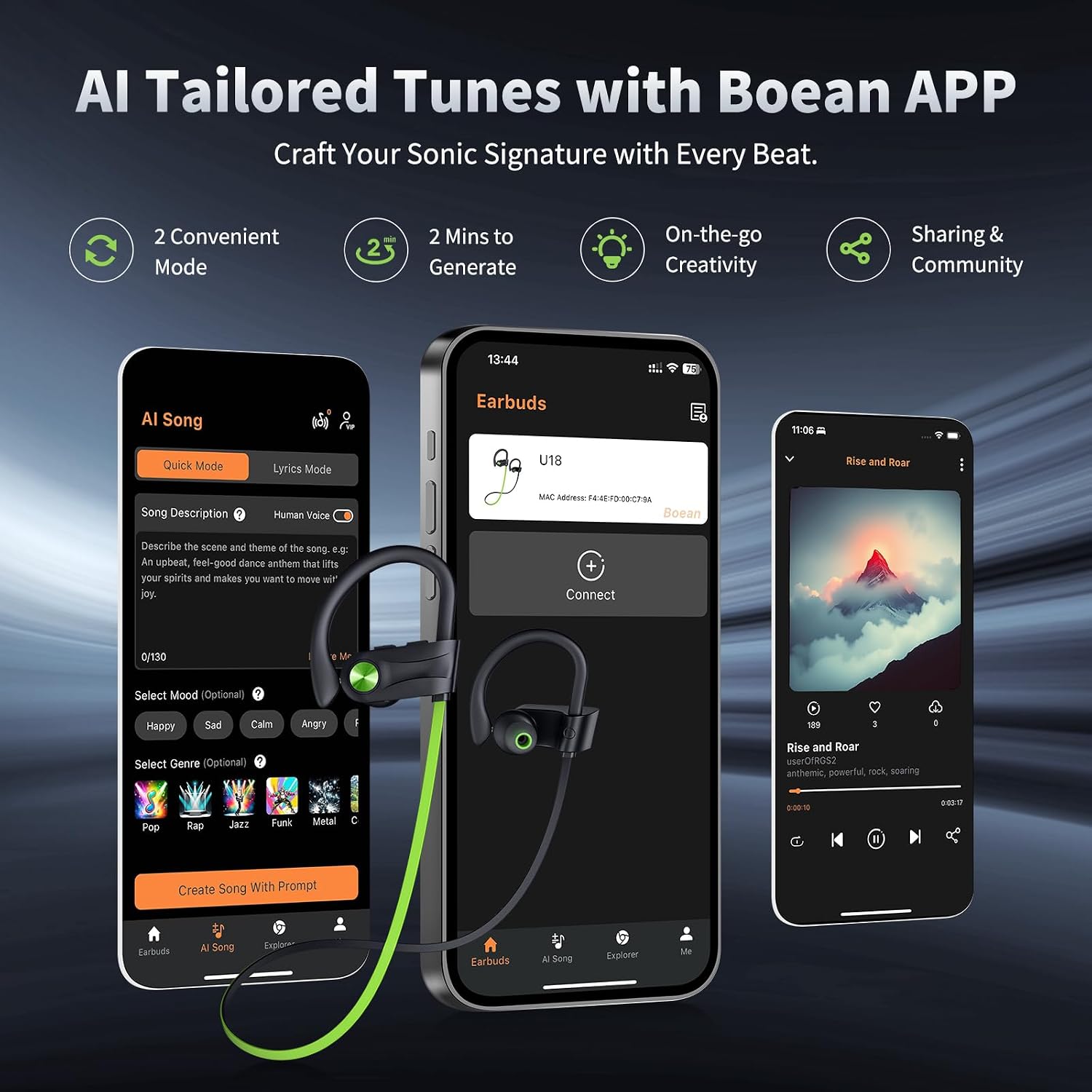
Figure 5.2: Boean App interface for tailored tunes.
6. Mantentzea
6.1 Garbiketa eta Zainketa
- Regularly clean the eartips and ear hooks with a soft, dry cloth.
- For deeper cleaning, remove the eartips and wash them with mild soap and water. Ensure they are completely dry before reattaching.
- Avoid using abrasive cleaners or solvents, as they may damage the headphones.
6.2 Iragazgaiztasuna (IPX7)
The JOYWISE U18C headphones are rated IPX7 waterproof, meaning they can withstand submersion in up to 1 meter of water for 30 minutes. This makes them resistant to sweat and rain during workouts.
- While IPX7 rated, it is ez da gomendagarria for swimming or prolonged submersion.
- Ensure the charging port cover is securely closed before exposure to water.
- If the headphones get wet, wipe them dry thoroughly before charging or storing.

Figure 6.1: IPX7 Waterproof Rating for exercise and outdoor activities.
6.3 Biltegiratzea
When not in use, store your headphones in the provided carrying bag to protect them from dust, scratches, and damage.
7. Arazoak
| Arazoa | Kausa posiblea | Irtenbidea |
|---|---|---|
| Entzungailuak ez dira pizten. | Bateria baxua. | Kargatu entzungailuak guztiz emandako USB-C kablea erabiliz. |
| Ezin da gailuarekin parekatu. | Entzungailuak ez daude parekatze moduan; Bluetooth itzalita gailuan; gailua urrunegi. | Ensure headphones are in pairing mode (flashing red/blue). Turn on Bluetooth on your device. Keep devices within 10 meters. |
| Soinurik ez edo soinu kalitate eskasa. | Volume too low; improper fit; device not connected. | Increase volume on headphones and device. Adjust eartips for a snug fit. Re-pair the headphones. |
| Entzungailuak maiz deskonektatzen dira. | Eremutik kanpo; interferentzia; bateria baxua. | Stay within Bluetooth range. Avoid strong electromagnetic interference. Charge headphones. |
7.1 Produktuaren bideo ofiziala
Watch this official video from the seller for a demonstration of the headphones' suitability for running and active use.
Video: Are these headphones suitable for running? (Source: Gofong, Seller)
8. Zehaztapenak
| Ezaugarri | Xehetasuna |
|---|---|
| Ereduaren izena | U18C |
| Konektibitate Teknologia | Haririk gabekoa (Bluetooth 5.3) |
| Uraren Erresistentzia Maila | IPX7 Iragazgaitza |
| Bateriaren iraupena | 16 ordu (joko-denbora) |
| Maiztasun barrutia | 20 Hz - 20,000 Hz |
| Bluetooth barrutia | 10 metro |
| Belarrien Kokatzea | In Ear (with Earhooks) |
| Kontrol mota | Button, Touch (Media Control) |
| Materiala | Plastikoa |
| Elementuaren pisua | 3.52 ontza |
| Gomendatutako Erabilerak | Korrika, Ariketa |
9. Bermea eta Laguntza
JOYWISE products are designed for reliability and performance. Your JOYWISE U18C headphones come with a 1 urteko bermea erosketa-datatik aurrera, fabrikazio-akatsak estaliz.
- For warranty claims or technical support, please contact JOYWISE customer service through the retailer where you purchased the product or visit the official JOYWISE webgunea.
- Gorde erosketaren egiaztagiria bermea balioztatzeko.

Figure 9.1: JOYWISE Brand Logo.
