1. Sarrera
This manual provides essential information for the safe and efficient operation of your Sharp Roku TV 4K Ultra HD with HDR10 (55"). Please read this manual thoroughly before using the television and retain it for future reference. Your new Sharp Roku TV offers a stunning 4K Ultra HD resolution, integrated Roku streaming experience, and immersive Dolby Audio.

1.1. irudia: Aurrealdea view of the Sharp Roku TV 4K Ultra HD (55 inch). This image shows the television from the front, highlighting its slim bezels and the display with a colorful image.
2. Segurtasun informazioa
Beti jarraitu segurtasun neurri hauek suteak, deskarga elektrikoak edo lesioak saihesteko.
- Ez jarri telebista euri edo hezetasunera.
- Ez blokeatu aireztapen-irekidurak. Ziurtatu telebistaren inguruan nahikoa leku aire-fluxu egokia izan dadin.
- Erabili fabrikatzaileak zehaztutako eranskinak/osagarriak soilik.
- Deskonektatu telebista tximista-ekaitzetan edo denbora luzez erabili gabe dagoenean.
- Jarri zerbitzu-zerbitzu guztiak zerbitzu-pertsonal kualifikatuari.
- Mantendu bateriak haurren eskura.
3. Zer dago kutxan
Konfigurazioarekin jarraitu aurretik, egiaztatu osagai guztiak daudela.
- Sharp Roku TV (55")
- Telebista-euskarria (2 pieza)
- Urrutiko agintea (2 AAA bateria behar ditu, ez daude barne)
- Elikatze kablea
- Hasiera Azkarreko Gida (ikusi eskuliburu hau argibide zehatzak lortzeko)
4. Konfigurazioa
4.1 Telebistaren euskarria muntatzea
To ensure stability, attach the included stand to the television. Place the TV face down on a soft, clean surface to prevent screen damage.
- Identifikatu ezkerreko eta eskuineko euskarri-pieza.
- Lerrokatu euskarri pieza bakoitza telebistaren behealdean dauden torloju-zuloekin.
- Lotu euskarriak emandako torlojuak erabiliz. Ez estutu gehiegi.

4.1. irudia: Aldea view of the Sharp Roku TV with the stand attached. This image illustrates the profile of the television with its support base.

4.2. irudia: Angeludun view of the Sharp Roku TV with the stand attached. This image provides a perspective view of the television, showing the stand's design and how it supports the unit.
4.2 Energia konektatzea eta hasierako konfigurazioa
Once the stand is securely attached, place the TV in its desired location and proceed with power connection and initial setup.
- Konektatu elikatze-kablea telebistaren elikatze-sarrerara eta gero hormako entxufe batera.
- Insert 2 AAA batteries into the remote control, observing polarity.
- Sakatu urrutiko agintearen pizteko botoia telebista pizteko.
- Follow the on-screen instructions to complete the Roku TV guided setup, including network connection (Wi-Fi), channel scanning (if using an antenna), and Roku account activation.

4.3. Irudia: Atzealdea view of the Sharp Roku TV. This image displays the back panel of the television, showing the arrangement of various input and output ports for connectivity.
5. Telebistaren funtzionamendua
5.1 Oinarrizko funtzioak
- Piztu/Itzali: Sakatu Boterea urruneko botoia.
- Bolumen kontrola: Erabili Bolumena igo/behera botoiak.
- Sarrera hautatzea: Sakatu Sarrera button to cycle through connected devices (HDMI, AV, etc.) or select from the Roku Home screen.
- Nabigazioa: Erabili norabide-panel-a (Gora, Behera, Ezkerra, Eskuinera) eta OK button to navigate menus and select options.
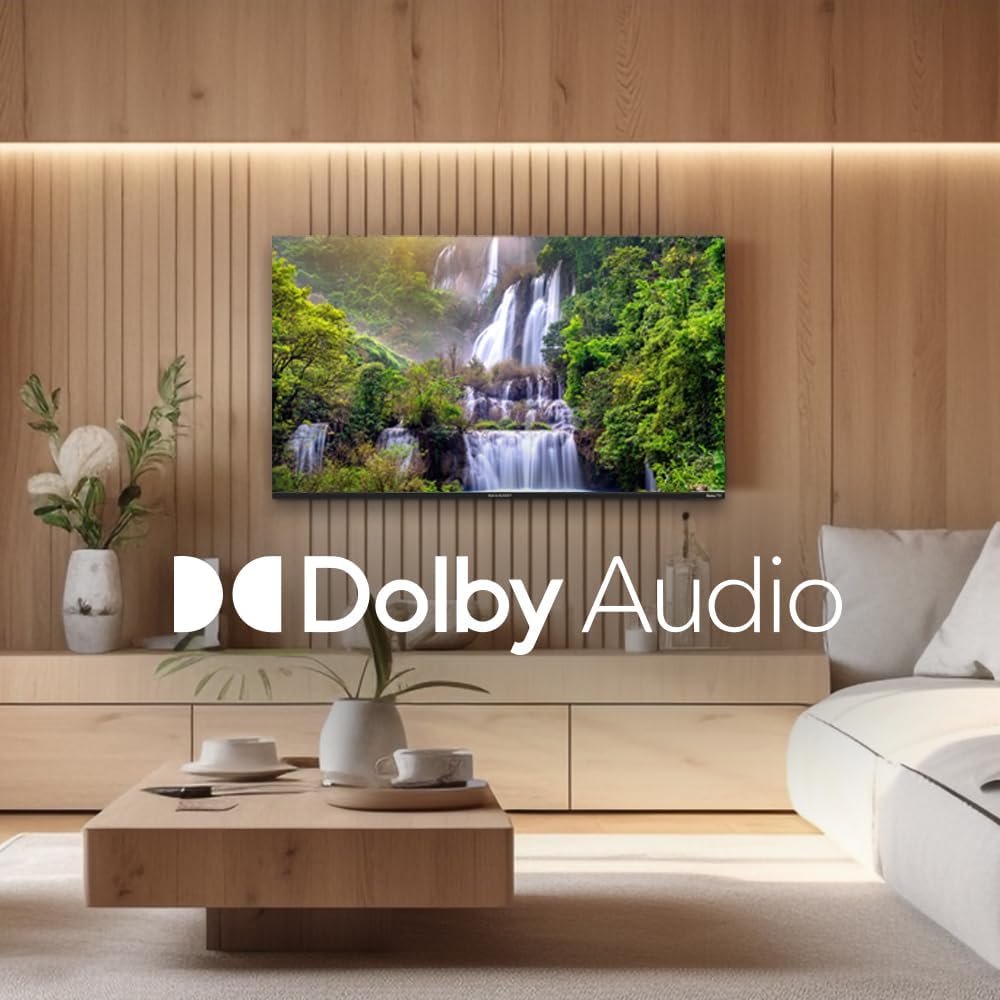
Figure 5.1: Sharp Roku TV showcasing Dolby Audio. This image highlights the television's audio capabilities, with the Dolby Audio logo prominently displayed over a vibrant nature scene.
5.2 Roku OS nabigazioa
The Roku Home screen provides access to all your streaming channels, inputs, and settings.
- Hasierako pantaila: Sakatu Hasiera button on the remote to return to the main menu.
- Streaming kanalak: Select a channel icon to launch the app.
- Zuzeneko telebista: Access live broadcast channels (if an antenna is connected) or The Roku Channel's live TV guide.
- Ezarpenak: Nabigatu Ezarpenak menu for network configuration, display options, audio settings, and system updates.
6. Mantentzea
6.1 Telebista garbitzea
Telebistaren itxura eta errendimendua mantentzeko, jarraitu garbiketa-jarraibide hauek:
- Deskonektatu beti telebista garbitu aurretik.
- Erabili zapi leun eta pelurik gabeko bat pantaila astiro-astiro garbitzeko. Orba egoskorrak badira, garbitu pixka bat.ampGarbitu zapi bat urarekin edo pantaila-garbitzaile espezializatu batekin. Ez ihinztatu inoiz garbitzailea zuzenean pantailan.
- Wipe the cabinet and stand with a soft, dry cloth.
- Saihestu garbitzaile urratzaileak, argizariak edo disolbatzaileak erabiltzea.
7. Arazoak
Refer to this section for solutions to common issues you may encounter.
| Arazoa | Kausa posiblea | Irtenbidea |
|---|---|---|
| Botererik ez | Kable elektrikoa ez dago ondo konektatuta; entxufea ez dabil. | Egiaztatu kablearen konexioa. Probatu entxufea beste gailu batekin. |
| Irudirik ez, baina soinua badago | Incorrect input selected; external device issues. | Sakatu Sarrera button to select the correct source. Check connections to external devices. |
| Soinurik ez, baina irudia badago | Volume muted or too low; audio settings incorrect. | Unmute volume or increase level. Check audio output settings in the TV menu. |
| Wi-Fi konexio-arazoak | Pasahitz okerra; bideratzailearen arazoak; Telebista bideratzailetik urrunegi. | Re-enter Wi-Fi password. Restart router and TV. Move TV closer to router or use a Wi-Fi extender. |
| Urruneko kontrola ez dabil | Pilak agortuta; urrutiko agintearen eta telebistaren arteko oztopoa. | Replace batteries. Remove any obstructions. Ensure remote is pointed at the TV. |
8. Zehaztapenak
Key technical specifications for the Sharp Roku TV 4K Ultra HD (55").
| Ezaugarri | Xehetasuna |
|---|---|
| Modelo zenbakia | 4TC55EL8UR |
| Pantailaren tamaina | 55 hazbete (140 cm diagonalean) |
| Bistaratzeko Teknologia | LED |
| Ebazpena | 4K Ultra HD (3840 x 2160p) |
| Freskatze tasa | 60 Hz |
| Aspektu-erlazioa | 16:9, 4:3 |
| Audio Irteera | 16 Watts (8W+8W) Speaker System, Dolby Audio |
| Konektibitatea | Wi-Fi, HDMI, USB (specific port count not detailed in input, general) |
| Produktuaren neurriak (euskarriarekin) | Approx. 11.22 x 48.35 x 29.41 inches (D x W x H) |
| Elementuaren pisua | Approx. 29 pounds (13.2 Kilograms) |
| Energia-kontsumoa | 130 watt (funtzionamenduan) |
| Pilak behar dira (urruneko agintea) | 2 AAA bateria |

Figure 8.1: Dimensional diagram of the Sharp Roku TV (55 inch). This diagram provides precise measurements of the television, including width and height with and without the stand.
9. Bermea eta Laguntza
For warranty information and technical support, please refer to the official Sharp webwebgunera edo jarri harremanetan zuzenean bezeroarentzako arreta-zerbitzuarekin. Bermearen baldintzak eta zehaztapenak eskualdearen eta erosketa-dataren arabera alda daitezke.
Informazio gehiago eta laguntza baliabideak aurki ditzakezu webgune ofiziala bisitatuz Sharp Store on Amazon.


