Sarrera
Eskerrik asko erosketagatik.asing the Mesqool Vibrating Alarm Clock. This device is designed to provide a reliable and discreet wake-up experience through powerful vibration, sound, or a combination of both. Its compact, cordless design and long-lasting battery make it ideal for various settings, including bedrooms, living rooms, and offices. This manual provides detailed instructions for setup, operation, and maintenance to ensure optimal performance.
Segurtasun Informazioa
- Mantendu gailua uretatik eta hezetasun handietatik urrun.
- Ez jarri muturreko tenperatura edo eguzki-argia zuzenean.
- Saihestu gailua kolpe gogorrak erortzea edo jasaten.
- Erabili emandako C motako kargatzeko kablea soilik.
- Ez saiatu gailua zuk zeuk desmuntatzen edo konpontzen.
- Keep out of reach of small children to prevent accidental operation or damage.
Paketearen edukia
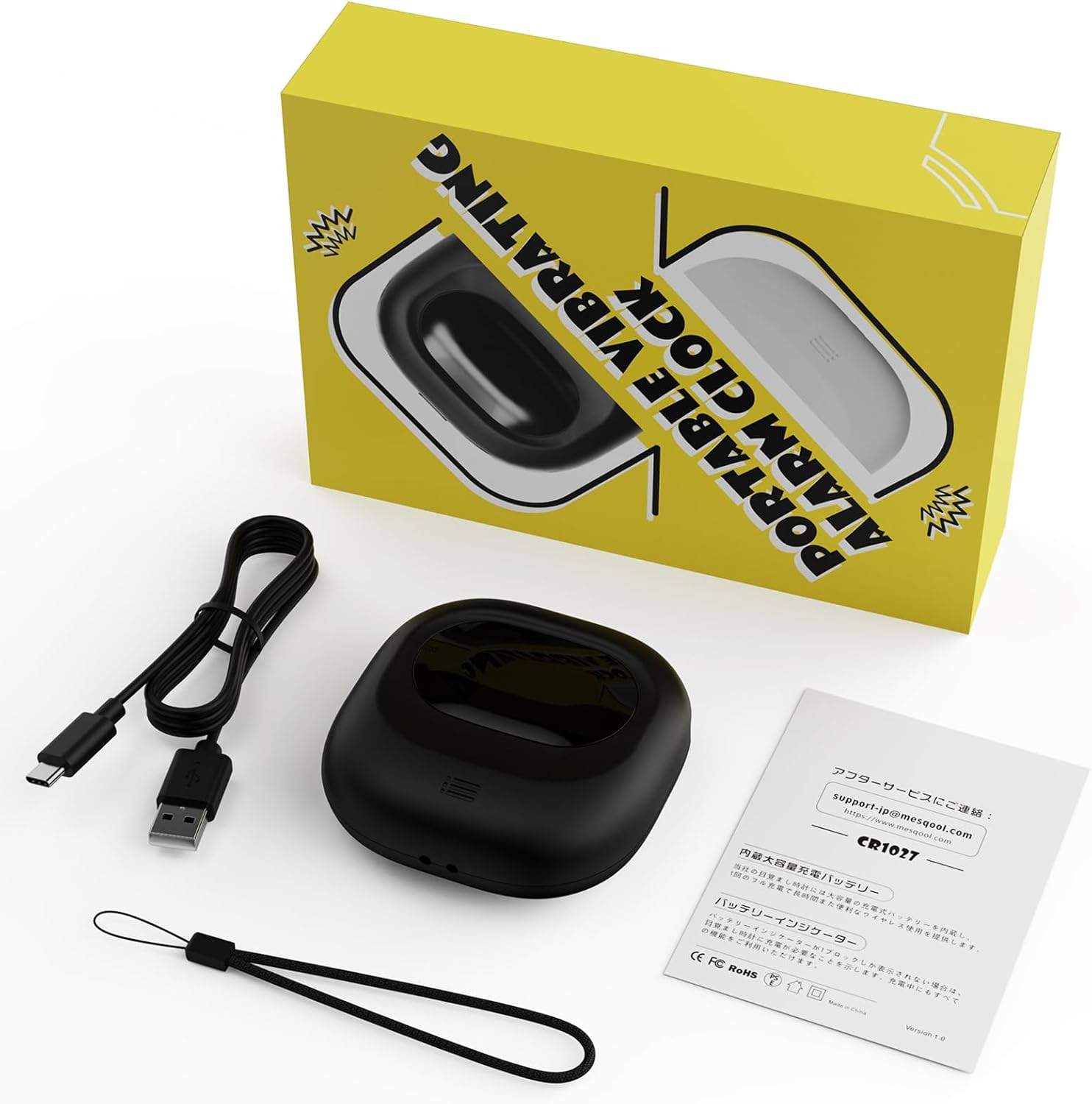
Image: Mesqool Vibrating Alarm Clock package contents, showing the black alarm clock, a Type-C charging cable, and the user manual.
- Mesqool Vibrating Alarm Clock (Model: CR1027)
- C motako USB kargatzeko kablea
- Erabiltzailearen eskuliburua
Produktua amaituview
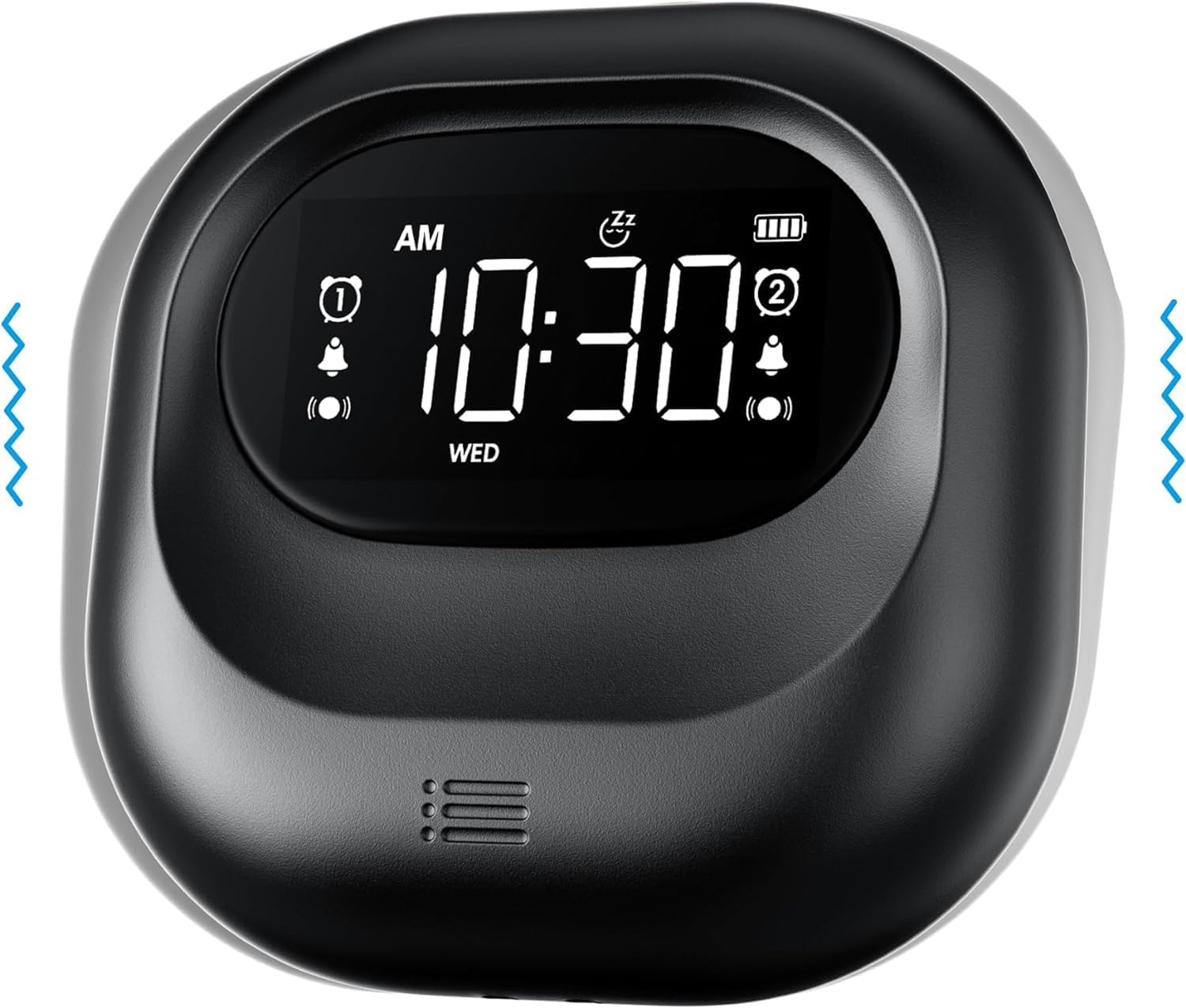
Irudia: Aurrealdea view of the Mesqool Vibrating Alarm Clock, highlighting the digital display with time, alarm indicators, and battery level.
Kontrolak eta pantaila:
- LCD pantaila digitala: Shows time, alarm status, day of the week, and battery level. Features a backlight for visibility in the dark.
- Time/Snooze Button: Used to set time and activate snooze.
- +/- Botoiak: Adjust values (time, alarm, volume, vibration intensity).
- Alarma 1/2 botoiak: Activate/deactivate and set individual alarms.
- Modu aldaketa: Select alarm mode (Buzzer, Vibration, Both).
- Vibration Intensity Switch: Adjust vibration strength (Low, Medium, High).
- Blokeatu etengailua: Botoiak ustekabean sakatzeak saihesten ditu.
- C motako kargatzeko ataka: Barneko bateria kargatzeko.
Konfigurazioa
1. Hasierako karga:
Before first use, fully charge the alarm clock. Connect the provided Type-C USB cable to the charging port on the device and the other end to a USB power adapter (not included), computer, or power bank. The battery indicator on the display will show charging status. A full charge ensures optimal battery life.
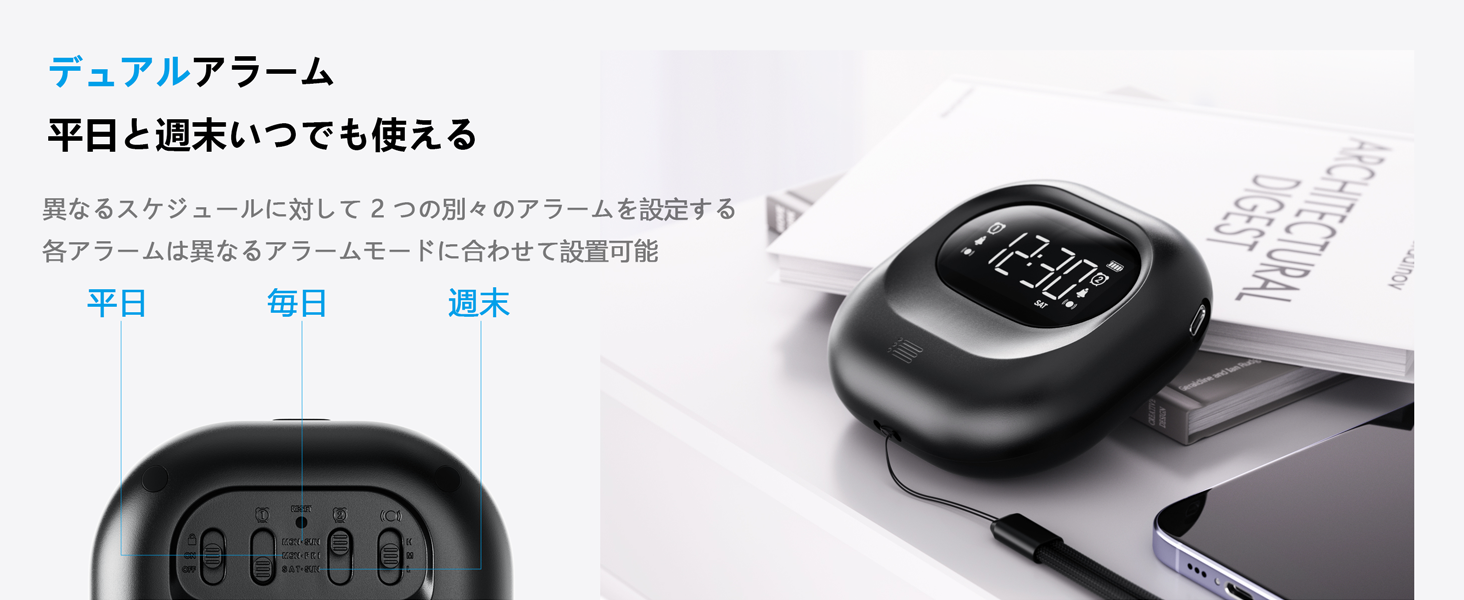
Image: The alarm clock connected to a Type-C charging cable, illustrating the charging process and battery indicator on the display.
2. Piztu/Itzali:
The device powers on automatically when charged or a button is pressed. It enters an automatic standby mode after 30 seconds of inactivity to conserve power. To fully power off, use the dedicated power switch if available (refer to product overview for specific button layout).
Funtzionamendu-argibideak
1. Ordua ezartzea:
- Eduki sakatuta TIME/SNOOZE botoia orduko digitua keinuka hasi arte.
- Erabili +/- ordua doitzeko botoiak.
- Sakatu TIME/SNOOZE berriro minutuetara joateko, eta gero doitu -rekin +/-.
- Errepikatu urtea, hilabetea eta eguna ezarpenetarako.
- Sakatu TIME/SNOOZE berresteko eta irteteko.
- 12 orduko eta 24 orduko formatuaren artean aldatzeko, sakatu TIME/SNOOZE button briefly during normal time display.
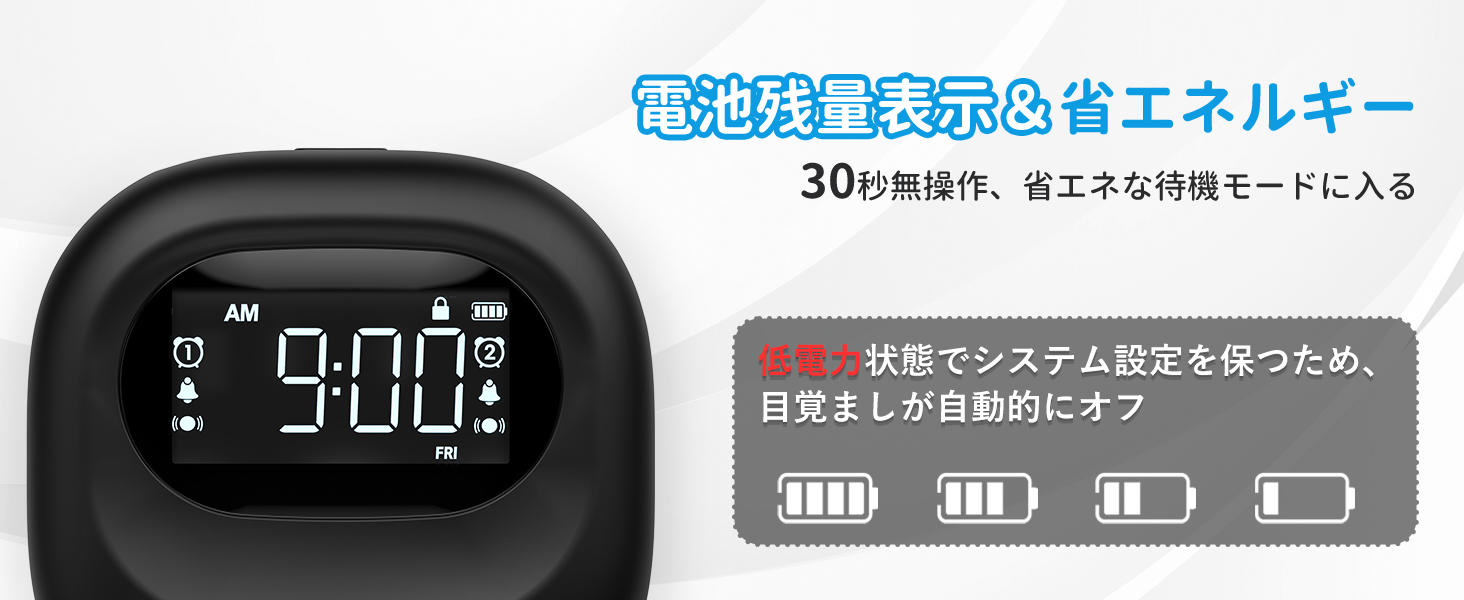
Image: The alarm clock displaying time in both 12-hour and 24-hour formats, demonstrating the adjustable time format feature.
2. Setting Alarms (Alarm 1 & Alarm 2):
The clock features two independent alarms. You can set different times for weekdays, weekends, or every day.
- Eduki sakatuta 1. ALARMA or 2. ALARMA botoia sakatu alarmaren ordua keinuka hasi arte.
- Erabili +/- alarma-ordua doitzeko botoiak.
- Sakatu dagokion botoia. ALARMA button again to move to minutes, then adjust with +/-.
- Sakatu ALARMA button again to select the alarm frequency:
- AST-OST: Alarm activates on weekdays.
- LAR-IG: Alarm activates on weekends.
- EGUNERO: Alarm activates daily.
- Sakatu ALARMA botoia berresteko eta irteteko.
- To activate/deactivate an alarm, briefly press the corresponding 1. ALARMA or 2. ALARMA botoia. Alarma ikono bat agertuko/desagertuko da pantailan.
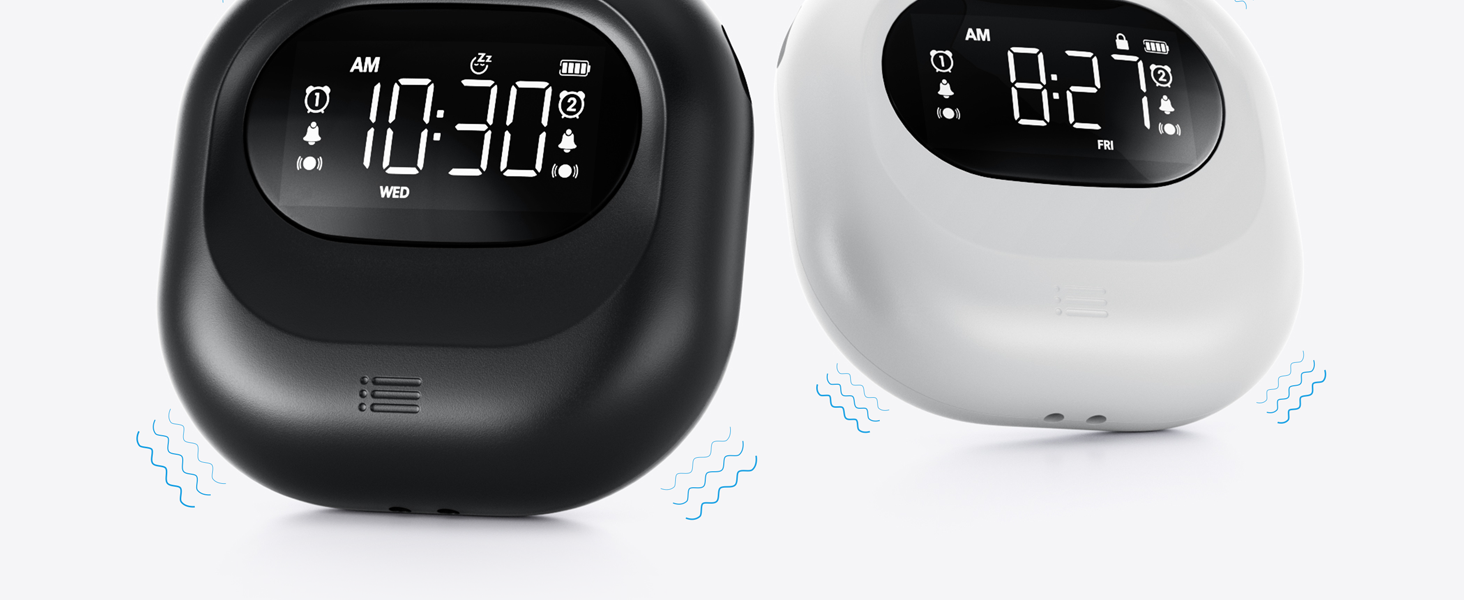
Image: The alarm clock illustrating the dual alarm feature with options for weekday, weekend, and everyday settings.
3. Alarma moduak:
Choose from three wake-up modes to suit your preference:
- Buzzer Only: Ohiko alarma akustikoa.
- Bibrazioa bakarrik: Silent vibration for discreet wake-up.
- Buzzer + Vibration: Both audible and vibrating alarm for heavy sleepers.
Erabili MODUA switch on the side/back of the device to select your desired mode.
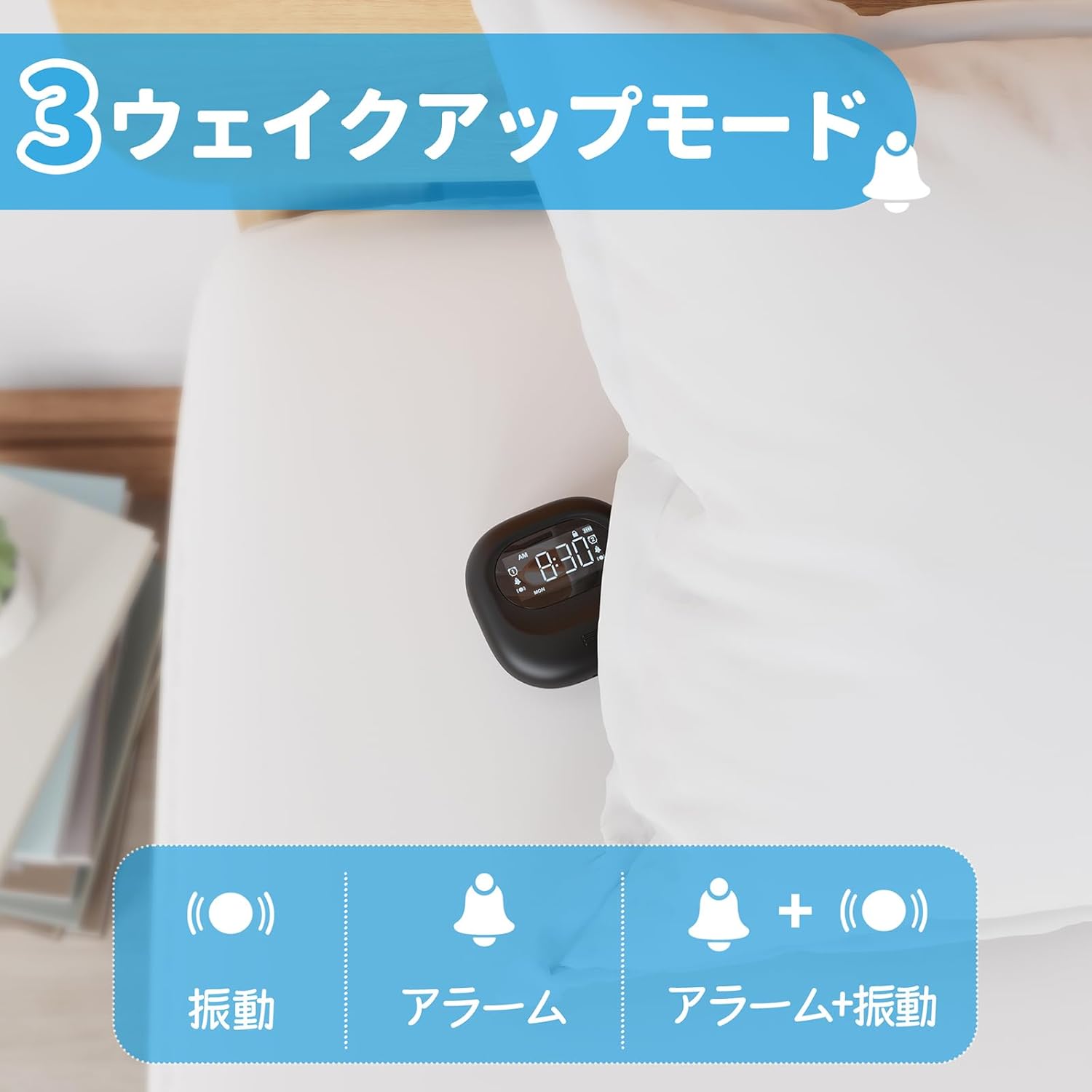
Image: A visual representation of the three alarm modes available on the Mesqool alarm clock: vibration only, buzzer only, and a combination of buzzer and vibration.
4. Vibration Intensity:
Adjust the vibration strength to your comfort level (Low, Medium, High) using the dedicated switch on the device. This is particularly useful for heavy sleepers or those who prefer a gentler wake-up.

Image: The alarm clock demonstrating its three adjustable vibration intensity levels (Low, Medium, High) for personalized wake-up.
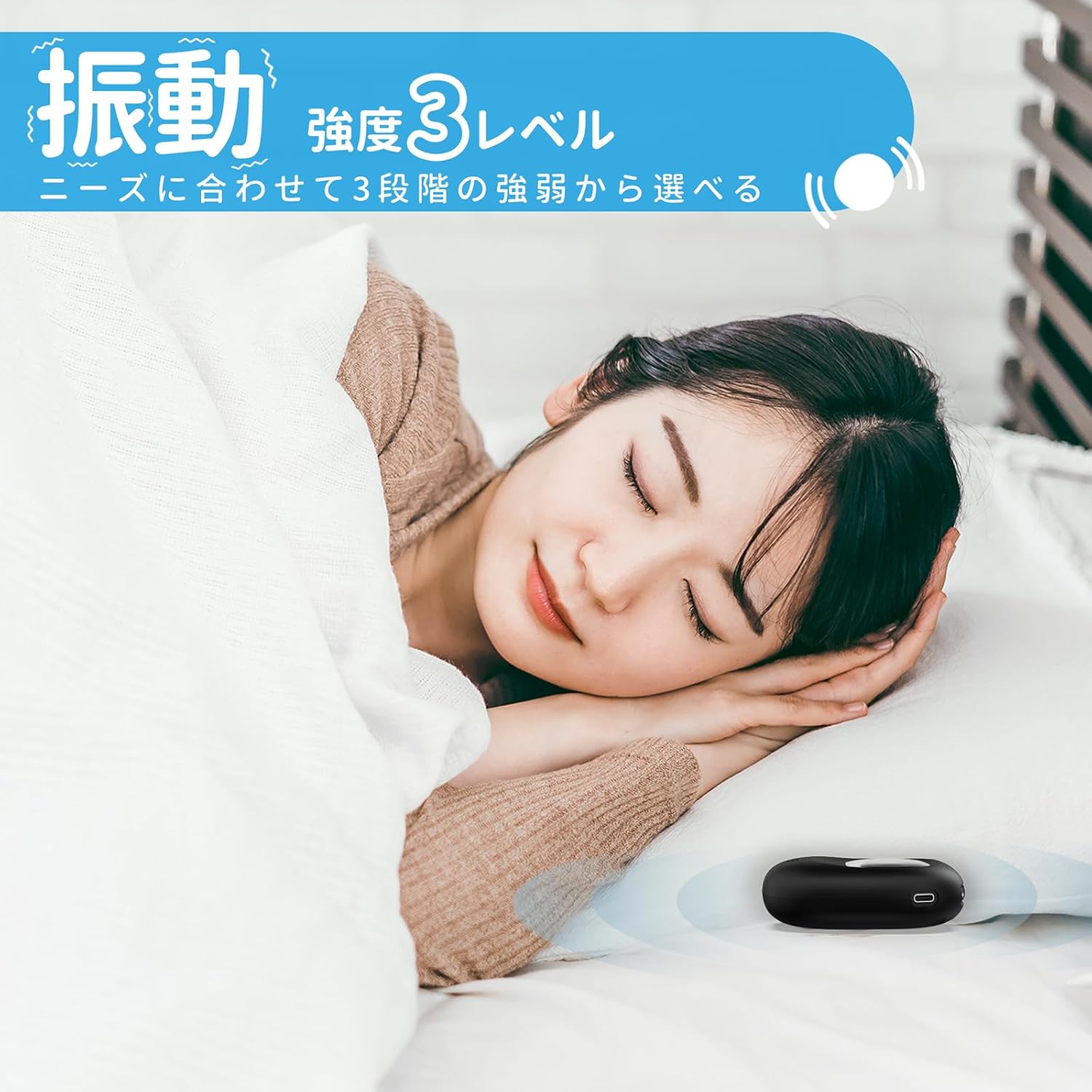
Image: A woman sleeping peacefully with the Mesqool Vibrating Alarm Clock positioned discreetly under her pillow, highlighting its silent wake-up capability.
5. Errepikapen funtzioa:
Alarmak jotzen duenean, sakatu TIME/SNOOZE button to activate the snooze function. The alarm will pause for 9 minutes and then sound again. This can be repeated up to 9 times.
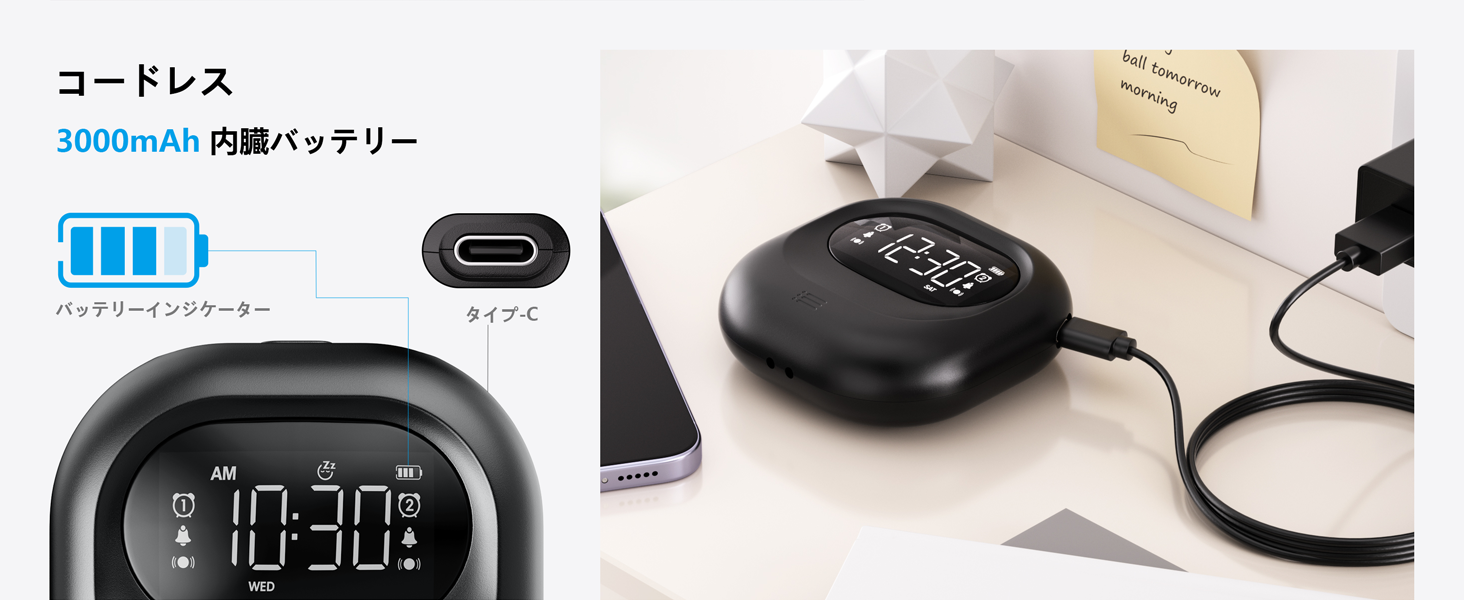
Image: The alarm clock illustrating its snooze feature, which allows for a 9-minute delay before the alarm sounds again.
6. Display Backlight and Lock Mode:
- Atzeko argia: The LCD display features a backlight for easy viewing in low light conditions. It automatically enters standby mode after 30 seconds of inactivity to save power and prevent sleep disturbance.
- Blokeatzeko modua: To prevent accidental changes to settings, especially during sleep or when handled by children, activate the lock mode using the BLOKATU switch. Once locked, buttons will not respond to presses.
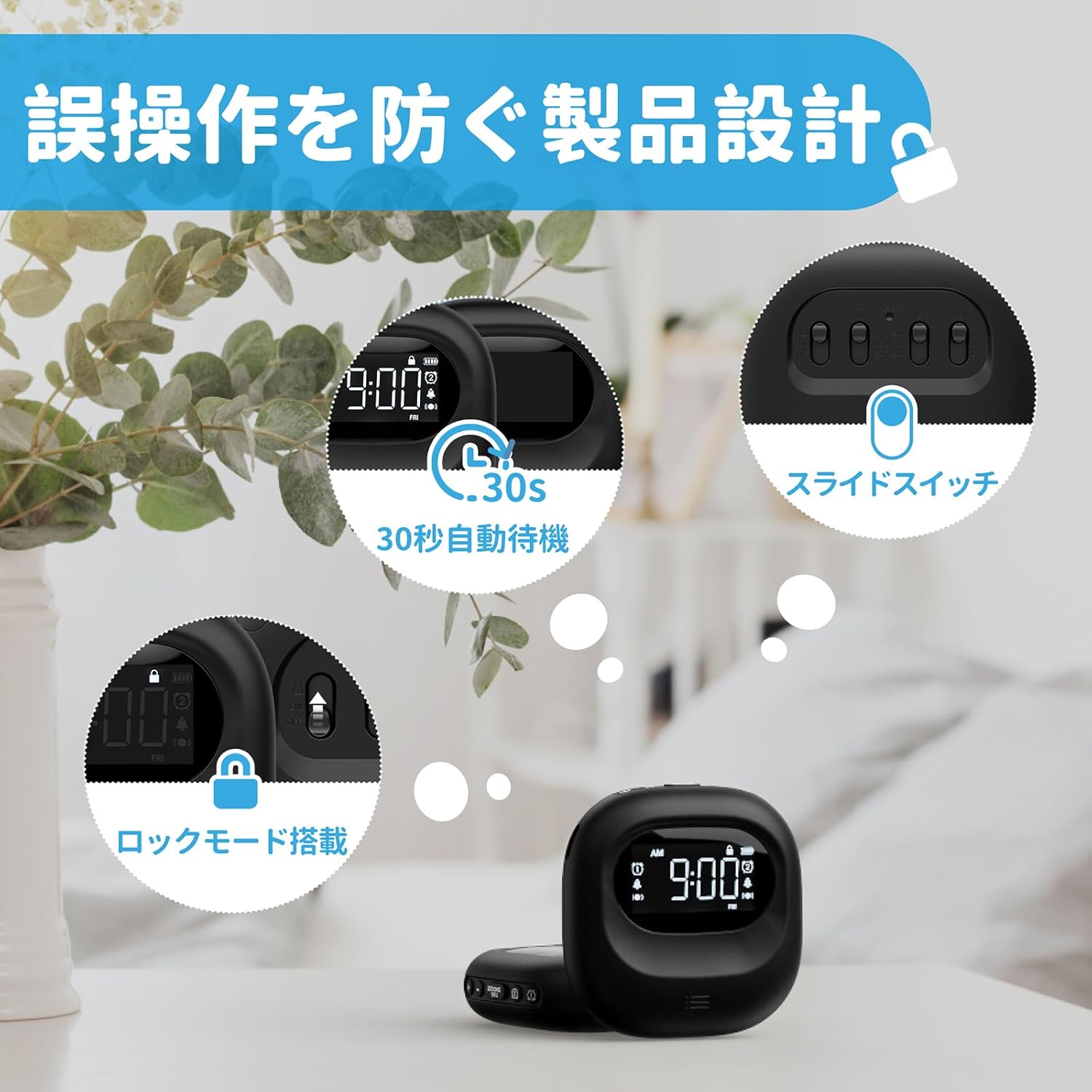
Image: The alarm clock highlighting its lock mode, designed to prevent unintended changes to settings, particularly useful when placed under a pillow or near children.
Mantentzea
- Garbitu gailua zapi leun eta lehor batekin. Ez erabili garbitzaile edo disolbatzaile urratzailerik.
- Saihestu gailua denbora luzez muturreko tenperaturetara edo eguzki-argitara zuzeneko argitan jartzea.
- Gorde leku fresko eta lehor batean erabiltzen ez duzunean.
Arazoak konpontzea
| Arazoa | Kausa posiblea | Irtenbidea |
|---|---|---|
| Gailua ez da pizten. | Bateria agortuta dago. | Kargatu gailua guztiz C motako kablea erabiliz. |
| Alarmak ez du jotzen/bibratzen. | Alarm is not activated or mode is incorrect. | Ensure the alarm icon is displayed and the alarm mode switch is set correctly (Buzzer, Vibration, or Both). |
| Botoiek ez dute erantzuten. | Lock mode is enabled. | Disable the lock mode using the BLOKATU etengailua. |
| Pantaila ilun edo itzalita dago. | Device is in power-saving standby mode. | Press any button to reactivate the display. Ensure battery is charged. |
Zehaztapenak
- Eredua: CR1027
- Marka: Mesqool
- Neurriak: 8.5 cm (zabalera) x 2.7 cm (altuera)
- Paketearen tamaina: 14.7 x 10.1 x 3.4 cm
- Pisua: 0.19 kg
- Kolorea: Beltza
- Bistaratzeko mota: LCD digitala
- Energia iturria: Bateriak (Litio-ioi kargagarria)
- Bateriaren edukiera: 3000mAh (Barnekoa)
- Ezaugarriak: Large Capacity Battery, Vibration, Dual Alarm, Snooze, Backlight, 12/24H Time Format, Lock Mode.
- Markoaren materiala: Plastikoa
Produktuaren bideo ofiziala
Video: An official product video demonstrating the features and usage of the Mesqool Vibrating Alarm Clock, including its vibration function and dual alarm capabilities.
Bermea eta Laguntza
Mesqool products are designed for durability and performance. For warranty information, technical support, or any inquiries regarding your device, please refer to the contact information provided on the product packaging or visit the official Mesqool webgunea. Gorde erosketa-agiria berme-erreklamazioetarako.