Sarrera
Thank you for choosing the Laser TWS Earbuds. These true wireless stereo earbuds are designed to provide a high-fidelity audio experience with convenient features such as an LED battery display, intuitive tap controls, and an ergonomic design for comfortable, extended use. The included rechargeable case ensures your earbuds are always ready for use. This manual will guide you through the setup, operation, and maintenance of your new earbuds.
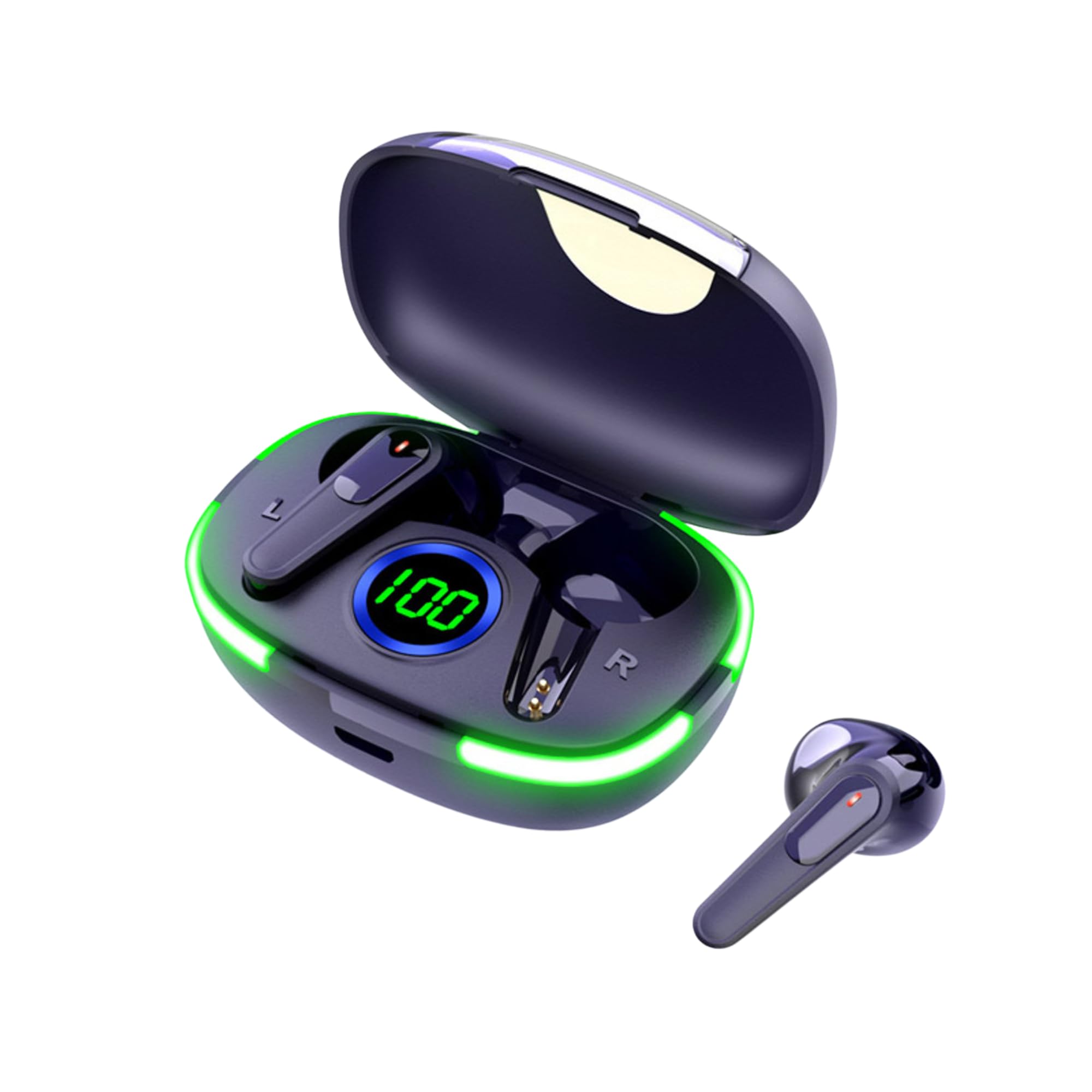
Image: The Laser TWS Earbuds, showcasing the charging case with its LED display and one earbud placed outside the case.
Paketearen edukia
Ziurtatu elementu guztiak paketean daudela:
- 1 x Pair of Laser TWS Earbuds
- 1 x Charging Case with Battery Display
- 1 x C motako kargatzeko kablea
- 1 x Erabiltzailearen eskuliburua
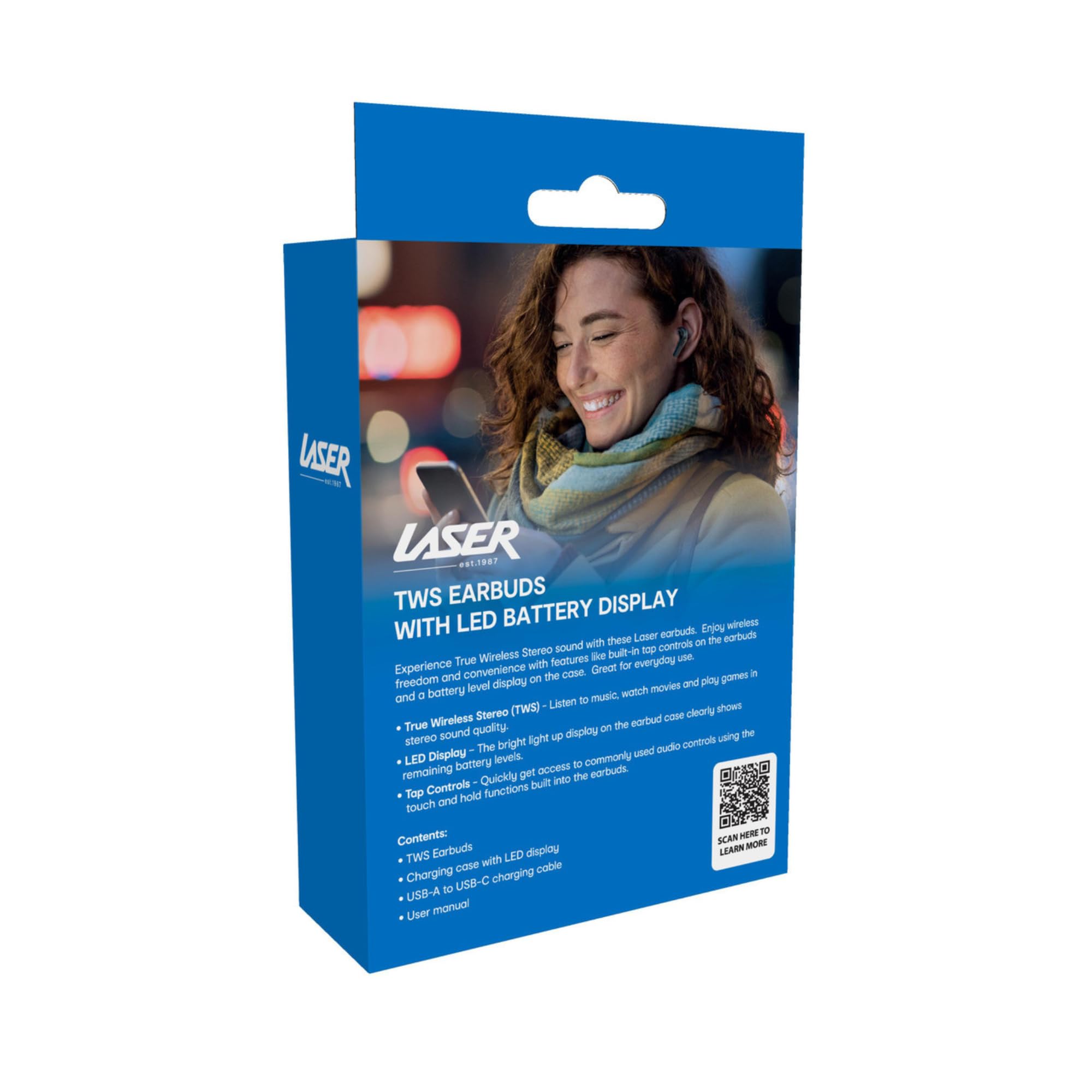
Image: The retail packaging for the Laser TWS Earbuds, indicating contents and features.
Konfigurazioa
1. Entzungailuak eta zorroa kargatzea
Before first use, fully charge the earbuds and the charging case. The LED display on the case indicates the battery level.
- Konektatu emandako C motako kargatzeko kaxako kargatzeko atakara eta USB elikatze-iturri batera.
- The LED display will show the charging progress. A full charge takes approximately 1 hour.
- The earbuds charge automatically when placed inside the charging case. The case can recharge the earbuds up to 3 times on a single charge.

Irudia: Gertutik view of the charging case's LED display, showing the battery percentage, indicating the charge level.
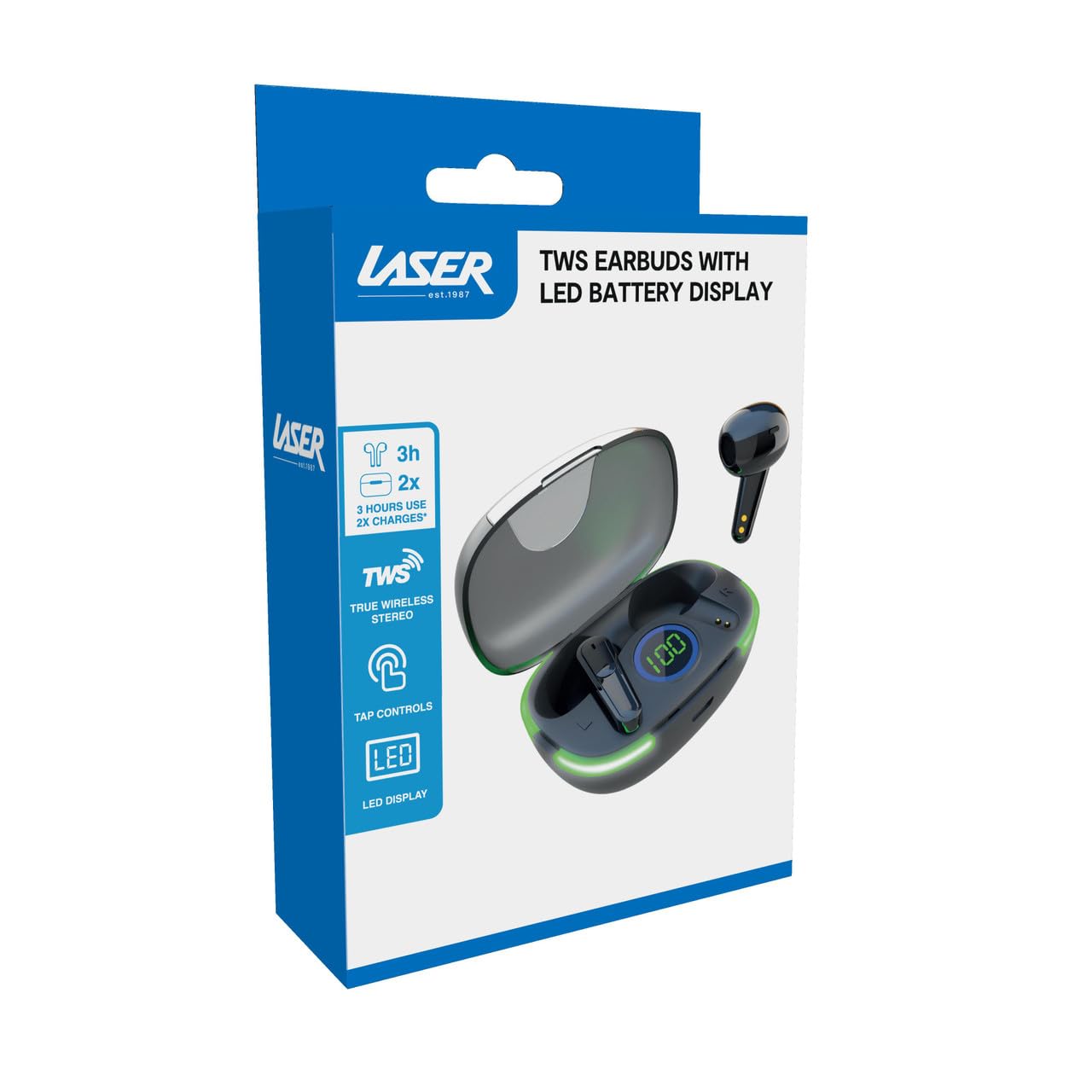
Image: Another close-up of the LED display on the charging case, highlighting the digital battery indicator.
2. Gailu batekin parekatzea
The earbuds use Bluetooth for wireless connectivity.
- Ireki kargatzeko zorroa. Aurikularrak automatikoki sartuko dira parekatze moduan.
- Zure gailuan (smartphone-a, tableta, ordenagailu eramangarria), gaitu Bluetooth-a eta bilatu gailu berriak.
- Select "Laser TWS Earbuds" or "EPS-LT10B-128" from the list of available devices.
- Behin konektatuta, baieztapen-tonu bat entzungo duzu, eta entzungailuak erabiltzeko prest egongo dira.
- The earbuds support multi-device compatibility, allowing pairing with various devices.
Funtzionamendu-argibideak
Entzungailuak jantzita
The earbuds are designed for ergonomic comfort and a secure fit. Gently insert each earbud into your ear canal and twist slightly to ensure a snug and comfortable position. This helps optimize sound quality and stability.
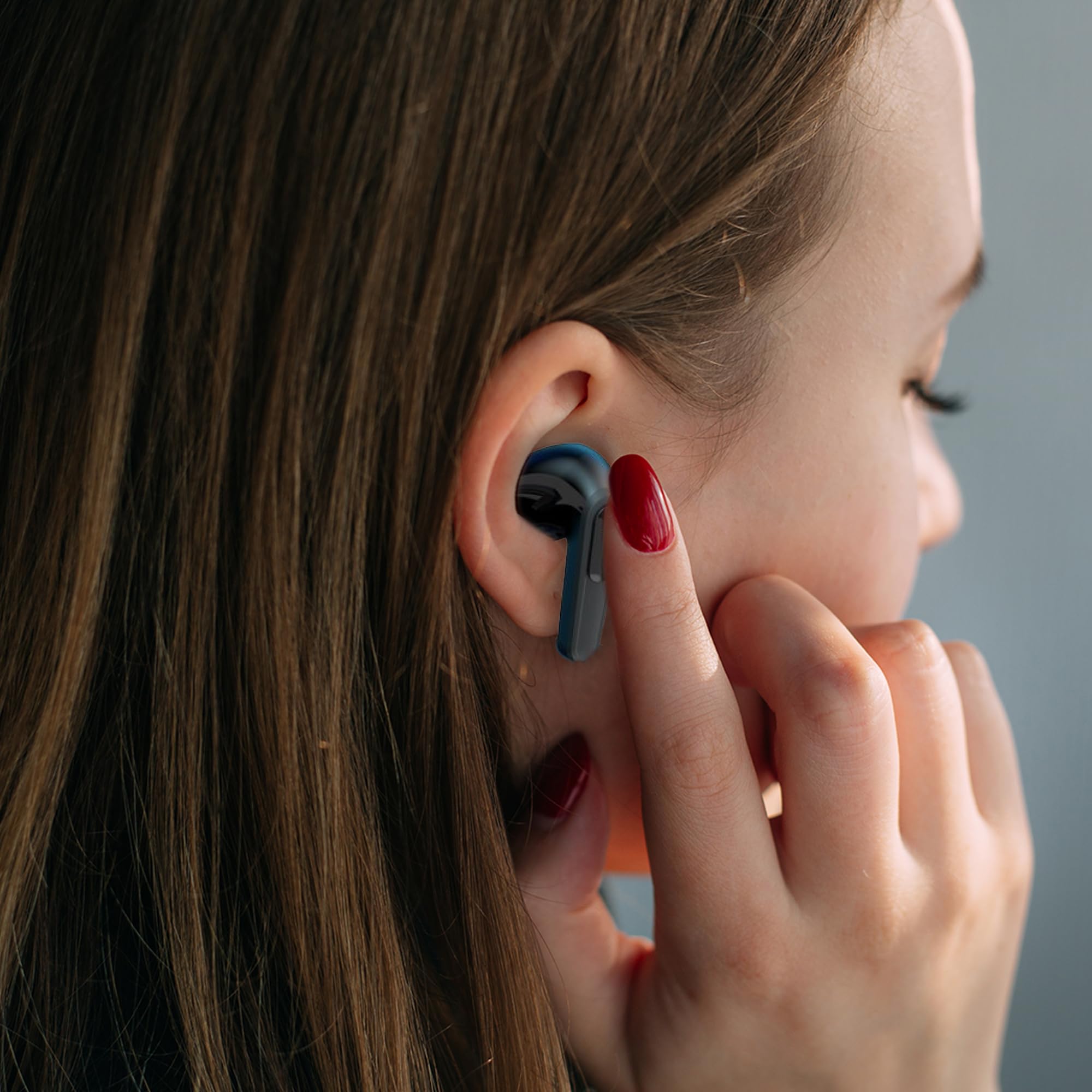
Image: A woman comfortably wearing one of the Laser TWS Earbuds while interacting with her smartphone.
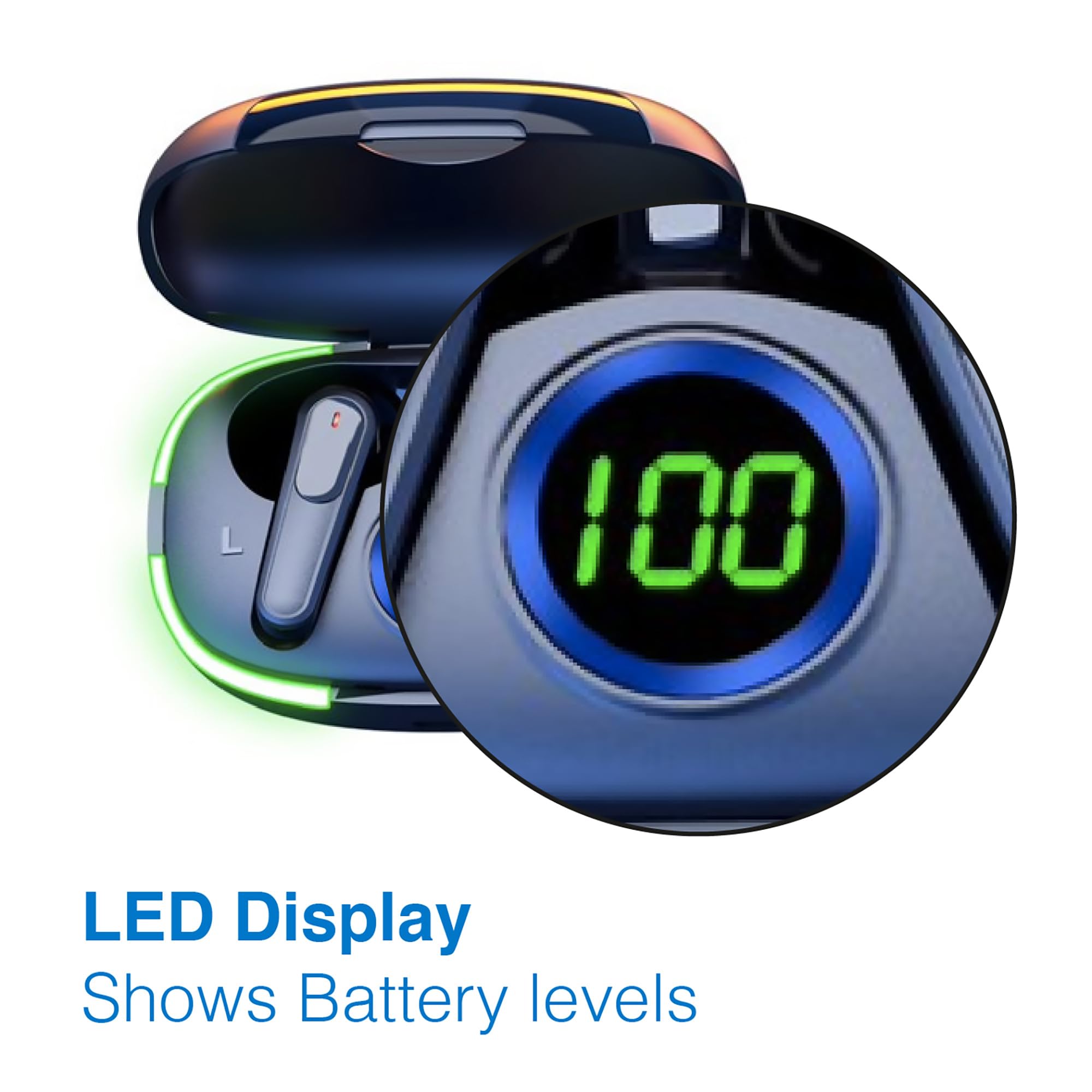
Image: A man walking outdoors, wearing a Laser TWS Earbud, demonstrating the ergonomic design for active use.
True Wireless Stereo Experience
These earbuds provide a true wireless stereo experience, delivering high-fidelity sound with clear channel separation for an immersive audio experience, whether for music, movies, or gaming.
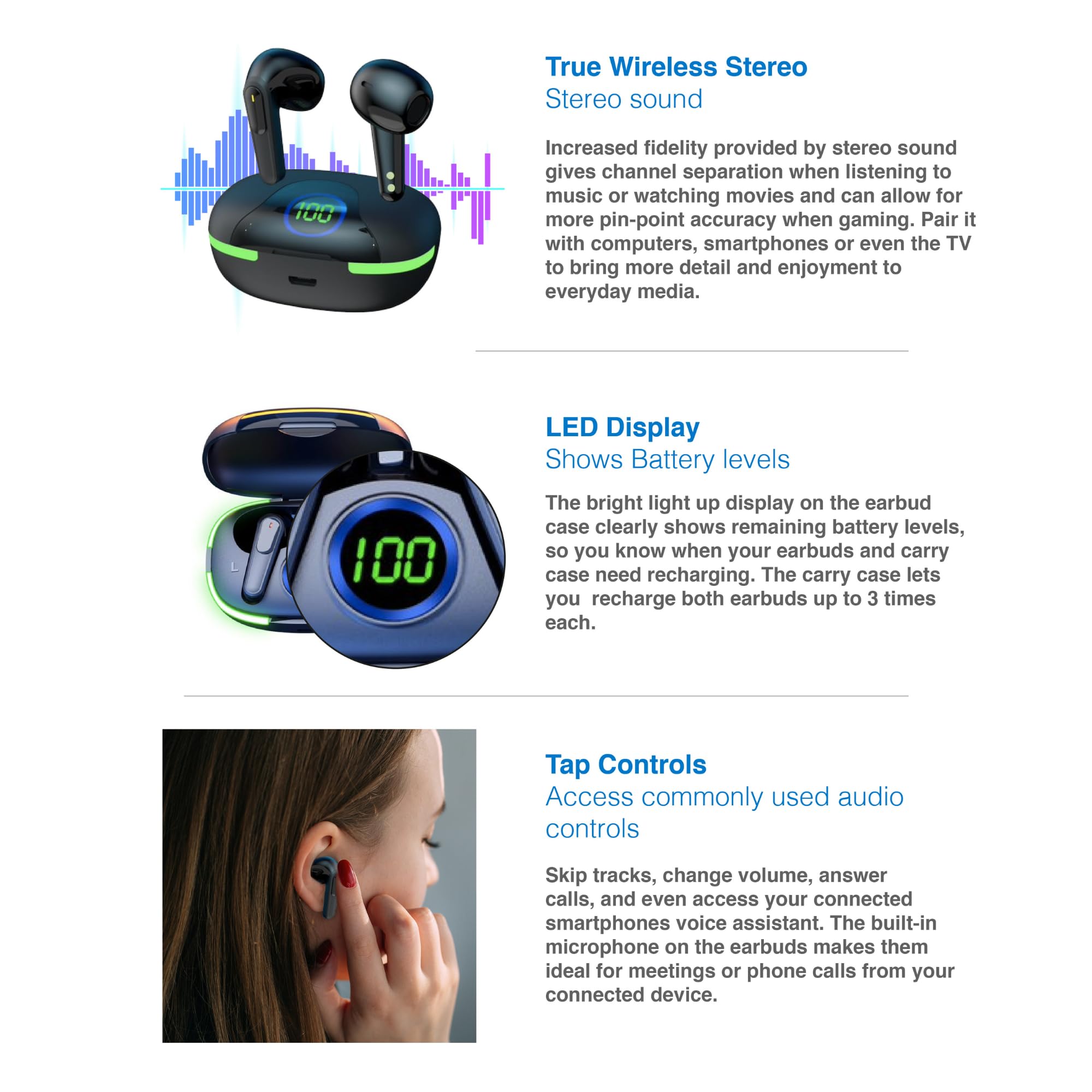
Image: A graphic representation of the True Wireless Stereo feature, showing the earbuds in their case with sound wave visualizations.
Sakatu Kontrolak
The earbuds feature intuitive tap controls for easy management of audio playback and calls without needing to access your connected device.
| Ekintza | Kontrola |
|---|---|
| Erreproduzitu/Pausatu musika | Sakatu bakar batean entzungailu batean |
| Hurrengo Pista | Sakatu birritan eskuineko entzungailuan |
| Aurreko Pista | Sakatu bi aldiz ezkerreko entzungailuan |
| Erantzun/Amaitu deia | Sakatu bakar batean entzungailu batean |
| Deia baztertu | Luze sakatu bi entzungailuetan |
| Aktibatu ahots-laguntzailea (Siri, Google Assistant, Alexa) | Hiru aldiz sakatu entzungailuetako edozeinetan |

Image: A person's hand touching an earbud, illustrating the tap control functionality.
Mikrofono integratua
Each earbud includes a built-in microphone, enabling hands-free calls and meetings without needing to switch to your device.
Mantentzea
- Garbiketa: Garbitu aldizka entzungailuak eta kargatzeko zorroa oihal leun, lehor eta lihorik gabeko batekin. Saihestu material urratzaileak edo produktu kimiko gogorrak erabiltzea.
- Biltegiratzea: Erabiltzen ez dituzunean, gorde entzungailuak kargatzeko zorroan babesteko eta kargatuta mantentzeko.
- Bateria zaintzea: Bateriaren iraupena luzatzeko, saihestu entzungailuak eta zorroa maiz erabat deskargatzea. Kargatu itzazu aldizka, etengabe erabiltzen ez badituzu ere.
- Uraren erresistentzia: These earbuds are not water resistant. Avoid exposure to water, sweat, or high humidity.
Arazoak konpontzea
| Arazoa | Irtenbidea |
|---|---|
| Entzungailuak ez dira parekatzen | Ensure earbuds are charged. Turn off and on Bluetooth on your device. Forget the device in Bluetooth settings and re-pair. Place earbuds back in case and take them out again. |
| Ez dago soinurik entzungailu batetik | Check battery level of both earbuds. Re-pair the earbuds. Try resetting the earbuds (refer to manufacturer's webbehar izanez gero, berrezartzeko argibide zehatzak lortzeko webgunera jo). |
| Kargatzeko kaxa ez da kargatzen | Ensure the charging cable is securely connected. Try a different USB power source or cable. |
| Tap controls not responding | Ensure earbuds are properly seated in your ears. Clean the touch sensitive area. Re-pair the earbuds. |
If you encounter persistent issues, please refer to the official Laser support weblaguntza gehiago jasotzeko gunea.
Zehaztapenak
| Ezaugarri | Xehetasuna |
|---|---|
| Eredua | EPS-LT10B-128 |
| Konektibitate Teknologia | Haririk gabeko Bluetootha |
| Zarata Kontrola | Soinu Isolamendua |
| Bateriaren iraupena (entzungailuak) | Gutxi gorabehera. 3 ordu |
| Kargatzeko Denbora | Gutxi gorabehera. 1 ordu |
| Kargatzeko kaxak berriro kargatzea | Gehienez 3 aldiz |
| Gehieneko Eragiketa Distantzia | 10 metro |
| Kontrol mota | Ukipen-kontrola, ahots-kontrola |
| Materiala | Plastikoa |
| Elementuaren pisua | 30 gramo |
| Neurriak | 62.2 x 42.5 x 32.6 cm (Produktua) |
| Uraren Erresistentzia Maila | Ez Urarekiko Erresistentea |
Bermea eta Laguntza
The Laser TWS Earbuds come with a 1 urteko bermea erosketa-datatik aurrera. Gorde erosketaren egiaztagiria berme-erreklamazioetarako.
For further support, troubleshooting, or warranty information, please visit the official Laser webgunea:
You may also contact Laser customer service directly for assistance.


