1. Sarrera
The AVMTON Wireless Gaming Mouse is designed for comfortable and efficient use with personal computers, laptops, and other compatible devices. Featuring a honeycomb shell for lightweight design, RGB backlighting, and a rechargeable battery, this mouse offers a responsive and ergonomic experience. It connects wirelessly via a 2.4GHz USB receiver, providing a stable connection for both office tasks and light gaming.

Image 1.1: The AVMTON Wireless Gaming Mouse shown alongside its 2.4GHz USB receiver. The mouse features a black honeycomb shell design and vibrant RGB lighting.
2. Konfigurazioa
2.1 Kutxatik ateratzea eta osagaiak
Kutxa irekitzean, ziurtatu osagai guztiak daudela:
- AVMTON Wireless Gaming Mouse
- 2.4GHz USB Receiver (typically stored in the mouse's bottom compartment)
- USB motako C kargatzeko kablea
2.2 Sagua konektatzea
- Bilatu saguaren beheko konpartimentuan gordetako USB hargailua.
- Kendu USB hargailua sagutik.
- Konektatu USB hargailua zure ordenagailuko edo ordenagailu eramangarriko USB ataka erabilgarri batean.
- Turn on the mouse using the power switch located on the bottom of the mouse. The mouse should automatically connect to the receiver.
2.3 Hasierako karga
The mouse comes with a built-in rechargeable battery. For optimal performance, it is recommended to fully charge the mouse before its first use. The mouse can be used while it is charging.

Image 2.1: The AVMTON Wireless Gaming Mouse connected to a laptop via its Type-C charging cable. The image highlights the convenience of charging while using the mouse.
3. Funtzionamendu-argibideak
3.1 Mouse Button Functions
The AVMTON Wireless Gaming Mouse features several buttons for enhanced functionality:
- Ezkerreko botoia: Klik egiteko funtzio estandarra.
- Eskuineko botoia: Eskuineko botoiarekin klik egiteko funtzio estandarra.
- Korritzeko gurpila: Scrolls content up or down. Can also be pressed for middle-click functionality.
- DPI botoia: Saguaren sentikortasuna (DPI) doitzen du.
- Aurrera egiteko botoia: Aurrera nabigatzen du web nabigatzaileak edo file esploratzaileak.
- Atzera botoia: Atzeraka nabigatzen du web nabigatzaileak edo file esploratzaileak.
- Switch potentziala: Sagua pizten edo itzaltzen du.
- Argiaren etengailua: Controls the RGB lighting.

Image 3.1: A detailed diagram illustrating the various buttons and components of the AVMTON Wireless Gaming Mouse, including the DPI button, scroll wheel, forward/backward buttons, and power/light switches.
3.2 DPI doikuntza
The mouse offers three adjustable DPI (Dots Per Inch) levels to control cursor speed and sensitivity. Press the DPI button (located behind the scroll wheel) to cycle through the settings: 800 DPI, 1200 DPI (default), and 1600 DPI. Choose the sensitivity that best suits your task, whether for precise work or faster movements in games.
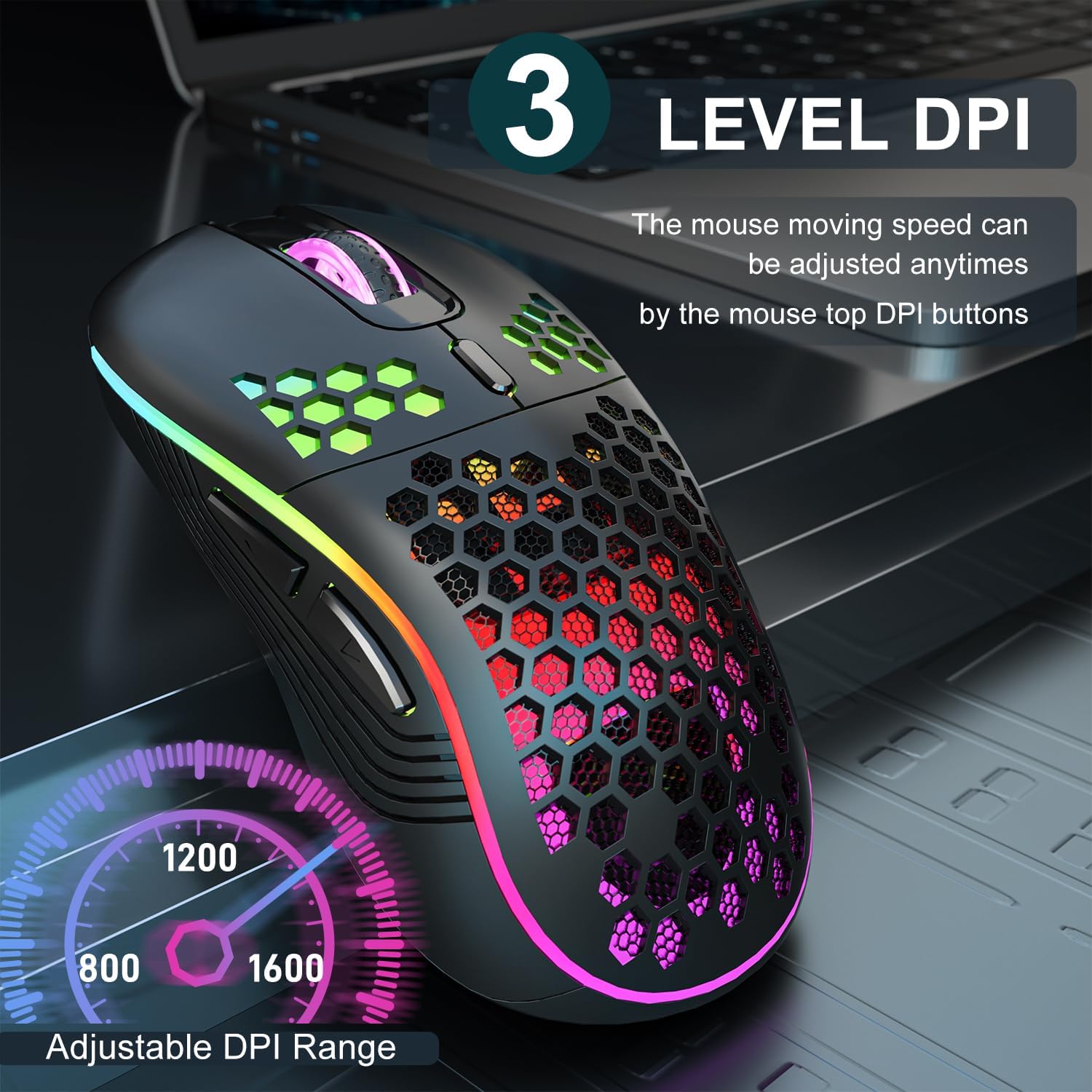
Image 3.2: The AVMTON Wireless Gaming Mouse with an overlay indicating the three adjustable DPI levels: 800, 1200, and 1600. This allows users to easily switch mouse sensitivity.
3.3 RGB atzeko argiztapenaren kontrola
The mouse features customizable RGB lighting. Use the dedicated light switch on the bottom of the mouse to turn the RGB lighting on or off. Turning off the RGB lighting can help conserve battery life.
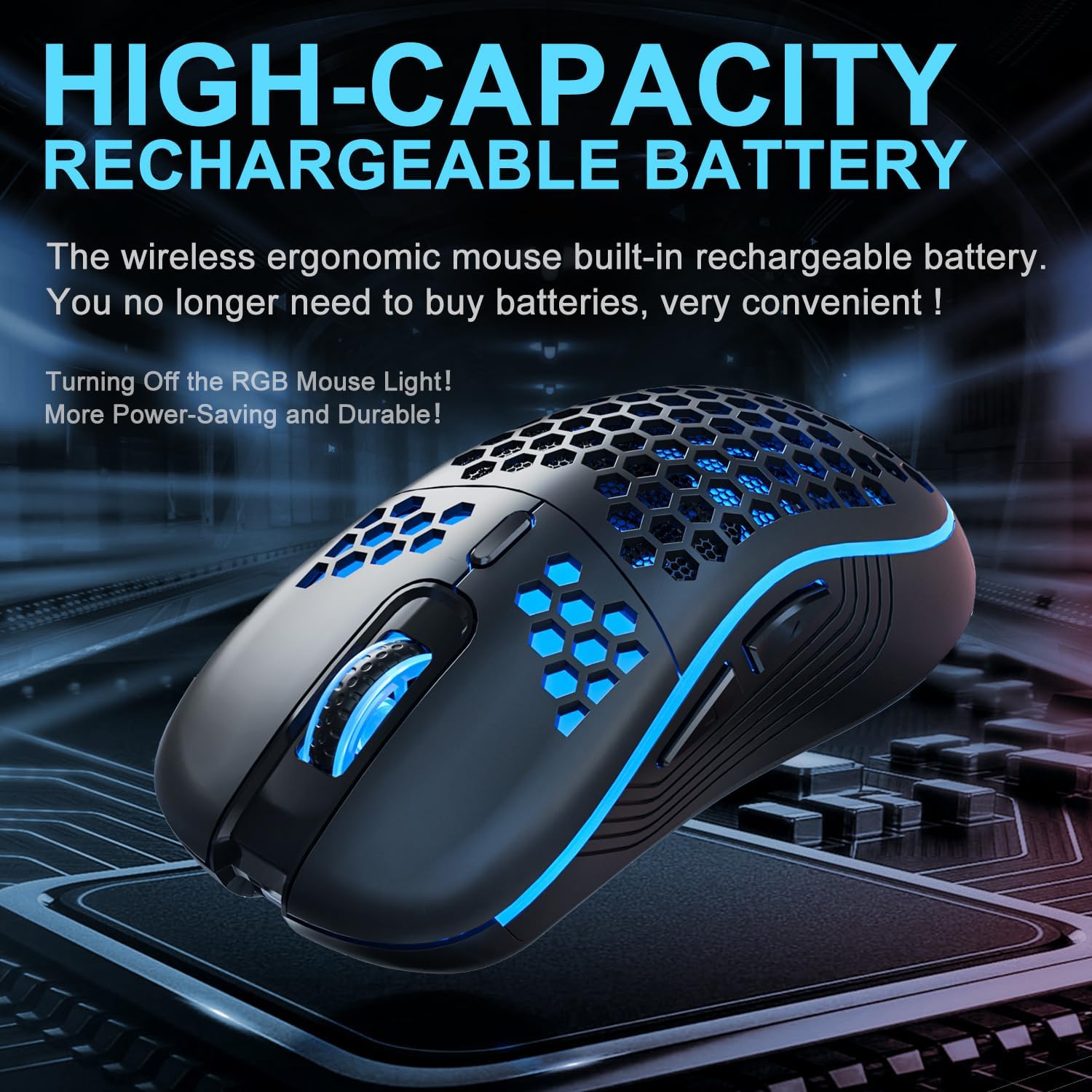
Image 3.3: The AVMTON Wireless Gaming Mouse illuminated with blue RGB lighting, highlighting its aesthetic features and rechargeable battery capacity.
3.4 Energia aurrezteko modua
To conserve battery, the mouse automatically enters a power-saving mode after a period of inactivity. To reactivate the mouse, simply move it or click any button.
3.5 Bateragarritasuna
The AVMTON Wireless Gaming Mouse is widely compatible with various operating systems, including Windows 2000, XP, Vista, 7, 8, 10, 11, Linux, and Mac OS. It is designed for use with personal computers and laptops.

Image 3.4: Visual representation of the mouse's wide compatibility with Windows, Linux, and Mac OS operating systems.
4. Mantentzea
4.1 Bateria kargatzea
When the mouse battery is low, connect the provided USB Type-C charging cable to the mouse's charging port and the other end to a USB power source (e.g., computer USB port, USB wall adapter). The mouse can be used normally while charging.
4.2 Sagua garbitzea
To maintain optimal performance and appearance, clean the mouse regularly. Use a soft, dry cloth to wipe the surface. For stubborn dirt, a slightly damp oihal bat erabil daiteke, likidorik ez sartzeko sagua ziurtatuz. Saihestu produktu kimiko gogorrak edo material urratzaileak erabiltzea.
5. Arazoak
- Saguak ez du erantzuten:
- Ensure the USB receiver is securely plugged into a working USB port.
- Verify that the mouse's power switch is in the 'ON' position.
- Check the battery level and charge the mouse if necessary. - Kurtsorearen mugimendua irregularra edo motela da:
- Adjust the DPI setting using the DPI button.
- Ensure the mouse is used on a clean, non-reflective surface. A mouse pad is recommended.
- Recharge the mouse if the battery is low. - RGB argiztapena ez dabil:
- Ensure the light switch on the bottom of the mouse is in the 'ON' position.
- The mouse may be in power-saving mode; move or click to wake it up. - Latency during large games:
- This mouse is primarily designed for office scenarios and small games. Large, graphically intensive games may experience some latency due to the wireless connection and mouse specifications.
6. Zehaztapenak
| Marka | AVMTON |
| Ereduaren izena | haririk gabeko sagua |
| Konektibitate Teknologia | USB (2.4GHz Wireless) |
| Mugimenduak detektatzeko teknologia | Optikoa |
| DPI mailak | 800 / 1200 (Lehenetsia) / 1600 |
| Bateria mota | Rechargeable Lithium Polymer (included) |
| Bateriaren batez besteko bizitza | 6 months (approx.) |
| Kargatzeko ataka | USB C motakoa |
| Ezaugarri bereziak | Honeycomb Design, RGB Backlight, Lightweight, 6 programmable Buttons |
| Eskuen Orientazioa | Anbidistroa |
| Materiala | Plastikoa |
| OS bateragarria | Windows 2000 / XP / Vista / 7 / 8 / 10 / 11, Linux, Mac OS |
| Paketearen neurriak | 13.7 x 8.7 x 4.9 cm |
| Elementuaren pisua | 140 g |
7. Bermea eta Laguntza
Specific warranty details are not provided within this manual. For warranty information, technical support, or any inquiries regarding your AVMTON Wireless Gaming Mouse, please refer to the product packaging or contact AVMTON customer service directly through their official webproduktua erosi zen gunea edo dendaria.


