1. Sarrera
The Nineplus AXE5400 Tri-Band WiFi 6E USB Adapter is designed to provide high-speed wireless connectivity for your desktop PC or laptop. Utilizing WiFi 6E (802.11ax) technology, this adapter supports tri-band operation (6GHz, 5GHz, and 2.4GHz) to deliver fast, stable, and low-latency network performance. This manual will guide you through the installation, operation, and basic troubleshooting of your new adapter.
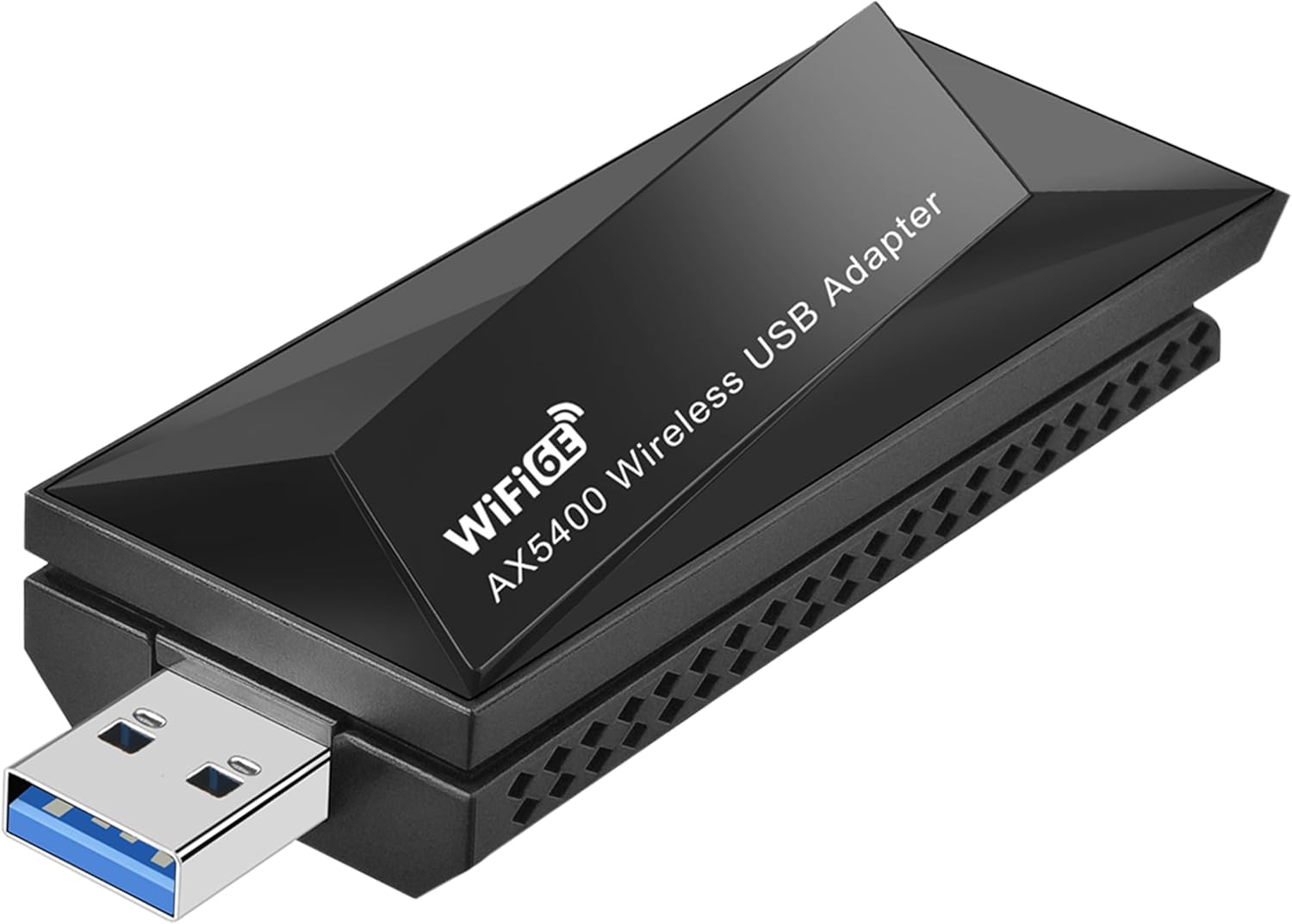
Image 1.1: The Nineplus AXE5400 WiFi 6E USB Adapter, a compact device designed for enhanced wireless connectivity.
2. Paketearen edukia
Mesedez, egiaztatu elementu guztiak zure paketean daudela:
- 1 x Nineplus AXE5400 USB WiFi Adapter
- 2 x Antena
- 1 x Erabiltzailearen eskuliburua (dokumentu hau)
- 1 x CD kontrolatzailea
3. Sistemaren eskakizunak
Before installation, ensure your system meets the following requirements:
- Sistema eragilea: Windows 10 (64 biteko) edo Windows 11 (64 biteko)
- USB ataka: Available USB 3.0 port (backward compatible with USB 2.0, but USB 3.0 is recommended for optimal performance)
- Prozesadorea: Intel Core i3 or equivalent, 2.0 GHz or faster
- RAM: 4 GB edo gehiago

Image 3.1: The adapter connected to a desktop PC, indicating compatibility with Windows 10 and 11 operating systems.
4. Konfiguratzeko argibideak
4.1. Gidariaren instalazioa
The adapter requires a driver for proper functionality. Please follow these steps:
- Insert the provided CD Driver into your computer's CD-ROM drive.
- Locate and run the setup file (adibidez, setup.exe or install.exe).
- Jarraitu pantailako argibideei kontrolatzailearen instalazioa amaitzeko.
- If your computer does not have a CD-ROM drive, you can download the latest drivers from the official Nineplus support webgunea.
- Berrabiarazi ordenagailua kontrolatzailearen instalazioa amaitutakoan.
4.2. Hardware-instalazioa
After installing the drivers, connect the adapter to your computer:
- Gently attach the two antennas to the adapter by screwing them onto the connectors.
- Locate an available USB 3.0 port on your desktop PC or laptop. USB 3.0 ports are typically blue internally.
- Insert the Nineplus AXE5400 USB WiFi Adapter firmly into the USB 3.0 port.
- The operating system should automatically detect the adapter and apply the installed drivers.

Image 4.2: The USB adapter shown connected to both a laptop and a desktop computer, illustrating its versatile application.
4.3. Wi-Fi sare batera konektatzea
Once the adapter is installed, you can connect to a wireless network:
- Click on the Wi-Fi icon in the system tray (usually in the bottom-right corner of your screen).
- Haririk gabeko sare erabilgarrien zerrenda agertuko da.
- Select your desired network and click Konektatu.
- If prompted, enter the network security key (password) and click Hurrengoa or OK.
- Zure ordenagailua Wi-Fi sarera konektatuta egon beharko litzateke orain.
5. Funtzionamendu-argibideak
5.1. Tri-Band Functionality
The AXE5400 adapter supports three distinct frequency bands:
- 6 GHz-ko banda: Offers speeds up to 2402Mbps. Ideal for high-bandwidth applications like 4K/8K streaming and online gaming, with less interference.
- 5 GHz-ko banda: Provides speeds up to 2402Mbps. Suitable for most demanding tasks, offering a balance of speed and range.
- 2.4 GHz-ko banda: Delivers speeds up to 573.5Mbps. Best for longer range and penetrating obstacles, suitable for general web nabigazioa eta posta elektronikoa.
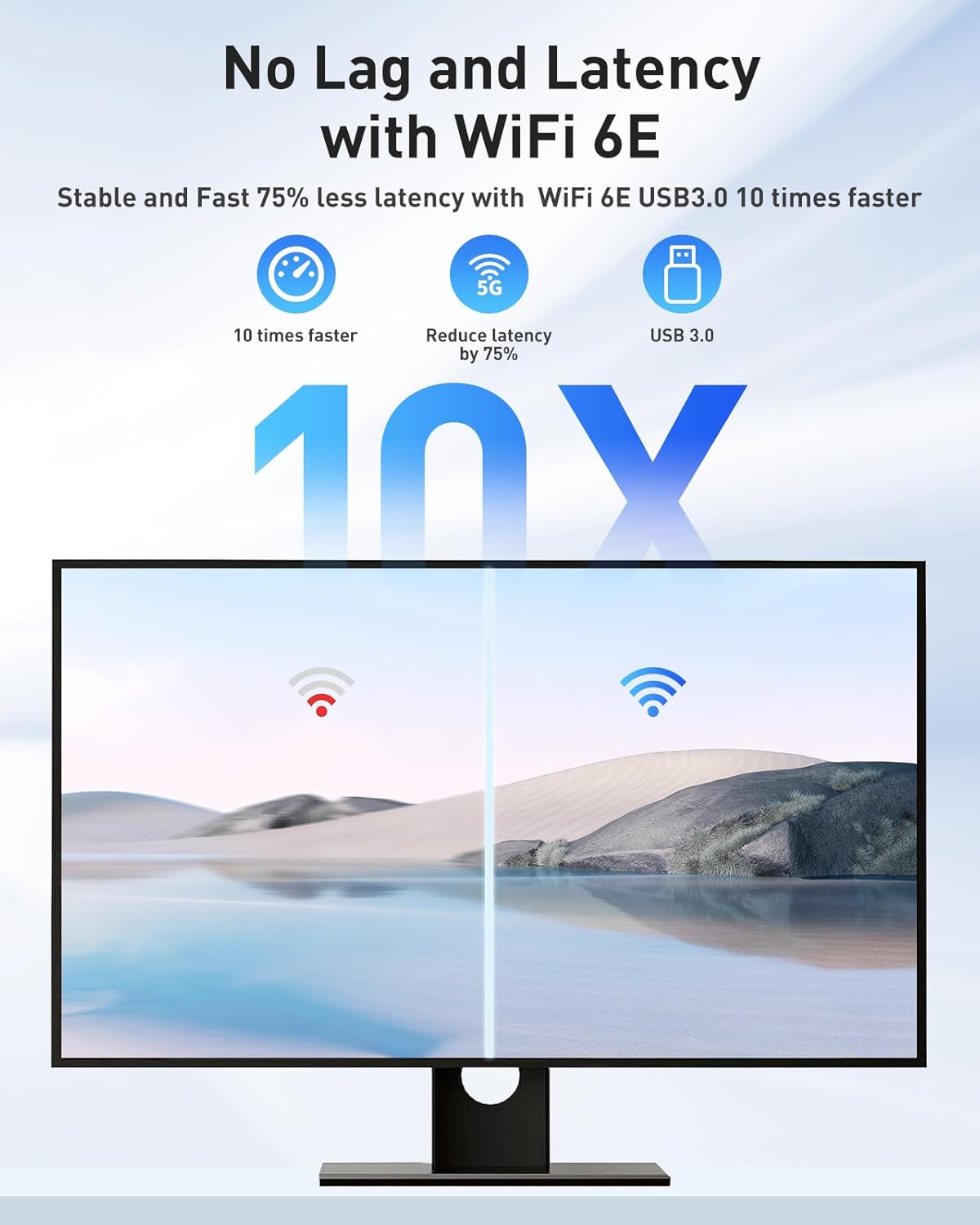
Image 5.1: Visual representation of the adapter's speed capabilities across the 6GHz, 5GHz, and 2.4GHz frequency bands.
5.2. USB 3.0 Performance
The adapter utilizes a USB 3.0 interface, which provides up to 10 times faster data transfer speeds compared to USB 2.0. This ensures that the high wireless speeds of WiFi 6E are not bottlenecked by the USB connection, resulting in a smoother experience for streaming, gaming, and large file transferentziak.

Image 5.2: The adapter receiving tri-band signals from a router, illustrating its connectivity across 6GHz, 5GHz, and 2.4GHz bands.
5.3. Segurtasun Ezaugarriak
The Nineplus AXE5400 adapter supports the latest Wi-Fi security protocols to protect your network from unauthorized access:
- WPA3: The latest generation of Wi-Fi security, offering enhanced encryption and protection against brute-force attacks.
- WPA2: Widely used and robust security protocol.
- WPA/WEP: Older security protocols, supported for compatibility with legacy networks.
6. Mantentzea
To ensure optimal performance and longevity of your Nineplus AXE5400 USB WiFi Adapter, consider the following maintenance tips:
- Gidarien eguneraketak: Periodically check the Nineplus support website for updated drivers. Keeping your drivers current can improve performance and resolve compatibility issues.
- Kokapen fisikoa: Ensure the adapter is not obstructed and has adequate ventilation. Avoid placing it near sources of electromagnetic interference (e.g., microwaves, cordless phones).
- Antenaren orientazioa: Adjust the rotatable antennas for the best signal reception. Experiment with different angles to find the optimal position.

Image 6.1: The adapter featuring a rotatable antenna, allowing for flexible positioning to optimize signal reception.
7. Arazoak
If you encounter issues with your Nineplus AXE5400 USB WiFi Adapter, refer to the following common problems and solutions:
| Arazoa | Irtenbidea |
|---|---|
| Adapter not recognized by the computer. |
|
| Frequent disconnections or signal drops. |
|
| Wi-Fi abiadura motela. |
|
| Adapter does not automatically connect upon startup. |
|
8. Zehaztapenak
| Ezaugarri | Deskribapena |
|---|---|
| Eredua | AXE5400 |
| Wi-Fi estandarra | WiFi 6E (802.11ax) |
| Maiztasun Bandak | Hiru banda (6GHz, 5GHz, 2.4GHz) |
| Haririk gabeko abiadura maximoa | Up to 5400Mbps (2402Mbps on 6GHz, 2402Mbps on 5GHz, 573.5Mbps on 2.4GHz) |
| USB Interfazea | USB 3.0 (atzerako bateragarria USB 2.0-rekin) |
| Segurtasun-protokoloak | WPA3, WPA2, WPA, WEP |
| OS bateragarria | Windows 10 (64 biteko), Windows 11 (64 biteko) |
| Neurriak (L x W x H) | 2.6 x 0.82 x 0.39 hazbete |
| Elementuaren pisua | 1.76 ontza |
| Fabrikatzailea | Bederatziplus |
9. Bermea eta Laguntza
Nineplus provides a 2-year service and replacement warranty for the AXE5400 USB WiFi Adapter. If you encounter any problems with your device, please contact Nineplus customer support directly via email. Our support team aims to respond to inquiries within 24 hours to assist with troubleshooting or arrange for a replacement if necessary.
For the most up-to-date contact information and support resources, please visit the official Nineplus webgunea.


