Model: Omega S
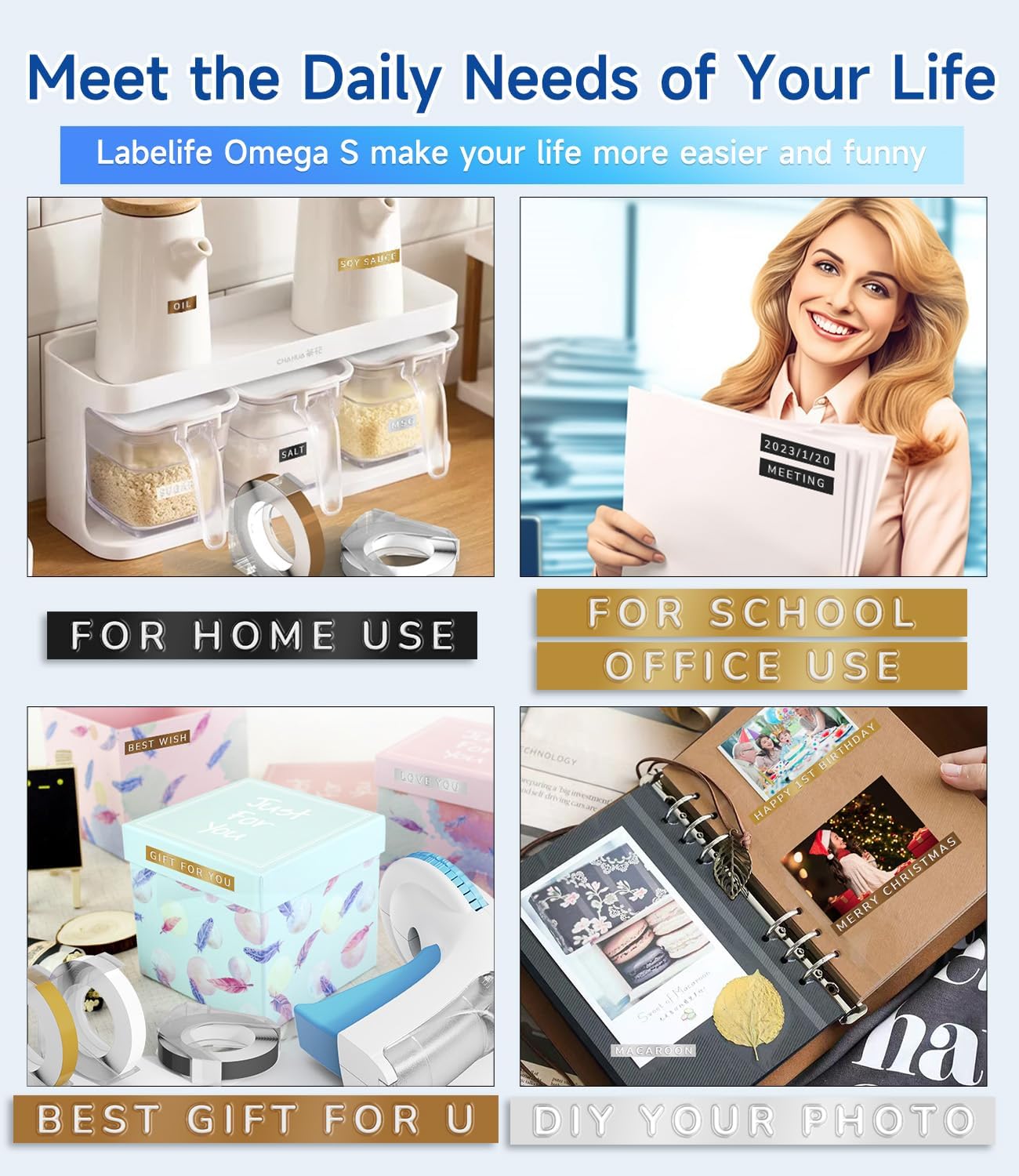
This manual provides detailed instructions for the safe and effective use of your Labelife Omega S Embossing Label Maker. Please read this manual thoroughly before operating the device to ensure proper function and longevity. This label maker is designed for creating embossed labels for various organizational and crafting needs without the use of batteries or ink.
Egiaztatu behean zerrendatutako elementu guztiak zure paketean sartuta daudela:

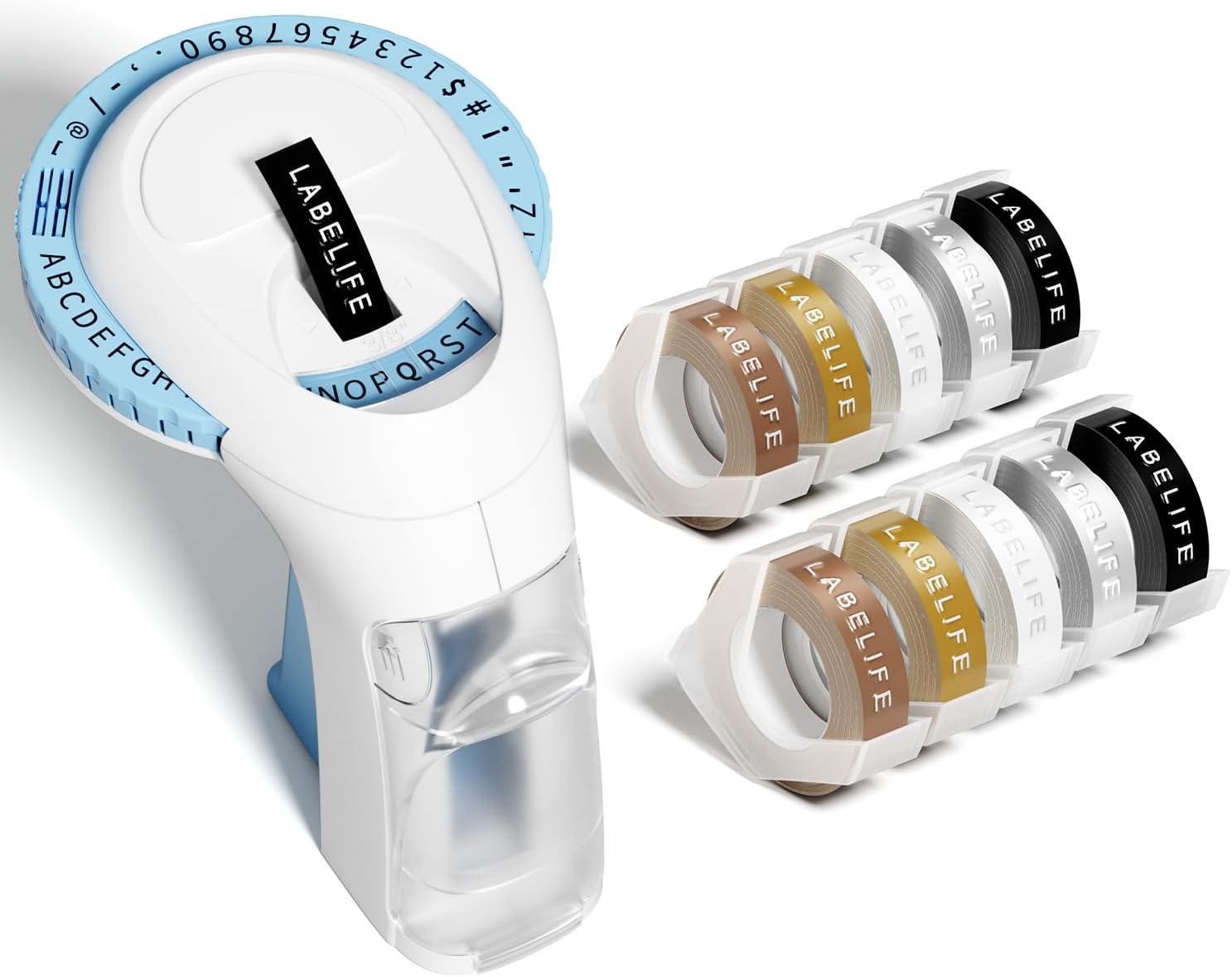
Image: The package contents, including the blue label maker, ten rolls of 9mm embossing tape in various colors, and a user manual.

Image: The label maker's character dial, highlighting the 48 available characters (A-Z, 0-9, and symbols) and the "Turn-and-Click" system.

Image: Visual representation of the label tapes' properties, including easy peeling, 3D effect, water resistance, abrasion resistance, and strong adhesive.
| Marka | Labelife |
| Ereduaren izena | Omega S Embossing Label Maker |
| Inprimatzeko Teknologia | Errepresioa |
| Konektibitate Teknologia | Eskuliburua |
| Gehienezko euskarriaren tamaina | 9mm (3/8" Inches) |
| Inprimagailuaren tinta mota | Ez da tintarik behar |
| Produktuaren neurriak | 4.96 x 3.62 x 4.64 hazbete (S x Z x A) |
| Elementuaren pisua | 11.3 ontza |

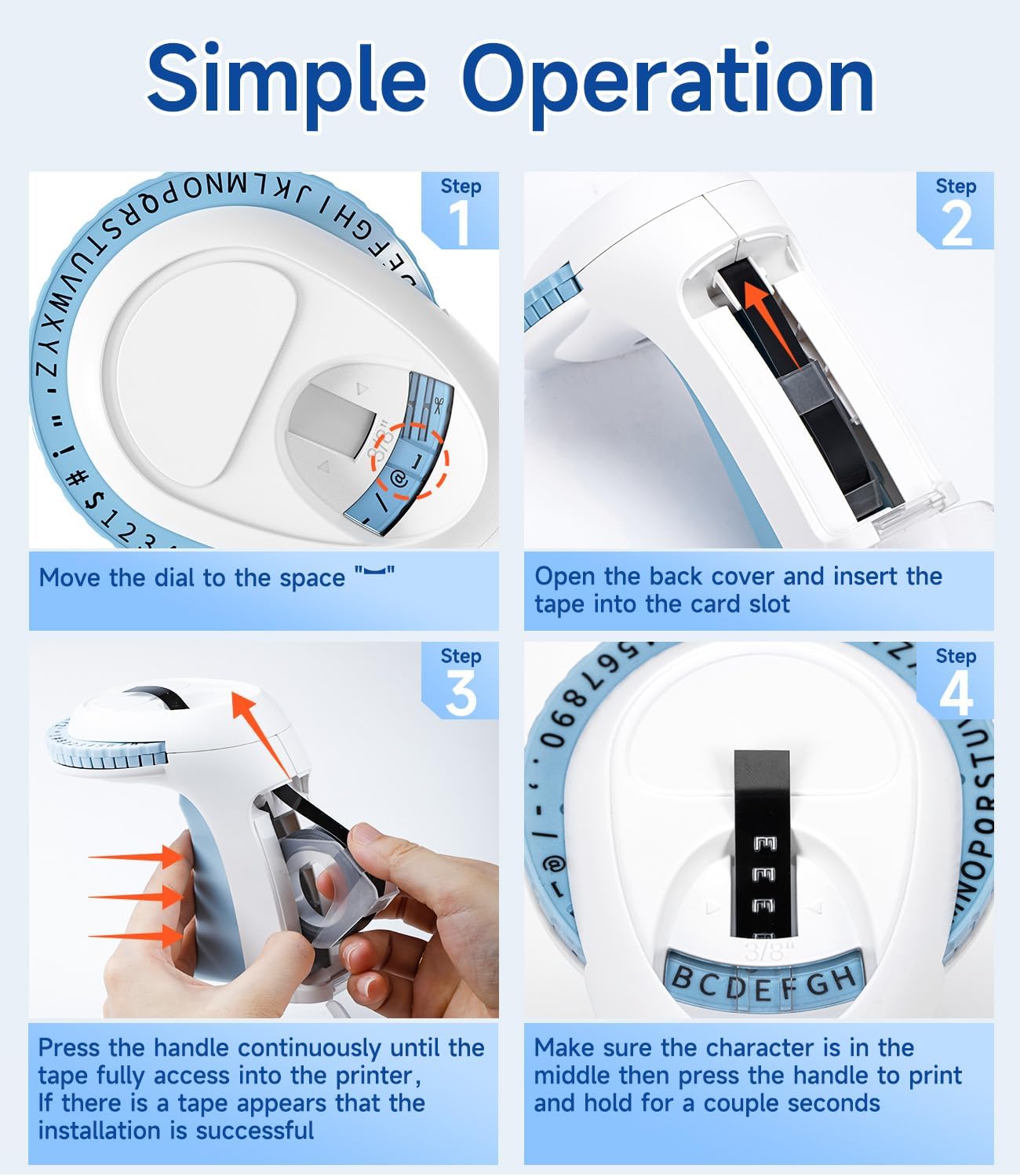
Image: Visual steps for loading the label tape, showing how to open the cover, insert the tape, and advance it by pressing the handle.

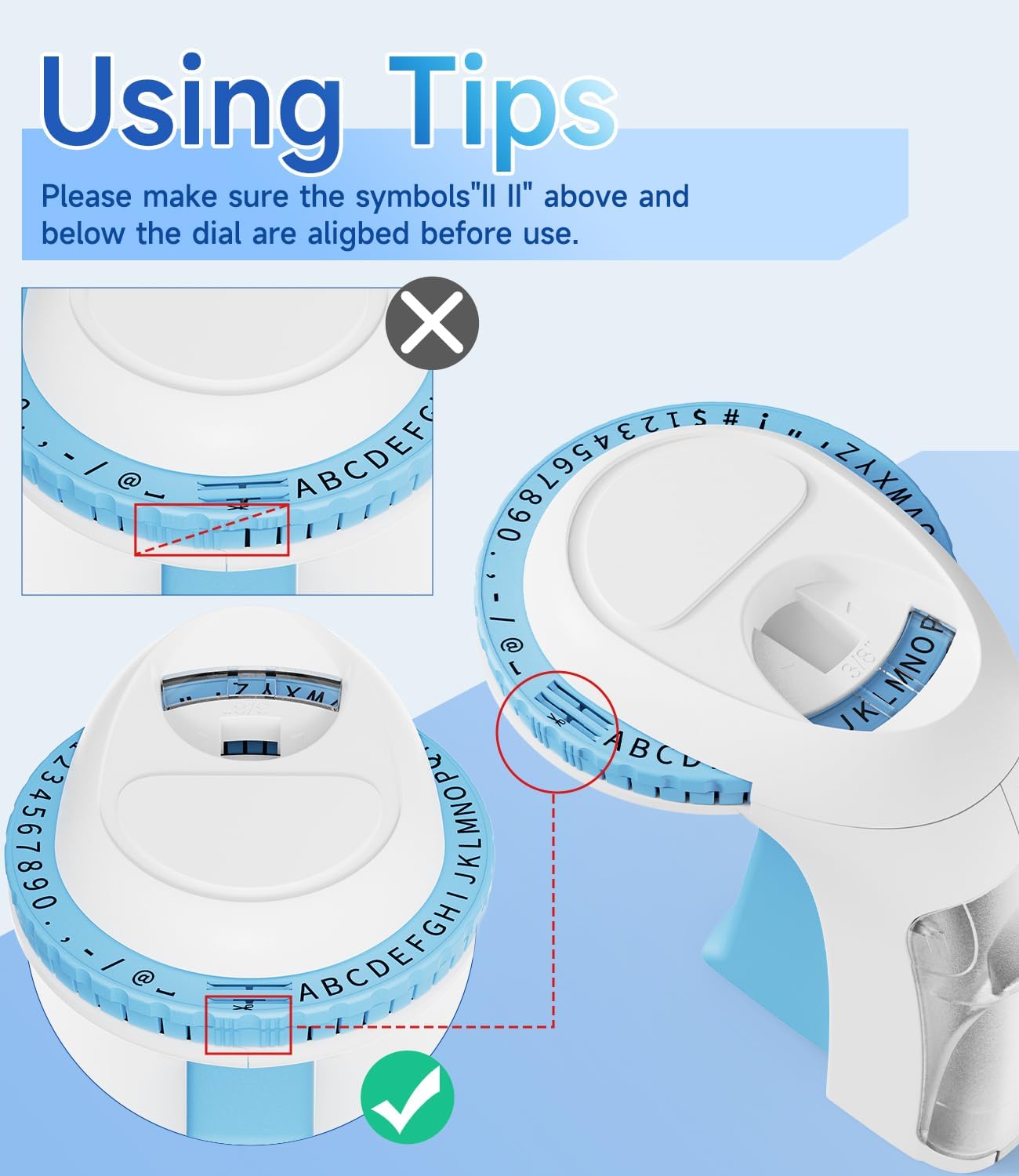
Irudia: Xehetasun handikoa view of the character dial, illustrating the importance of aligning the indicator marks for accurate character embossing.
The Labelife Omega S Embossing Label Maker requires minimal maintenance. Follow these guidelines to ensure its longevity:
| Arazoa | Kausa posiblea | Irtenbidea |
|---|---|---|
| Characters are unclear or faint. | Insufficient pressure applied to the handle. | Press the handle more firmly and hold for a couple of seconds for each character. |
| Letters are not aligned or appear crooked. | Character dial not perfectly aligned before pressing. | Ensure the alignment marks on the dial are precisely matched with the indicator before pressing the handle for each character. |
| Tape does not feed or jams. | Tape incorrectly loaded or debris in the tape path. | Open the back cover, remove the tape, and check for any obstructions. Re-insert the tape carefully, ensuring it is seated correctly. |
| Label does not cut cleanly. | Insufficient pressure when cutting or cutter blade is dull. | Ensure the dial is set to the scissor symbol and press the handle firmly to cut. If the issue persists, contact customer support. |
| Difficulty peeling off the tape backing. | The pre-cut divider may not have been fully created. | The tapes are designed with pre-cut dividers for easier peeling. If difficulty occurs, try gently bending the label to separate the backing or use a sharp, thin object to start the peel from a corner. |
For warranty information or technical support, please refer to the documentation included with your purchase or contact Labelife customer service directly. Keep your purchase receipt as proof of purchase.
You can visit the official Labelife store for more information: Labelife Store
![]() |
Labelife Label Maker: Easy Label Tape Installation Guide Comprehensive guide from Labelife on how to correctly install label tapes into your label maker, with visual step-by-step instructions and troubleshooting tips. |
![]() |
M221 Multifunctional Portable Label Maker User Guide User guide for the M221 Multifunctional Portable Label Maker, covering product introduction, getting started, replacing the paper roll, identifying label sizes, PC application installation, app user guide, safety instructions, cleaning and maintenance, operator panel instructions, and regulatory information. |
![]() |
Labelife D210S Handheld Label Printer User Manual Comprehensive user manual for the Labelife D210S handheld label printer, covering specifications, initial setup, basic usage, troubleshooting, and warranty information. |
![]() |
Quick Start Guide: PM-241-BT Label Printer A concise guide to setting up and using the PM-241-BT label printer, covering installation, mobile and computer connectivity, and printing instructions. |
![]() |
Labelife aplikazioaren erabiltzailearen gida: Inprimatzea eta etiketak sortzea Labelife aplikaziorako erabiltzaileentzako gida osoa, inprimagailuak nola konektatu, PDFak nola inprimatu eta azaltzen duena. files, etiketa tamainak pertsonalizatu eta funtzio aurreratuak erabili etiketak sortzeko. |
![]() |
Labelife Softwarea: Bluetooth etiketa termikoen inprimagailuaren konfigurazio gida Labelife softwarea erabiliz Bluetooth bidez zure Labelife etiketa termikoko inprimagailua konfiguratzeko eta konektatzeko urratsez urratseko gida. Ikasi etiketak nola sortu, paperaren ezarpenak nola konfiguratu eta inprimatzeko Bluetooth konexio bat nola ezarri. |