Sarrera
The Logitech Signature M550 L Wireless Mouse is designed for enhanced comfort and productivity, especially for users with larger hands. It features an adaptive SmartWheel for precise or hyper-fast scrolling, SilentTouch technology for quiet clicks, and versatile connectivity options. This manual provides detailed instructions for setup, operation, and maintenance of your device.
Paketearen edukia
- Logitech Signature M550 L Wireless Mouse
- AA bateria 1 (aurrez instalatuta edo barne)
- Logi Bolt USB Receiver (may be stored inside the mouse battery compartment)
- Erabiltzailearen dokumentazioa (eskuliburu hau)
Produktua amaituview
Familiarize yourself with the key components of your Logitech Signature M550 L mouse.

Irudia: Goiko eta alboko view of the Logitech Signature M550 L mouse, highlighting its features including the SmartWheel, silent clicking buttons, Bluetooth connectivity, ergonomic shape, and 24-month battery life.
- Ezkerreko/eskuineko klik botoiak: Feature SilentTouch technology for reduced clicking noise.
- Gurpil Adimenduna: Adaptive scroll wheel for line-by-line precision or super-fast free-spin scrolling.
- LED adierazlea: Bateriaren egoera eta konexio modua erakusten ditu.
- Piztu/Itzali etengailua: Saguaren behealdean kokatuta.
- Bateriaren konpartimendua: Houses the AA battery and Logi Bolt USB receiver.
- Diseinu ergonomikoa: Contoured shape with soft thumb area and rubber side grips for comfort.
Konfigurazioa
1. Instalatu bateria
- Ireki saguaren azpialdean dagoen bateriaren konpartimentuaren estalkia.
- Sartu barneko AA pila, polaritate zuzena (+/-) ziurtatuz.
- Close the battery compartment cover. The LED indicator on the mouse may flash briefly.
2. Konektatu zure gailura
The Signature M550 L offers two connection methods: Logi Bolt USB Receiver or Bluetooth Low Energy.
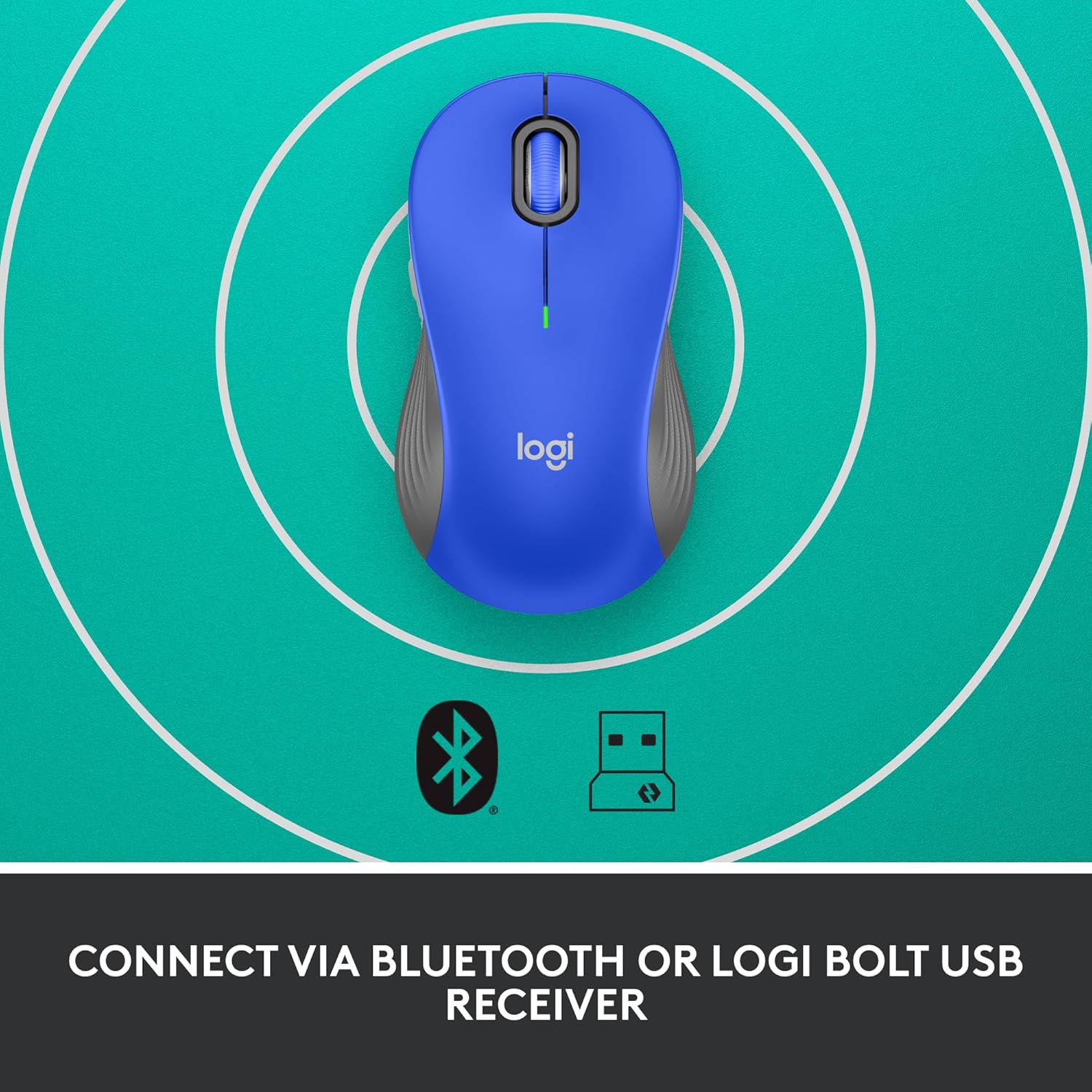
Image: The Logitech Signature M550 L mouse shown with icons representing Bluetooth and Logi Bolt USB receiver connectivity options.
A aukera: Logi Bolt USB hargailua
- Bilatu Logi Bolt USB hargailua, normalean saguaren bateriaren konpartimentuan gordeta dagoena.
- Konektatu Logi Bolt USB hartzailea zure ordenagailuko USB ataka libre batean.
- Turn on the mouse using the On/Off switch on the bottom. Your computer should automatically detect the mouse.
B aukera: Bluetooth energia gutxikoa
- Piztu sagua beheko pizte/itzaltze etengailua erabiliz.
- Press and hold the Easy-Switch button (usually on the bottom or side, refer to product diagram if available) for 3 seconds until the LED indicator starts blinking rapidly. This indicates pairing mode.
- Ireki Bluetooth ezarpenak zure ordenagailuan edo gailuan.
- Hautatu "Logitech M550 L" eskuragarri dauden gailuen zerrendatik eta jarraitu pantailan agertzen diren argibideei parekatzea osatzeko.
Sagua Windows, macOS, Linux, Chrome OS, iPadOS eta Android sistema eragileekin bateragarria da.
Funtzionamendu-argibideak
Gurpil Adimendunaren Mugimendua
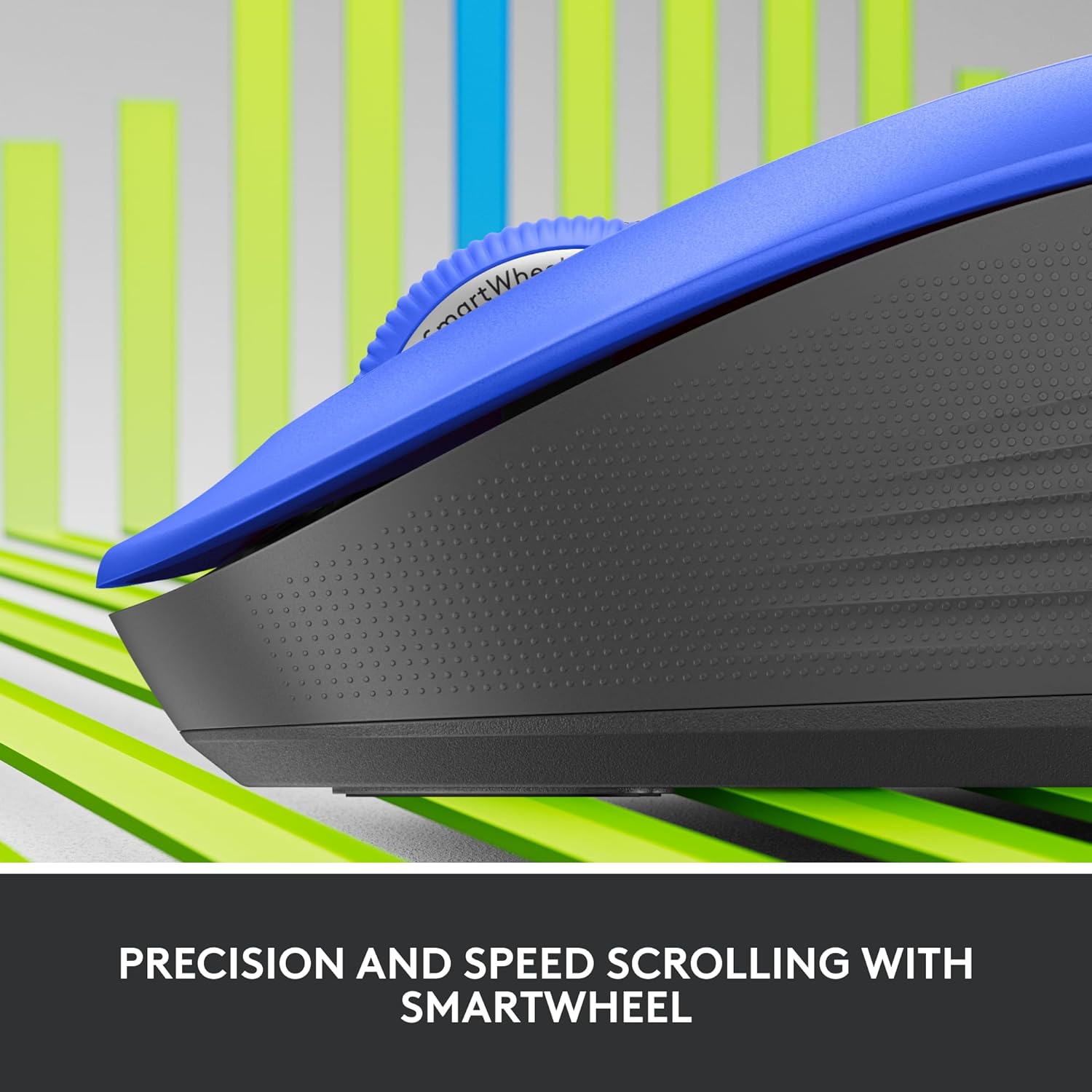
Irudia: Gertutik view of the Logitech SmartWheel, demonstrating its precision and speed scrolling capabilities.
SmartWheel-ek automatikoki bi moduen artean aldatzen du:
- Lerroz lerroko zehaztasuna: Ideal for detailed work and navigating documents. Scroll slowly for precise control.
- Super-Fast Free-Spin: For quickly navigating long web pages or documents. Flick the wheel to activate.
Klik isilak

Image: A person using the Logitech Signature M550 L mouse at a desk, illustrating the benefit of 90% less clicking noise for a focused work environment.
The mouse features Logitech's SilentTouch technology, reducing click noise by over 90% compared to traditional mice. This allows for a quieter work environment without compromising click feel.
Gailu anitzeko bateragarritasuna
The Signature M550 L can be paired with multiple devices and switched between them using the Easy-Switch button. This feature is ideal for users who work across several computers or tablets.
Mantentzea
Bateria ordezkatzea
The mouse operates on a single AA battery, offering up to 24 months of battery life depending on usage. When the battery is low, the LED indicator will turn red. To replace:
- Itzali sagua.
- Open the battery compartment cover on the underside.
- Remove the old AA battery and insert a new one, observing correct polarity.
- Close the cover and turn the mouse back on.
Garbiketa
Sagua garbitzeko, erabili zapi leun eta lihorik gabeko bat, arinki bustita.ampened with water or a mild cleaning solution. Avoid harsh chemicals or abrasive materials. Ensure no liquid enters the mouse's openings.
Arazoak konpontzea
- Saguak ez du erantzuten:
- Ziurtatu sagua piztuta dagoela.
- Egiaztatu bateriaren maila eta ordeztu behar izanez gero.
- Logi Bolt hartzailea erabiltzen baduzu, saiatu beste USB ataka batera edo beste ordenagailu batera konektatzen ataka arazoak baztertzeko.
- If using Bluetooth, ensure Bluetooth is enabled on your device and the mouse is properly paired. Try re-pairing the mouse.
- Move the mouse closer to the receiver or Bluetooth-enabled device to ensure it's within range.
- Kurtsorearen mugimendu irregularra:
- Garbitu saguaren beheko aldean dagoen sentsore optikoa.
- Ziurtatu sagua gainazal egoki batean erabiltzen ari zarela. Saihestu gainazal oso islatzaileak edo gardenak.
- Connectivity issues after system update:
- Berrabiarazi ordenagailua.
- Check for updated drivers for your mouse or Bluetooth adapter.
Zehaztapenak
| Marka | Logitech |
| Modelo zenbakia | 910-006794 |
| Konektibitate Teknologia | Bluetooth energia gutxiko hargailua, Logi Bolt USB hargailua |
| Mugimenduen detekzioa | Optikoa |
| Ezaugarri bereziak | Lightweight, Portable, Silent Clicks (SilentTouch), SmartWheel, Wireless |
| Bateria mota | 1 AA bateria |
| Bateriaren iraupena | 24 hilabete arte (erabileraren arabera alda daiteke) |
| Sistema eragileen bateragarritasuna | Windows, macOS, Linux, Chrome OS, iPadOS, Android |
| Elementuaren pisua | 3.92 ontza |
| Kolorea | Blue (for this variant) |
Bermearen informazioa
Logitech products are manufactured to high quality standards and are covered by a limited hardware warranty. For specific warranty terms and conditions applicable to your region and product, please refer to the official Logitech webgunea edo erosketarekin batera datorren berme-txartela.
Laguntza
For further assistance, technical support, or to download the latest software and drivers for your Logitech Signature M550 L Wireless Mouse, please visit the official Logitech support webgunea:
You can also find FAQs and community forums on the support site.


