1. Sarrera
This manual provides detailed instructions for the assembly, operation, and maintenance of your ErGear EGESD63B electric standing desk. Please read this manual thoroughly before assembly and use to ensure proper function and safety. Keep this manual for future reference.

Image 1.1: The ErGear EGESD63B electric standing desk in a typical office setup.
2. Segurtasun informazioa
Funtzionamendu segurua bermatzeko eta lesioak edo kalteak saihesteko, jarraitu segurtasun-jarraibide hauek:
- Do not exceed the weight limit of 250 pounds (113 kg) on the desktop.
- Ensure the desk is properly anchored to the floor to prevent tipping, especially when at maximum height.
- Avoid use near water or in humid conditions to prevent electrical hazards.
- Mantendu haurrak eta maskotak mahaitik urrun funtzionamenduan zehar.
- Ziurtatu mahaiaren ibilbidean oztoporik ez dagoela altuera doitzean.
- Erabili emandako energia-egokitzailea eta osagaiak soilik.
3. Paketearen edukia
Verify that all components are present and undamaged before beginning assembly. If any parts are missing or damaged, contact ErGear customer service.
- Desktop (One-piece)
- Mahaiaren hankak (2)
- Crossbar/Frame
- Kontrol panela
- Korronte egokitzailea eta kablea
- Kableen kudeaketa erretilua
- Hardware Kit (screws, bolts, washers)
- Muntatzeko tresnak
- Argibide zehatzak
4. Konfigurazioa eta Muntaketa
Assembly requires one person and includes all necessary tools. Follow these general steps for setup:
- Deskonprimitu osagaiak: Kontu handiz atera pieza guztiak paketetik eta jarri gainazal garbi eta leun batean marradurak saihesteko.
- Mahaiaren markoa muntatu: Attach the desk legs to the crossbar according to the diagrams in the detailed manual. Ensure all screws are tightened securely.
- Erantsi mahaigaina: Place the one-piece desktop upside down on the soft surface. Carefully align the assembled frame with the pre-drilled holes on the desktop and secure it using the provided screws. The one-piece desktop design simplifies this step, allowing for faster installation.
- Install Control Panel and Cable Management: Mount the control panel to the underside of the desktop in the designated area. Attach the cable management tray.
- Konektatu kableatzea: Connect the motor cables from the legs to the control box, and then connect the control panel to the control box. Finally, connect the power adapter to the control box and plug it into a power outlet.
- Initial Power-On and Calibration: Refer to the detailed manual for initial power-on and calibration steps, which typically involve pressing and holding a button to reset the desk to its lowest position.
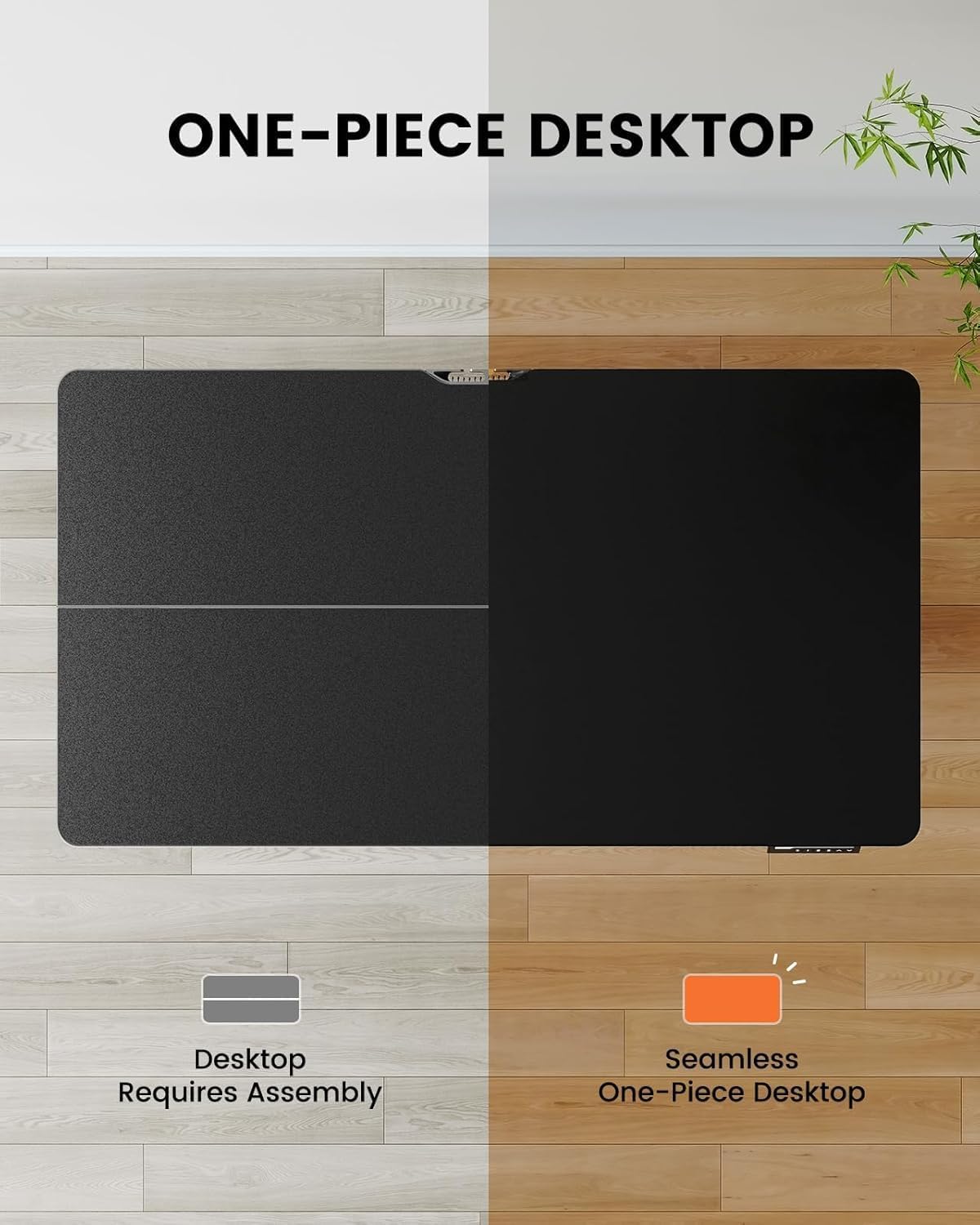
Image 4.1: Hassle-free assembly with the one-piece desktop.

Image 4.2: The ErGear EGESD63B features a seamless one-piece desktop for easier setup.
5. Funtzionamendu-argibideak
Your ErGear EGESD63B electric standing desk is designed for easy height adjustment to switch between sitting and standing positions.
5.1. Altuera doitzea
- Gora / Behera botoiak: Use the ▲ (Up) and ▼ (Down) buttons on the control panel to smoothly raise or lower the desk to your desired height. The desk adjusts from 27.9 inches to 46.9 inches.
5.2. Memoria aurrezarpenak
The control panel features three memory preset buttons (1, 2, 3) to store and recall your preferred sitting and standing heights.
- Aurrezarpen bat ezartzeko: Adjust the desk to your desired height using the Up/Down buttons. Press the 'M' button, then immediately press one of the number buttons (1, 2, or 3) to save the current height to that preset. The display will show 'S-' followed by the number to confirm.
- Aurrez ezarritako bat gogoratzeko: Sakatu dagokion zenbaki-botoia (1, 2 edo 3). Mahaia automatikoki mugituko da gordetako altuerara.

Image 5.1: Adjust the desk for sit and stand comfort.
6. Mantentzea
Regular maintenance helps ensure the longevity and smooth operation of your standing desk.
- Garbiketa: Garbitu mahaigaina eta markoa zapi leun batekinamp oihal. Saihestu produktu kimiko gogorrak edo garbitzaile urratzaileak.
- Egiaztatu konexioak: Periodically check all screws and electrical connections to ensure they are secure. Tighten any loose screws.
- Kableen kudeaketa: Ensure cables are neatly organized within the cable management tray to prevent snagging during height adjustments.
7. Arazoak
If you encounter issues with your ErGear EGESD63B desk, refer to the following common troubleshooting steps:
- Mahaia ez da mugitzen:
- Egiaztatu kablea ondo konektatuta dagoen mahaian eta hormako entxufean.
- Ziurtatu mugimendua eragozten duten oztoporik ez dagoela.
- Perform a reset: Unplug the power for 10 seconds, then plug it back in. Press and hold the 'Down' button until the desk reaches its lowest point and slightly rebounds.
- Errore-kodeak pantailan:
- If an error code appears, refer to the detailed manual for specific code meanings and solutions. Often, a reset (as described above) can resolve minor errors.
- Mugimendu irregularra:
- Ziurtatu mahaia gainazal maila batean dagoela.
- Check that all frame connections are tight.
If problems persist after attempting these steps, contact ErGear customer support for assistance.
8. Zehaztapenak
| Ezaugarri | Zehaztapena |
|---|---|
| Marka | ErGear |
| Eredua | EGESD63B |
| Mahaigainaren neurriak (L x Z) | 40 x 24 hazbete (101.6 x 61 cm) |
| Altuera doitzeko tartea | 27.9 - 46.9 hazbete (70.9 - 119.1 cm) |
| Pisu Edukiera | 250 lb (113 kg) |
| Motor Mota | Motor elektrikoa |
| Altuera-posizio kopurua | 3 (Memory Presets) |
| Mahaigaineko materiala | Ingeniaritza Egurra |
| Markoaren materiala | Altzairu herdoilgaitza |
| Kolorea | Beltza |
| Muntaia Beharrezkoa | Yes, with included tools |

Image 8.1: Product dimensions of the ErGear EGESD63B desk.
9. Bermea eta Laguntza
ErGear provides a comprehensive warranty for your EGESD63B electric standing desk:
- 2 urteko berme mugatua: Covers the motor, controller, and cables.
- 5 urteko berme mugatua: Covers the desktop, frame, and other parts.
For warranty claims, technical support, or any questions regarding your product, please contact ErGear customer service through their official website or the retailer where the product was purchased. Please have your model number (EGESD63B) and proof of purchase ready.


