1. Sarrera
This manual provides essential information for the safe and efficient use of your LG 75-Inch Class QNED80T Series LED Smart TV. Please read this manual thoroughly before operating your TV and retain it for future reference.
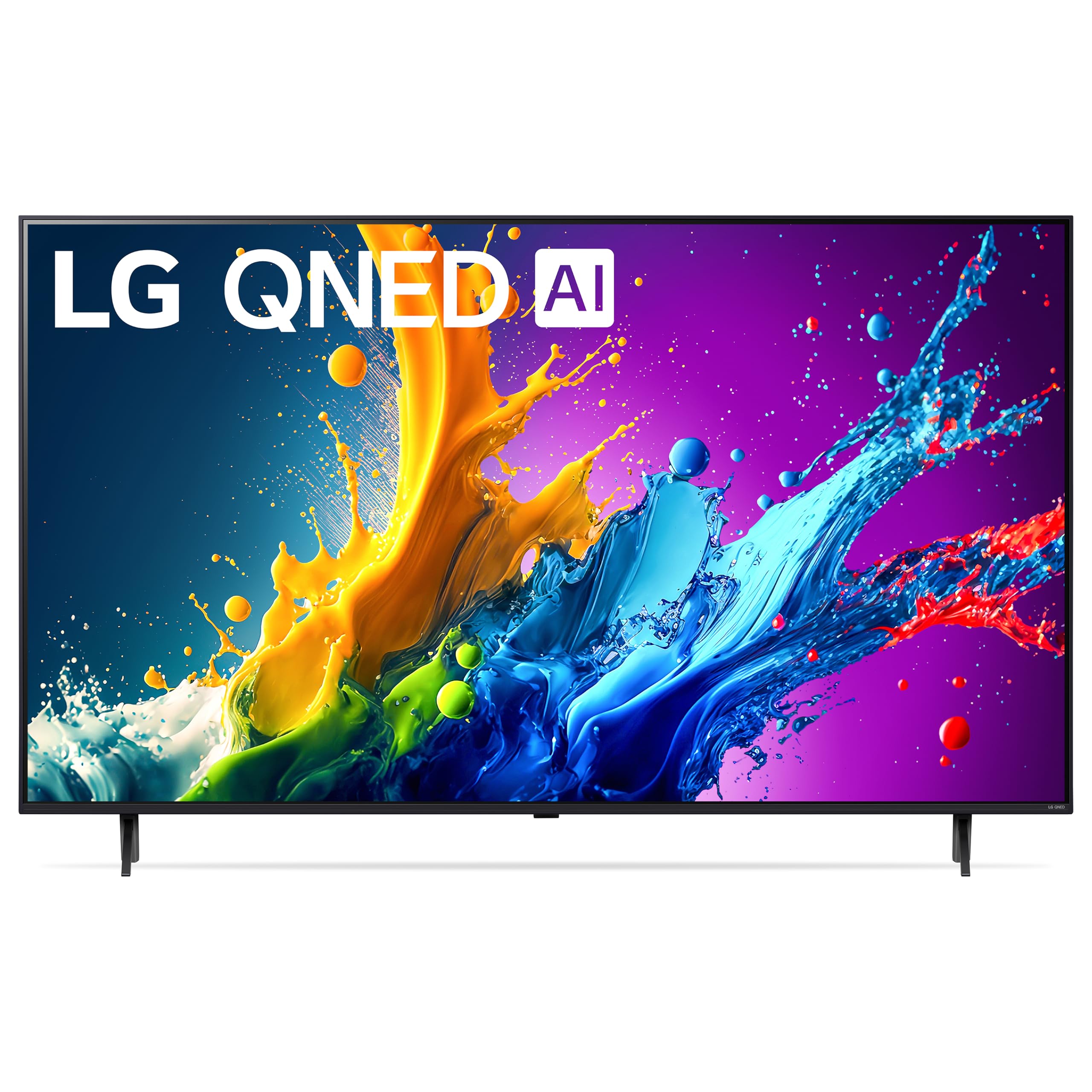
The LG 75-Inch Class QNED80T Series LED Smart TV, featuring a 4K display and AI-powered functionalities.
2. Konfigurazioa
2.1 Kutxatik ateratzea eta hasierako ikuskapena
Carefully remove the TV and all accessories from the packaging. Inspect for any signs of damage. Ensure all components listed in the 'What's in the Box' section are present.

Diagram showing the dimensions of the LG 75QNED80TUC TV and a list of included accessories such as the Magic Remote, stand, and power cable.
2.2 Dimentsio fisikoak eta muntaketa
The TV measures approximately 14.1"D x 66"W x 40.6"H with the stand, and weighs 75 pounds. Without the stand, it weighs 72.8 pounds. For wall mounting, use a VESA Mount Standard of 400 x 300 mm. Ensure the mounting surface can support the TV's weight.

Gertutik view of the TV stand, illustrating its design and attachment points.

Atzekoa view of the LG QNED TV, showing the layout of ports and mounting points.
2.3 Periferikoak konektatzea
Connect your external devices such as Blu-ray players, gaming consoles, or sound systems to the TV's HDMI, USB, or other available ports. The TV features 3 HDMI ports and 2 USB 2.0 ports.

Xehetasuna view of the HDMI and USB input ports located on the side of the TV for easy access.
2.4 Hasierako piztea eta sarearen konfigurazioa
After connecting the power cable, press the power button on the remote control. Follow the on-screen instructions to complete the initial setup, including language selection, time zone, and network connection (Wi-Fi or Ethernet). An internet connection is required for smart TV features and software updates.
3. Zure telebista funtzionatzea
3.1 Magic Remote and Voice Control
The included Magic Remote allows for intuitive navigation using a pointer, scroll wheel, and voice commands. Utilize the built-in Alexa for voice assistance to control your TV and smart home devices.

The LG Magic Remote, featuring dedicated buttons for streaming services and voice control.
3.2 webSistema eragileko telebista adimendunaren plataforma
Zure LG telebista martxan dabil webOS 24, providing access to a wide range of streaming applications like Netflix, Prime Video, Disney+, Hulu, and more. LG Channels offers over 300 free channels. The interface is designed for easy navigation.
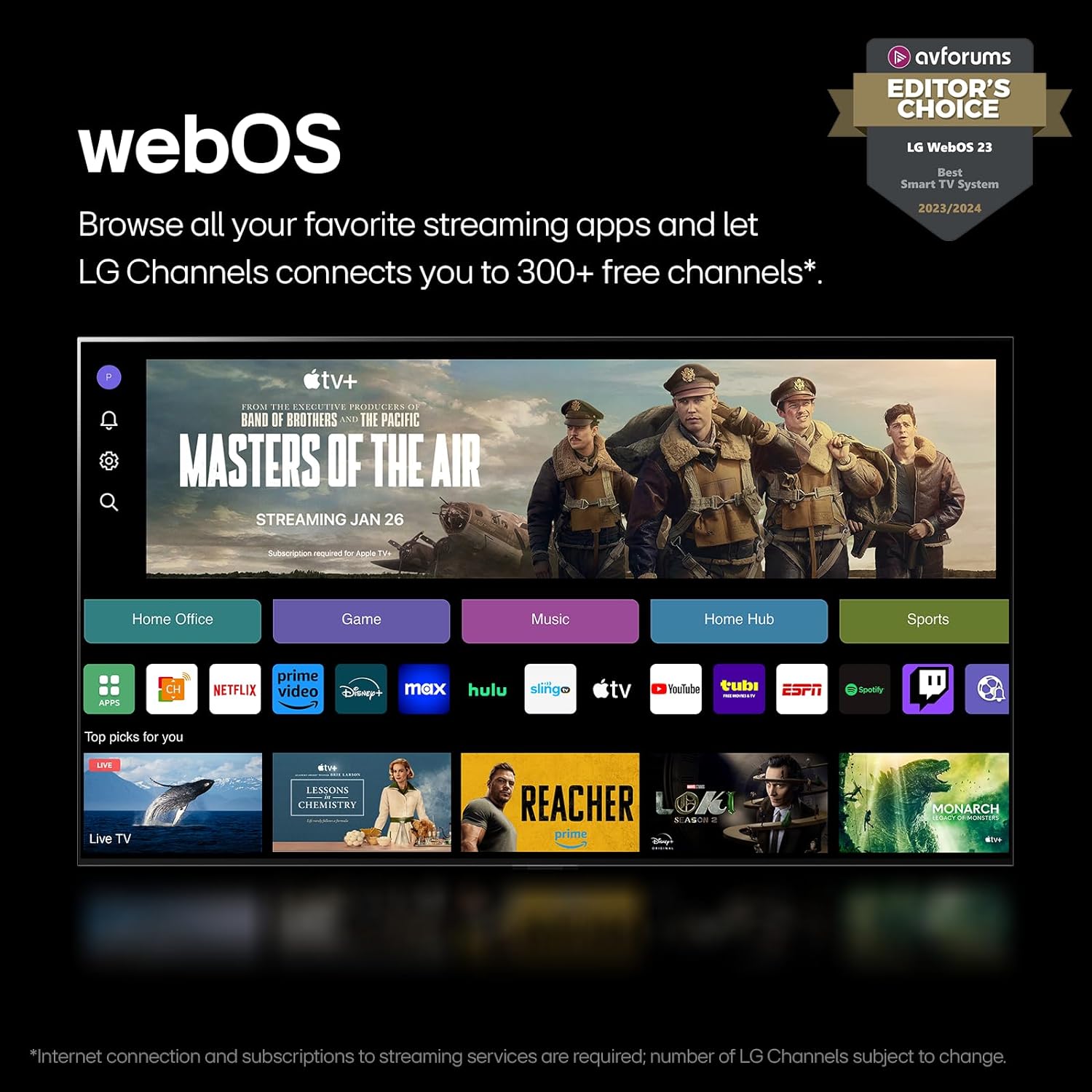
The webOS 24 home screen displaying various streaming apps and LG Channels.
Video explaining the features and benefits of the LG webOS Smart TV platform.
3.3 Irudi eta soinu ezarpenak
The TV features Quantum Dot NanoCell color technology and Dimming Pro for enhanced contrast and vibrant images. The α5 AI Processor Gen7 optimizes picture detail and sound. FILMMAKER MODE adjusts settings to preserve the director's original vision. HDR10 Pro ensures a dynamic visual experience.
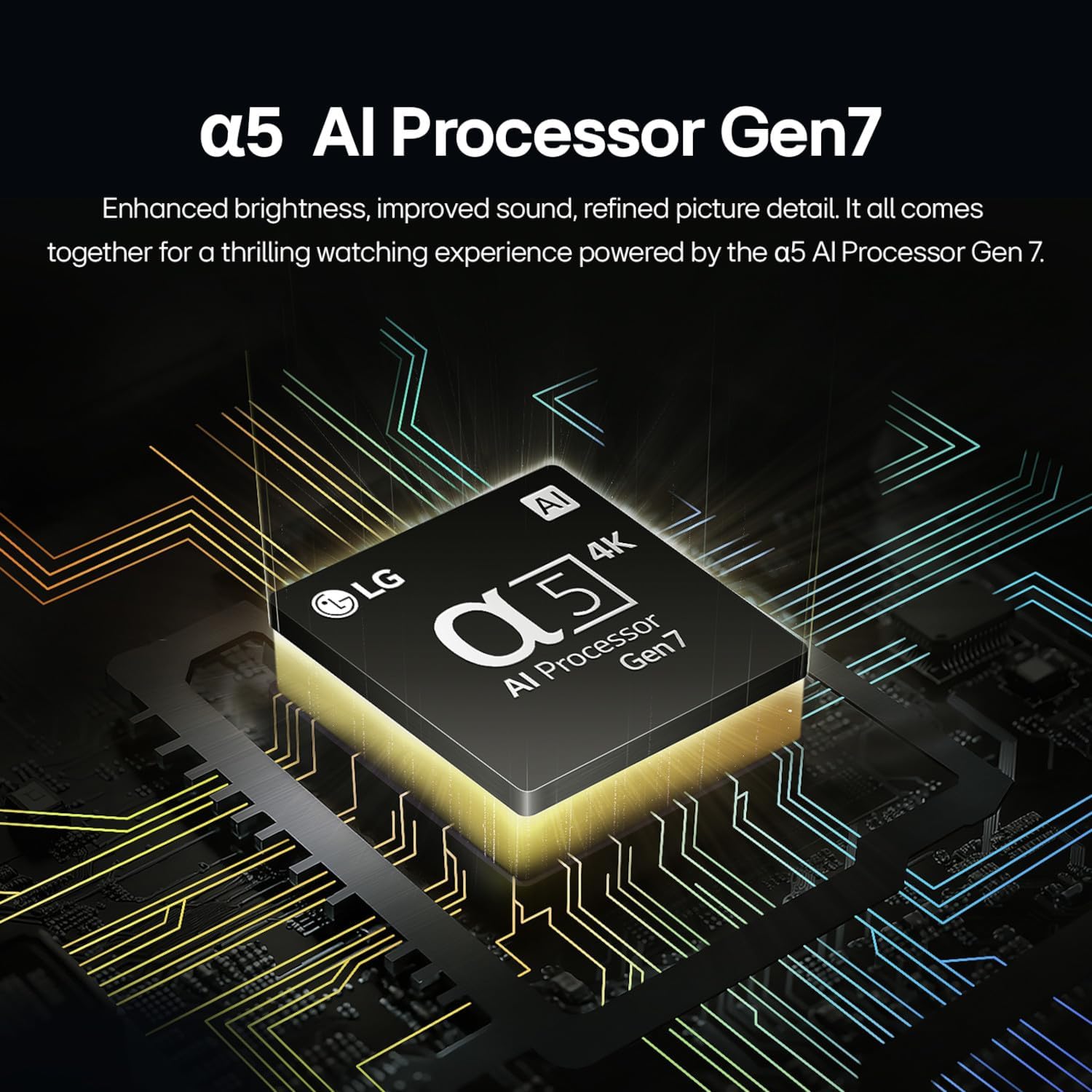
Illustration of the α5 AI Processor Gen7, highlighting its role in enhancing picture and sound.
Video detailing the benefits of LG QNED technology, including Quantum Dot and NanoCell for superior color and contrast.
3.4 Jokoen Ezaugarriak
For gamers, the LG Game Optimizer allows for quick customization of gaming settings. The TV supports GeForce NOW for cloud gaming, and features like FreeSync and VRR (Variable Refresh Rate) for smoother gameplay.
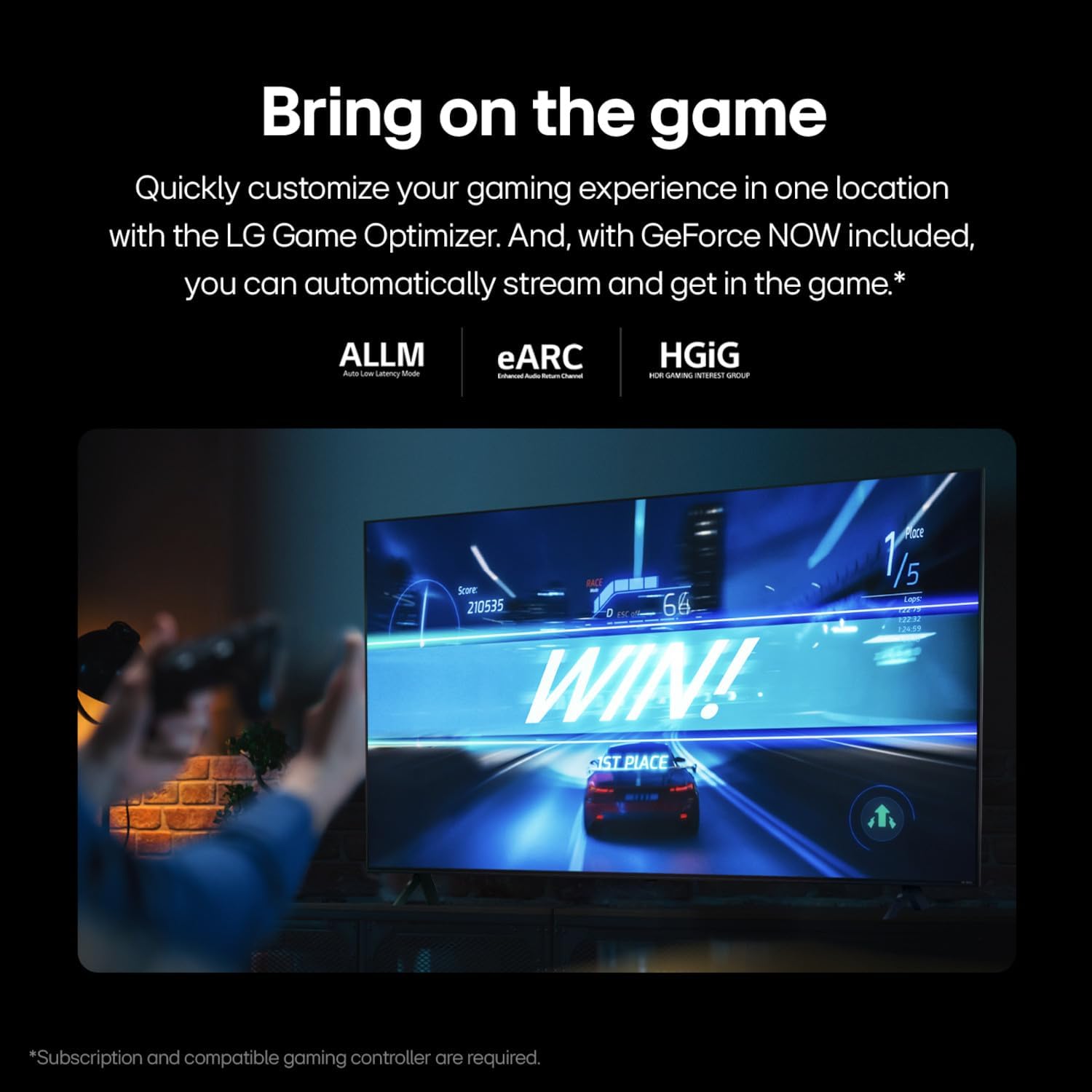
Irudiaren erakustaldiaasing the LG QNED TV's gaming capabilities, including Game Optimizer and support for various gaming technologies.
3.5 Konexio aukerak
The TV offers versatile connectivity including Bluetooth 5.1, Ethernet, HDMI, USB, and Wi-Fi. Screen mirroring is supported via AirPlay 2, allowing you to share content from your mobile devices.
4. Mantentzea
4.1 Zure telebista garbitzea
To clean the screen, gently wipe with a soft, dry, lint-free cloth. For stubborn marks, lightly dampen the cloth with water or a specialized screen cleaner. Avoid harsh chemicals or abrasive materials. For the TV body, use a soft, dry cloth.
4.2 Software eguneraketak (webSistema eragilearen berri: Programa berria)
Zure telebista honen parte da webOS Re:New Program, which provides new software updates and feature refreshes for up to 5 years. Ensure your TV is connected to the internet to receive these updates automatically. You will receive a pop-up notification to accept or deny software updates if auto-update is disabled.

buruzko informazioa webOS Re:New Program, offering software updates and feature refreshes for 5 years.
5. Arazoak
Telebistarekin arazoak badituzu, jarraitu arazoak konpontzeko ohiko urrats hauek:
- Potentziarik gabe: Egiaztatu kablea telebistara eta hormako entxufera ondo konektatuta dagoen. Ziurtatu entxufea funtzionatzen duela.
- Irudi/soinurik ez: Egiaztatu sarrera-iturri zuzena hautatuta dagoela. Egiaztatu telebistaren eta kanpoko gailuen arteko kable-konexio guztiak.
- Irudiaren kalitate eskasa: Adjust picture settings (brightness, contrast, sharpness). Ensure the content source is high-quality.
- Urrunekoa ez dabil: Replace the batteries in the Magic Remote (2 AA batteries). Ensure there are no obstructions between the remote and the TV.
- Sareko konexio arazoak: Berrabiarazi bideratzailea eta modema. Konektatu berriro telebista Wi-Fi sarera edo egiaztatu Ethernet kablearen konexioa.
- Telebista adimendunen aplikazioak ez dira kargatzen: Ensure a stable internet connection. Try restarting the TV.
For more detailed troubleshooting or persistent issues, consult the full user manual available on the LG support webgunea edo jarri harremanetan LG bezeroarentzako arreta-zerbitzuarekin.
6. Zehaztapenak
| Ezaugarri | Xehetasuna |
|---|---|
| Ereduaren izena | 75QNED80TUC |
| Pantailaren tamaina | 75 hazbete |
| Bistaratzeko Teknologia | LED (QNED with Quantum Dot NanoCell) |
| Ebazpena | 4K (3840 x 2160) |
| Freskatze tasa | 60 Hz (Motion Enhancement Technology: 120Hz Refresh Rate) |
| Prozesadorea | α5 AI prozesadorea 4K Gen7 |
| HDR formatua onartzen da | HDR10, HLG |
| Sistema eragilea | webOS |
| Konektibitatea | Bluetooth 5.1, Ethernet, HDMI (3 ports), USB (2 ports), Wi-Fi |
| Ahots Laguntza | Alexa Built-in, Multiple Voice Assistance |
| Neurriak (euskarriarekin) | 14.1" L x 66" W x 40.6" H |
| Pisua (euskarririk gabe) | 72.8 kilo |
| VESA muntaketa estandarra | 400 x 300 mm |
| Energia-kontsumoa | 151 Watts (Annual Energy Consumption: 278 kWh/year) |
| Dakarten osagaiak | Power Cable, Remote Control (AA x 2EA included), User Manual |

Energy Guide label for the LG 75QNED80TUC, showing estimated yearly energy cost and consumption.
7. Bermea eta Laguntza
7.1 Bermearen informazioa
This LG TV comes with a 1 Year Parts & Labor Limited Warranty. Please retain your proof of purchase for warranty claims.
7.2 Bezeroarentzako laguntza
For further assistance, technical support, or warranty service, please visit the official LG Electronics website or contact their customer service hotline. Refer to the contact information provided in the packaging or on the LG webzure eskualderako gunea.