Sarrera
The Edifier D32 is a versatile tabletop wireless speaker designed to deliver high-quality audio with multiple connectivity options. This manual provides essential information for setting up, operating, and maintaining your speaker.
Paketearen edukia
Upon unboxing your Edifier D32 speaker, please verify that all the following items are included:
- Edifier D32 Wireless Speaker
- Hasierako gida azkarra
- USB-C to USB-C Audio Cable
- 3.5mm to 3.5mm Audio Jack Cable
- Elikatze-kablea

Image: Edifier D32 speaker, quick start guide, USB-C cable, and 3.5mm audio cable neatly packed in the box.
Konfigurazioa
1. Piztea eta kargatzea
- Connect the provided power cable to the speaker's power input port located on the rear panel.
- Entxufatu kablearen beste muturra hormako entxufe batera.
- Press and hold the power button on the speaker's front panel to turn it on. The indicator light will illuminate.
- For initial use, it is recommended to fully charge the speaker. A full charge provides approximately 11 hours of playtime.
2. Bluetooth konexioa
- Turn on the Edifier D32 speaker.
- Press the Bluetooth button on the speaker's front panel. The Bluetooth indicator light will flash, indicating pairing mode.
- On your audio source device (smartphone, tablet, laptop), enable Bluetooth and search for "EDIFIER D32".
- Select "EDIFIER D32" to pair. Once connected, the Bluetooth indicator light will remain solid.
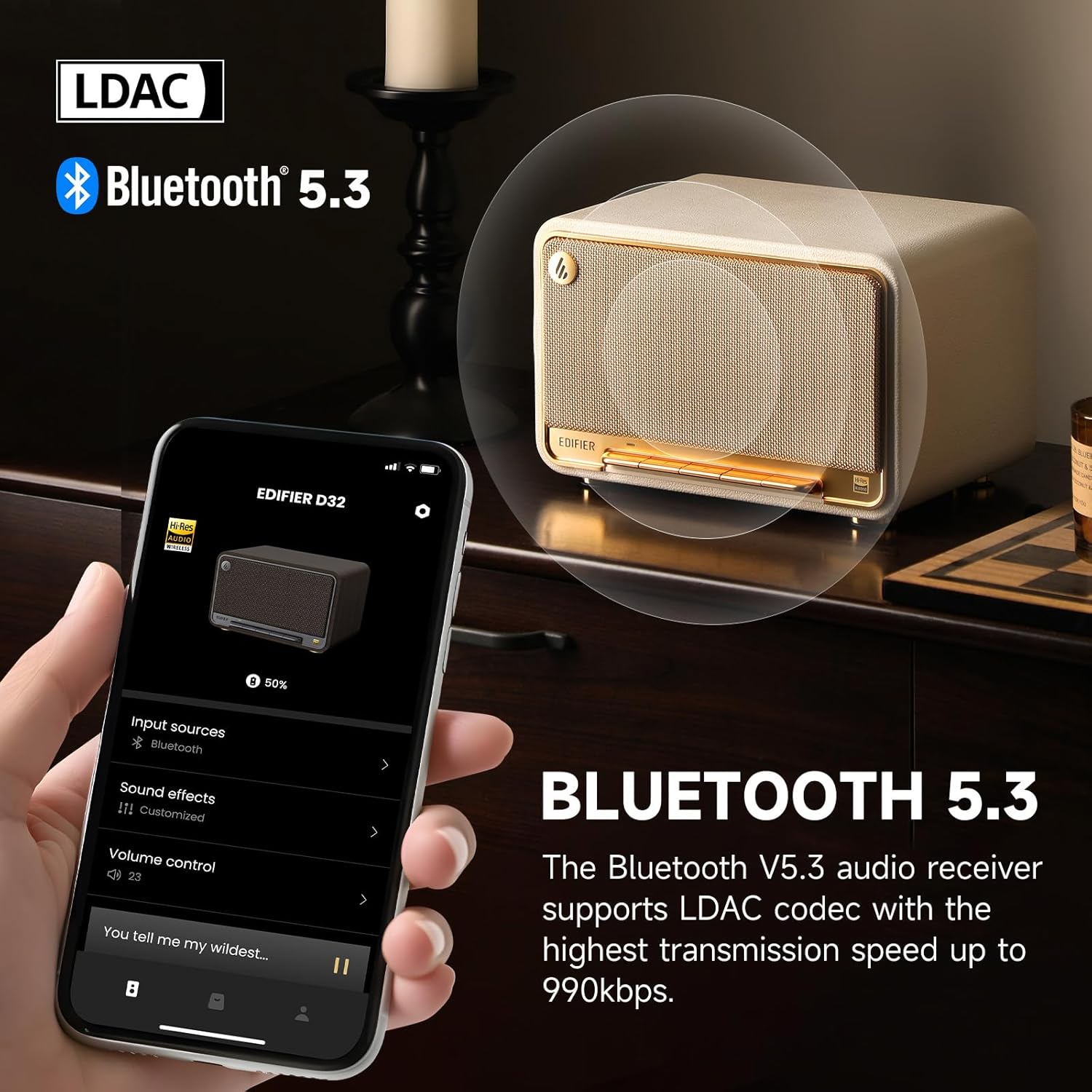
Image: The Edifier D32 speaker demonstrating Bluetooth 5.3 connectivity and LDAC codec support, controllable via the Edifier ConneX app on a smartphone.
3. Wi-Fi and AirPlay 2 Setup
For Wi-Fi connectivity and Apple AirPlay 2 functionality, download the Edifier ConneX mobile application from your device's app store. Follow the in-app instructions to connect your speaker to your Wi-Fi network and enable AirPlay 2.
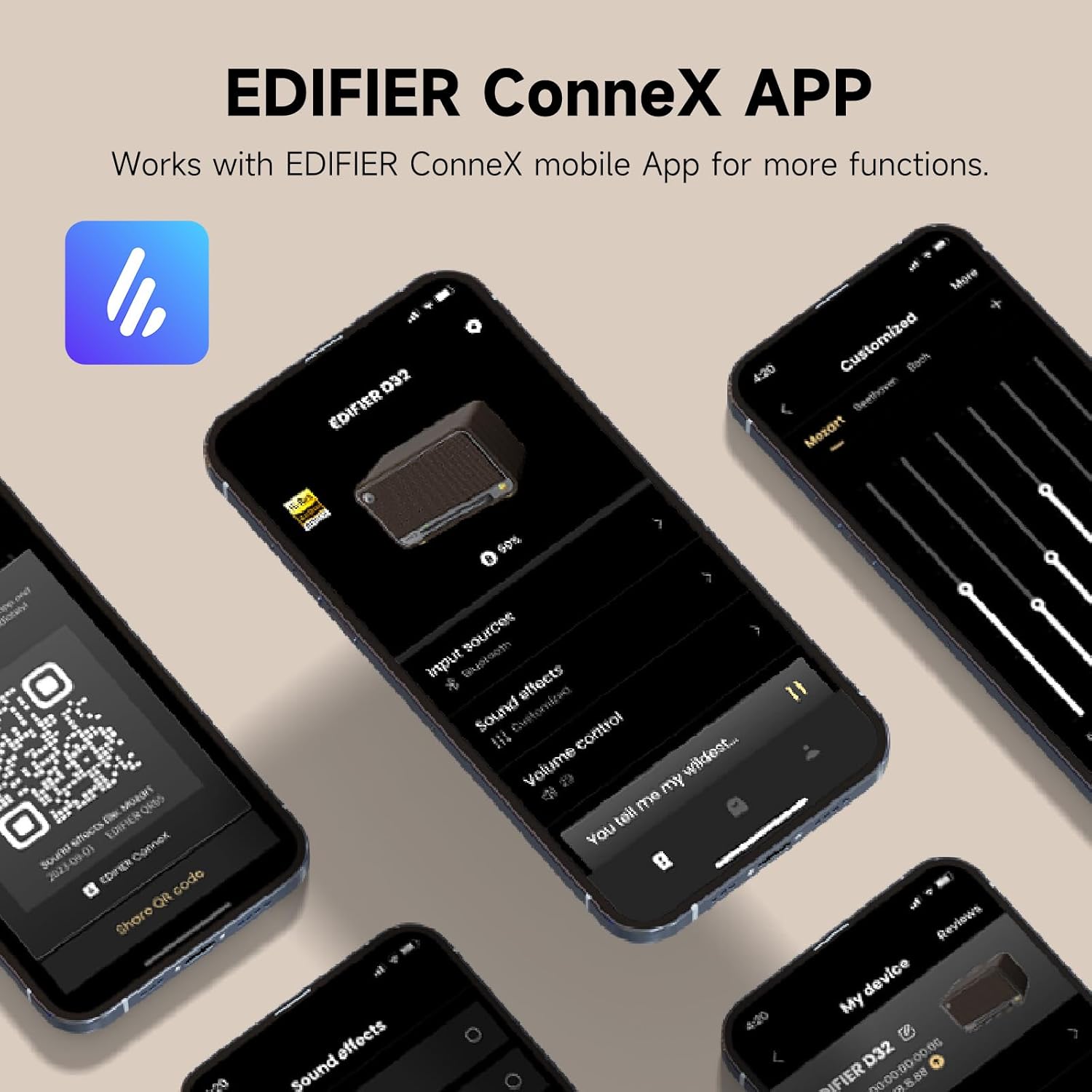
Image: The Edifier ConneX mobile application interface, illustrating control over input sources, sound effects, and volume for the D32 speaker.
4. Wired Connections (USB-C and AUX)
The Edifier D32 supports wired audio input via USB-C and AUX ports located on the rear panel. Use the provided cables to connect compatible devices.
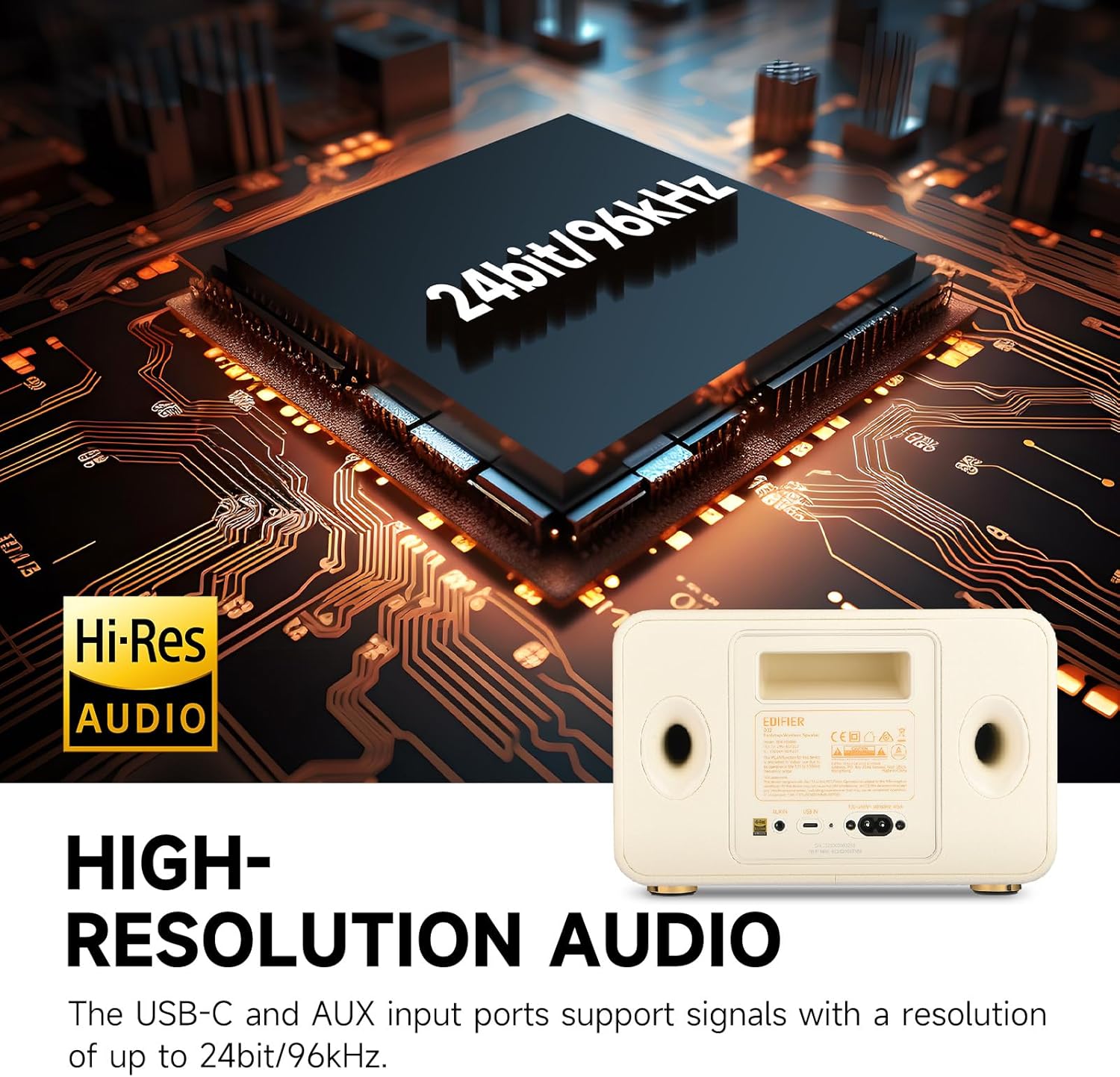
Image: Rear panel of the Edifier D32 speaker, showing the USB-C and AUX input ports, which support high-resolution audio up to 24-bit/96kHz.
Bozgorailua funtzionatzea
Aurrealdeko paneleko kontrolak
The accordion keyboard on the front panel provides convenient control over playback:
- Power On/Off, Source Switch: Press to power on/off or switch between input sources.
- Bluetooth Connection Control: Press to enter Bluetooth pairing mode or disconnect.
- Play/Pause, Mute/Unmute, WAC Setup: Controls media playback and Wi-Fi Acoustic Calibration setup.
- Volume Down, Previous Track: Bolumena jaisten du edo aurreko abestira salto egiten du.
- Volume Up, Next Track: Bolumena igotzen du edo hurrengo abestira salto egiten du.

Irudia: Xehetasun handikoa view of the Edifier D32's front panel, illustrating the functions of each button on the accordion keyboard for easy control.
Edifier ConneX App Control
The Edifier ConneX app offers extended control and customization options, including EQ settings, input source selection, and multi-room audio management.
Ezaugarriak
- Soinu kalitate gorena: 60 watts RMS total output power from dual silk dome tweeters and long-throw mid-low drivers, providing distortion-free stereo sound.
- Bereizmen handiko audioa: Supports up to 24-bit/96kHz audio through its end-to-end digital audio process and analog audio front end.
- Bluetooth 5.3 with LDAC: Equipped with Bluetooth 5.3 for stable wireless connection and LDAC codec support for high-bitrate audio transmission (up to 990kbps).
- Bateriaren iraupen luzea: Built-in 7.4V/5200mAh battery offers up to 11 hours of continuous playback.
- Gela anitzeko audioa: Supports Wi-Fi (Apple AirPlay 2) for multi-room audio setups.
- Retro Wooden Design: Features a handmade wooden case with a stylish vintage aesthetic, complemented by a braided fabric grille and metal accents.
- Konektibitate polifazetikoa: Includes USB-C and AUX inputs for wired connections.
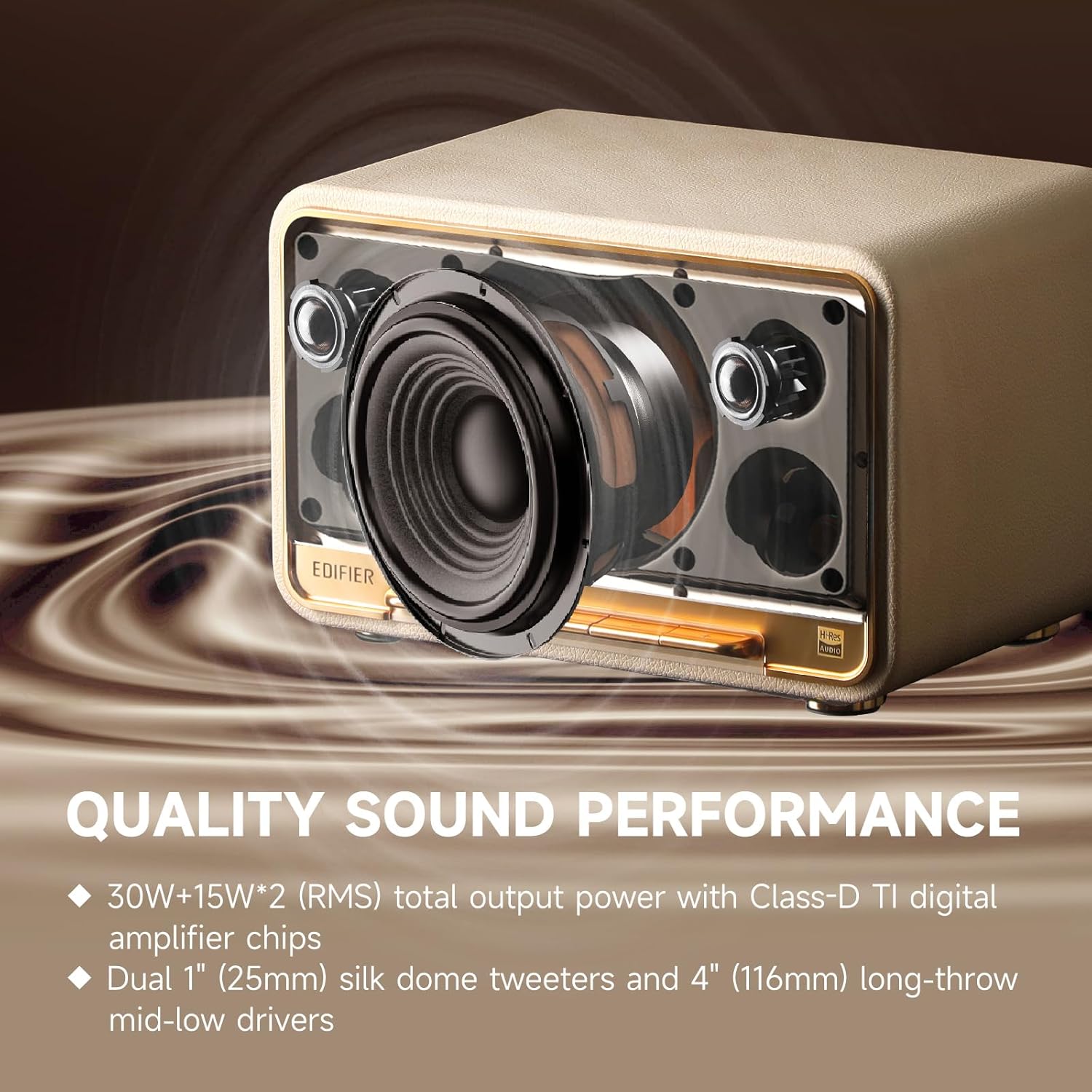
Irudia: Barnekoa view of the Edifier D32, highlighting its acoustic components for superior sound performance.
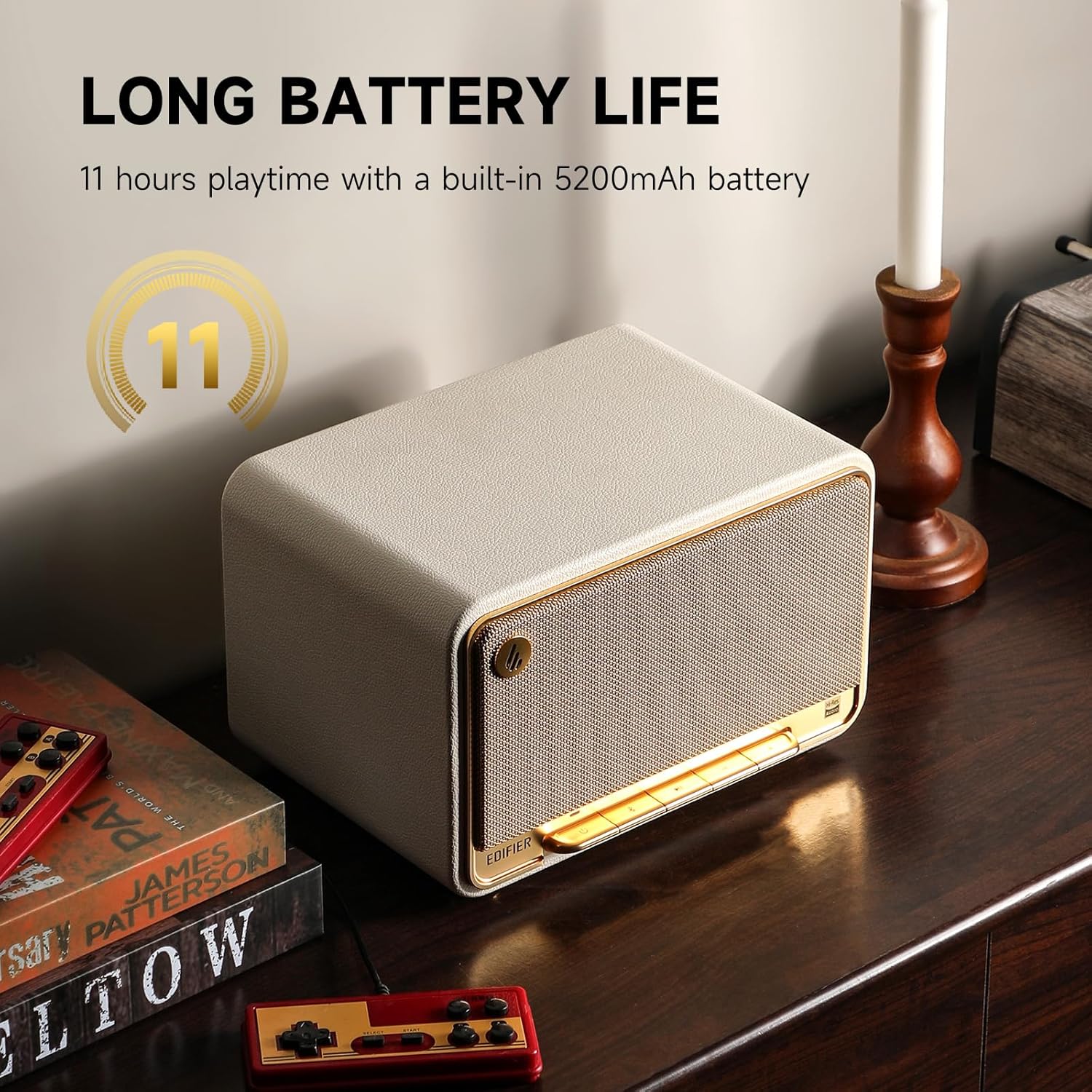
Image: The Edifier D32 speaker showcasing its 11-hour battery life, making it suitable for extended use.
Zehaztapenak
| Ezaugarri | Xehetasuna |
|---|---|
| Marka | Edifikatzailea |
| Ereduaren izena | D32 |
| Hizlari mota | Bookshelf / Tabletop Wireless Speaker |
| Konektibitate Teknologia | Bluetooth 5.3, Wi-Fi (Apple AirPlay 2), USB-C, AUX |
| Audio irteera modua | Estereoa |
| Bozgorailuaren irteera-potentzia maximoa | 60 watt RMS |
| Maiztasun Erantzuna | 50 Hz |
| Tweeter Diametroa | 1 hazbeteko |
| Audio kontrolatzaile mota | Dynamic Driver (Dual silk dome tweeters, long-throw mid-low drivers) |
| Energia iturria | Battery Powered (7.4V/5200mAh) |
| Bateriaren iraupena | Gehienez 11 ordu |
| Kontrol-metodoa | Touch (Accordion Keyboard), Edifier ConneX App |
| Materiala | Egurra |
| Kolorea | White (This specific variant) |
| Produktuaren neurriak | 12.9" L x 9.7" W x 10.4" H |
| Elementuaren pisua | 3.3 libra (1.5 kilogramo) |
| Uraren Erresistentzia Maila | Water Repellent (Not Waterproof) |
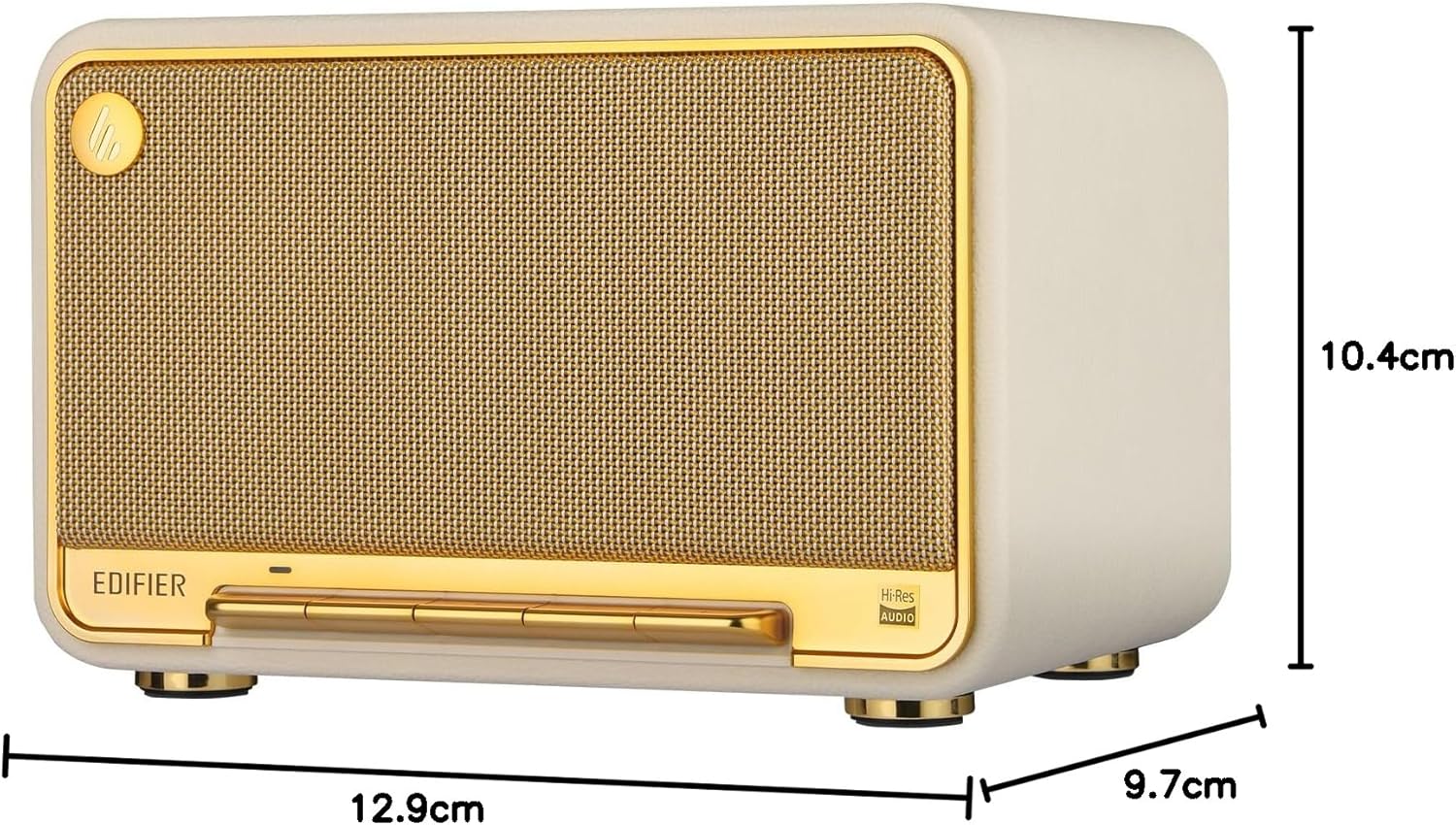
Image: Dimensions of the Edifier D32 speaker for placement reference.
Mantentzea
- Garbiketa: Use a soft, dry cloth to clean the speaker's surfaces. Avoid abrasive cleaners or solvents.
- Biltegiratzea: Gorde bozgorailua leku fresko eta lehor batean, eguzki-argitik eta muturreko tenperaturetatik babestuta.
- Uraren esposizioa: The speaker is water repellent, not waterproof. Avoid exposing it to excessive moisture or submerging it in water.
Arazoak konpontzea
- Potentziarik gabe:
- Ensure the power cable is securely connected to both the speaker and a working power outlet. Check if the battery is charged.
- Soinurik ez:
- Verify the speaker is powered on and the volume is not muted or set too low. Check the audio source connection (Bluetooth, Wi-Fi, USB-C, AUX) and ensure the correct input source is selected on the speaker.
- Bluetooth parekatzearen arazoak:
- Ensure the speaker is in Bluetooth pairing mode (flashing indicator light). Move the speaker closer to your device and away from potential interference. Try unpairing and re-pairing the device.
- Wi-Fi/AirPlay 2 Connectivity Problems:
- Confirm your Wi-Fi network is active and the speaker is within range. Restart your router and the speaker. Reconfigure Wi-Fi settings using the Edifier ConneX app.
- Soinu distortsionatua:
- Reduce the volume on both the speaker and the audio source. Check audio cables for damage if using a wired connection. Adjust EQ settings in the Edifier ConneX app if necessary.
Bermea eta Laguntza
The Edifier D32 Tabletop Wireless Speaker comes with a Limited Warranty. For detailed warranty information, please refer to the warranty card included in your package or visit the official Edifier website. For technical support, troubleshooting assistance, or service inquiries, please contact Edifier customer support through their official channels.
Fabrikatzailea: Edifikatzailea


