1. Sarrera
The Amazon Kindle Scribe is a digital notebook and e-reader designed for reading, writing, and document management. It features a large, glare-free display and a Premium Pen for a natural writing experience. This manual provides essential information for setting up, operating, and maintaining your device.
2. Zer dago kutxan
Egiaztatu elementu guztiak paketean daudela:
- Wi-Fi enabled Kindle Scribe device
- Premium Pen
- USB-C kargatzeko kablea
- 5 replacement tips for the Premium Pen
- Tip replacement tool
- Built-in rechargeable battery (integrated into the device)
3. Gailua amaitu daview
The Kindle Scribe features a 10.2-inch Paperwhite display and a sleek design. The Premium Pen allows for precise writing and navigation.

Image: The Kindle Scribe device with its Premium Pen, displaying a digital notebook. The device is thin and designed for comfortable holding.
The device includes a power button, a USB-C port for charging and data transfer, and a front-lit display for reading in various lighting conditions.
4. Konfigurazioa
Jarraitu urrats hauek hasierako konfiguraziorako:
- Gailua kargatu: Connect the Kindle Scribe to a power source using the provided USB-C cable. A full charge from a computer takes approximately 7 hours, or 2.5 hours with a 9W USB-C power adapter.
- Piztu: Press and hold the power button until the screen activates.
- Hizkuntza hautaketa: Aukeratu nahiago duzun hizkuntza pantailan agertzen diren aukeren artean.
- Konektatu wifira: The device supports 2.4 GHz and 5.0 GHz networks. Use Amazon Wi-Fi simple setup to automatically connect to your home network or manually select and enter credentials.
- Erregistratu gailua: Sign in with your Amazon account or create a new one to access Kindle content and cloud services.
No computer is required to download content after initial setup; the device is fully wireless.
5. Oinarrizko Funtzionamendua
5.1 Irakurketa
The 10.2-inch glare-free, 300 ppi front-lit display is optimized for comfortable reading in various environments. Tap the sides of the screen to turn pages, or swipe. Adjust font size, font face, line spacing, and margins through the reading menu.
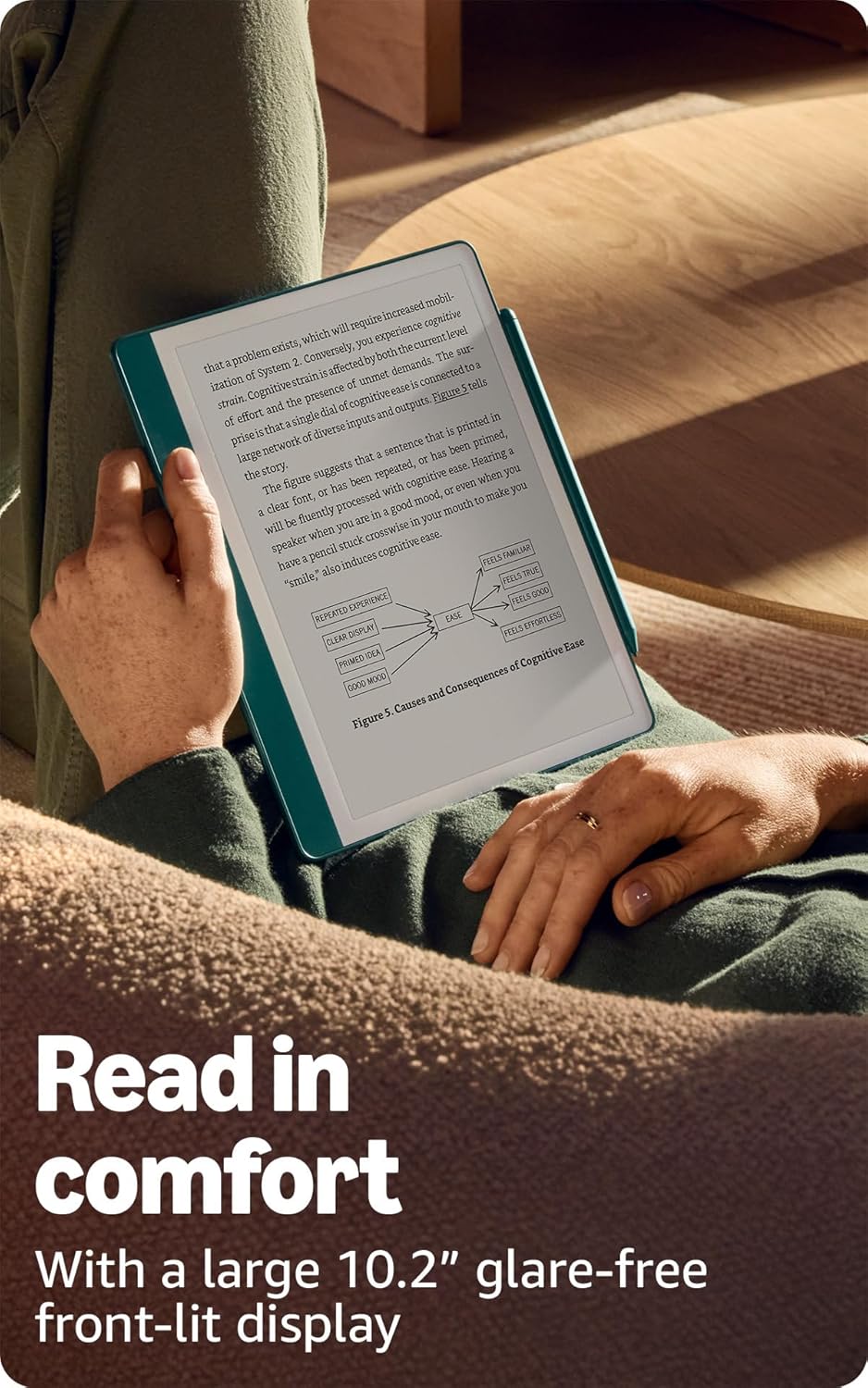
Image: A person comfortably reading on the Kindle Scribe, highlighting the large, glare-free display.
5.2 Writing and Note-Taking
Use the Premium Pen to write directly on the screen. The screen technology provides a tactile experience that simulates writing on paper. The pen does not require charging or setup.

Image: A user actively writing notes on the Kindle Scribe with the Premium Pen, demonstrating its use as a digital notebook.
5.3 Nabigazioa
Navigate the device using touch gestures on the screen or the Premium Pen. The home screen displays your library and notebooks. Access settings and other features through the top menu bar.
6. Ezaugarri aurreratuak
6.1 AI Notebook Tools
The Kindle Scribe includes built-in AI tools to enhance your notes. These tools can convert handwritten notes into readable text, summarize content, and adjust the length or tone of your notes.

Image: The Kindle Scribe screen showing refined and summarized notes, illustrating the AI notebook tools.
6.2 Document Import and Markup
Import documents and PDFs to your Kindle Scribe using the Send to Kindle feature. Once imported, you can mark up these documents directly on the page with your Premium Pen.
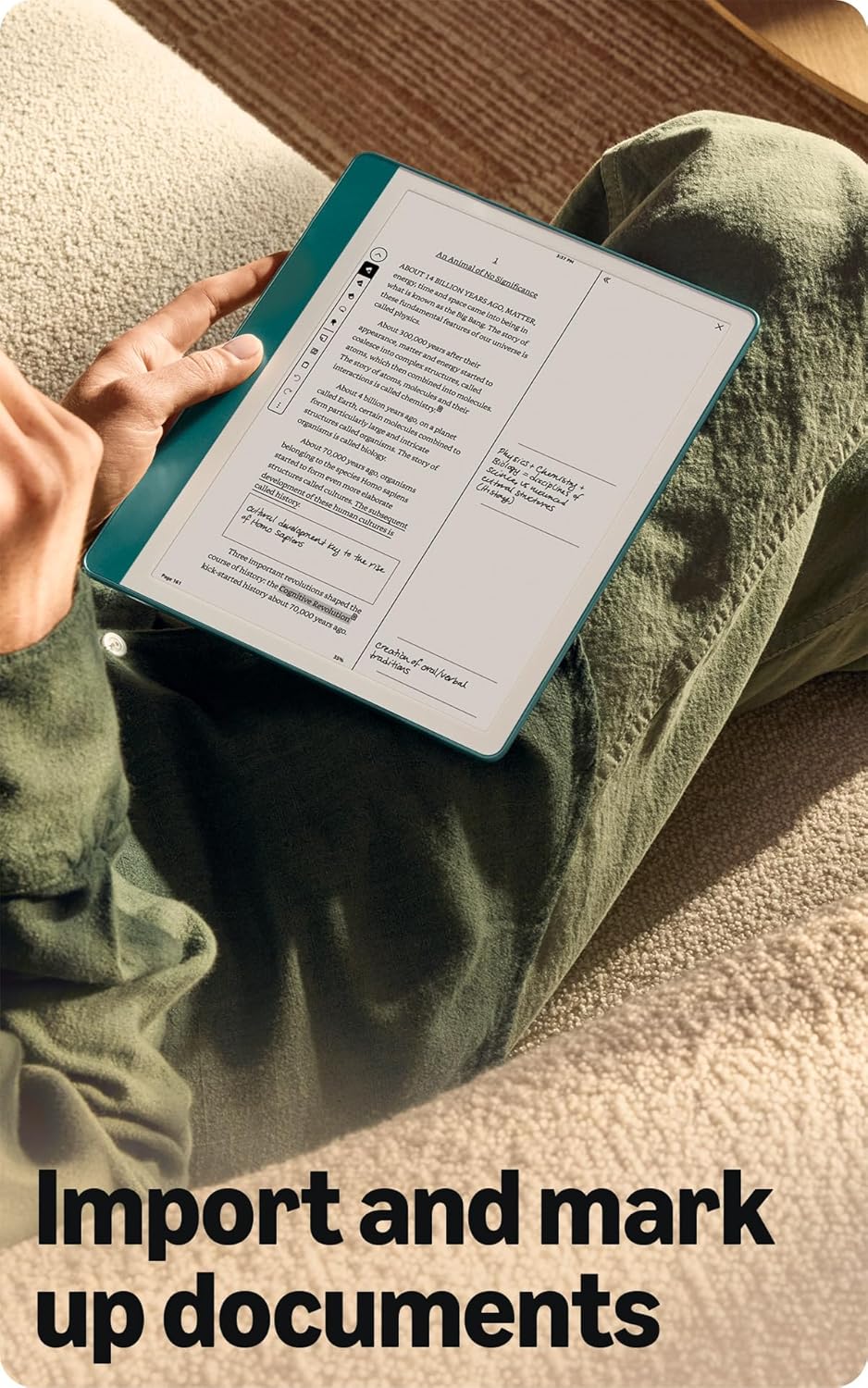
Image: A user holding the Kindle Scribe, displaying a document with handwritten annotations, demonstrating the import and markup feature.
6.3 Active Canvas
When reading, you can start writing notes directly on a book's page. Active Canvas will create space for your notes. You can expand the margins to add more extensive notes or collapse them to view the original page content without distractions.
7. Kargatzea eta bateria
The Kindle Scribe is equipped with a long-lasting rechargeable battery.
- Bateriaren iraupena: For reading, a single charge can last up to 12 weeks (based on 30 minutes of reading per day with wireless off and light setting at 13). For writing, a single charge can last up to 3 weeks (based on 30 minutes of writing per day with wireless off and light setting at 13). Actual battery life varies based on usage.
- Kargatzen: Use the included USB-C cable. Charge time is approximately 7 hours from a computer or 2.5 hours with a 9W USB-C power adapter.
8. Mantentzea eta Zainketa
- Garbiketa: Use a soft, lint-free cloth to clean the screen and device body. Avoid abrasive materials or harsh chemicals.
- Pen Tips: Replace the Premium Pen tip when it shows significant wear. Use the provided tip replacement tool and replacement tips.
- Biltegiratzea: Gorde gailua leku fresko eta lehor batean, eguzki-argitik eta muturreko tenperaturetatik babestuta.
- Software eguneraketak: Ensure your device software is up to date for optimal performance and new features. Updates are typically downloaded automatically when connected to Wi-Fi.
9. Arazoak
- Gailuak ez du erantzuten: Eduki sakatuta pizteko botoia 7 segundoz gailua berrabiarazteko.
- Ezin da Wi-Fira konektatu: Verify your Wi-Fi password and ensure the device is within range of your router. Restarting your router may resolve connection issues.
- Pen Not Writing: Ensure the pen tip is properly seated. If worn, replace the tip.
- Bateria azkar husten da: Reduce screen brightness, turn off Wi-Fi when not in use, and ensure no background processes are consuming excessive power.
10. Zehaztapenak
| Ezaugarri | Deskribapena |
|---|---|
| Bistaratzea | Amazonen 10.2 hazbeteko Paperwhite pantaila teknologia, argi integratua, 300 ppp, letra-tipo optimizatuaren teknologia eta 16 mailako gris eskala dituena. |
| Gailuaren tamaina | 7.7” x 9.0 x .22” (196 x 230 x 5.7mm excluding feet) |
| Premium Pen Size | 6.4” x .35” x .33” (162 x 8.8 x 8.4 mm) |
| Gailuan biltegiratzea | 64 GB |
| Gailuaren pisua | 15.3 oz (433g device only) |
| Premium Pen Weight | .60 oz (17g) |
| Wi-Fi konexioa | Supports 2.4 GHz and 5.0 GHz networks with WEP, WPA, WPA2, WPA3 security. Does not support ad-hoc networks. |
| Onartutako eduki formatuak | Kindle 8 formatua (AZW3), Kindle (AZW), TXT, PDF, babestu gabeko MOBI, PRC natiboan; PDF, DOCX, DOC, HTML, EPUB, TXT, RTF, JPEG, GIF, PNG, BMP bihurketaren bidez; Audible audio formatua (AAX). |
| Battery Life (Reading) | Up to 12 weeks (30 min/day, wireless off, light 13) |
| Battery Life (Writing) | Up to 3 weeks (30 min/day, wireless off, light 13) |
| Kargatzeko Denbora | Approx. 7 hours (computer USB-C); 2.5 hours (9W USB-C adapter) |
| Belaunaldia | Kindle Scribe 1st generation - 2024 release |
11. Bermea eta Laguntza
Your Kindle Scribe includes a 1-year limited warranty and service. Optional extended warranties (1-year, 2-year, or 3-year) are available for U.S. customers and sold separately.
For detailed information regarding your warranty, service, and terms of use, please refer to the official Amazon documentation or visit the Amazon support website. Additional resources, including a Quick Start Guide and Kindle User Guide, are available online.
Use of Kindle devices is subject to Amazon's Conditions of Use.


