1. Sarrera
Thank you for choosing the COCOCAM 5MP Indoor Security Camera. This device is designed to provide reliable surveillance for your indoor spaces, offering high-resolution video, advanced motion detection, two-way audio communication, and flexible storage options. This manual will guide you through the installation, operation, and maintenance of your new security camera to ensure optimal performance and peace of mind.
2. Paketearen edukia
Mesedez, egiaztatu paketea elementu hauek dituen:
- COCOCAM 5MP Indoor Security Camera (Model: PK323)
- Elikatze-moldagailua
- USB kablea
- Mounting Accessories (Screws, Wall Plugs)
- Erabiltzailearen eskuliburua (dokumentu hau)
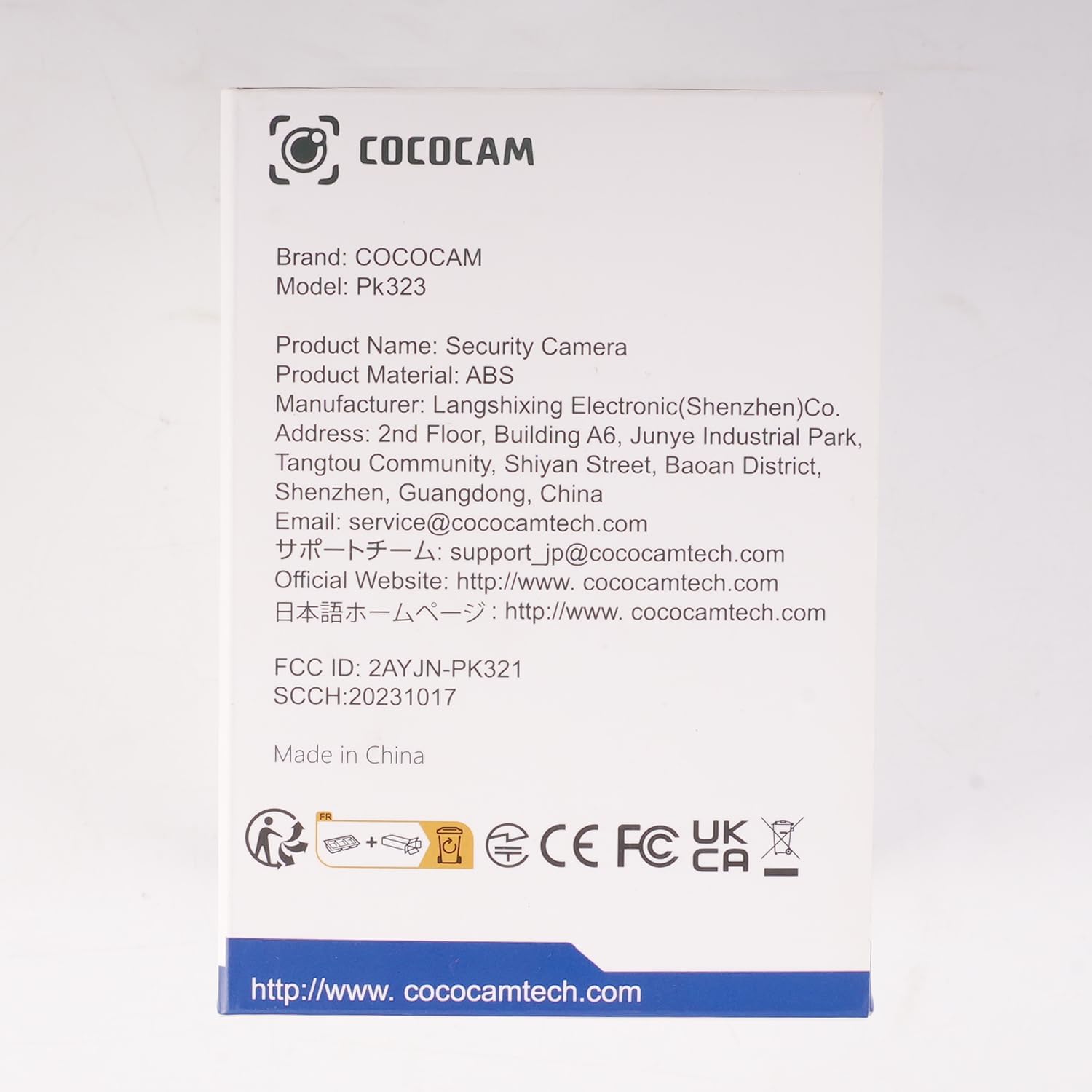
Irudia: Aurrealdea view of the COCOCAM Security Camera retail box.
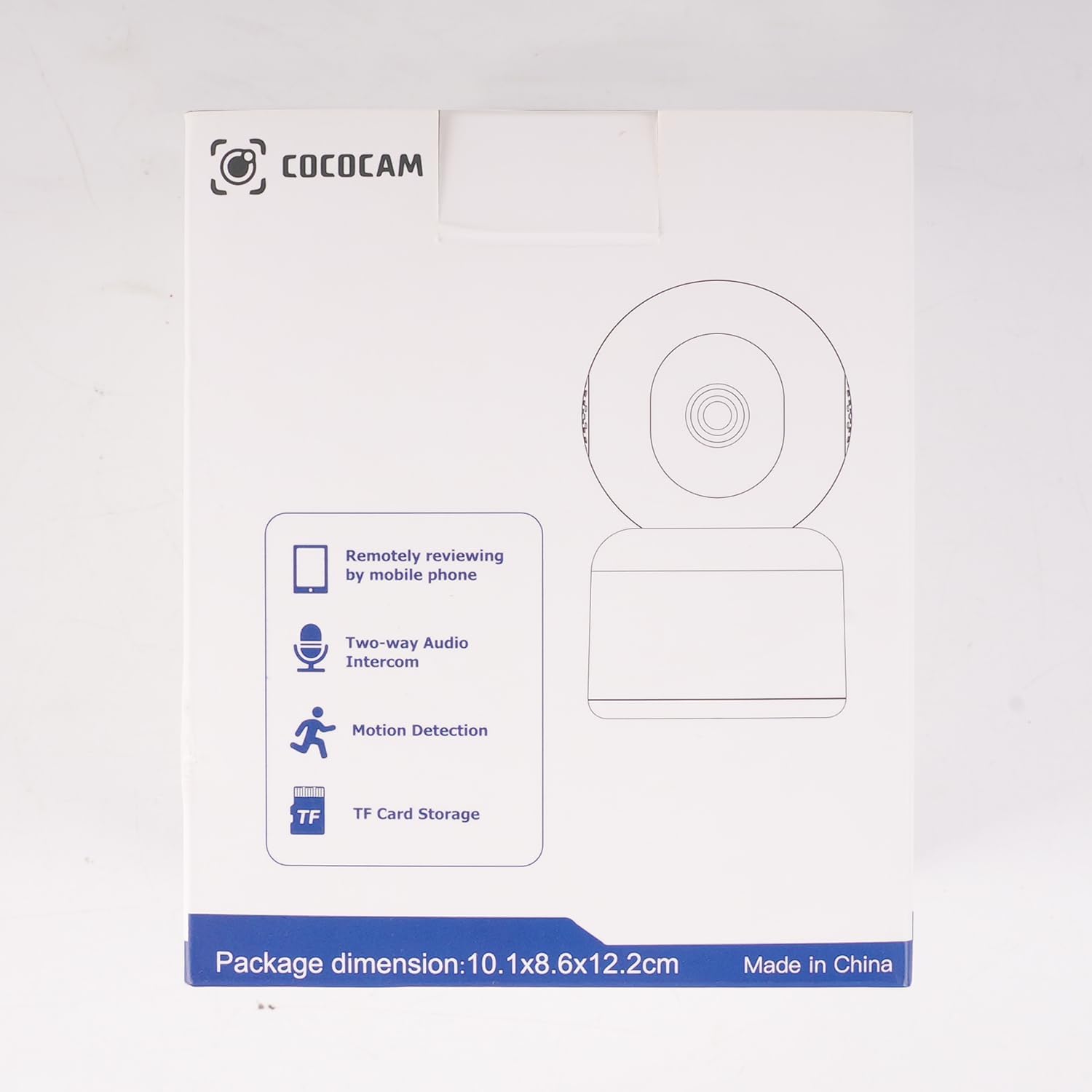
Irudia: Albokoa view of the COCOCAM Security Camera retail box highlighting features like remote viewing, two-way audio, motion detection, and TF card storage.
3. Produktua amaitu daview
The COCOCAM PK323 is a versatile indoor security camera designed for comprehensive monitoring. It features a compact design and robust capabilities.
Ezaugarri nagusiak:
- 5MP-ko bereizmena: Janari argi eta zehatza jasotzen dutage.
- Mugitu eta okertu: 355° horizontal pan and 80° vertical tilt for wide coverage.
- Banda bikoitzeko Wi-Fi: Supports both 2.4GHz and 5GHz Wi-Fi networks for stable connection.
- Bi norabideko audioa: Mikrofono eta bozgorailu integratuak denbora errealeko komunikaziorako.
- AI Motion Detection & Auto Tracking: Intelligently detects human and pet movement and tracks the subject.
- HD IR Night Vision: Provides clear video monitoring even in low-light conditions, visible up to 15 meters (50 ft).
- Biltegiratze malgua: Supports local TF card storage (up to 128GB) and cloud storage options.
- Alexa integrazioa: Works with Amazon Alexa for voice control and live view gailu bateragarrietan.
Osagai fisikoak:
- Kameraren lentea: Main video capture component.
- IRko LEDak: Gaueko ikusmenerako infragorri argiak.
- Mikrofonoa: Audio sarrerarako.
- Hizlaria: For audio output (two-way audio).
- Potentzia ataka: Korronte-egokigailua konektatzeko.
- Berrezarri botoia: Kamera fabrika ezarpenetara berrezartzeko erabiltzen da.
- TF txartelaren zirrikitua: For inserting a microSD card for local storage.

Image: The COCOCAM 5MP Indoor Camera alongside a smartphone displaying its live video feed, highlighting its 5MP and dual-band Wi-Fi capabilities.
4. Konfigurazio gida
Follow these steps to set up your COCOCAM security camera:
4.1 Deskargatu aplikazioa
- Bilatu du "CloudEdge" app in your smartphone's app store (App Store for iOS or Google Play Store for Android).
- Deskargatu eta instalatu aplikazioa.
- Erregistratu kontu berri bat lortzeko edo hasi saioa dagoeneko baduzu.
4.2 Power On the Camera
- Connect the provided USB cable to the camera's power port and the power adapter.
- Entxufatu korronte-egokigailua hormako entxufe batera.
- Wait for the camera to power on. You will hear a prompt indicating it's ready for setup.
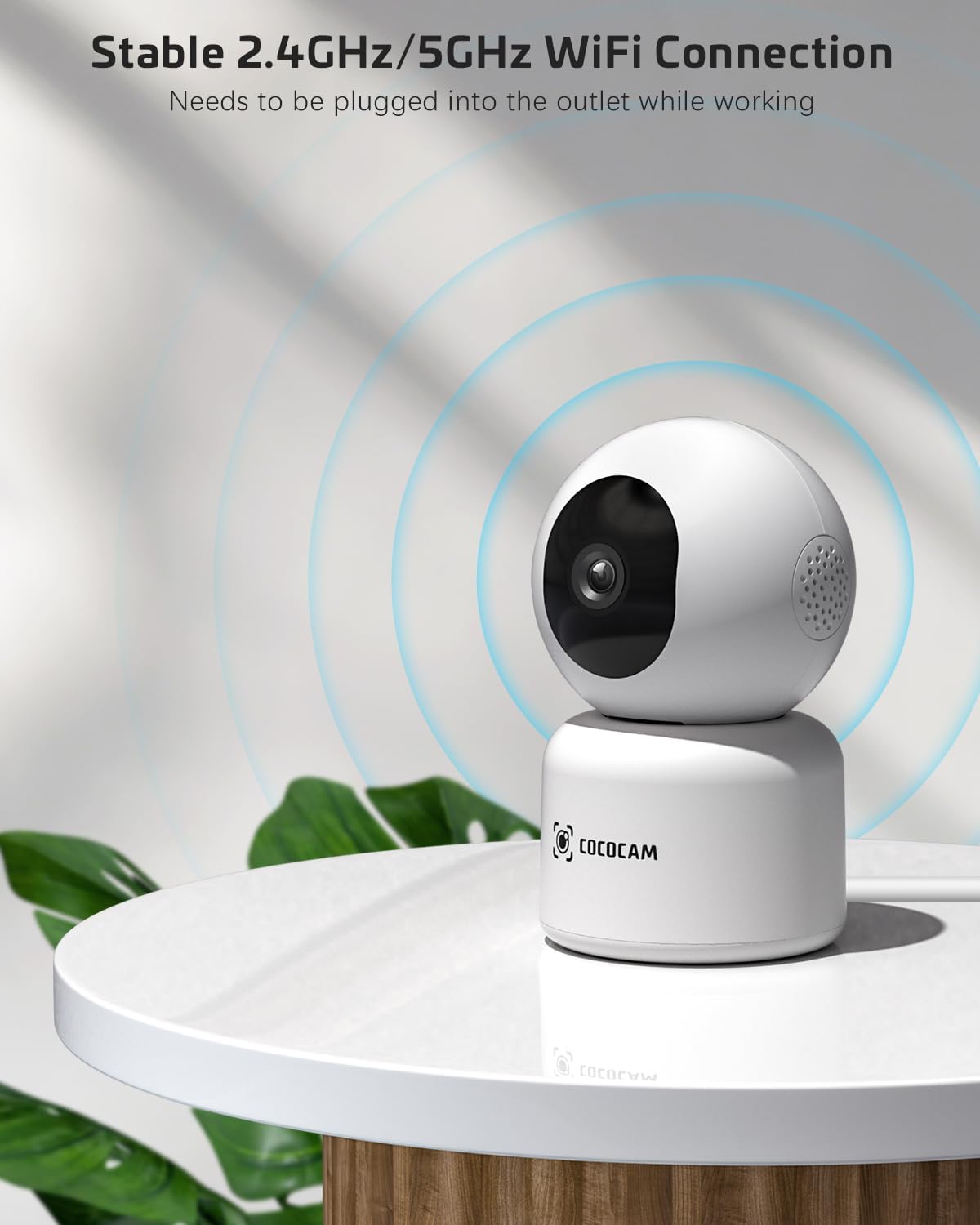
Image: The COCOCAM camera plugged into an outlet, illustrating its stable 2.4GHz/5GHz Wi-Fi connection capability.
4.3 Konektatu wifira
- Open the CloudEdge app.
- Tap the "+" icon or "Add Device" to add a new camera.
- Select your camera model from the list (e.g., Smart Camera or PTZ Camera).
- Follow the on-screen instructions to connect the camera to your Wi-Fi network. Ensure your phone is connected to the same Wi-Fi network (2.4GHz or 5GHz).
- The app will display a QR code. Hold your phone's screen in front of the camera lens (approx. 15-20 cm or 6-8 inches away) until you hear a confirmation sound from the camera.
- Once connected, the camera's indicator light will turn solid blue, and you will receive a "Connection successful" message in the app.

Image: A sequence of screenshots from the CloudEdge app demonstrating the step-by-step process for setting up and connecting the camera to a Wi-Fi network.
4.4 Install TF Card (Optional)
If you wish to use local storage, insert a TF (microSD) card (up to 128GB) into the camera's TF card slot. Ensure the camera is powered off before inserting or removing the card. Format the card through the app settings after insertion for proper functionality.
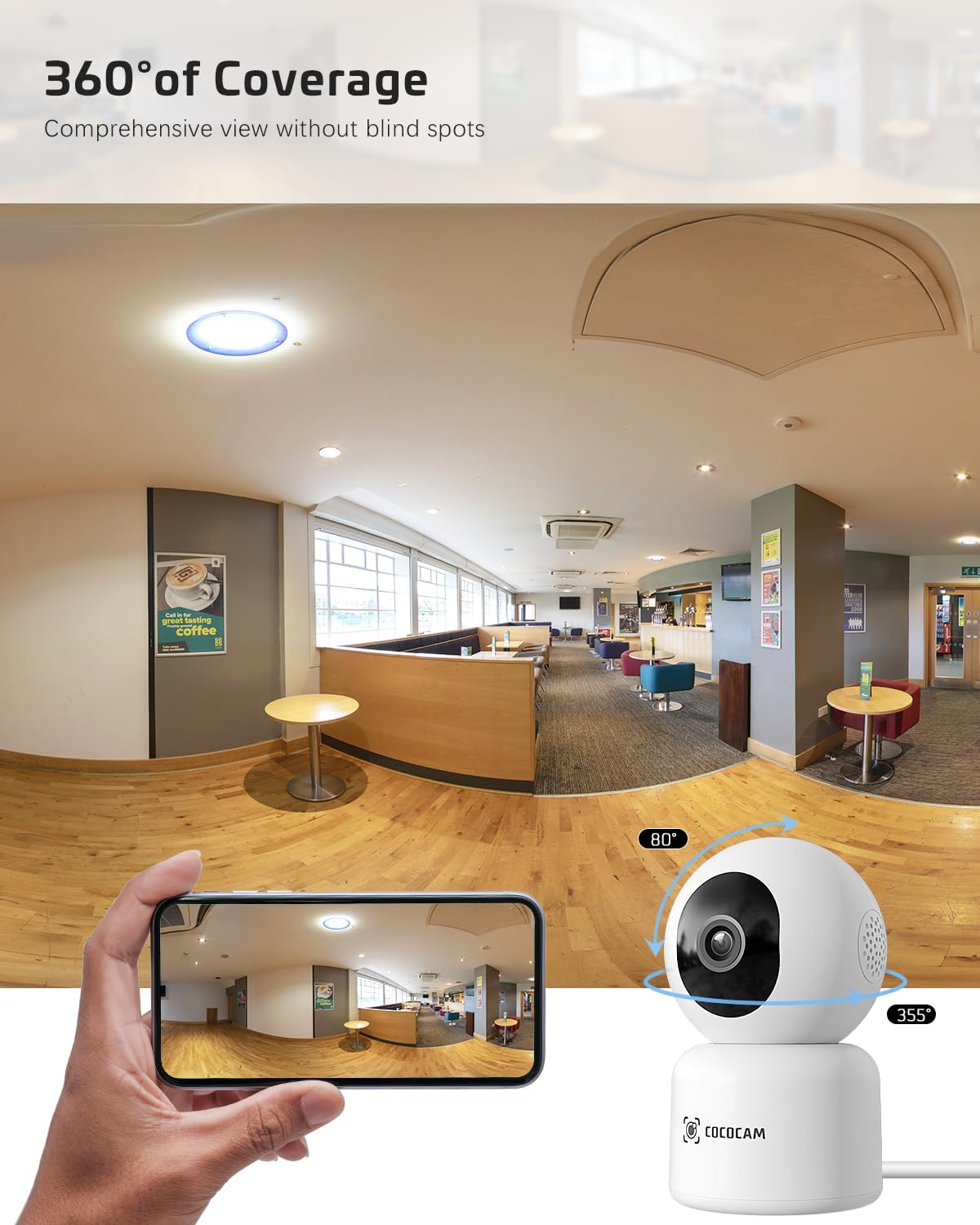
Image: The COCOCAM camera with icons representing cloud storage and TF card storage, emphasizing its safe and stable storage options.
5. Funtzionamendu-argibideak
Once set up, you can utilize the camera's features via the CloudEdge app.
5.1 Bizi View & Grabaketa
- Ireki CloudEdge aplikazioa eta hautatu zure kamera gailuen zerrendatik zuzeneko irudietara sartzeko. view.
- You can manually record video or capture screenshots directly from the live view interfazea.
- The camera supports 24/7 continuous recording to a TF card or cloud storage (subscription may apply for extended cloud features).
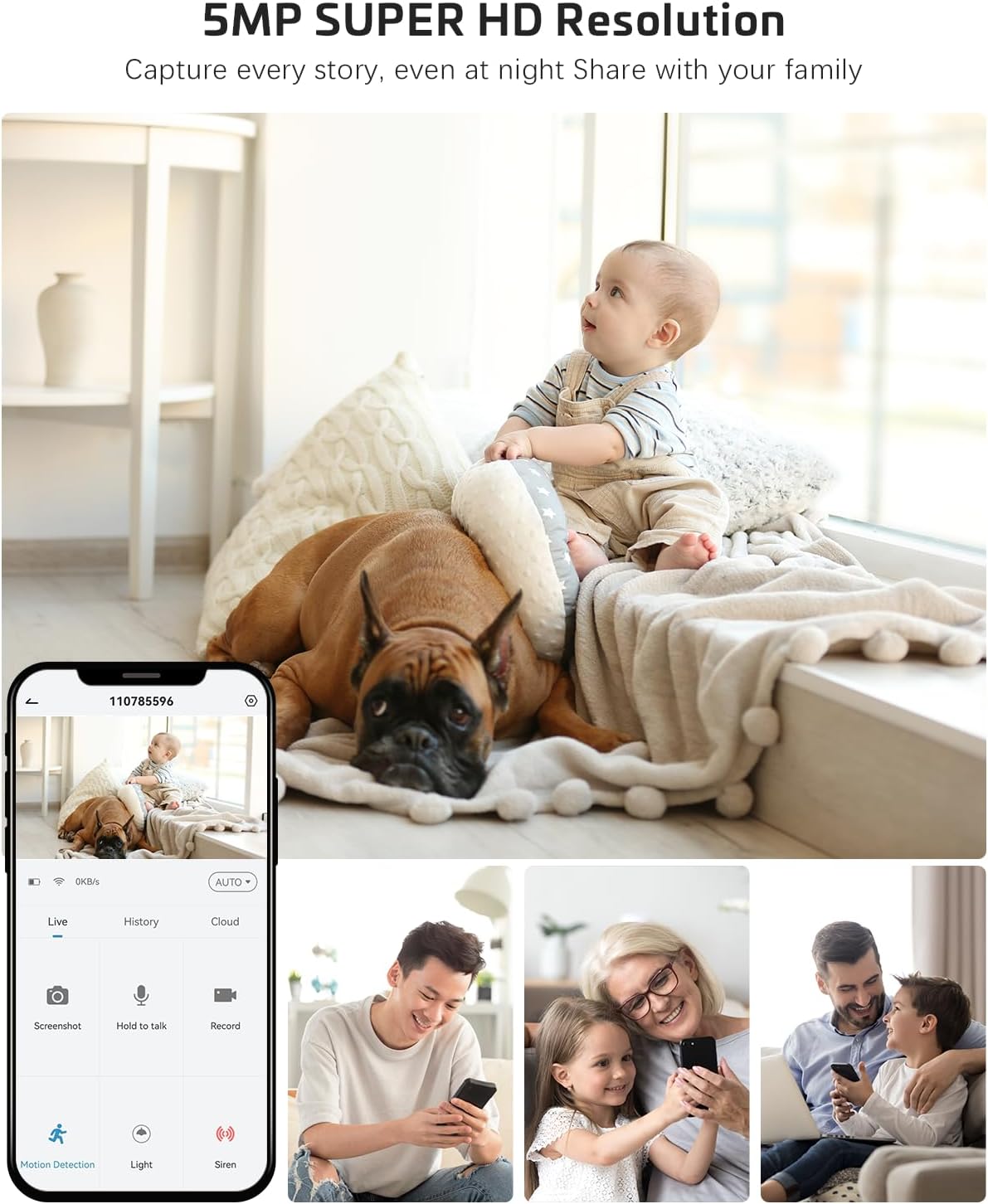
Image: The COCOCAM camera app interface displaying a live view of a baby and dog, with options for screenshot, hold to talk, record, and motion detection, alongside images of family members sharing access.
5.2 Bi norabideko audioa
- Zuzenetik view, sakatu mikrofonoaren ikonoa bi norabideko audioa gaitzeko.
- Press and hold the talk button to speak through the camera's speaker. Release to listen.
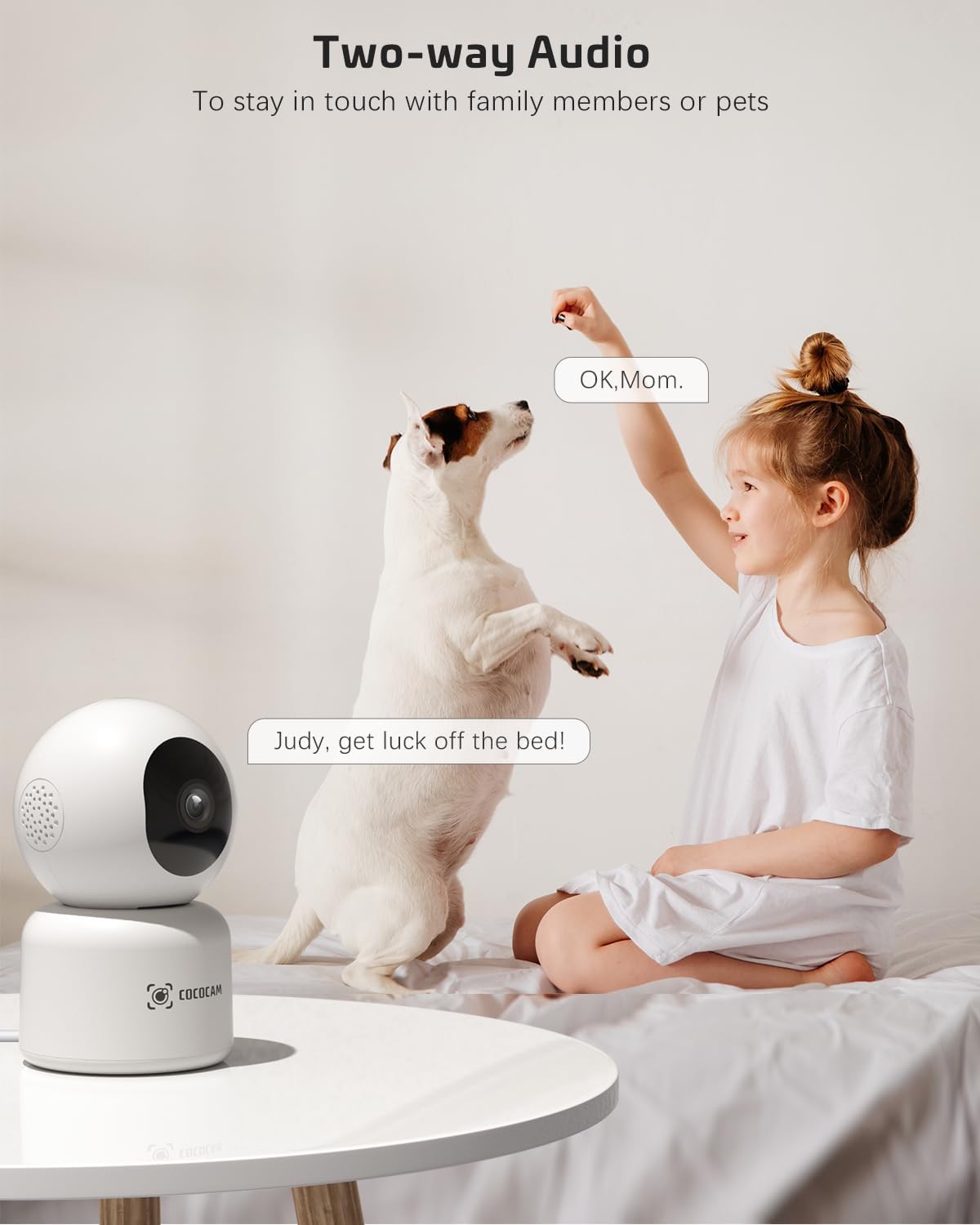
Image: A child and a dog interacting, illustrating the two-way audio feature of the COCOCAM camera, allowing communication with family members or pets.
5.3 Panoramikoa, inklinatua eta zooma (PTZ)
- Zuzenean view screen, use the directional controls to pan the camera horizontally (355°) and tilt it vertically (80°).
- Sakatu bideo-jarioa handitu edo txikitzeko.
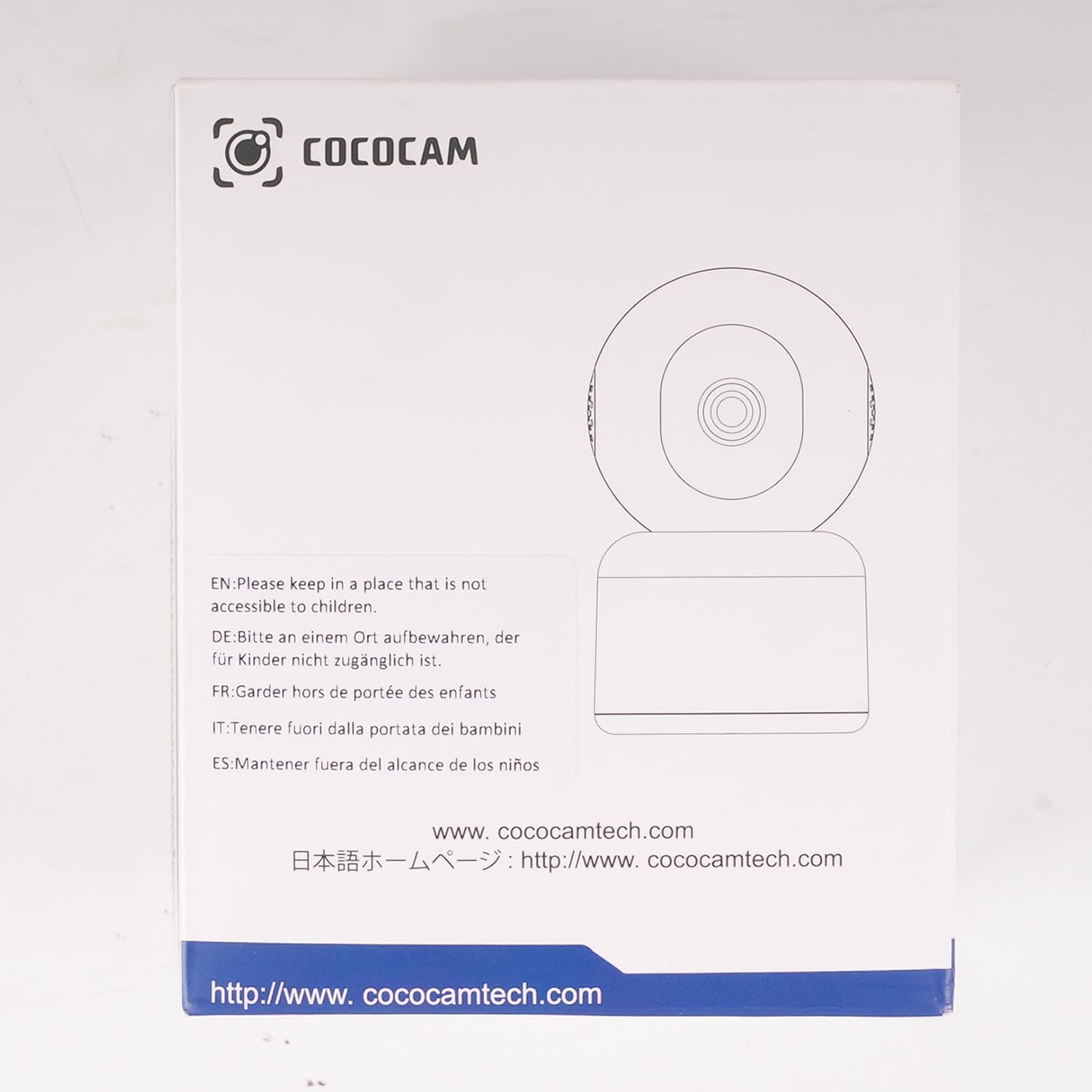
Image: The COCOCAM camera demonstrating its 360° coverage capability, providing a comprehensive view without blind spots, with a smartphone displaying the panoramic view.
5.4 AI Motion Detection & Auto Tracking
- Enable motion detection in the app settings. You can adjust sensitivity (Low, Medium, High) and set specific detection zones.
- The camera will send real-time alerts to your phone when motion is detected.
- With auto-tracking enabled, the camera will automatically follow detected movement within its field of view.
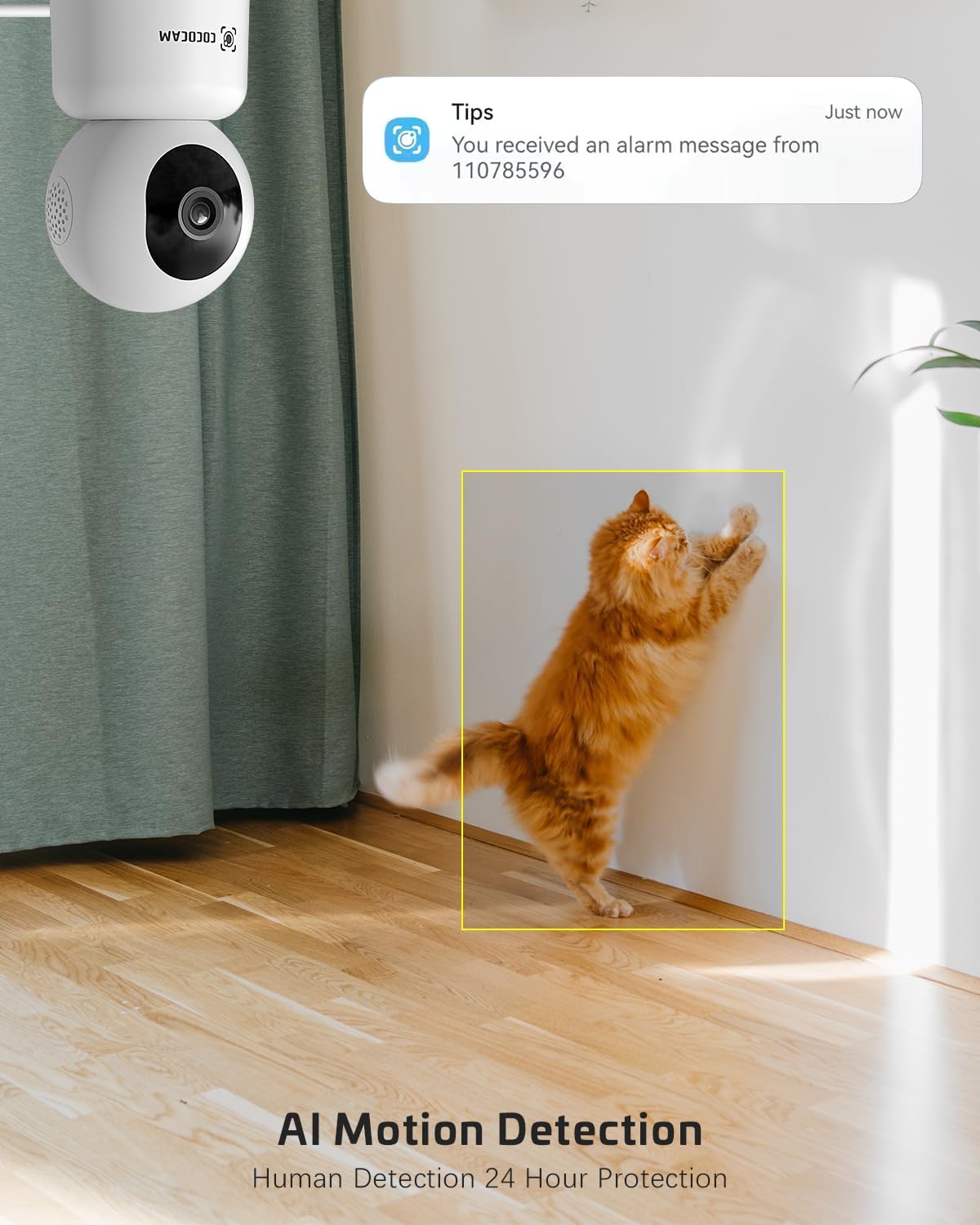
Image: The COCOCAM security camera detecting motion, with a notification pop-up on a phone screen, demonstrating its AI motion detection capabilities for human and pet activity.

Image: A screenshot of the CloudEdge app's motion detection settings, showing options to enable/disable motion detection, adjust sensitivity, set recording time, alarm interval, alert plan, and alarm area.
5.5 HD IR Night Vision
- Kamera automatikoki aldatzen da gaueko ikusmen modura argi gutxiko baldintzetan.
- Infrared LEDs provide clear black-and-white video up to 15 meters (50 ft) in complete darkness.
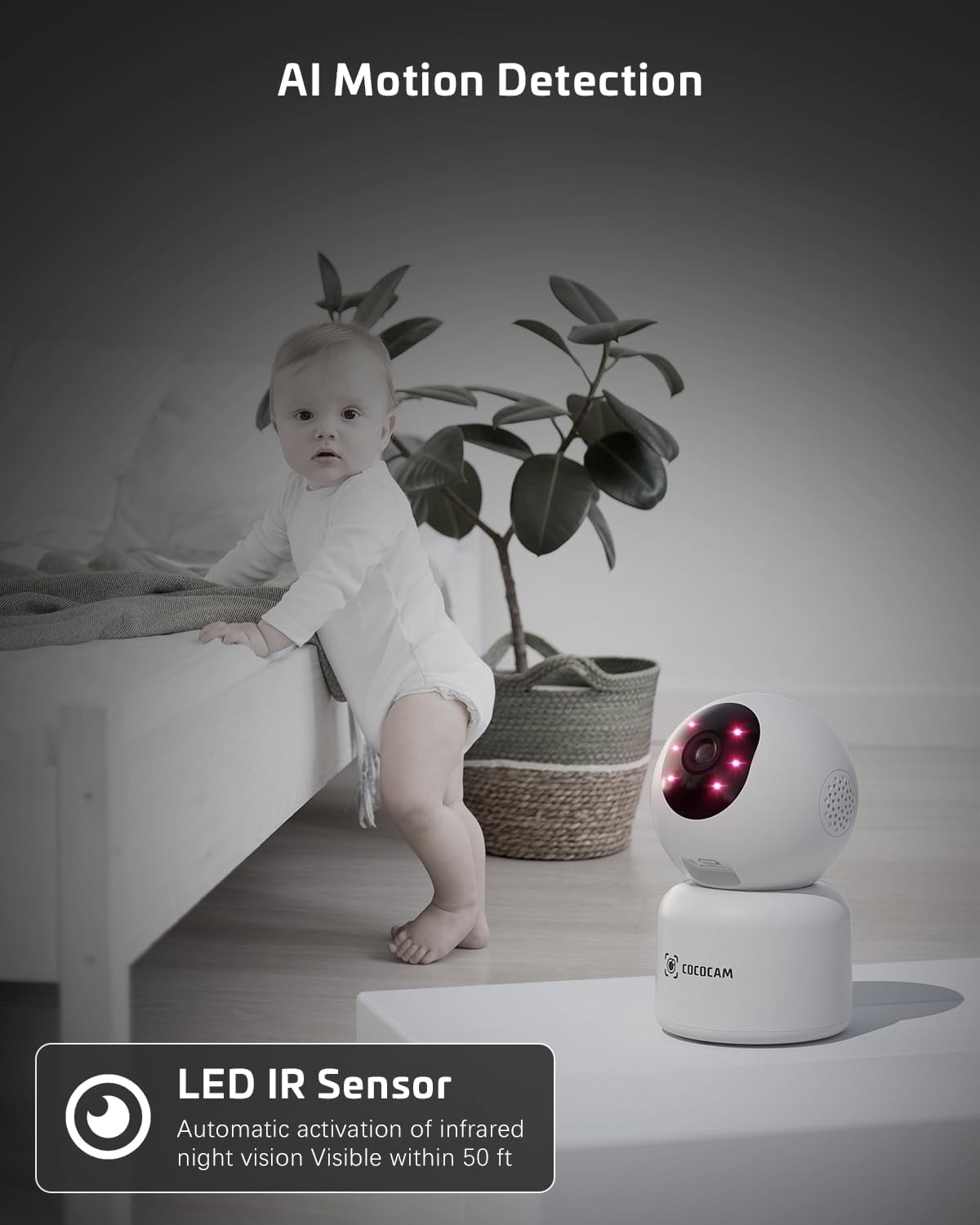
Image: The COCOCAM camera with its infrared LEDs active, providing clear night vision in a dimly lit room, suitable for monitoring a baby.
5.6 Camera Sharing
- You can share access to your camera's live feed with family members or trusted individuals through the CloudEdge app.
- Go to the camera settings and find the "Share Device" option to invite others.

Irudia: Familiako hainbat kide viewing the camera feed on various devices (smartphone, tablet, laptop), illustrating the multi-user sharing feature.
5.7 Works with Alexa
- Integrate your COCOCAM camera with Amazon Alexa for convenient voice control.
- Enable the CloudEdge skill in the Alexa app and link your accounts.
- You can then use voice commands like "Alexa, show me the front door" (if named accordingly) to view the live feed on compatible Echo Show devices.

Image: An Amazon Echo Show device displaying the live feed from the COCOCAM camera, demonstrating its compatibility with Alexa for voice-controlled viewing.
6. Mantentzea
To ensure the longevity and optimal performance of your COCOCAM camera, follow these maintenance tips:
- Garbiketa: Garbitu kameraren lentea eta gorputza oihal leun eta lehor batekin. Saihestu produktu kimiko gogorrak edo garbitzaile urratzaileak erabiltzea.
- Lekua: Ziurtatu kamera leku egonkor batean dagoela, eguzki-argitik, tenperatura muturrekoetatik eta hezetasun handitik urrun.
- Firmware eguneraketak: Egiaztatu aldizka CloudEdge aplikazioa firmware eguneratzeak eskuragarri dauden ikusteko, zure kamerak azken funtzioak eta segurtasun hobekuntzak dituela ziurtatzeko.
- Elikatze-iturria: Erabili kamerarekin batera emandako jatorrizko korronte-egokitzailea soilik.
7. Arazoak
If you encounter issues with your COCOCAM camera, refer to the following common problems and solutions:
| Arazoa | Kausa posiblea | Irtenbidea |
|---|---|---|
| Kamera konexiorik gabe | No power, Wi-Fi disconnected, poor Wi-Fi signal. | Check power connection. Restart camera and router. Ensure camera is within Wi-Fi range. Reconnect camera in app. |
| Ezin da wifira konektatu | Incorrect Wi-Fi password, wrong Wi-Fi band (only 2.4GHz/5GHz supported), too far from router. | Verify Wi-Fi password. Ensure you are connecting to a 2.4GHz or 5GHz network. Move camera closer to router. Reset camera and try again. |
| Irudi kalitate eskasa | Lente zikina, argiztapen eskasa, sareko banda-zabalera arazoak. | Clean the camera lens. Ensure adequate lighting or check night vision settings. Check your internet speed. |
| Mugimendu alertak ez dira jaso | Motion detection disabled, app notifications off, incorrect sensitivity settings. | Enable motion detection in app. Check phone notification settings for CloudEdge app. Adjust motion detection sensitivity. |
| TF txartelak ez du grabatzen | Card full, card not formatted, faulty card. | Format the TF card in the app. Replace with a new TF card if necessary. Ensure continuous recording is enabled. |
8. Zehaztapenak
| Ezaugarri | Zehaztapena |
|---|---|
| Eredua | PK323 |
| Bideo Harrapaketa Ebazpena | 5 MP (1440p) |
| Panorama/Tilt barrutia | 355° Panorama, 80° Inklinazioa |
| Haririk gabeko komunikazioa | Bluetooth, Wi-Fi (2.4GHz/5GHz) |
| Gaueko Ikusmenaren barrutia | 15 metro (50 ft) |
| Biltegiratze-aukerak | TF txartela (128 GB arte), hodeiko biltegiratzea |
| Energia iturria | Kabledun Elektrikoa (5 Volt, 3 Watt) |
| Materiala | Akrilonitrilo Butadieno Estirenoa (ABS) |
| Elementuaren neurriak (L x W x H) | 7.8 x 7.8 x 11.5 cm |
| Pisua | 300 g |
| OS bateragarria | iOS, Android |
| Erabilera gomendatua | Barruko Segurtasuna |
9. Bermea eta Laguntza
COCOCAM is committed to providing high-quality products and excellent customer service.
9.1 Bizitza Osoko Bermea
Your COCOCAM camera comes with a lifetime warranty, ensuring long-term peace of mind. Please retain your proof of purchase for warranty claims.
9.2 Bezeroarentzako laguntza
For any technical assistance, questions, or concerns, please contact COCOCAM customer support. We offer 24/7 professional technical support to address your needs promptly.
- Posta elektronikoa: service@cococamtech.com
- Ofiziala Webgunea: www.cococamtech.com
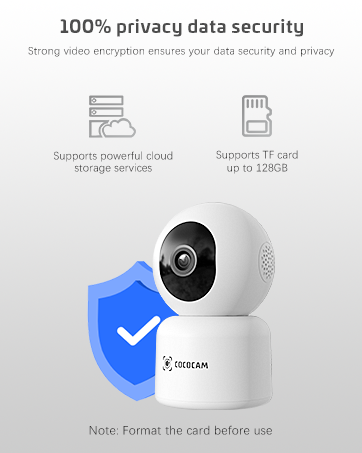
Image: A smiling customer service representative wearing a headset, symbolizing COCOCAM's commitment to customer support.

Image: An illustration emphasizing 100% privacy data security with strong video encryption, supported by powerful cloud storage services and TF card storage up to 128GB.


