1. Sarrera
This manual provides essential information for the safe and efficient installation, operation, and maintenance of your Legrand Arteor 572008 Intermediate Switch. Please read this manual thoroughly before installation and keep it for future reference.
The Legrand Arteor 572008 is a 10 Amp, 1-unit intermediate switch designed for controlling lighting circuits and other electrical loads from multiple points. Its modern square design and durable magnesium finish ensure both aesthetic appeal and long-lasting performance.
2. Segurtasun informazioa
WARNING: Risk of electric shock. Installation must be performed by a qualified electrician in accordance with all local and national electrical codes.
- Always disconnect power at the circuit breaker or fuse box before installing or servicing the switch.
- Ziurtatu kableatu-konexio guztiak ondo isolatuta eta ondo finkatuta daudela.
- Do not exceed the specified electrical ratings (10 Amp).
- Produktu hau barrualdean erabiltzeko bakarrik dago pentsatuta.
- Mantendu haurren eskura.
3. Paketearen edukia
Instalazioa hasi aurretik, egiaztatu osagai guztiak daudela:
- 1 x Legrand Arteor 572008 Intermediate Switch (10A, 1 Unit, White)
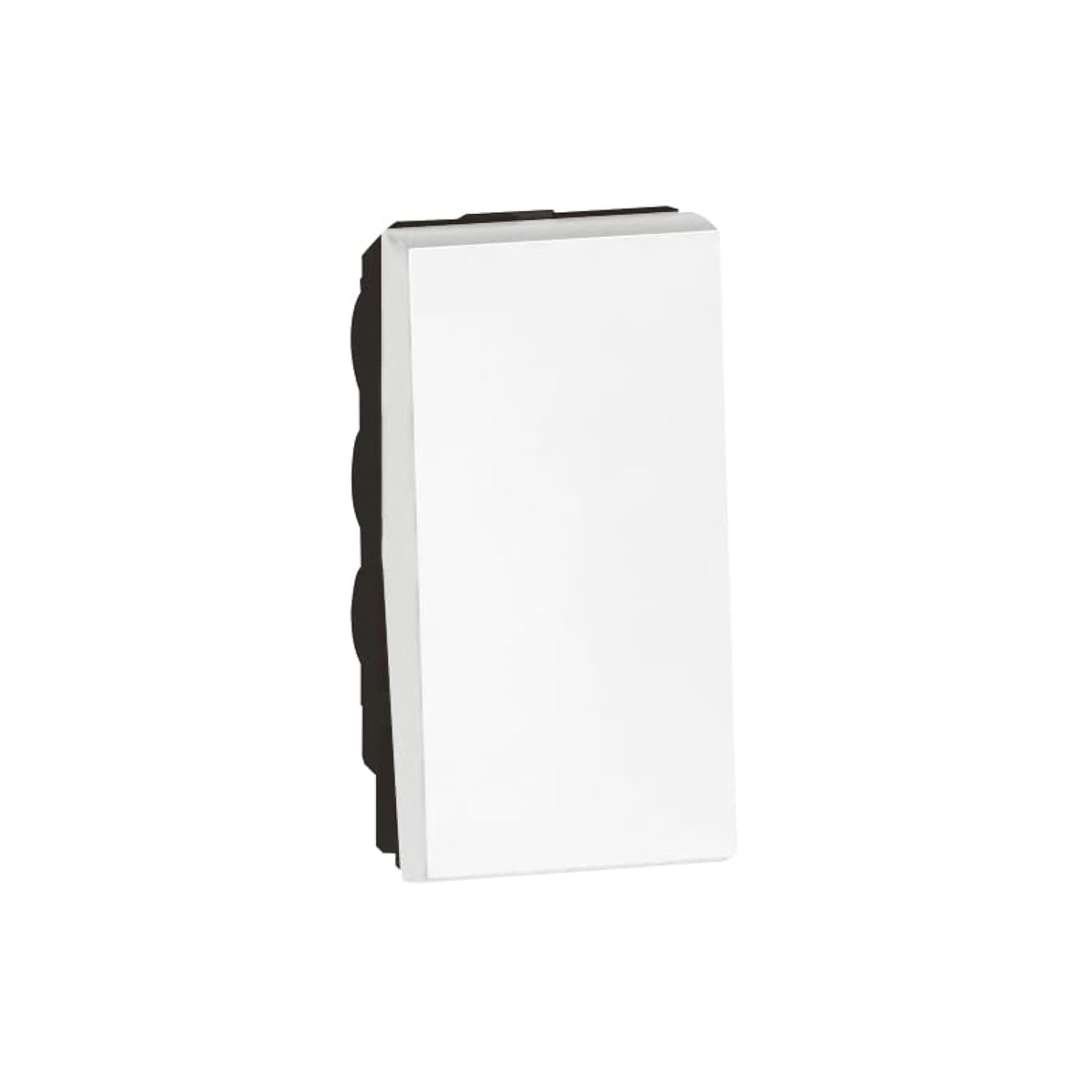
Image 1: Legrand Arteor 572008 Intermediate Switch. This image shows the front view of the white square switch unit.
4. Zehaztapenak
| Modelo zenbakia | 572008 |
| Mota | Tarteko etengailua |
| Egungo balorazioa | 10 Amp |
| Unitate kopurua | 1 Unitatea |
| Neurriak (L x W x H) | 4.22 x 2.25 x 4.5 cm |
| Pisua | 90 gramo |
| Kolorea | Zuria |
| Beharrezko bateriak | Ez |
5. Konfigurazioa eta instalazioa
Before you begin, ensure the power supply to the circuit is OFF at the main breaker.
- Prestatu kutxa elektrikoa: Ensure you have a standard single-unit electrical box installed in the wall.
- Kableatua identifikatu: An intermediate switch requires specific wiring. Typically, you will have a live wire (L), a neutral wire (N), and two switched live wires (L1, L2) for multi-point control. Consult a wiring diagram for intermediate switches if unsure.
- Konektatu kableak:
- Connect the incoming live wire to the common terminal (often marked 'L' or 'COM').
- Connect the two traveler wires (from the first two-way switch) to the 'L1' and 'L2' terminals.
- Connect the two outgoing traveler wires (to the second two-way switch) to the remaining 'L1' and 'L2' terminals.
- Ziurtatu konexio guztiak estu eta seguru daudela.
- Muntatu etengailua: Kontu handiz sartu kable bidezko etengailua kutxa elektrikoan. Lotu emandako torlojuekin.
- Aurpegi-plaka erantsi: Lotu edo torlojutu aurrealdeko plaka apaingarria etengailu mekanismoari.
- Berrezarri boterea: Turn the power supply back ON at the circuit breaker.
- Proba funtzionaltasuna: Test the switch from all control points to ensure proper operation.
If you are unfamiliar with electrical wiring, it is highly recommended to seek assistance from a certified electrician.
6. Funtzionamendu-argibideak
The Legrand Arteor 572008 Intermediate Switch operates as part of a multi-point lighting control system, typically used with two 2-way switches.
- Piztu/Itzaltzea: Press the switch button to toggle the connected lighting circuit ON or OFF.
- Multi-Point Control: This intermediate switch allows you to control the same light(s) from three or more locations when combined with two 2-way switches. Each press of any connected switch will reverse the state of the light(s).
7. Mantentzea
The Legrand Arteor 572008 Intermediate Switch requires minimal maintenance.
- Garbiketa: To clean the switch, wipe it with a soft, dry cloth. Do not use abrasive cleaners, solvents, or excessive moisture, as these can damage the finish or internal components.
- Ikuskapena: Aldian-aldian, egiaztatu etengailua kalterik, konexio solterik edo kolore aldaketarik dagoen ikusteko. Arazoren bat ikusten bada, deskonektatu korrontea eta kontsultatu elektrizista kualifikatu bati.
8. Arazoak
| Arazoa | Kausa posiblea | Irtenbidea |
|---|---|---|
| Argia ez da pizten/itzaltzen. | Zirkuitura ez dago korronterik. Kableatu konexio soltea. Bonbilla akastuna. Kableatze okerra. | Begiratu etengailua. Deskonektatu korrontea eta egiaztatu kable-konexio guztiak. Ordeztu bonbilla. Verify wiring against a standard intermediate switch diagram. Consult an electrician if needed. |
| Switch feels hot. | Zirkuituan gainkarga. Konexio soltea. | Immediately disconnect power. Reduce the load on the circuit. Disconnect power and check all wire connections. If the problem persists, consult an electrician. |
| Etengailuak ez du erantzuten. | Barne matxura. | Disconnect power and replace the switch. |
For issues not listed here or if solutions do not resolve the problem, contact Legrand customer support or a qualified electrician.
9. Bermea eta Laguntza
Legrand products are manufactured to high standards and are backed by a manufacturer's warranty. For specific warranty details, please refer to the warranty card included with your purchase or visit the official Legrand webgunea.
For technical support, replacement parts, or further assistance, please contact Legrand customer service through their official channels. Keep your model number (572008) and purchase date ready when contacting support.
Legrand Ofiziala Webgunea: www.legrand.com


