1. Sarrera
This manual provides detailed instructions for the TEEHO Keyless Entry Keypad Door Lock with Handle, model TE003. Please read this manual thoroughly before installation and operation to ensure proper function and longevity of your lock.
1.1 Paketearen edukia
Instalazioa hasi aurretik, egiaztatu osagai guztiak daudela.
- Keypad Door Knob (Exterior Assembly)
- Interior Handle Assembly
- Muntatzeko Plaka
- Torlojuak (tamaina ezberdinetakoak)
- Atxiloketa
- Greba Plaka
- 2 Babeskopia-teklak
- Argibideen eskuliburua (dokumentu hau)

Image 1.1: TEEHO Keyless Entry Keypad Door Lock with Handle and included backup keys.
2. Zehaztapenak
The TEEHO TE003 lock is designed for robust performance and ease of use. Below are its key specifications and features.
| Ezaugarri | Deskribapena |
|---|---|
| Marka | TEEHO |
| Ereduaren izena | TE003 |
| Blokeo mota | Keypad, Combination Lock |
| Materiala | Aluminioa |
| Neurriak (L x W x H) | 5.43 x 3 x 3.5 hazbete |
| Elementuaren pisua | 2.73 kilo |
| Energia iturria | Batteries Required (Not Included) |
| Ezaugarri bereziak | Passage Mode, Back-Lit Keypad, 20 Individual User Codes, One-time Access, Auto Lock, One-touch Lock, Anti-peeping Password, Vacation Mode, Mute Mode, Wrong Entry Limit, IP54 Waterproof |
| Ziurtagiriak | ANSI Grade 3 Certified, BHMA Certified |

Image 2.1: The lock features IP54 waterproofing and resistance to extreme temperatures.

Image 2.2: The lock is BHMA and ANSI Grade 3 certified, indicating durability and security through various tests.
3. Instalazioa
The TEEHO TE003 lock is designed for easy installation, typically requiring only a screwdriver and approximately 10 minutes. No drilling is required for standard installations.
3.1 Instalazioaren aurreko egiaztapenak
Before installation, confirm your door's dimensions match the lock's requirements:
- Atearen lodiera: 1-3/8" to 2" (35mm-50mm)
- Aurrealdea: 2-3/8" (60 mm) edo 2-3/4" (70 mm)
- Latchbolt Throw: 3/4" (20 mm)
- Zuloaren diametroa: 2-1/8" (54 mm)

Image 3.1: Confirm door fit before purchase by checking these critical dimensions.

Image 3.2: Detailed measurements for backset, bore diameter, hole diameter, and door thickness.
3.2 Instalazio-urratsak
Follow the step-by-step instructions provided in the included quick start guide for precise installation. Ensure all components are aligned correctly for optimal performance. The lock automatically identifies left and right-handed doors.

Image 3.3: The lock automatically adjusts for left or right-handed door configurations.

Image 3.4: Installation is straightforward and can be completed with a single screwdriver.

Image 3.5: The lock is compatible with various existing door hardware configurations.
4. Funtzionamendua
The TEEHO TE003 offers multiple convenient ways to secure and access your door.
4.1 Desblokeatzeko metodoak
- Teklatuaren kodea: Program up to 20 unique user passwords for regular access.
- Gako fisikoak: Use the two provided backup keys for traditional unlocking.
- Behin Erabilerarako Kodea: Generate temporary codes for guests or service personnel that expire after a single use.
- Pasabide modua: Disable automatic locking for continuous access during specific periods.

Image 4.1: Multiple unlocking options provide flexibility and convenience.

Image 4.2: Program up to 20 unique user codes for various individuals.

Image 4.3: Easily share temporary access codes with others.
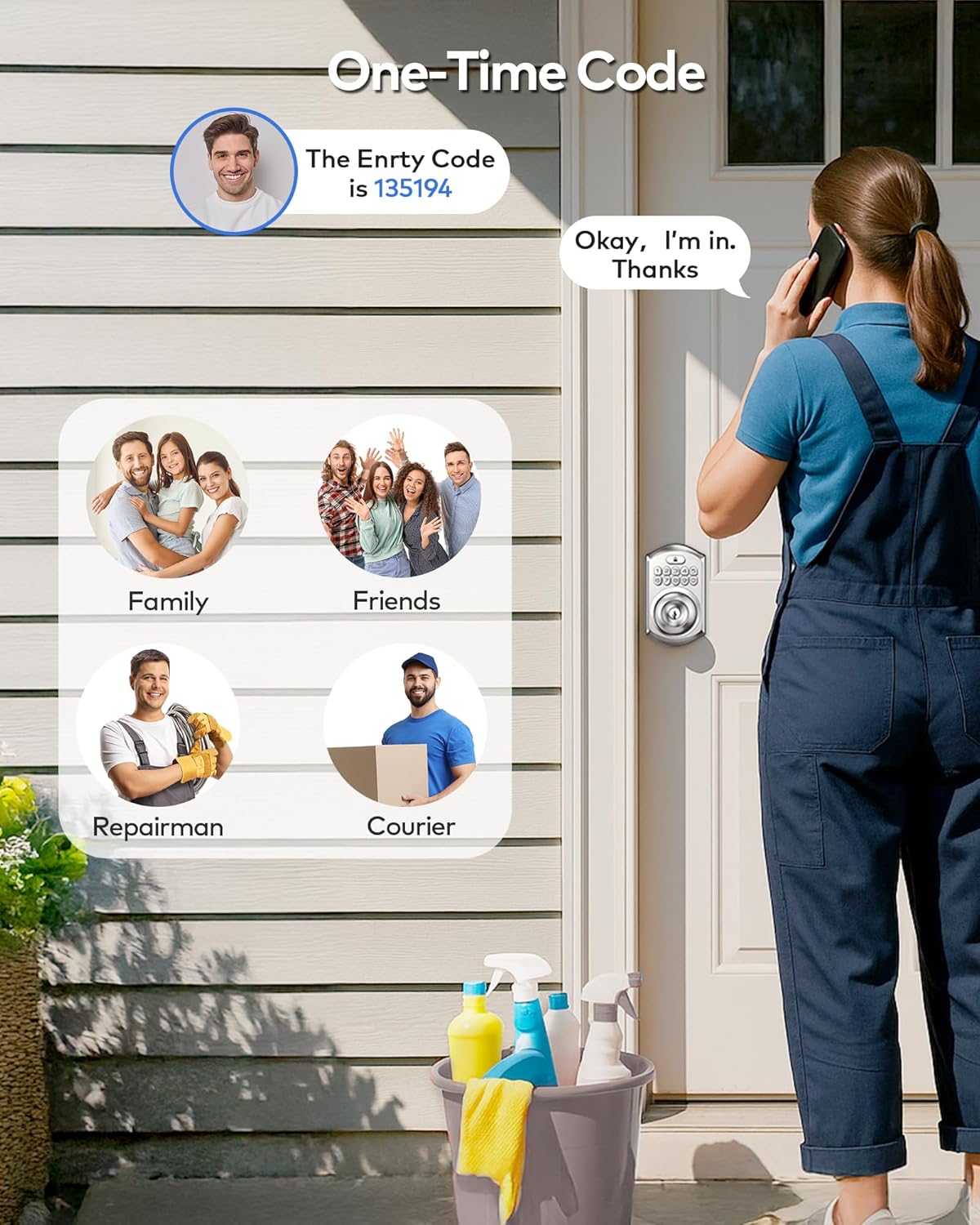
Image 4.4: One-time codes are ideal for temporary access for visitors or service providers.

Image 4.5: Backup keys provide an alternative entry method.
4.2 Blokeatzeko metodoak
- Blokeo automatikoa: The lock can be set to automatically lock within 10-99 seconds after the door closes.
- Ukitu bakarreko blokeoa: Manually lock the door from the outside by holding any key on the keypad for 2 seconds.

Image 4.6: The lock offers both automatic and one-touch manual locking.

Image 4.7: Activate one-touch locking by holding any key for 2 seconds.

Image 4.8: The auto-lock feature can be enabled or disabled as needed.

Image 4.9: Disable auto-lock for periods of frequent entry and exit.
4.3 Ezaugarri aurreratuak
- Peeping-aren aurkako pasahitza: Enter random digits before or after your actual code to prevent others from guessing your password.
- Kodea sartzeko muga okerra: The lock will temporarily disable after multiple incorrect code attempts, enhancing security.
- Oporretarako modua: A security feature for extended absences.
- Mututu modua: Silence keypad tones for quiet operation.

Image 4.10: Use the anti-peeping feature to protect your code from onlookers.

Image 4.11: Enable mute mode for silent keypad operation.

Image 4.12: Vacation mode provides enhanced security when you are away.

Image 4.13: The interior handle includes a privacy lock for added security from within.
5. Mantentzea
5.1 Bateria ordezkatzea
The TEEHO TE003 lock requires batteries for operation. Rechargeable batteries are not recommended. The lock features a low battery alert to notify you when replacement is needed.

Image 5.1: The lock provides a low battery alert and features a backlit keypad for visibility.
5.2 Garbiketa
Sarraila garbitzeko, erabili biguna, damp oihal. Saihestu akabera edo osagai elektronikoak kaltetu ditzaketen garbitzaile edo disolbatzaile urratzaileak.
6. Arazoak
If you encounter issues with your TEEHO TE003 lock, consider the following common solutions:
- Blokeoak ez du erantzuten: Check battery levels and replace if necessary. Ensure the keypad is clean and free of debris.
- Lock not latching properly: Verify that the installation alignment is correct. Minor adjustments to the strike plate or latch may be needed. Environmental factors like door frame swelling can affect alignment over time.
- Code not working: Re-enter the code carefully. Ensure you are not in vacation mode or that the one-time code has not expired.
- Teklatuak ez du erantzuten: If the keypad is completely unresponsive, check battery connections.
For persistent issues, please refer to the warranty and support section for customer service contact information.
7. Bermea eta Laguntza
TEEHO is committed to customer satisfaction and provides comprehensive support for your product.
7.1 Bermearen informazioa
TEEHO offers a 30-day customer commitment, a 1-year product support on all parts, and lifetime after-sales customer service.
7.2 Bezeroarentzako arreta
For assistance, please contact TEEHO customer service:
- Online Phone Support: Astelehenetik ostiralera, 9:5etatik XNUMX:XNUMXetara PST
- Online Email Service: Eskuragarri 24/7
Refer to your product packaging or the official TEEHO webkontaktu zehatzetarako gunea.


