1. Sarrera
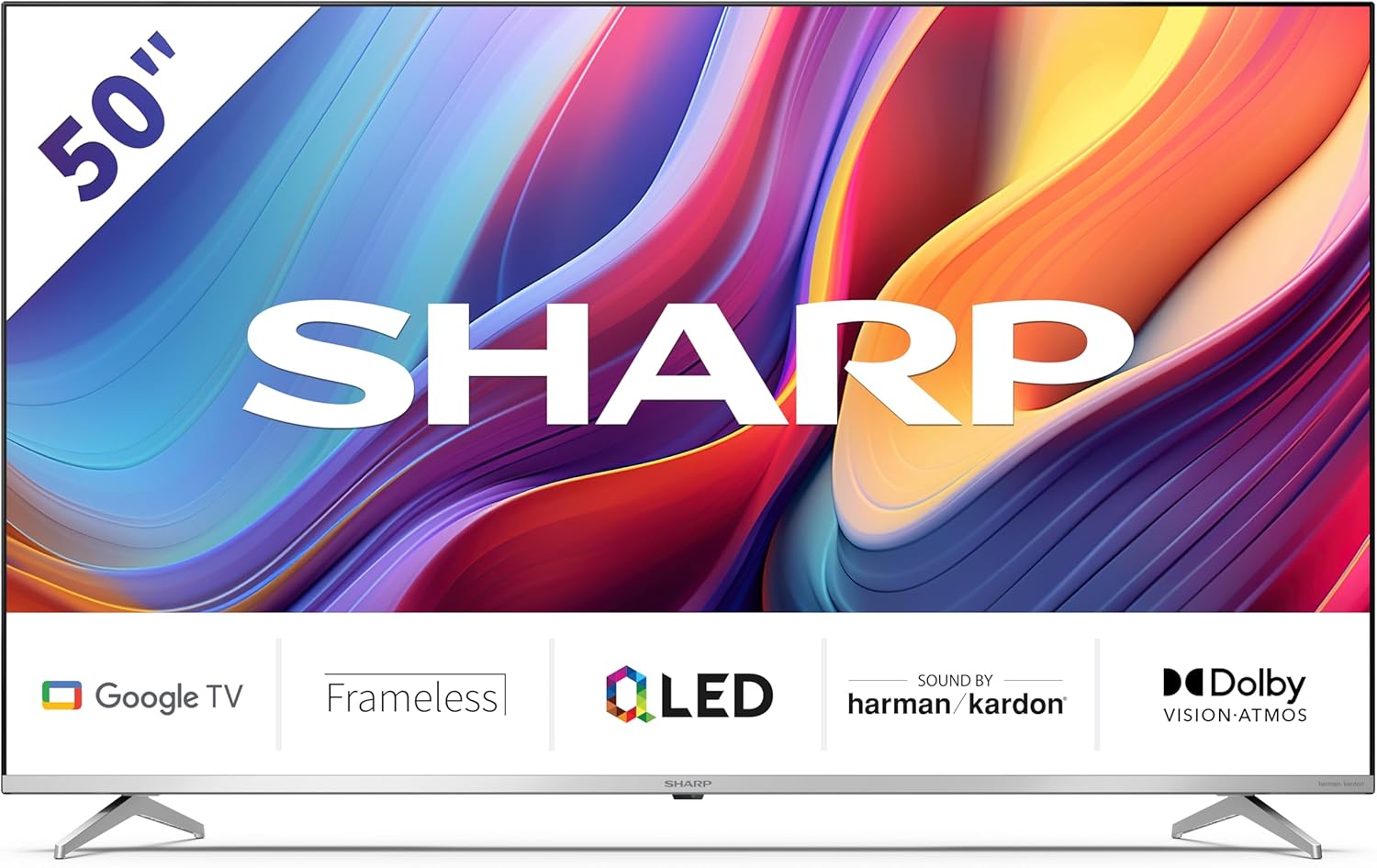
Welcome to the user manual for your new Sharp 50GP6265E 50-inch QLED 4K Ultra HD Google TV. This manual provides essential information for the safe and efficient use of your television. Please read it thoroughly before operating the device and retain it for future reference.
Segurtasun informazio garrantzitsua
- Ensure the television is placed on a stable surface to prevent it from falling.
- Do not block ventilation openings. Proper airflow is crucial to prevent overheating.
- Babestu korronte-kablea ibiltzeko edo atximur ez dadin.
- Do not expose the TV to rain or moisture to reduce the risk of fire or electric shock.
- Jarri zerbitzu-zerbitzu guztiak zerbitzu-pertsonal kualifikatuari.
2. Zer dago kutxan
Desontziratzean, egiaztatu osagai guztiak sartuta daudela:
- Sharp 50GP6265E 50-inch QLED 4K Ultra HD Google TV
- Urruneko kontrola
- 2 x AAA bateria (urrutiko aginterako)
- Hasierako gida azkarra
- TV stands (if not wall-mounted)
- Elikatze kablea
3. Konfigurazioa
3.1 Paketatzea
Kontu handiz atera telebista bere paketetik. Gomendagarria da jatorrizko ontzia gordetzea etorkizunean garraiatzeko edo konpontzeko.
3.2 Standaren instalazioa
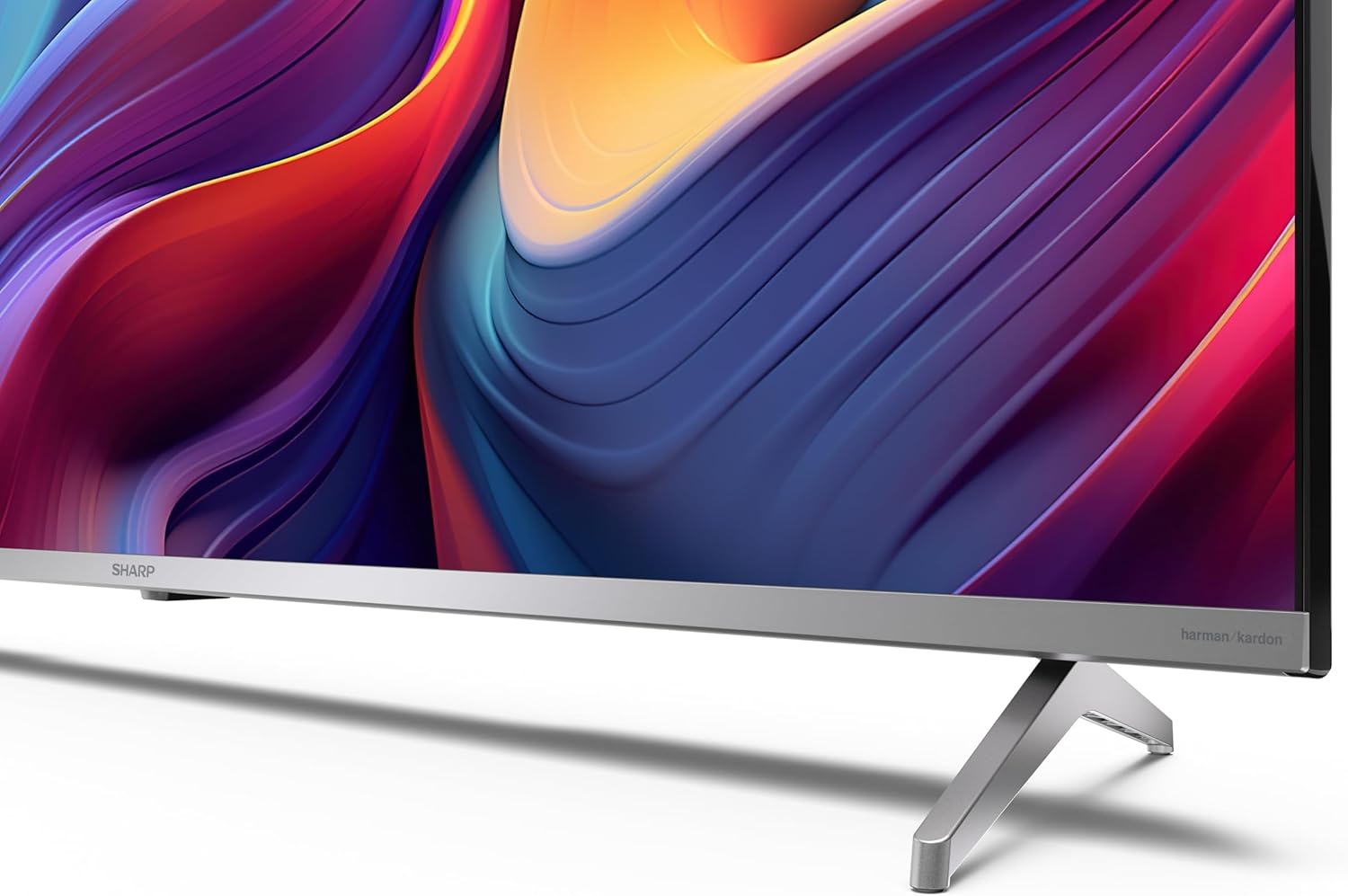
If you are not wall-mounting the television, attach the included stands to the bottom of the TV. Ensure the screws are securely fastened. Refer to the quick start guide for detailed diagrams.
3.3 Horman muntatzea
For wall mounting, the VESA dimensions required are 400 x 300 mm. Use a compatible wall mount bracket (sold separately) and follow the instructions provided with the bracket. Ensure the wall can support the weight of the television (9.7 kg net weight).

3.4 Periferikoak konektatzea
Your Sharp TV offers various connectivity options:
- HDMI: Connect external devices such as Blu-ray players, gaming consoles, or set-top boxes using the 4 HDMI 2.1 ports. One port supports eARC for enhanced audio return channel functionality.
- USBa: Use the 2 USB ports for connecting external storage devices to play media or for service updates.
- Ethernet: Interneteko konexio egonkor bat kable bidez lortzeko.
- Wi-Fi: Haririk gabeko internet konexiorako.
- Bluetootha: Konektatu haririk gabeko entzungailuak, soinu-barrak edo Bluetooth gaitutako beste osagarri batzuk.

3.5 Lehen aldiz konfiguratzea
After connecting the power cable and turning on the TV, follow the on-screen instructions to complete the initial setup. This typically includes language selection, network connection, and Google account sign-in for Google TV features.
4. Zure telebista funtzionatzea
4.1 Urruneko kontrola
The included remote control allows you to navigate the TV's interface, adjust volume, change channels, and access smart features. Insert the 2 AAA batteries into the remote control, ensuring correct polarity.
4.2 Google TV interfazea
Your Sharp TV runs on Google TV, which organizes movies, shows, and live TV from all your apps and subscriptions. The home screen provides personalized recommendations and quick access to your favorite content.

Supported internet services include Netflix, Amazon Prime Video, HBO, Disney+, Movistar+, DAZN, Atresmedia, KODI, IPTV, Steamlink, Twitch, VLC, YouTube, Puffin TV Browser, Spotify, Deezer, TuneIn Radio, and many more available on Google Play for Google TV.
4.3 Irudi ezarpenak
Experience stunning visuals with 4K Ultra HD resolution and Quantum Dot technology for vibrant colors. The TV supports Dolby Vision and HDR10 for enhanced contrast and brightness. Access picture settings through the TV menu to customize brightness, contrast, color, and sharpness to your preference. AQUOS Smooth Motion technology provides image interpolation for smoother motion.
4.4 Soinu ezarpenak
The integrated Harman/Kardon speaker system (2 x 12 W) delivers immersive audio. With Dolby Atmos support, you can enjoy a rich, multi-dimensional sound experience. Adjust sound modes and equalizer settings in the audio menu.
4.5 Ezaugarri adimendunak
- Google Laguntzailea: Erabili ahots-komandoak edukia bilatzeko, etxe adimenduneko gailuak kontrolatzeko eta informazioa lortzeko.
- Chromecast integratua: Cast content from your smartphone, tablet, or computer directly to your TV screen.
5. Mantentzea
5.1 Telebista garbitzea
- Deskonektatu beti telebista garbitu aurretik.
- Erabili zapi leun eta lehor bat pantaila eta armairua garbitzeko. Orbain egoskorrak badituzu, garbitu astiro.ampGarbitu oihal bat urarekin edo pantaila-garbitzaile espezializatu batekin.
- Saihestu garbitzaile urratzaileak, argizariak edo disolbatzaileak erabiltzea.
5.2 Software eguneraketak
Baliteke zure telebistak software eguneraketak jasotzea errendimendua hobetzeko eta funtzio berriak gehitzeko. Ziurtatu zure telebista Internetera konektatuta dagoela eguneratze hauek automatikoki jasotzeko edo bilatu eskuz ezarpenen menuan.
6. Arazoak
Telebistarekin arazoak badituzu, jo ezazu honako arazo eta irtenbide ohikoenei:
| Arazoa | Irtenbide posiblea |
|---|---|
| Botererik ez | Egiaztatu kablea telebistara eta entxufearekin ondo konektatuta dagoen. Ziurtatu entxufea funtzionatzen duela. |
| Ez dago irudirik, baina soinua badago | Egiaztatu sarrera-iturri zuzena hautatu dela. Egiaztatu kanpoko gailuaren konexioak. |
| Soinurik ez, baina irudia badago | Egiaztatu bolumen maila eta isilarazteko egoera. Ziurtatu audio kableak behar bezala konektatuta daudela kanpoko gailuetarako. |
| Urruneko kontrola ez dabil | Ordeztu AAA pilak. Ziurtatu ez dagoela oztoporik urrutiko agintearen eta telebistaren IR sentsorearen artean. |
| Wi-Fi konexio arazoak | Restart your router and the TV. Re-enter the Wi-Fi password. Ensure the TV is within range of your Wi-Fi network. |
7. Zehaztapenak
| Ezaugarri | Xehetasuna |
|---|---|
| Marka | Zorrotza |
| Modelo zenbakia | 50GP6265E |
| Pantailaren tamaina | 50 hazbete |
| Bistaratzeko Teknologia | QLED, Quantum Dot |
| Ebazpena | 4K Ultra HD (3840 x 2160 pixel) |
| Freskatze tasa | 60 Hz |
| Sistema eragilea | Google TV |
| HDR euskarria | Dolby Vision, HDR10 |
| Audio Sistema | Harman/Kardon (2 x 12 W), Dolby Atmos |
| Konektibitatea | 4x HDMI 2.1 (with eARC), 2x USB, Wi-Fi, Bluetooth, Ethernet |
| Ezaugarri bereziak | Google Assistant, Chromecast built-in, AQUOS Smooth Motion |
| VESA hormako muntaia | 400 x 300 mm |
| Neurriak (euskarriarekin) | 111.6P x 26.5l x 69.3H cm (1116.4 x 692.9 x 264.7 mm) |
| Neurriak (euskarririk gabe) | 111.6P x 9.2l x 65.1H cm (1116.4 x 651.3 x 91.5 mm) |
| Pisu garbia | 9.7 kg |
| Energia Eraginkortasun Klasea (SDR) | G (69 kWh/1000h) |
| Energia Eraginkortasun Klasea (HDR) | G (98 kWh/1000h) |

Produktuari eta energia-eraginkortasunari buruzko informazio zehatza lortzeko, jo ezazu EPREL datu-basera: https://eprel.ec.europa.eu/qr/1942440
8. Bermea eta Laguntza
Information regarding spare parts availability and software updates is not explicitly provided for a guaranteed period. Please refer to the manufacturer's official webwebgunea bisitatu berme-baldintza eta laguntza-informazio eguneratuena lortzeko.
Fabrikatzailea: SHARP
Ofiziala Webgunea: www.sharpconsumer.com
For customer service inquiries, please visit the Sharp consumer website or contact their support channels as listed on their official site.


