1. Sarrera
This manual provides essential information for setting up, operating, and maintaining your DOOGEE N55PLUS Unlocked Cell Phone. Please read it carefully to ensure proper use and to maximize the device's capabilities. The DOOGEE N55PLUS is an Android 14 smartphone featuring a 6.56-inch HD+ 90Hz display, an Octa-Core processor, 20GB RAM (8GB physical + 12GB virtual), 128GB internal storage expandable up to 1TB, a 5150mAh battery, and a 13MP AI main camera.
2. Zer dago kutxan
- 1 x DOOGEE N55PLUS Cell Phone
- 1 x Kargagailua
- 1 x Type-C Port Cable
- 1 x TP babes-filma (aurrez jarrita)
- 1 x TPU Protective case
3. Konfigurazioa
3.1 SIM txartelaren eta TF txartelaren instalazioa
- Bilatu SIM txartelaren erretilua telefonoaren alboan.
- Sartu SIM txartela ateratzeko tresna (baldin badago) erretiluaren ondoko zulo txikian eta bultzatu astiro erretilua atera arte.
- Place your Nano-SIM card(s) and/or TF card into the designated slots on the tray. Ensure the gold contacts are facing down. The phone supports dual 4G SIM cards (nano SIM1 + nano SIM2) or one nano SIM and one TF card for storage expansion.
- Kontu handiz sartu erretilua telefonoan berriro, bere lekuan klik egin arte.

3.2 Piztu/Itzaltzea
- Pizteko: Sakatu eta eutsi pizteko botoia (eskuineko aldean dago) DOOGEE logotipoa agertu arte.
- Itzaltzeko: Sakatu eta eutsi pizteko botoia energia aukeren menua agertu arte. Sakatu 'Itzali' eta baieztatu.
- Berrabiarazteko: From the power options menu, tap 'Restart' and confirm.
3.3 Hasierako konfigurazioa
Upon first power-on, follow the on-screen prompts to complete the initial setup. This includes selecting your language, connecting to Wi-Fi, setting up your Google account, and configuring security features like Face Unlock.
4. Telefonoa erabiltzea
4.1 Pantaila eta nabigazioa
The DOOGEE N55PLUS features a 6.56-inch HD+ Waterdrop screen with a 90Hz refresh rate, providing a smooth visual experience. Navigate the interface using touch gestures: tap to select, swipe to scroll, pinch to zoom.

4.2 Kameraren funtzioak
The phone is equipped with a 13MP AI main camera and an 8MP front camera. Open the Camera app to capture photos and videos. Various modes such as Portrait, Pro Mode, Beauty, Night mode, and Panorama are available to enhance your photography.

4.3 Errendimendua eta biltegiratzea
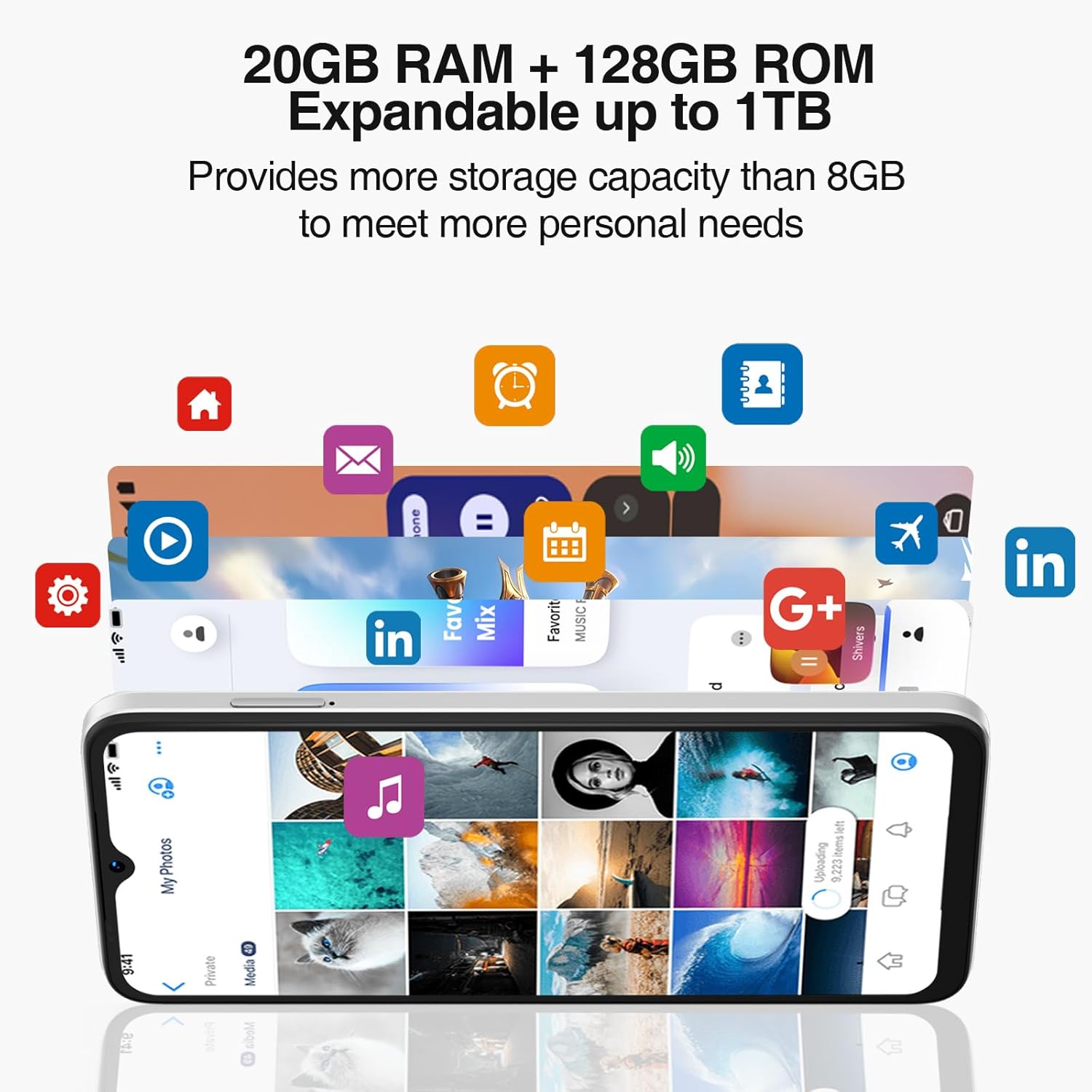
Powered by an Octa-Core processor and 20GB RAM (8GB physical + 12GB virtual), the N55PLUS ensures smooth multitasking and app performance. It comes with 128GB of internal storage, expandable up to 1TB using a TF card, providing ampzuretzako lekua files, photos, and applications.
4.4 Bateriaren kudeaketa
The 5150mAh large battery provides extended usage time. To optimize battery life, manage background app usage, adjust screen brightness, and enable power-saving modes when needed. The phone supports OTG reverse charging, allowing it to charge other devices.

5. Konektibitatea
- Sarea: Supports 4G global network bands (GSM, WCDMA, TDD, FDD). Ensure your SIM card is compatible with the phone's supported bands for optimal service.
- Wi-Fi: Konektatu eskuragarri dauden Wi-Fi sareetara Interneterako sarbidea izateko.
- Bluetootha: Pair with Bluetooth devices such as headphones, speakers, or car systems.
- GPSa: Integrated GPS, Glonass, Galileo, and Beidou for accurate navigation.
- USB C mota: Kargatzeko eta datuak transferitzeko.
6. Mantentzea
6.1 Software eguneraketak
Egiaztatu eta instalatu software eguneraketak aldizka, zure telefonoak azken funtzioak, segurtasun adabakiak eta errendimendu hobekuntzak dituela ziurtatzeko. Joan honera Ezarpenak > Sistema > Sistemaren eguneraketa.
6.2 Gailua garbitzea
Erabili oihal leun eta pelusik gabeko bat telefonoaren pantaila eta gorputza garbitzeko. Saihestu gailua kaltetu dezaketen produktu kimiko gogorrak edo material urratzaileak erabiltzea.
6.3 Biltegiratze kudeaketa
To maintain optimal performance, periodically clear unnecessary filek, desinstalatu erabiltzen ez diren aplikazioak eta transferitu euskarri handiak files to external storage or cloud services. Go to Ezarpenak > Biltegiratzea zure gailuaren biltegiratzea kudeatzeko.
7. Arazoak
- Telefonoa ez da pizten: Ziurtatu bateria kargatuta dagoela. Konektatu telefonoa kargagailura eta itxaron minutu batzuk berriro pizten saiatu aurretik.
- Aplikazioak huts egiten edo blokeatzen: Close and restart the app. If the issue persists, clear the app's cache (Settings > Apps > [App Name] > Storage > Clear cache) or uninstall and reinstall the app.
- Sare seinale eskasa: Egiaztatu SIM txartela behar bezala sartuta dagoen. Joan sare-estaldura hobea duen eremu batera. Jarri harremanetan zure zerbitzu-hornitzailearekin arazoa konpontzen ez bada.
- Bateria azkar agortzen da: Reduce screen brightness, disable unused features like Wi-Fi or Bluetooth, and close background apps. Check battery usage in Settings to identify power-hungry apps.
- Aurpegi bidezko desblokeoa ez dabil: Ensure your face is well-lit and clearly visible to the front camera. Re-register your face data in Settings > Security > Face Unlock.
8. Zehaztapenak
| Ezaugarri | Zehaztapena |
|---|---|
| Ereduaren izena | N55 Plus |
| Sistema eragilea | Android 14 |
| Prozesadorea | Octa-Core (Mediatek Dimensity 1100, 3.2 GHz) |
| RAM | 8 GB (expandable to 20 GB with virtual RAM) |
| Barne Biltegiratzea | 128 GB |
| Biltegiratze zabalgarria | Gehienez 1 TB TF txartelaren bidez |
| Pantailaren tamaina | 6.56 hazbete |
| Bistaratzeko mota | HD+ IPS Waterdrop Screen |
| Ebazpena | 1612 x 720 |
| Freskatze tasa | 90 Hz |
| Kamera Nagusia | 13 MP-ko AI kamera |
| Aurrealdeko kamera | 8 MP |
| Bateria Edukiera | 5150 mAh litio ioi |
| Konektibitatea | 4G LTE, Wi-Fi, Bluetooth, USB Type-C |
| Nabigazioa | GPS, Glonass, Galileo, Beidou |
| Ezaugarri bereziak | Dual SIM, Expandable Memory, Face Unlock, Widevine L1, OTG |
| Neurriak | 6.45 x 2.98 x 0.34 hazbete (8.6 mm-ko lodiera) |
| Pisua | 6.6 ontza (186 gramo) |
9. Bermea eta Laguntza
All DOOGEE unlocked phones purchased from our official channels are covered by a 12-month warranty. If you encounter any issues during use, please contact our customer support for assistance. For further support, visit the official DOOGEE webgunea edo erosketarekin batera emandako harremanetarako informazioa kontsultatu.


