1. Sarrera
This user manual provides comprehensive instructions for setting up, operating, and maintaining your THOMSON 10.1-inch WiFi Digital Photo Frame. Please read this manual carefully before using the device to ensure proper functionality and longevity.
2. Produktua amaitu daview
The THOMSON Digital Photo Frame is designed to display your cherished memories with ease. It features a high-definition IPS touchscreen and WiFi connectivity for convenient photo sharing.
Ezaugarri nagusiak:
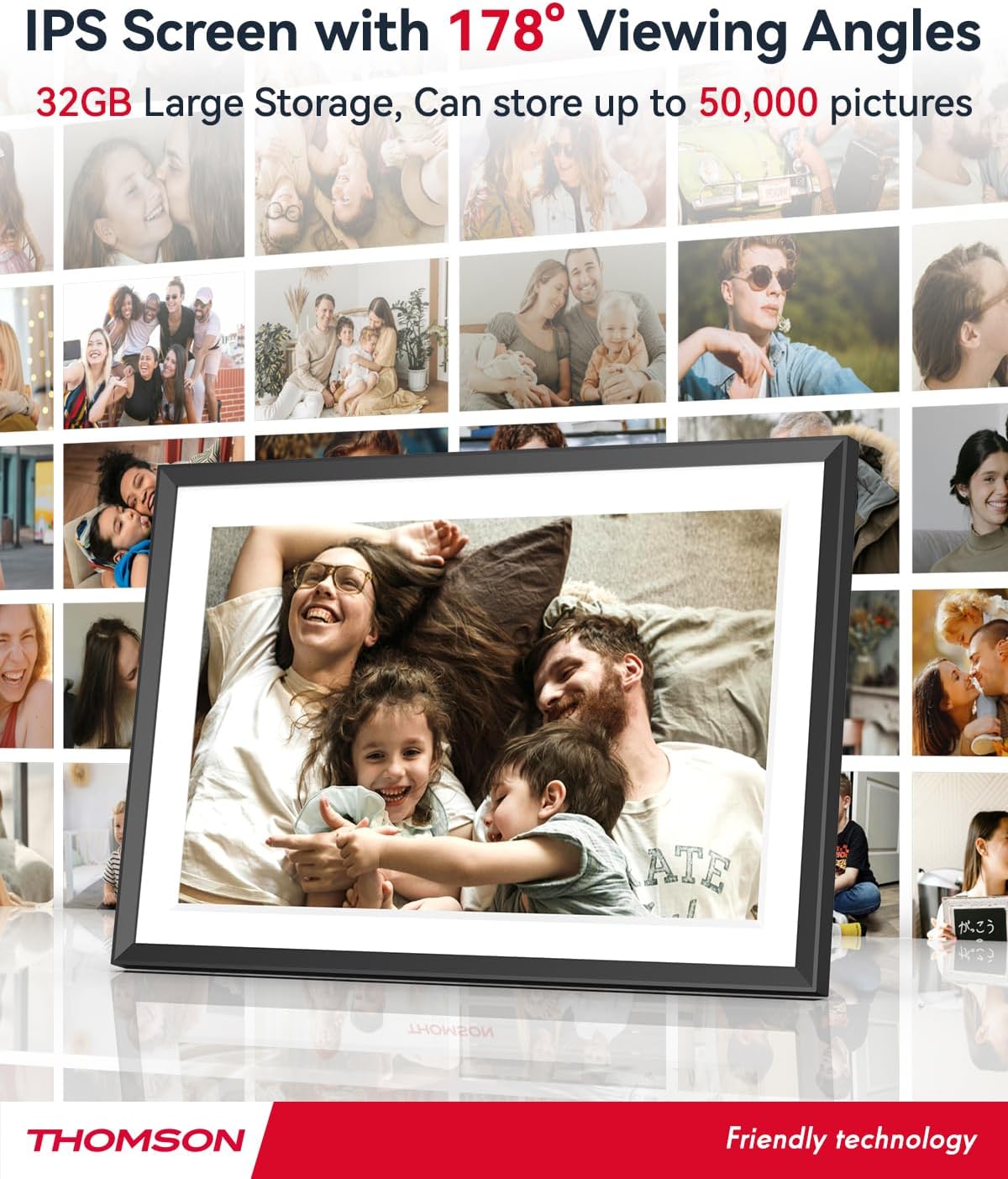
- 32 GB-ko barne memoria: Stores approximately 50,000 photos. Supports SD Card/SDHC Card/MMC Card/USB Drive expansion up to 256GB.
- Konfigurazio sinplea: Connects to WiFi, automatically sets local date and time.
- 10.1-inch 1280x800 HD IPS Screen: Provides clear image viewing with a 180° viewangelua.
- Hainbat interfaze: Supports DC-4.0, Type-C, SD, 3.5mm Jack, and USB.
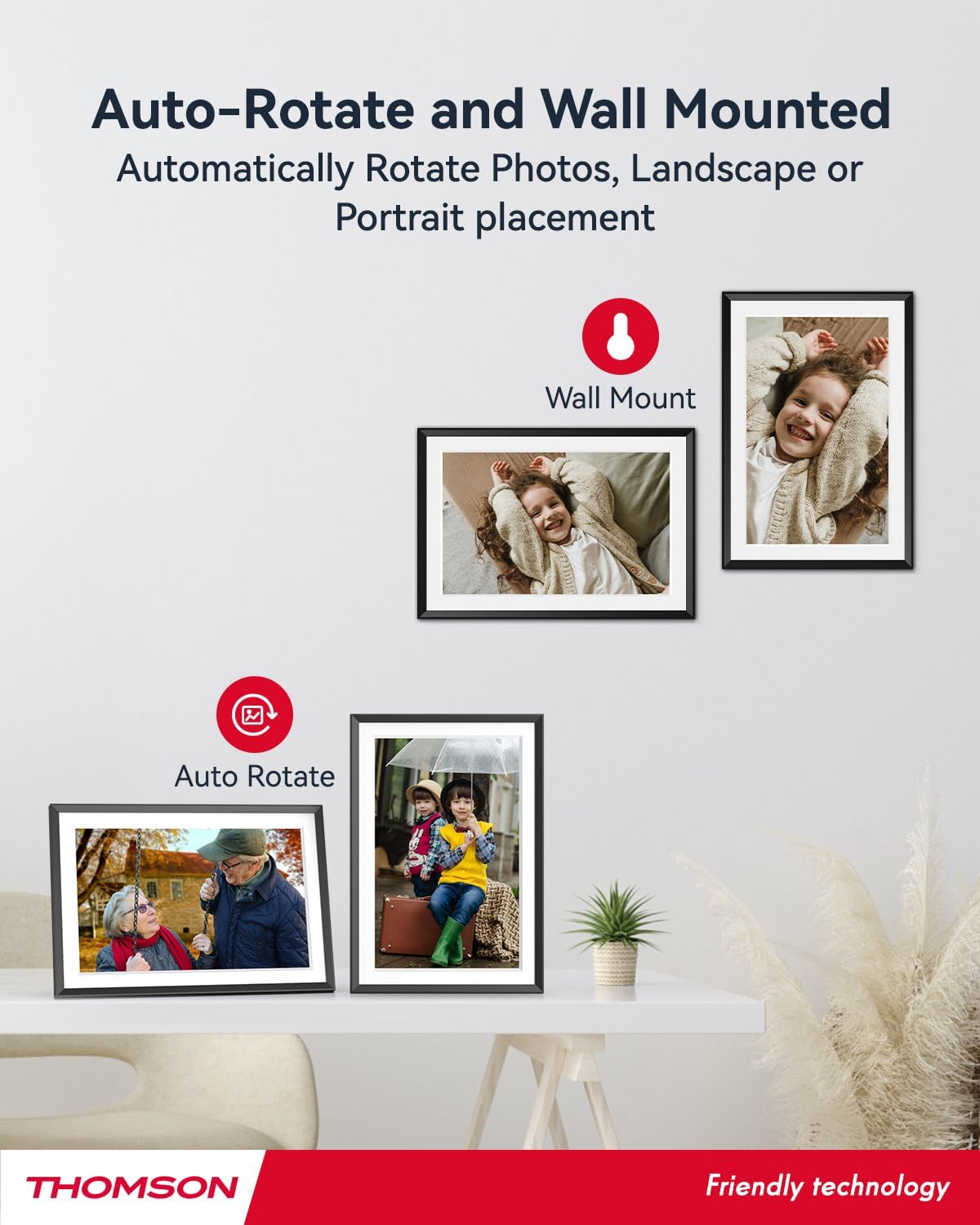
- Errotazio automatikoa: Displays photos correctly in any orientation.
- Atzeko planoko musika: Play music during slideshows.
- Google Photo Support: Send photos directly from Google Photos.




3. Konfigurazioa
3.1 Desontziratzea eta hasierako ikuskapena
- Kontu handiz kendu osagai guztiak ontzitik.
- Verify that all items listed in the 'Product Overview' atala daude.
- Inspect the frame for any signs of damage. If damaged, do not proceed and contact customer support.
3.2 Energia-konexioa
- Connect the power adapter to the DC-4.0 port on the back of the photo frame.
- Entxufatu korronte-egokigailua entxufe elektriko estandar batean.
- Markoa automatikoki piztuko da.
3.3 Sare konexioa (Wi-Fi)
- On the frame's touchscreen, navigate to 'Settings' or 'Wi-Fi Settings'.
- Hautatu nahi duzun Wi-Fi sarea eskuragarri dauden sareen zerrendatik.
- Sartu Wi-Fi pasahitza pantailako teklatua erabiliz.
- Confirm the connection. Once connected, the frame will automatically synchronize the date and time.
3.4 App Installation (Thomson Smart Frame)
To share photos wirelessly from your smartphone, download the 'Thomson Smart Frame' app:
- For Android devices, search for 'Thomson Smart Frame' on the Google Play Store.
- For iOS devices, search for 'Thomson Smart Frame' on the Apple App Store.
- Follow the on-screen instructions within the app to pair it with your digital photo frame.
4. Funtzionamendu-argibideak
4.1 Argazkiak eta bideoak gehitzea
- Via Thomson Smart Frame App: Use the paired smartphone app to wirelessly send photos and videos to the frame.
- Via SD Card/USB Drive: Insert a compatible SD card or USB drive into the respective slot. The frame will detect the media, and you can import files to the internal memory or play directly.
- Via Google Photos: The frame supports integration with Google Photos for direct photo sharing. Refer to the frame's on-screen instructions for linking your Google Photos account.
4.2 Ukipen-pantailaren nabigazioa
The frame features an intuitive touchscreen interface. Tap to select, swipe to scroll, and pinch to zoom (if supported by the specific function).
4.3 Diapositiba-aurkezpenaren ezarpenak
Customize your photo slideshow experience:
- Slideshow Speed: Doitu argazki bakoitza bistaratzen den iraupena.
- Trantsizio efektuak: Choose from various transition styles between photos.
- Atzeko planoko musika: Hautatu audioa files to play during the slideshow.
4.4 Errotazio automatikoa
The frame automatically detects its orientation (landscape or portrait) and adjusts the displayed photos accordingly. Ensure the auto-rotate function is enabled in the settings if you wish to utilize this feature.
4.5 Erabiltzaile anitzeko konexioa
Multiple users can connect to the same frame via the Thomson Smart Frame app, allowing family and friends to share their photos to your frame from different locations.
5. Mantentzea
5.1 Pantaila garbitzea
- Turn off the photo frame and unplug it from the power source.
- Use a soft, lint-free cloth (e.g., microfiber cloth) to gently wipe the screen.
- Orban egoskorretarako, apur bat dampen the cloth with water or a screen-cleaning solution specifically designed for electronic displays. Do not spray liquid directly onto the screen.
5.2 Arreta orokorra
- Avoid exposing the frame to extreme temperatures, direct sunlight, or high humidity.
- Keep the frame away from water and other liquids.
- Do not block the ventilation openings on the frame.
- Handle the frame with care to prevent drops or impacts.
6. Arazoak
| Arazoa | Kausa posiblea | Irtenbidea |
|---|---|---|
| Markoa ez da pizten. | Korronte-egokitzailea ez dago konektatuta edo entxufea akastuna da. | Ensure power adapter is securely connected to the frame and a working electrical outlet. Try a different outlet. |
| Ezin da wifira konektatu. | Pasahitz okerra, seinale ahula edo sareko arazoa. | Egiaztatu berriro Wi-Fi pasahitza. Gerturatu markoa bideratzailera. Berrabiarazi bideratzailea eta markoa. |
| Photos not displaying. | Onartu gabe file format, no photos loaded, or storage issue. | Ensure photos are in supported formats (e.g., JPEG, PNG). Verify photos are loaded onto the frame's internal memory or connected storage. Check storage space. |
| Ukipen-pantailak ez du erantzuten. | Softwarearen aldi baterako akatsa. | Berrabiarazi markoa korronte-egokitzailea deskonektatuz eta berriro konektatuz. |
7. Zehaztapenak
| Ezaugarri | Xehetasuna |
|---|---|
| Marka | Thomson |
| Modelo zenbakia | TDF-1001P |
| Pantailaren tamaina | 10.1 hazbetekoa |
| Bistaratzeko ebazpena | 1280 x 800 HD |
| Bistaratzeko mota | IPS ukipen-pantaila |
| Barne Memoria | 32 GB |
| Memoria zabalgarria | SD Card/SDHC Card/MMC Card/USB Drive (up to 256GB) |
| Konektibitate Teknologia | Wi-Fi |
| Gailu bateragarriak | Android and iOS Smartphones |
| Energia iturria | Kable elektrikoa |
| Aspektu-erlazioa | 16:10 |
| Markoaren materiala | Plastikoa |
| Produktuaren neurriak (L x W x H) | 26.5 x 18.4 x 2.51 cm |
| Produktuaren pisua | 530 gramo |
8. Bermea eta Laguntza
For warranty information or technical support, please refer to the documentation included with your purchase or visit the official Thomson website. You may also contact Thomson customer service directly for assistance with product issues or inquiries.


