1. Produktua amaitu daview
This manual provides instructions for the WUNIAK Protective Case, specifically designed for the TECLAST P50 Android 14 Tablet (11-inch model). This case offers comprehensive protection and enhanced functionality for your device.
1.1. Bateragarritasuna
This case is exclusively designed for the TECLAST P50 Android 14 Tablet (11-inch). Please verify your tablet model before installation to ensure proper fit and function. It is not compatible with other tablet models.

Image 1.1: The WUNIAK Protective Case for TECLAST P50 Tablet, illustrating its closed form and its configuration as a viewzutik jartzea.
2. Konfigurazioa eta instalazioa
Follow these steps to correctly install your TECLAST P50 Tablet into the WUNIAK Protective Case.
- Prepare Your Tablet: Ensure your TECLAST P50 Tablet is clean and free of dust or debris.
- Align the Tablet: Gently align the tablet with the case, ensuring the camera cutout and port openings on the case match those on your tablet.
- Insert the Tablet: Carefully press the tablet into the soft TPU shell of the case. Start with one corner and work your way around, ensuring all edges are securely seated within the case.
- Egokitzapena egiaztatu: Once installed, check that all buttons, ports, and the camera are accessible and unobstructed. The case should fit snugly around the tablet.

Image 2.1: The case provides full access to the tablet's features, including speakers, cameras, and ports.
3. Funtzionamendu-argibideak
3.1. Using the Stand Feature
The WUNIAK Protective Case features a tri-fold stand design, allowing for multiple viewing angles. To activate the stand:
- Ireki azala: Fold back the front cover of the case.
- Form the Stand: The cover is designed with creases that allow it to fold into a triangular stand. Adjust the folds to achieve your desired viewangelua.
- Posizio segurua: Ensure the stand is stable on a flat surface before use. This feature is ideal for watching videos, typing, gaming, or online learning.

Image 3.1: The tri-fold stand offers versatile viewing angles for various activities.
3.2. Lo/Esnatzeko funtzio automatikoa
The case includes a built-in magnetic strip that supports the tablet's auto sleep/wake function. When the cover is closed, the tablet will automatically enter sleep mode, conserving battery life. Opening the cover will automatically wake the tablet.
4. Mantentzea eta Zainketa
To ensure the longevity and appearance of your WUNIAK Protective Case, follow these maintenance guidelines:
- Garbiketa: Erabili biguna, damp cloth to wipe the exterior of the case. For stubborn stains, a mild soap solution can be used, followed by wiping with a clean, damp oihal. Saihestu produktu kimiko gogorrak edo garbitzaile urratzaileak.
- Saihestu muturreko baldintzak: Do not expose the case to extreme temperatures, direct sunlight for prolonged periods, or excessive moisture, as this may damage the material.
- Biltegiratzea: When not in use, store the case in a cool, dry place.
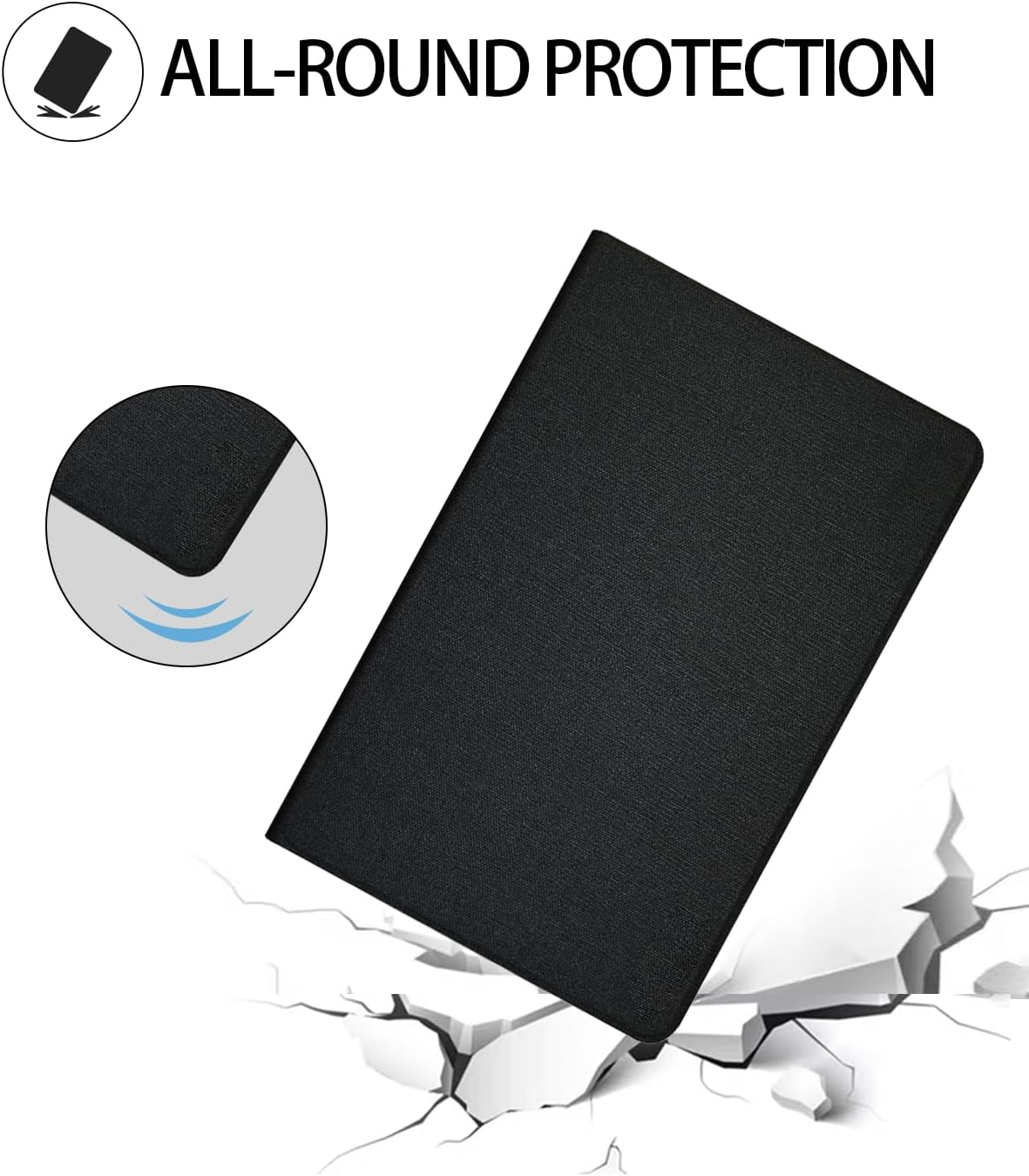
Image 4.1: The durable construction of the case provides all-round protection against drops and scratches.
5. Arazoak
This section addresses common inquiries regarding the protective case.
- Kasua ez da sartzen: Ensure your tablet is the TECLAST P50 Android 14 Tablet (11-inch). This case is specifically designed for this model. If you have a different model, the case may not fit correctly.
- Auto Sleep/Wake Not Working: Verify that the tablet is correctly seated in the case and that the magnetic strip is not obstructed. Ensure your tablet's settings allow for magnetic cover sleep/wake functionality.
- Zutikaren ezegonkortasuna: Ensure the case is folded correctly into the triangular stand position and placed on a flat, stable surface.
6. Zehaztapenak
| Marka | WUNIAK |
| Modelo zenbakia | P50 Case |
| Gailu bateragarriak | TECLAST P50 Android 14 Tablet (11-inch) |
| Materiala | Durable Soft PU Leather and TPU |
| Kolorea | Beltza |
| Forma-faktorea | Kasua |
| Shell Mota | Leuna |
| Ezaugarri bereziak | Auto Sleep/Wake, Multi-angle Stand, Full Protection, Slim & Lightweight |
| Elementuaren pisua | 10.2 ontza (289 gramo gutxi gorabehera) |
| Paketearen neurriak | 10.55 x 7.09 x 0.55 hazbete |
| Fabrikatzailea | WUNIAK |
| Eskuragarri dagoen lehen data | 10ko abuztuaren 2024a |

Image 6.1: The case is designed to be slim and lightweight for easy portability.
7. Bermea eta bezeroarentzako laguntza
WUNIAK is committed to providing quality products and customer satisfaction. For any questions, technical support, or assistance with your WUNIAK Protective Case, please contact our customer service team.
We aim to provide timely technical support and excellent customer service to address any concerns you may have.
For contact information, please refer to the seller's details on the platform where the product was purchased or visit the official WUNIAK webgunea.
8. Erabilera-eszenatokiak
The versatile design of the WUNIAK Protective Case supports various activities, enhancing your tablet experience:
- Entretenimendua: Enjoy movies, videos, and games with comfortable viewangeluak.
- Azterketa: Ideal for online courses, reading, and note-taking.
- Parent-Child Companionship: Facilitates shared viewing and interactive learning.
- Lana: Convenient for presentations, video calls, and productivity tasks.

Image 8.1: The case supports diverse usage scenarios, from entertainment to professional tasks.


