Introduction to Your iPhone 16
Welcome to your new iPhone 16. This manual is designed to help you understand and effectively use your device, whether you are a new iPhone user or looking to master advanced features. Follow these instructions to get the most out of your iPhone 16.
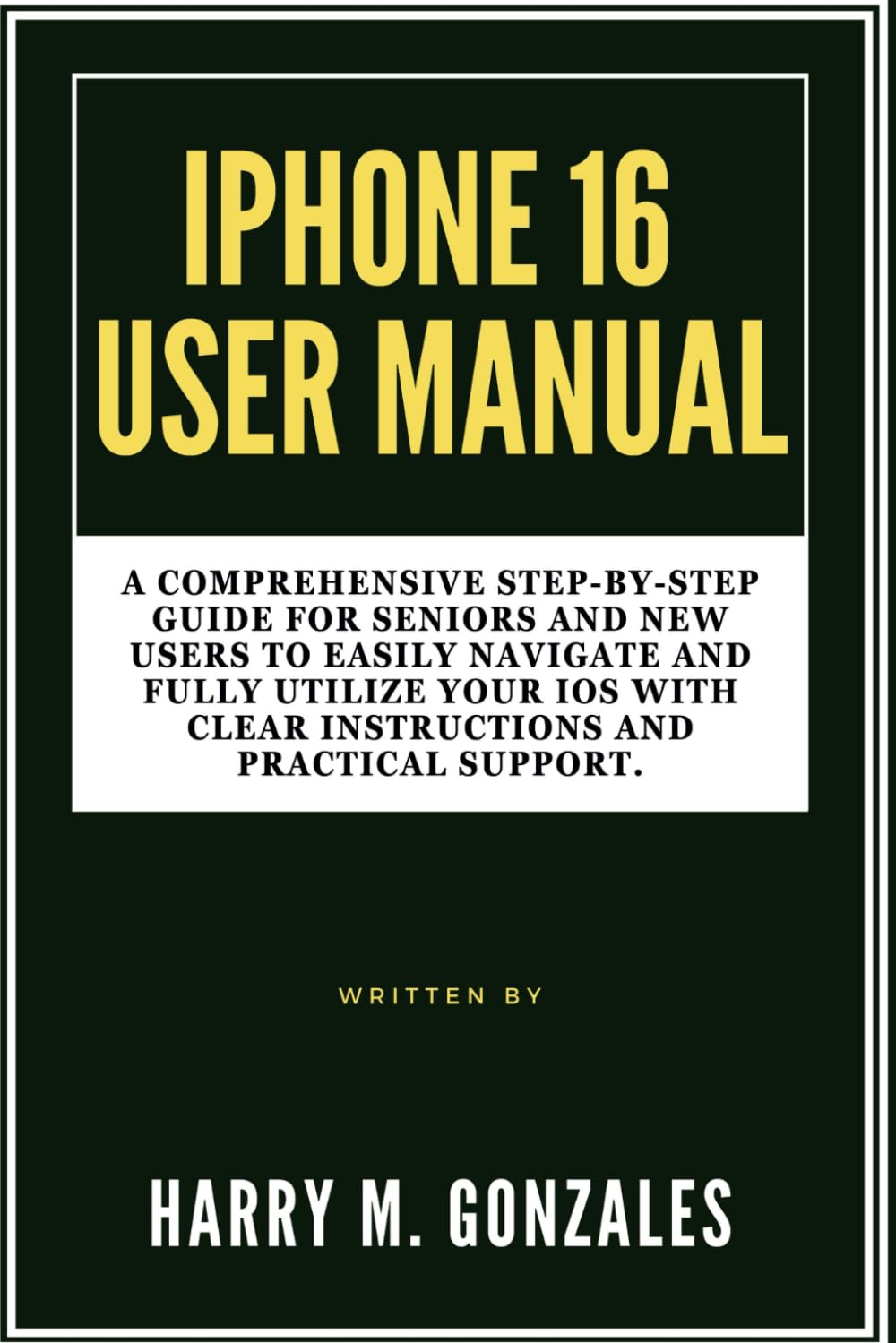
Image: Front cover of the iPhone 16 User Manual, providing a visual reference for the guide.
Setup: Getting Started with Your iPhone 16
Setting up your iPhone 16 is a straightforward process. This section guides you through the initial steps to activate and personalize your device.
- Piztu: Sakatu eta eutsi alboko botoiari Apple logotipoa agertu arte.
- Hasierako konfigurazioa: Jarraitu pantailan agertzen diren argibideei zure hizkuntza eta eskualdea hautatzeko eta Wi-Fi sare batera konektatzeko.
- Datuen transferentzia: Choose to restore from an iCloud or computer backup, or set up as a new iPhone.
- Apple IDa: Sign in with your Apple ID or create a new one. This is essential for accessing the App Store, iCloud, and other Apple services.
- Face ID/Touch ID & Passcode: Set up Face ID (facial recognition) or Touch ID (fingerprint sensor) and create a strong passcode for security.
- Siri & Analytics: Configure Siri and decide whether to share analytics data with Apple.
- Software eguneraketak: Ensure your iPhone is running the latest iOS version for optimal performance and security.
Operating Your iPhone 16
This section covers the essential functions and features of your iPhone 16, helping you navigate its interface and utilize its capabilities.
Customization and Organization
Personalize your iPhone 16 to suit your preferences and organize your apps for easy access.
- Aldatu horma-papera: Joan zaitez Settings > Wallpaper to choose a new background for your Lock Screen and Home Screen.
- Antolatu aplikazioak: Tap and hold an app icon until it jiggles, then drag it to rearrange, create folders, or delete.
- Widgetak: Add widgets to your Home Screen or Today View for quick information at a glance.
Deiak eta Mezuak
Learn how to communicate effectively using your iPhone 16.
- Deiak egitea: Ireki Telefonoa aplikazioa, sakatu Teklatua, enter the number, and tap the green call button.
- Mezuak bidaltzea: Ireki Mezuak app, tap the new message icon, enter a contact or number, and type your message.
- FaceTime: Use FaceTime for video or audio calls with other Apple device users.
Kameraren funtzioak
Capture stunning photos and videos with your iPhone 16 camera.
- Argazkiak ateratzen: Ireki Kamera app, select Photo mode, and tap the shutter button.
- Bideoak grabatzen: Switch to Video mode in the Kamera app and tap the record button.
- Edizioa: Use the built-in Photos app to crop, adjust colors, and apply filters to your media.
Internet and Apps
Connect to the internet and explore the vast world of applications.
- Wi-Fi konexioa: Joan zaitez Ezarpenak > Wi-Fi eta hautatu zure sarea.
- Arakatzea: Erabili Safaria app to browse the web segurtasunez.
- App Store: Download new applications from the App Store to enhance your iPhone's functionality.
Contacts and Calendar Management
Keep your contacts organized and manage your schedule efficiently.
- Gehitu kontaktuak: Ireki Kontaktuak app, tap the '+' icon, and fill in the contact details.
- Calendar Events: Erabili Egutegia app to create events, set reminders, and manage your schedule.
Ezarpenak optimizatzen
Adjust various settings to improve your iPhone's performance, privacy, and battery life.
- Jakinarazpenak: Customize app notifications in Ezarpenak > Jakinarazpenak.
- Bateriaren iraupena: Monitor battery usage and enable Low Power Mode in Ezarpenak > Bateria.
- Pribatutasuna: Review and adjust privacy settings for location services, photos, and more in Settings > Privacy & Security.
Maintenance: Keeping Your iPhone 16 in Top Condition
Regular maintenance ensures your iPhone 16 remains functional and secure.
- Software eguneraketak: Always install the latest iOS updates to benefit from new features, security patches, and performance improvements. Go to Ezarpenak > Orokorra > Softwarearen eguneraketa.
- Datuen babeskopia: Regularly back up your iPhone to iCloud or your computer to prevent data loss.
- Garbitu zure gailua: Use a soft, lint-free cloth to gently clean your screen and device exterior. Avoid harsh chemicals.
- Kudeatu biltegia: Periodically check your storage usage (Ezarpenak > Orokorra > iPhone biltegiratzea) and delete unnecessary apps or files.
Ohiko arazoak konpontzea
This section provides solutions for common problems you might encounter with your iPhone 16.
- Gailuak ez du erantzuten: If your iPhone is frozen, perform a force restart. For iPhone 8 or later: Press and quickly release the Volume Up button. Press and quickly release the Volume Down button. Then, press and hold the side button until you see the Apple logo.
- Aplikazioa kraskatzen: Close the app by swiping up from the bottom of the screen (or double-clicking the Home button on older models) to open the App Switcher, then swipe the app up to close it. Reopen the app. If the issue persists, try reinstalling the app.
- Wi-Fi/Cellular Connectivity Issues: Try toggling Wi-Fi or Cellular Data off and on in Control Center or Settings. If the problem continues, reset network settings (Ezarpenak > Orokorra > Transferitu edo berrezarri iPhone > Berrezarri > Berrezarri Sarearen ezarpenak).
- Bateria azkar husten: Egiaztatu bateriaren erabilera hemen: Ezarpenak > Bateria to identify apps consuming the most power. Enable Low Power Mode or adjust background app refresh settings.
- Biltegiratze beteta: Delete unused apps, photos, and videos. Offload apps you don't use frequently (Ezarpenak > Orokorra > iPhone biltegiratzea).
Zehaztapenak
Key specifications related to this user manual and the iPhone 16 it describes.
| ASIN | B0DFHMMS4X |
| Argitaletxea | Independenteki argitaratua |
| Argitalpen data | 28ko abuztuaren 2024a |
| Hizkuntza | ingelesa |
| Inprimatu luzera | 118 orrialde |
| ISBN-13 | 979-8337641362 |
| Elementuaren pisua | 8.2 ontza |
| Neurriak | 6 x 0.27 x 9 hazbete |

Image: Back cover of the iPhone 16 User Manual, showing the ISBN barcode 9798337641362.
Bermea eta Laguntza
This manual provides guidance for the iPhone 16. For specific warranty information and official support regarding the iPhone 16 device, please refer to Apple's official webgunearekin edo jarri harremanetan Apple Laguntzarekin zuzenean.
- Appleren laguntza ofiziala: Bisitatu laguntza.apple.com/iphone laguntza-artikulu osoak, arazoak konpontzeko gidak eta harremanetarako aukerak lortzeko.
- Bermearen informazioa: Details regarding your iPhone 16's limited warranty can be found on Apple's official website or within the device's settings under Settings > General > About > Limited Warranty.