Sarrera
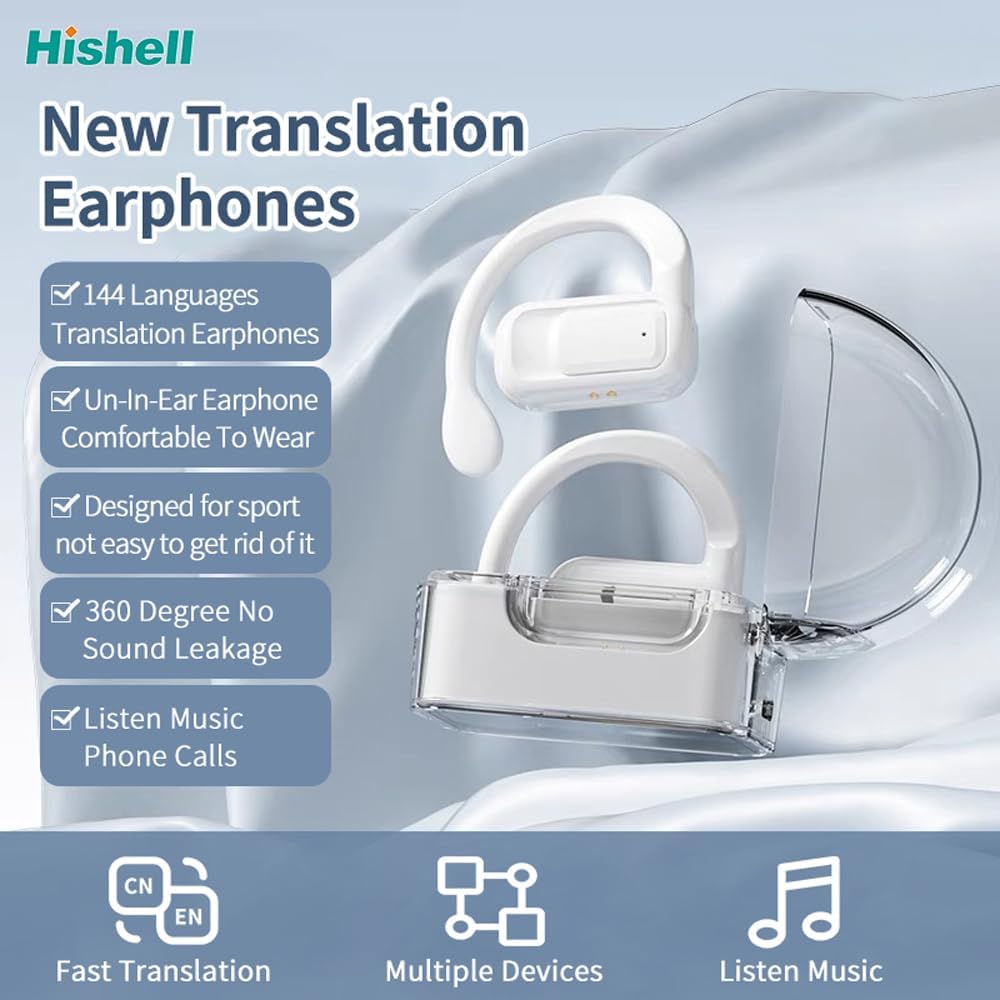
Thank you for choosing the HISHELL Language Translator Earbuds. These open-ear headphones are designed to provide seamless real-time language translation across 144 online languages, powered by 6 top translation engines. Beyond translation, they also function as versatile devices for music streaming and phone calls. This manual will guide you through the setup, operation, and maintenance of your new device to ensure an optimal user experience.

Image: The HISHELL Language Translator Earbuds, showing both earbuds and their transparent charging case.
Kutxan dagoena
- 2 x Language Translator Earphones
- 1 x Charging Compartment
- 1 x Data Cable (USB-C)
- 1 x Headset User Manual
- 1 x APP Translation User Manual

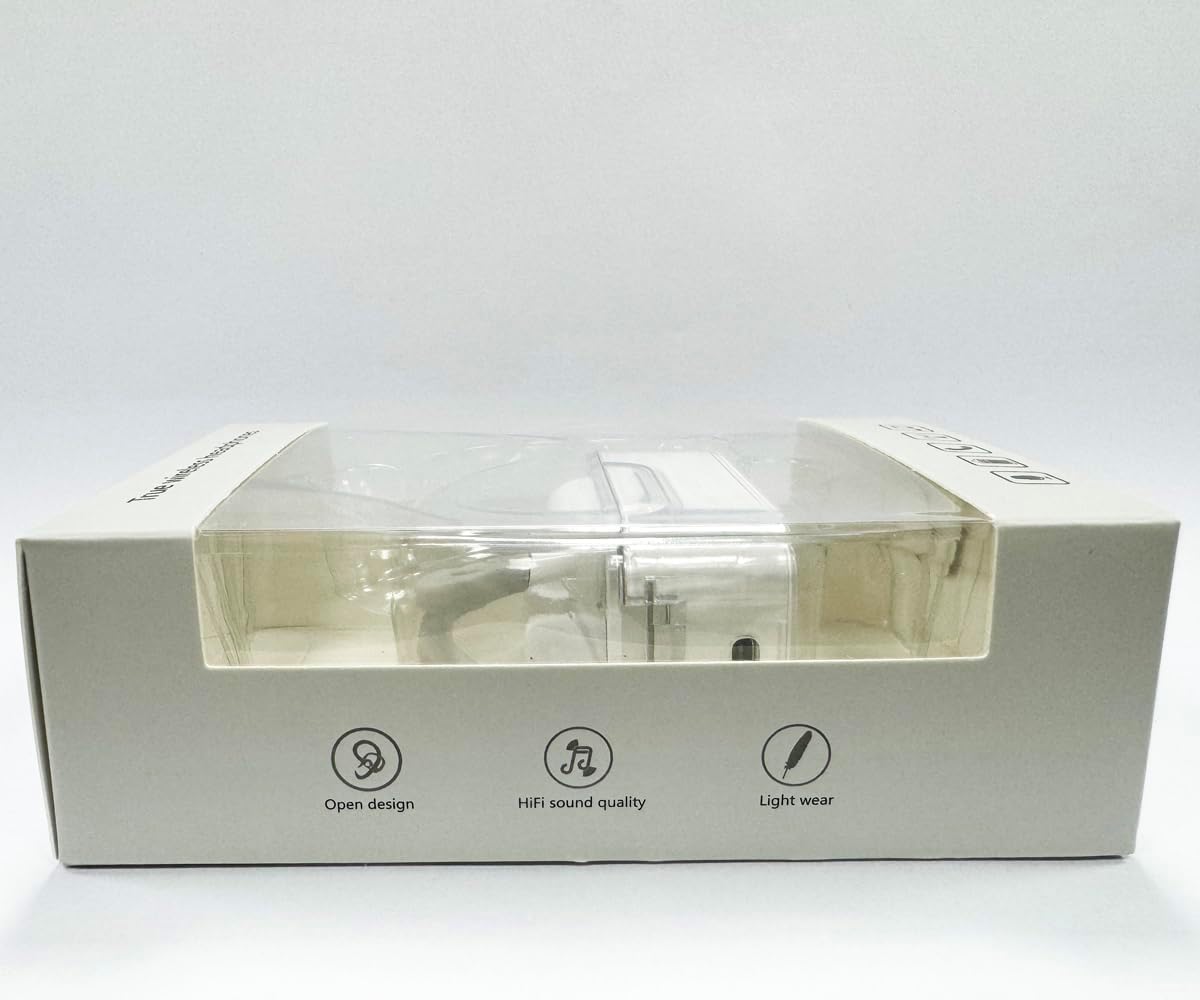
Irudia: Aurrealdea view of the product packaging, displaying the earbuds inside.
Konfigurazioa
1. Entzungailuak eta zorroa kargatzea
Before first use, fully charge the earbuds and the charging case. Connect the provided USB-C data cable to the charging port on the case and plug the other end into a USB power source (e.g., computer, wall adapter). The indicator lights on the case will show charging status.
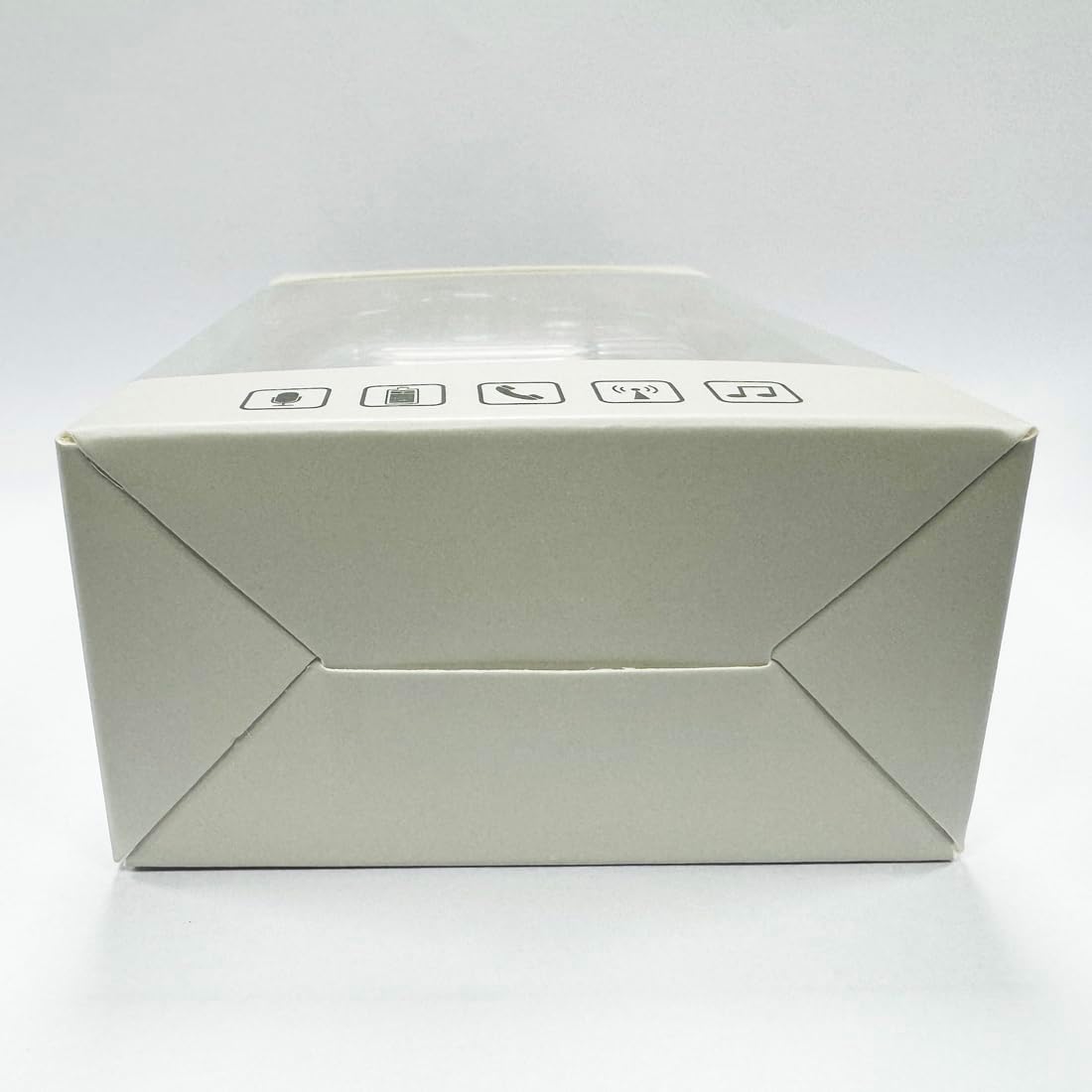
Irudia: Behealdea view kargatzeko kaxaren, USB-C kargatzeko ataka nabarmenduz.
2. Aplikazioaren instalazioa
To utilize the translation features, you must download the dedicated HISHELL translation app on your smartphone (iOS or Android). Scan the QR code provided in the APP Translation User Manual or search for "HISHELL Translator" in your device's app store.
3. Bluetooth parekatzea
- Ziurtatu entzungailuak kargatuta daudela eta kargatzeko zorrotik aterata daudela. Automatikoki sartuko dira parekatze moduan.
- On your smartphone, go to Bluetooth settings and turn Bluetooth on.
- Select "HISHELL BL02" (or similar name) from the list of available devices.
- Behin konektatuta, baieztapen-soinu bat joko da, eta entzungailuak erabiltzeko prest egongo dira.
Funtzionamendu-argibideak
The HISHELL Language Translator Earbuds offer three primary translation modes, along with standard audio functions.
Itzulpen Moduak

Image: Visual representation of the three distinct translation modes available with the earbuds.
- Ukipen modua:
Two people each wear one earphone. Click or double-click the earphone to translate in real-time. This mode is suitable for acquaintances who are willing to wear your earphone.

Image: Two individuals using the translator earbuds in a conversational setting.
- Hizlari modua:
One person wears the earphones, and the other person holds the mobile phone. The phone's speaker will output the translation. This mode is suitable for strangers or situations where it's inconvenient for the other person to wear an earphone.
- Hitzaldi libreko modua:
Both users wear an earphone. The device translates in real-time, allowing for natural, continuous conversation without needing to press buttons. This mode facilitates smooth and uninterrupted communication.
Music and Call Functions
In addition to translation, the earbuds function as standard Bluetooth headphones:
- Musika erreprodukzioa: Once connected via Bluetooth, you can stream audio from your device. Use your phone's media controls for play/pause, skip tracks, and volume adjustment.
- Telefono-deiak: The earbuds support hands-free calling. Answer/end calls directly through the earbuds (refer to the APP Translation User Manual for specific touch controls). The binaural HD microphone ensures clear communication.

Irudia: Adibamples of individuals comfortably wearing the open-ear translator earbuds.
Mantentzea
Garbiketa
- Garbitu entzungailuak eta kargatzeko zorroa oihal leun, lehor eta lihorik gabeko batekin.
- Ez erabili garbitzaile urratzailerik, alkoholik edo disolbatzaile kimikorik.
- Saihestu hezetasuna irekiduretan sartzea.
Biltegiratzea
Erabiltzen ez dituzunean, gorde entzungailuak kargatzeko zorroan babesteko eta kargatuta mantentzeko. Gorde leku fresko eta lehor batean, eguzki-argitik eta muturreko tenperaturetatik babestuta.
Arazoak konpontzea
| Arazoa | Kausa posiblea | Irtenbidea |
|---|---|---|
| Entzungailuak ez dira parekatzen | Low battery; out of range; not in pairing mode; previous connection issue. | Ensure earbuds are charged. Place them closer to your device. Re-insert into case and remove to re-enter pairing mode. Forget device in Bluetooth settings and re-pair. |
| Translation not accurate or delayed | Poor internet connection; background noise; speaking too fast/unclearly; incorrect language selection. | Ensure stable internet connection. Speak clearly and at a moderate pace. Reduce background noise. Verify correct source and target languages in the app. |
| Ez dago soinurik entzungailuetatik | Bolumena baxuegia; ez dago konektatuta; multimedia pausatuta. | Increase volume on your device. Check Bluetooth connection. Ensure media is playing. |
| Kargatzeko kaxa ez da kargatzen | Kable/egokitzaile akastuna; kargatzeko ataka zikina. | Try a different USB-C cable and power adapter. Clean the charging port gently with a dry cotton swab. |
For further assistance, please refer to the APP Translation User Manual or contact customer support.
Zehaztapenak
| Ezaugarri | Xehetasuna |
|---|---|
| Modelo zenbakia | BL02 |
| Paketearen neurriak | 5.16 x 3.15 x 1.69 hazbete |
| Elementuaren pisua | 2.12 ontza |
| Pilak | 1 litio-polimeroko bateria (barne) |
| Itzulpen Hizkuntzak | 144 online languages |
| Translation Engines | Powered by 6 top translation engines |
| Mikrofonoa | Binaural HD microphone |
| Bateriaren iraupena (entzutea) | Gutxi gorabehera. 3 ordu |
| Egonean Denbora | Gutxi gorabehera. 240 ordu |
| Kargatzeko ataka | USB-C |


Irudia: Hainbat views of the HISHELL charging case, showing its dimensions and design.
Bermea eta Laguntza
Bermearen informazioa
HISHELL products typically come with a standard manufacturer's warranty. Please refer to the warranty card included in your product packaging or visit the official HISHELL webwebgunean, zure eskualdeko eta erosketa-datarako berme-baldintza zehatzak ikusteko.
Bezeroarentzako Arreta
If you encounter any issues or have questions not covered in this manual, please contact HISHELL customer support. You can usually find contact information (email, phone, or support portal) on the official HISHELL webgunearen bidez edo produktua erosi duzun dendariaren bidez.


