1. Bukatu daview of the Samsung Galaxy Z Flip 6
The Samsung Galaxy Z Flip 6 is a cutting-edge foldable smartphone, combining a compact design with powerful features. It offers a unique user experience with its flexible display and innovative form factor, designed for enhanced portability and convenience.
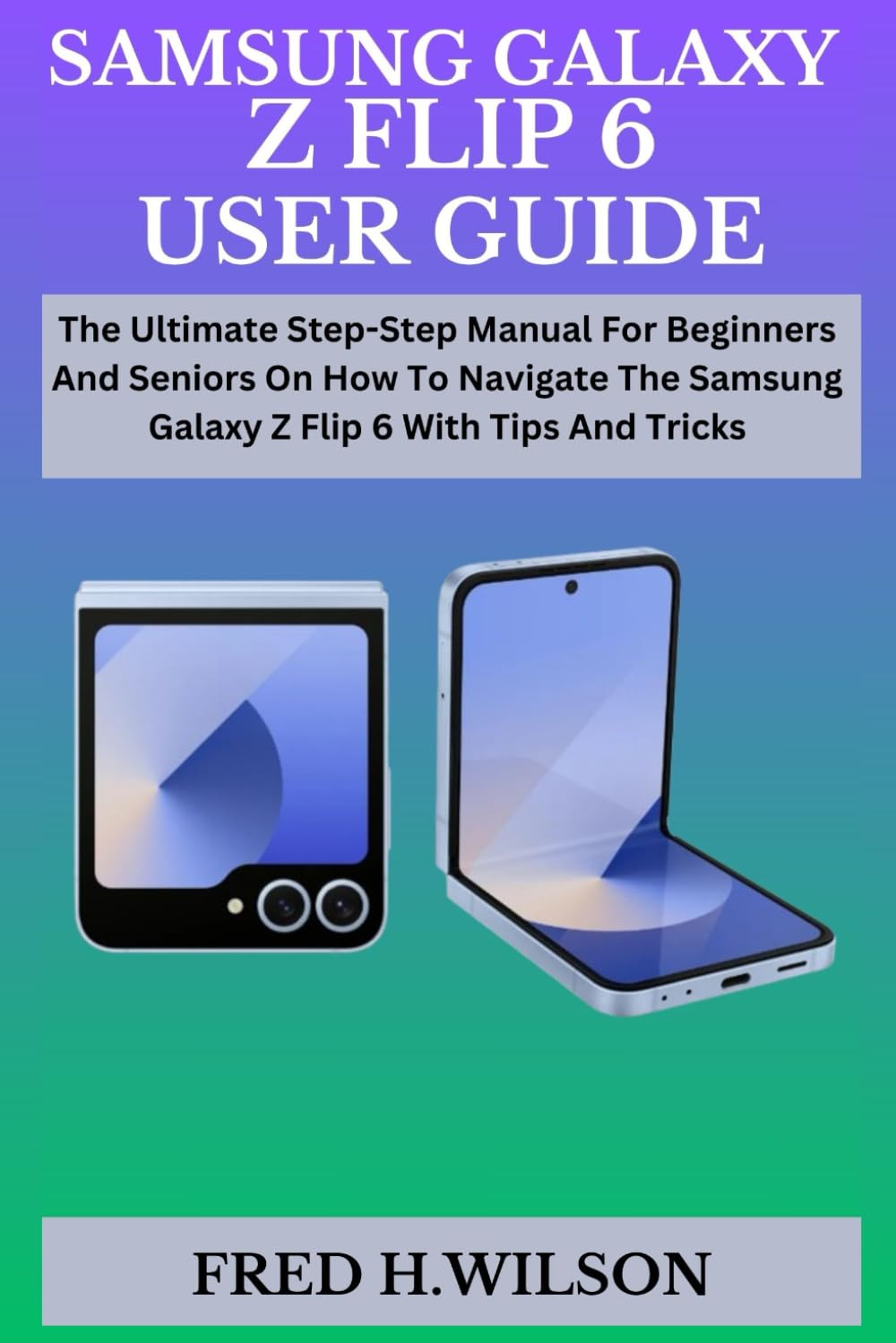
Image 1.1: Cover of the user guide for the Samsung Galaxy Z Flip 6.
Ezaugarri nagusiak
- Diseinu tolesgarria: Compact and portable, fitting easily into pockets or small bags.
- Pantaila aurreratua: High-resolution flexible screen for immersive viewing.
- Iraunkortasun hobetua: Upgraded hinge and display for increased resilience.
- Galaxy AI Integration: Smart assistant features to streamline daily tasks.
- High-Quality Cameras: Capable of stunning portraits, professional-level editing, and detailed video recording.
- Errendimendu indartsua: Equipped with a modern processor and ample RAM for smooth multitasking.
- S Pen Compatibility: Supports S Pen for enhanced productivity and creativity (S Pen sold separately).
2. Konfigurazioa eta lehen urratsak
2.1 Hasierako gailuaren konfigurazioa
Upon first powering on your Samsung Galaxy Z Flip 6, you will be guided through an initial setup process. Follow the on-screen prompts to select your language, connect to Wi-Fi, and sign in with your Google or Samsung account.
2.2 Basic Settings Configuration
After initial setup, explore the device settings to personalize your experience. This includes setting up security features, display preferences, sound profiles, and network connections.
2.3 Datuen transferentzia
Transferring data from your old device to your new Galaxy Z Flip 6 can be done using Samsung Smart Switch.
- From Android: Install Smart Switch on both devices and follow the instructions to transfer data wirelessly or via a USB cable.
- From iOS: Install Smart Switch on your Galaxy Z Flip 6 and connect your iPhone using a USB-C to Lightning cable, or transfer data wirelessly via iCloud.
2.4 Activating Your Device and Personalization
Ensure your SIM card is inserted and activated with your carrier. You can then transfer your personalized settings and app data using Smart Switch or by restoring from a cloud backup.
3. Operating Your Samsung Galaxy Z Flip 6
3.1 Customizing Your Home Screen
Long-press on an empty area of your home screen to access options for wallpapers, widgets, and themes. You can also add or remove app icons by dragging them.
3.2 Using Dark Mode
To enable Dark Mode, go to Settings > Display > Dark mode. This changes the system-wide interface to a darker color scheme, which can reduce eye strain and save battery life.
3.3 Circle to Search
Utilize Circle to Search by long-pressing the home button or navigation bar. Circle, highlight, or tap on any image or text on your screen to perform a quick search without leaving your current app.
3.4 Taking Handwritten Notes
Use the Samsung Notes app to take handwritten notes. If you have an S Pen, you can write directly on the screen. The app can convert your handwriting to text.
3.5 Setting Up Bixby
Activate Bixby by pressing and holding the Side key, or by saying "Hi Bixby." Follow the prompts to set up your voice profile and customize Bixby's functions.
3.6 Face Unlock Configuration
Set up Face Unlock for convenient and secure access. Go to Settings > Security and privacy > Biometrics > Face recognition and follow the registration steps.
3.7 Managing the Taskbar
The taskbar provides quick access to your favorite apps. You can enable or disable it in Settings > Display > Taskbar. To add or remove apps, drag them to or from the taskbar.
3.8 Voice Control and Voice-to-Text
Control your device using voice commands through Bixby or Google Assistant. For voice-to-text, tap the microphone icon on your keyboard and speak your message.
3.9 Kameraren Ezaugarriak
- Night Photos: Use Night mode in the Camera app for improved low-light photography.
- AR Zona: Explore augmented reality features like AR Emoji and AR Doodle in the AR Zone app.
- Viewing and Organizing Media: Access your photos and videos in the Gallery app. Move them into albums for better organization.
- Extracting Text from Video: Pause a video and use the Smart Select feature or Gallery's text extraction tool to copy text from frames.
- Sharing Media: Select photos or videos in the Gallery and use the share icon to send them via various apps or services.
- Albumak sortzea: In the Gallery, tap the three dots menu, select "Create album," and choose the media you wish to include.
3.10 Mezularitza
Use the Messages app to create and send text messages. If you accidentally delete a message, check the "Trash" or "Recycle Bin" section within the Messages app settings to recover it within a certain timeframe.
3.11 Samsung Wallet Setup
Set up Samsung Wallet for secure mobile payments and digital passes. Open the Samsung Wallet app, sign in with your Samsung account, and add your payment cards.
3.12 Samsung One UI 6
Your Galaxy Z Flip 6 runs on Samsung's One UI 6, offering a refined and intuitive user experience. Key features include enhanced customization options, improved privacy controls, and optimized performance.
- Latest Features: Explore new lock screen customizations, updated quick panel layout, and improved multitasking gestures.
- Aholkuak eta trikimailuak: Discover hidden features and shortcuts within One UI 6 to enhance your daily usage.
4. Mantentzea
4.1 Gailua garbitzea
Gently wipe your device with a soft, lint-free cloth. For stubborn smudges, slightly dampen the cloth with distilled water or a screen cleaner specifically designed for electronics. Avoid harsh chemicals or abrasive materials.
4.2 Software eguneraketak
Egiaztatu aldizka softwarearen eguneraketak zure gailuak azken funtzioak, segurtasun-adabakiak eta errendimendu-hobekuntzak dituela ziurtatzeko. Joan honera Ezarpenak > Software eguneraketa > Deskargatu eta instalatu.
4.3 Bateria zaintzea
To prolong battery life, avoid extreme temperatures, use the official charger, and consider enabling power-saving modes when needed. Avoid fully discharging the battery frequently.
4.4 Backing Up Your Device
Regularly back up your data to Samsung Cloud, Google Drive, or a computer to prevent data loss. Go to Ezarpenak > Kontuak eta babeskopia aukeretarako.
5. Ohiko arazoak konpontzea
5.1 Gailuak ez du erantzuten
If your device is unresponsive, perform a force restart by pressing and holding the Power button and Volume Down button simultaneously for about 7-10 seconds until the device restarts.
5.2 Konexio arazoak
For Wi-Fi or Bluetooth issues, try toggling the respective settings off and on. If the problem persists, restart your device or reset network settings in Ezarpenak > Kudeaketa orokorra > Berrezarri > Sarearen ezarpenak berrezarri.
5.3 Aplikazioa kraskatzea edo izoztea
Close and reopen the app. If it continues to crash, clear the app's cache and data in Ezarpenak > Aplikazioak > [Aplikazioaren izena] > BiltegiratzeaAzken aukera gisa, desinstalatu eta berriro instalatu aplikazioa.
5.4 Bateria azkar agortzen
Egiaztatu bateriaren erabilera hemen: Ezarpenak > Bateria eta gailuaren zaintza > Bateria to identify apps consuming excessive power. Adjust screen brightness, disable unnecessary features, and restrict background app activity.
6. Specifications (Illustrative for Samsung Galaxy Z Flip 6)
Please note: The following specifications are illustrative and based on typical high-end foldable smartphones. For exact specifications, refer to the official Samsung product page for the Galaxy Z Flip 6.
| Ezaugarri | Xehetasuna |
|---|---|
| Display (Main) | Dynamic AMOLED 2X, 6.7-inch, FHD+, 120Hz adaptive refresh rate |
| Display (Cover) | Super AMOLED, 3.4-inch, 60Hz refresh rate |
| Prozesadorea | Qualcomm Snapdragon 8 Gen 3 for Galaxy (or equivalent) |
| RAM | 8 GB edo 12 GB |
| Biltegiratzea | 128GB, 256GB, or 512GB (UFS 4.0) |
| Atzeko kamera | Dual Camera: 50MP Wide, 12MP Ultra-Wide |
| Aurrealdeko kamera | 10MP |
| Bateria | 3700mAh (typical) with Fast Charging and Wireless Charging |
| Sistema eragilea | Android with One UI 6 |
| Konektibitatea | 5G, Wi-Fi 6E, Bluetooth 5.3, NFC, USB-C |
| Neurriak (tolestuta) | Gutxi gorabehera. 85 x 72 x 17 mm |
| Neurriak (tolestuta) | Gutxi gorabehera. 165 x 72 x 7 mm |
| Pisua | Gutxi gorabehera. 187 g |
7. Bermea eta Laguntza
7.1 Produktuaren bermea
Your Samsung Galaxy Z Flip 6 comes with a limited manufacturer's warranty. Please refer to the warranty card included with your device or visit the official Samsung webwebgunean baldintza zehatzak ikusteko, estaldura-epea eta bazterketak barne.
7.2 Bezeroarentzako laguntza
For technical assistance, troubleshooting, or service inquiries, please contact Samsung Customer Support. You can find contact information, FAQs, and support resources on the official Samsung website or through the Samsung Members app on your device.
- Lineako laguntza: Bisitatu www.samsung.com/support
- Telefono-laguntza: Kontsultatu zure eskualdeko Samsung-en informazioa. webtokiko harremanetarako zenbakien gunea.
- Zerbitzu Zentroak: Bilatu Samsung-en baimendutako zerbitzu-zentroak aurrez aurreko laguntza jasotzeko.


