Sarrera
Thank you for choosing the Edifier X1 Lite True Wireless Earbuds. This manual provides detailed instructions on how to set up, operate, and maintain your new earbuds, ensuring you get the best possible audio experience. The Edifier X1 Lite earbuds are designed for powerful sound, clear calls, and long-lasting comfort, featuring Bluetooth 5.4 connectivity and IP54 sweat resistance.

Irudia: Gainetikview of Edifier X1 Lite features, including dynamic drivers, AI call noise cancellation, extended battery life, Bluetooth 5.4, low latency, and IP54 certification.
Segurtasun Informazioa
Mesedez, irakurri arretaz segurtasun-argibide guztiak produktu hau erabili aurretik. Gorde eskuliburu hau etorkizunean erreferentzia gisa.
- Ez jarri entzungailuak edo kargatzeko zorroa muturreko tenperaturen, hezetasunaren edo substantzia korrosiboen eraginpean.
- Saihestu produktua erortzea edo kolpe gogorrak jasan behar izatea.
- Do not disassemble, repair, or modify the product yourself. Contact authorized service personnel for assistance.
- Keep the product away from children and pets to prevent accidental ingestion of small parts.
- Erabili emandako kargatzeko kablea edo baliokide ziurtatu bat soilik.
- Bolumen maila altuan denbora luzez entzuteak entzumen kalteak eragin ditzake. Egokitu bolumena maila seguru batera.
Paketearen edukia
Egiaztatu elementu guztiak zure paketean daudela:
- Edifier X1 Lite True Wireless Earbuds (Left and Right)
- Kargatzeko kaxa
- USB kargatzeko kablea
- Erabiltzailearen eskuliburua (dokumentu hau)
Produktua amaituview
Familiarize yourself with the components of your Edifier X1 Lite earbuds and charging case.

Image: Edifier X1 Lite Earbuds and Charging Case.

Image: Internal structure of the earbud, showcasing the 13mm dynamic driver for enhanced sound quality.
The earbuds feature a compact design, with each earbud weighing only 4g for comfortable wear. The charging case is designed to be portable and provides additional battery life.

Irudia: Lehertua view of the earbud highlighting the 13mm dynamic driver and AI algorithm for voice pickup.
Konfigurazioa
1. Entzungailuak eta zorroa kargatzea
Lehenengo aldiz erabili aurretik, kargatu guztiz entzungailuak eta kargatzeko zorroa.
- Jarri bi entzungailuak kargatzeko zorroan.
- Konektatu kargatzeko kaxa energia-iturri batera emandako USB kablea erabiliz.
- The indicator light on the case will show charging status. Once fully charged, the light will indicate completion.
A full charge provides up to 7 hours of playtime for the earbuds, with an additional 19 hours from the charging case, totaling 26 hours. A quick 15-minute charge can provide 1.5 hours of playtime.

Image: Battery life details for Edifier X1 Lite earbuds, showing 26 hours total playtime and fast charging capability.

Image: Visual representation of the extended battery life and fast charging feature.
2. Hasierako parekatzea
Aurikularrak automatikoki sartuko dira parekatze moduan kargatzeko zorrotik lehen aldiz ateratzen direnean.
- Open the charging case and remove both earbuds.
- Zure gailuan (smartphone-an, ordenagailu eramangarrian, etab.), gaitu Bluetooth-a.
- Bilatu "EDIFIER X1 Lite" in the list of available Bluetooth devices.
- Select "EDIFIER X1 Lite" to connect. You will hear a confirmation tone once connected.
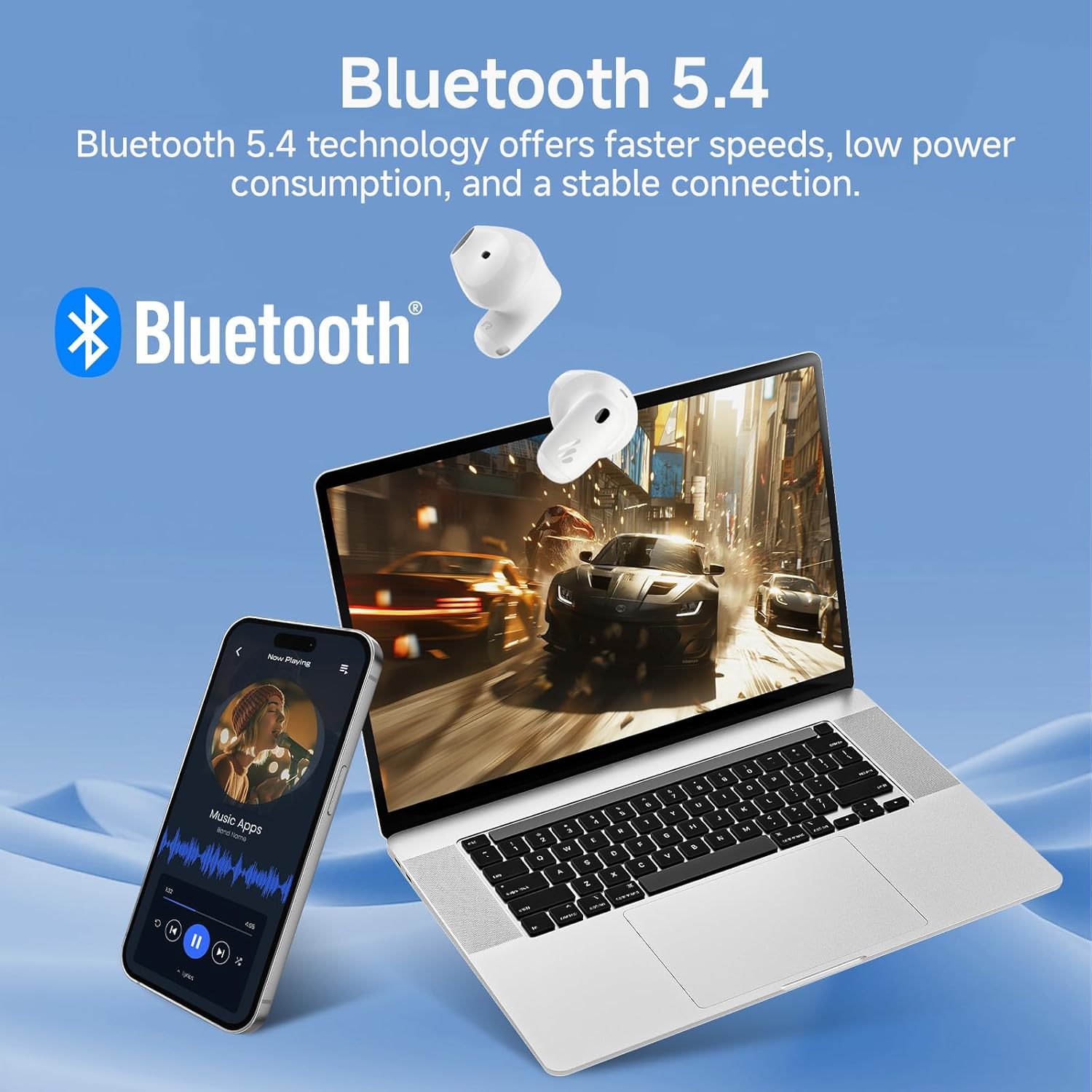
Image: Demonstrating Bluetooth 5.4 connectivity with various devices.
3. Connecting to a New Device
To connect to a new device or re-enter pairing mode:
- Jarri bi entzungailuak berriro kargatzeko zorroan.
- Press and hold the function button on the charging case for approximately 3 seconds until the indicator light flashes rapidly. This indicates pairing mode.
- On your new device, search for and select "EDIFIER X1 Lite" to connect.
Funtzionamendua
1. Ukitu Kontrolak
The Edifier X1 Lite earbuds feature intuitive touch controls. The touch sensitive area is located on the outer surface of each earbud.
| Ekintza | Ezkerreko aurikularra | Eskuineko Aurikularra |
|---|---|---|
| Erreproduzitu/Pausatu | Sakatu birritan | Sakatu birritan |
| Hurrengo Pista | N/A | Kolpatu hirukoitza |
| Aurreko Pista | Kolpatu hirukoitza | N/A |
| Erantzun/Amaitu deia | Sakatu birritan | Sakatu birritan |
| Deia baztertu | Eutsi 2 segundoz | Eutsi 2 segundoz |
| Aktibatu Ahots Laguntzailea | Eutsi 2 segundoz | Eutsi 2 segundoz |
| Joko modua aktibatuta/desaktibatuta | Sakatu laukoitza | Sakatu laukoitza |

Image: Visual guide to the touch controls on the earbuds.
2. Clear Calls with AI Algorithm
The Edifier X1 Lite earbuds utilize an AI algorithm voice pick-up technology to ensure clear communication, even in noisy environments. This technology intelligently filters out background noise, focusing on your voice.

Image: Demonstrating clear call quality enabled by AI noise reduction.
3. Low Latency Mode (Game Mode)
For an optimized gaming and video streaming experience, activate the ultra-low latency mode. This reduces audio delay to just 60ms, ensuring audio and video are perfectly synchronized.
- To activate/deactivate: Quadruple tap either earbud.

Image: Visualizing the ultra-low latency feature for gaming and video.
4. EDIFIER ConneX aplikazioa
Enhance your experience by downloading the EDIFIER ConneX app. The app allows for customization of sound profiles, touch controls, and access to additional features.
- Scan the QR code or visit the provided link to download the app.
- Connect your earbuds to the app to unlock full customization options.

Image: EDIFIER ConneX app interface and QR code for download.
Download the EDIFIER ConneX App: https://foreign-app.edifier.com/index.php/edifier_provider/public/appDownload.html?appTag=EdifierConneX
Mantentzea
Mantentze egokiak zure entzungailuen iraupena eta errendimendu optimoa bermatzen ditu.
1. Garbiketa
- Garbitu astiro-astiro entzungailuak eta kargatzeko zorroa oihal leun, lehor eta pelusik gabeko batekin.
- Ez erabili garbitzaile urratzailerik, alkoholik edo disolbatzaile kimikorik.
- Ziurtatu kargatzeko kontaktuak garbi eta hondakinik gabe daudela.
2. Water and Sweat Resistance (IP54)
The Edifier X1 Lite earbuds are IP54 certified, meaning they are protected against dust ingress and splashing water from any direction. This makes them suitable for active use and light rain.
- Ez murgildu entzungailuak uretan.
- Do not expose them to strong jets of water.
- Ziurtatu entzungailuak lehor daudela kargatzeko zorroan berriro sartu aurretik, kalteak ekiditeko.

Image: Demonstrating the IP54 sweat-resistant feature for active daily use.
3. Biltegiratzea
- Gorde entzungailuak kargatzeko zorroan erabiltzen ez dituzunean babesteko eta kargatuta mantentzeko.
- Gorde leku fresko eta lehor batean, eguzki-argitik urrun.
Arazoak konpontzea
Arazoren bat izanez gero, jo ezazu honako arazo eta irtenbide ohikoenei:
| Arazoa | Irtenbide posiblea |
|---|---|
| Ez dago soinurik entzungailuetatik |
|
| Entzungailuak ez dira parekatzen |
|
| Aurikular batek ez du funtzionatzen |
|
| Deien kalitate eskasa |
|
| Earbuds reconnect in case |
|
Zehaztapenak
| Ezaugarri | Xehetasuna |
|---|---|
| Ereduaren izena | edifier-x1lite-p |
| Konektibitatea | Haririk gabekoa (Bluetooth 5.4) |
| Bluetooth bertsioa | 5.4 |
| Audio kontrolatzailearen tamaina | Φ13mm Dynamic Driver |
| Maiztasun Erantzuna | 20 Hz - 20,000 Hz |
| Bateriaren iraupena (entzungailuak) | Gehienez 7 ordu |
| Bateriaren iraupena (kargatzeko zorroarekin) | Guztira 26 ordu |
| Karga azkarra | 15 minutuko karga 1.5 orduko erreprodukzio-denborarako |
| Audio latentzia | 60ms (Low Latency Mode) |
| Mikrofonoen Teknologia | AI Algorithm Voice Pick-up |
| Uraren Erresistentzia | IP54 Certified (Sweat and Splash Resistant) |
| Earbud pisua | Gutxi gorabehera 4 g entzungailu bakoitzeko |
| Gailu bateragarriak | Smartphones, Laptops, Tablets, Gaming Consoles |
| Kontrol-metodoa | Touch Control, EDIFIER ConneX App |
| Fabrikatzailea | Edifikatzailea |
| Jatorrizko Herrialdea | Txina |
Bermea eta Laguntza
Edifier products come with a limited warranty. For detailed warranty information, please refer to the warranty card included in your package or visit the official Edifier webgunea.
For technical support, troubleshooting assistance, or service inquiries, please contact Edifier customer support through their official website or the EDIFIER ConneX app.
Eraikitzaile Ofiziala Webgunea: www.edifier.com


