Sarrera
The bea-fon Smartwatch 102 is designed to seamlessly integrate into your daily life, offering a blend of style and advanced functionality. Featuring a sleek rectangular design with a 1.83-inch digital display, this smartwatch provides essential health monitoring capabilities, including heart rate, blood oxygen, and sleep tracking. It is compatible with smartphones via the FitCloudPro app, ensuring seamless connectivity. Built for durability, it boasts an IP68 waterproof rating and a long-lasting battery.

1. irudia: Aurrealdea view of the bea-fon Smartwatch 102, displaying time and health metrics.
Paketearen edukia
Please ensure all the following items are present in your package:
- bea-fon Smartwatch 102 (with silicone strap)
- Magnetic Charging Cable/Base
- Erabiltzailearen eskuliburua (dokumentu hau)
Produktua amaituview
The bea-fon Smartwatch 102 features a durable black silicone strap with a magnetic clasp, a rectangular display, and integrated sensors on the back for health monitoring.
2. irudia: Aldea view of the Smartwatch 102, highlighting its sleek profile.

3. irudia: Atzealdea view of the Smartwatch 102, showing the integrated health sensors.
Ezaugarri nagusiak:
- Pantaila: 1.83-inch (4.64 cm) digital screen for clear visibility.
- Bateriaren iraupena: Up to 4-5 days of normal use with a 250mAh Li-ion battery.
- Uraren erresistentzia: IP68 rated, suitable for immersion up to 1 meter.
- Osasunaren jarraipena: Integrated heart rate monitor, blood oxygen sensor, and sleep tracker.
- Konektibitatea: Bluetooth for seamless smartphone pairing via FitCloudPro app.
- Diseinua: Rectangular watch face with a comfortable silicone strap and magnetic clasp.
Konfigurazioa
1. Gailua kargatzea
Before first use, fully charge your bea-fon Smartwatch 102. The device comes with a magnetic charging cable/base.
- Konektatu kargatzeko kable magnetikoa USB elikatze-egokitzaile batera (ez dago barne) edo ordenagailuaren USB ataka batera.
- Align the magnetic end of the cable with the charging contacts on the back of the smartwatch. The magnets will snap into place.
- The watch display will indicate charging status. A full charge takes approximately 3 hours.
2. Pairing with Your Smartphone (FitCloudPro App)
To unlock the full potential of your smartwatch, pair it with your smartphone using the FitCloudPro application.
- Deskargatu FitCloudPro aplikazioa App Store-tik (iOS) edo Google Play Store-tik (Android).
- Ziurtatu Bluetootha gaituta dagoela zure telefonoan.
- Open the FitCloudPro app and follow the on-screen instructions to create an account or log in.
- In the app, navigate to the "Device" or "Add Device" section.
- The app will search for nearby devices. Select "Smartwatch 102" or the corresponding device ID when it appears.
- Berretsi parekatze eskaera zure telefonoan eta erloju adimendunean, eskatzen bazaizu.
- Once paired, the app will synchronize data with your smartwatch.

Figure 4: The Smartwatch 102 demonstrating Bluetooth connectivity for smartphone pairing.
Funtzionamendu-argibideak
Interfazea nabigatzea
- Irristatu gora/behera: Joan menuetan eta jakinarazpenetan zehar.
- Irristatu ezkerrera/eskuinera: Access quick functions or different widgets (e.g., heart rate, steps, weather).
- Sakatu: Hautatu elementu bat edo berretsi ekintza bat.
- Alboko botoia: Press to wake the screen, return to the watch face, or access the main menu.
Osasuna zaintzeko eginbideak
The Smartwatch 102 is equipped with sensors to help you monitor your health.
- Bihotz taupadaren jarraipena: Erlojuak zure bihotz-maiztasuna etengabe kontrolatzen du. View real-time data on the watch or detailed graphs in the FitCloudPro app.
- Blood Oxygen (SpO2) Sensor: Neurtu zure odoleko oxigeno mailak. Ziurtatu erlojua eskumuturrean ondo estututa dagoela irakurketa zehatzak lortzeko.
- Loaren jarraipena: Wear the watch to bed to monitor your sleep patterns, including deep sleep, light sleep, and awake times. Data is synchronized with the app for analysis.
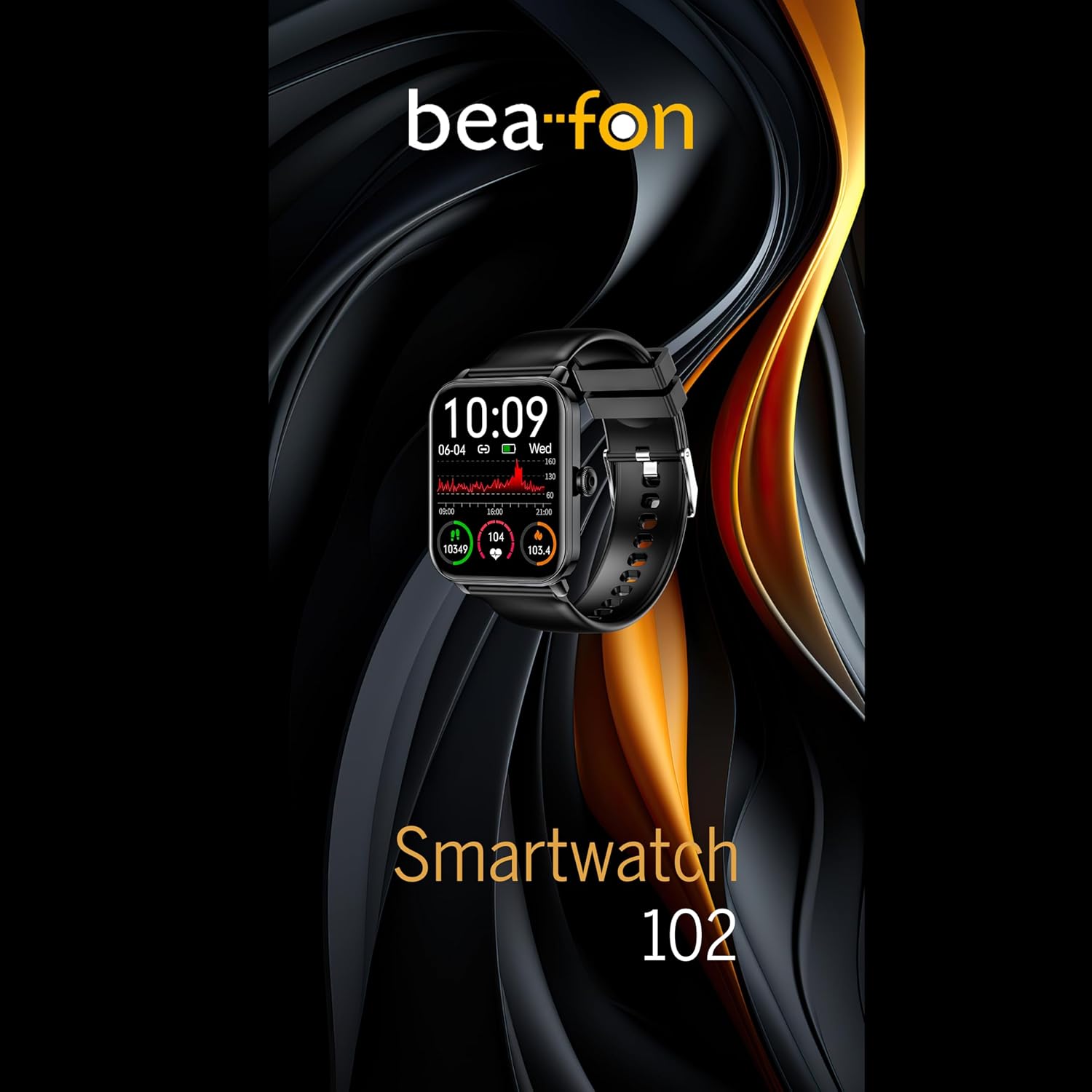
Figure 5: Visual representation of the Smartwatch 102's health monitoring capabilities, including heart rate, sleep, and blood oxygen.
Kirol moduak
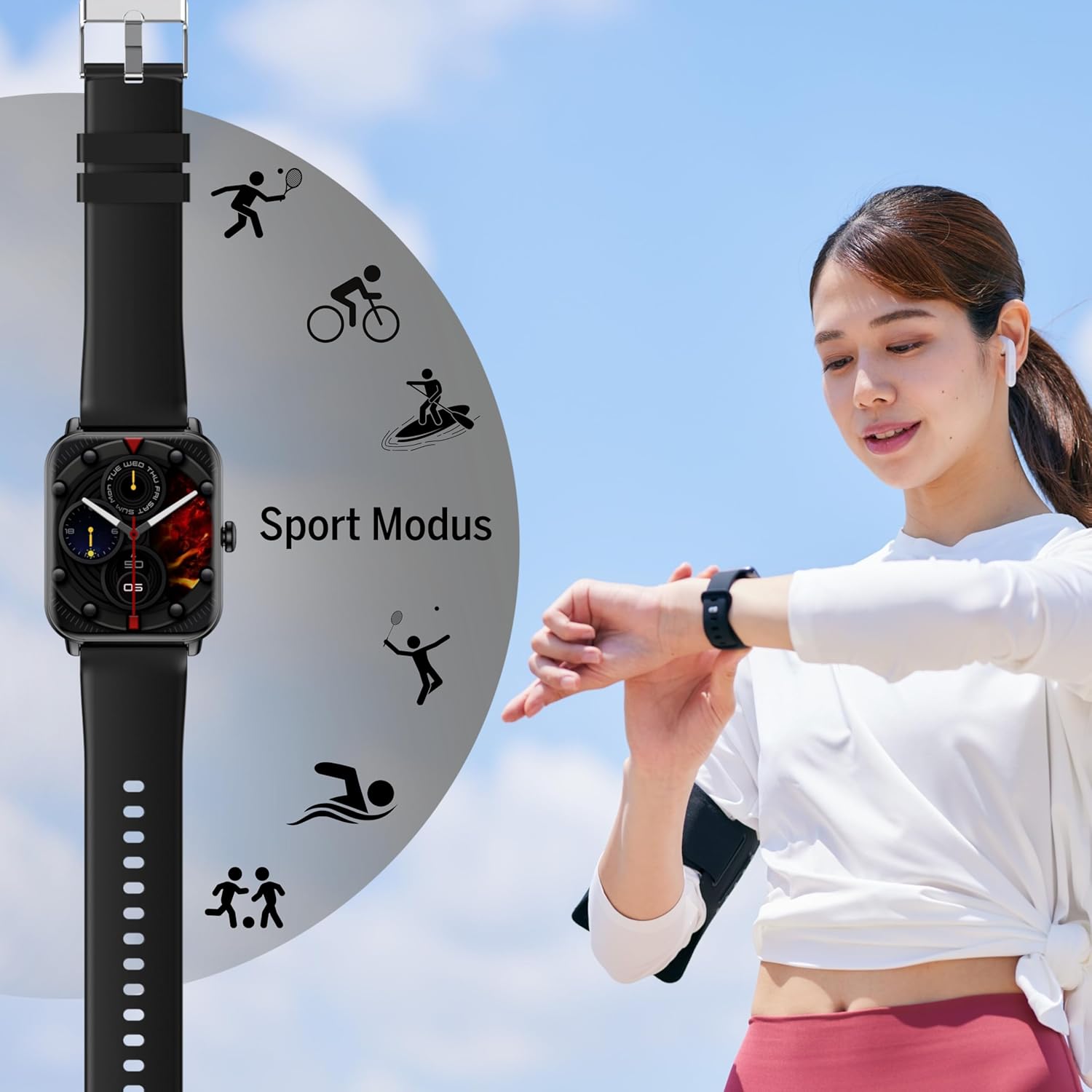
Track your workouts with various built-in sport modes.
- Access the "Sport" menu on your watch.
- Aukeratu nahi duzun jarduera (adibidez, korrika egitea, bizikletan ibiltzea, igeriketa).
- Erlojuak iraupena, erretako kaloriak eta bihotz-maiztasuna bezalako neurri garrantzitsuak jarraitzen hasiko da.
- End your workout by following the on-screen prompts. Data will sync to the FitCloudPro app.
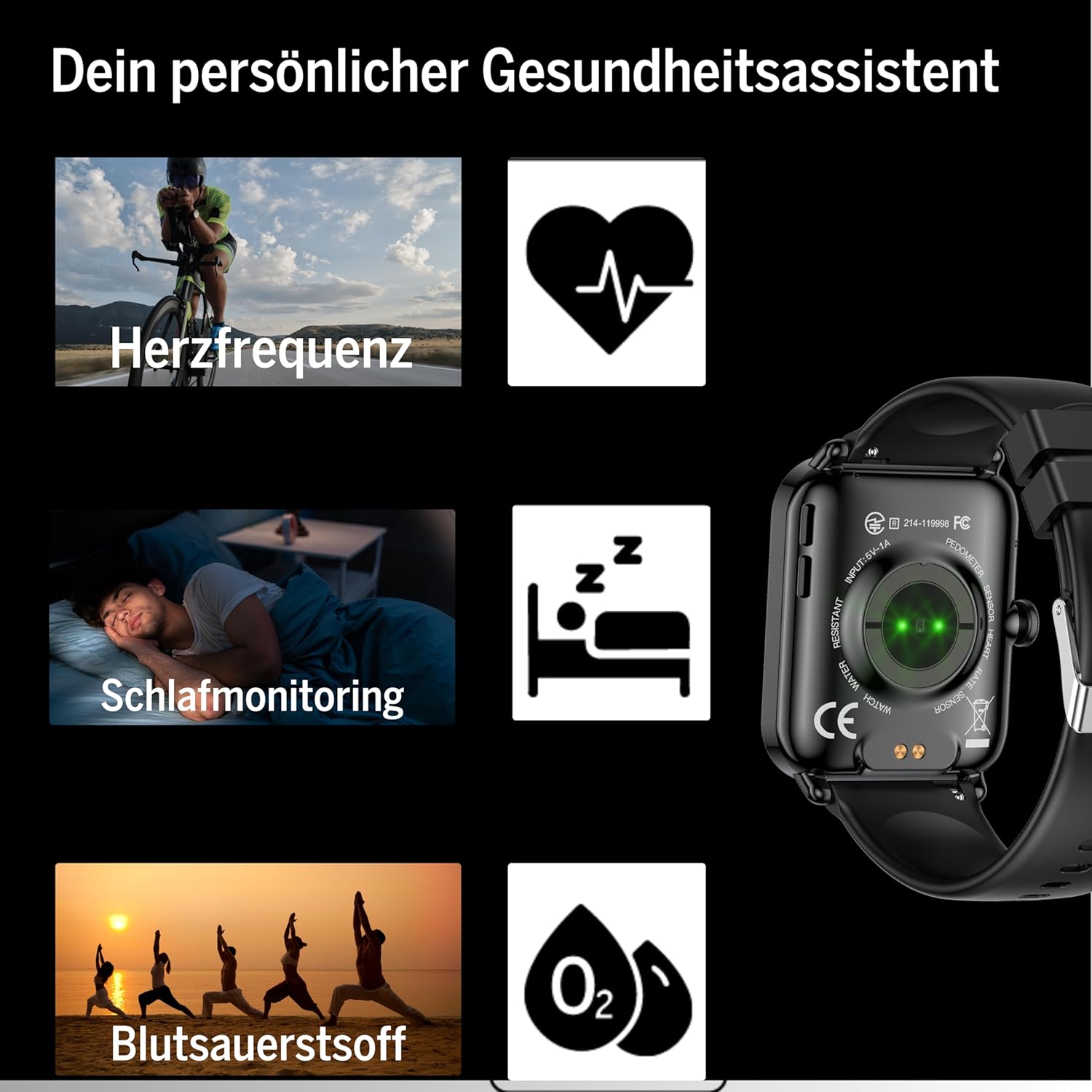
Figure 6: The Smartwatch 102 displaying various sport modes for activity tracking.
Jakinarazpenak eta Deiak
Once paired, your smartwatch can receive notifications from your smartphone.
- Enable app notifications in the FitCloudPro app settings.
- Incoming calls and messages will be displayed on your watch. You can typically reject calls from the watch, but not answer them directly.
Mantentzea
Cleaning the Smartwatch
Zure erloju adimendunaren itxura eta funtzionaltasuna mantentzeko:
- Garbitu pantaila eta uhala aldizka zapi leun etaamp, litxarrik gabeko oihala.
- Saihestu produktu kimiko gogorrak, garbitzaile urratzaileak edo disolbatzaileak erabiltzea.
- Kargatu aurretik, ziurtatu kargatzeko kontaktuak garbi eta lehor daudela.
Urarekiko erresistentzia (IP68)
The bea-fon Smartwatch 102 has an IP68 water resistance rating, meaning it is protected against dust ingress and can withstand immersion in water up to 1 meter for 30 minutes.
- It is suitable for daily use, such as hand washing, rain, and shallow swimming.
- Do not use the watch in hot water, saunas, or steam rooms, as steam can penetrate the seals.
- Avoid exposing the watch to high-velocity water or sudden temperature changes.
- Urarekin, batez ere ur gaziarekin, kontaktuan egon ondoren, garbitu erlojua ur gezarekin eta lehortu ondo.
Arazoak konpontzea
- Erlojua ez da pizten: Ensure the watch is fully charged. Connect it to the magnetic charger and leave it for at least 30 minutes.
- Ezin da telefonoarekin parekatu:
- Ziurtatu Bluetooth-a gaituta dagoela telefonoan eta erlojua irismen-eremuan dagoela.
- Berrabiarazi telefonoa eta erloju adimenduna.
- Garbitu telefonoaren Bluetooth cachea (hala badagokio) eta saiatu berriro parekatzen.
- Ziurtatu FitCloudPro aplikazioak beharrezko baimenak dituela.
- Osasun-irakurketa okerrak:
- Ziurtatu erlojua eskumuturrean ondo eramaten duzula, ez solteegi ez estuegi.
- Garbitu erlojuaren atzealdeko sentsoreak.
- Saihestu gehiegizko mugimendua irakurketak egiten ari zaren bitartean.
- Ez dira agertzen jakinarazpenak:
- Check notification settings within the FitCloudPro app.
- Ensure your phone's notification settings allow the FitCloudPro app to display alerts.
- Egiaztatu erlojua Bluetooth bidez konektatuta dagoela.
Zehaztapenak
| Ezaugarri | Zehaztapena |
|---|---|
| Marka | Beafon |
| Eredua | 102 |
| Bistaratzeko tamaina | 1.83 hazbete (4.64 cm) |
| Bateria mota | 3.7V 250mAh Li-ion rechargeable |
| Bateriaren iraupena | 4-5 days (normal use) |
| Kargatzeko Denbora | Gutxi gorabehera. 3 ordu |
| Uraren Erresistentzia | IP68 (up to 1 meter) |
| Konektibitatea | Bluetootha |
| Osasun-sentsoreak | Heart Rate, Blood Oxygen, Sleep Tracker |
| Neurriak | 16.5 x 7.3 x 3.7 cm (Package); 160 g (Product Weight) |
| Uhalaren materiala | Silikona |
| Kolorea | Beltza |
Bermearen informazioa
Specific warranty details for the bea-fon Smartwatch 102 may vary by region and retailer. Please refer to the warranty card included with your product or contact your point of purchase for precise warranty terms and conditions. Generally, electronic devices come with a standard manufacturer's warranty covering defects in materials and workmanship under normal use.
Laguntza
For technical support, troubleshooting assistance, or further inquiries regarding your bea-fon Smartwatch 102, please refer to the following resources:
- Sareko baliabideak: Visit the official Beafon webMaiz egiten diren galderen, eskuliburu eguneratuen eta laguntza-artikuluen gunea.
- FitCloudPro App: The app may offer an in-app support section or contact information.
- Bezeroarentzako arreta: Jarri harremanetan produktua erosi diozun saltzailearekin hasierako laguntza jasotzeko.
Laguntzarekin harremanetan jartzean, izan zure produktuaren modelo zenbakia (102) eta erosketaren xehetasunak prest.


