1. Sarrera
The NEDIS SmartLife Outdoor Pan-Tilt Spotlight Camera (WIFICO22CWT) is designed to enhance your home security with advanced features and seamless integration. This manual provides essential information for the proper installation, operation, and maintenance of your camera.
Key features include a 3MP (1296p) sensor for clear images, remote pan and tilt control, automatic tracking, color and infrared night vision, two-way audio, motion and sound detection with instant notifications, and an IP65 weatherproof rating for outdoor reliability.
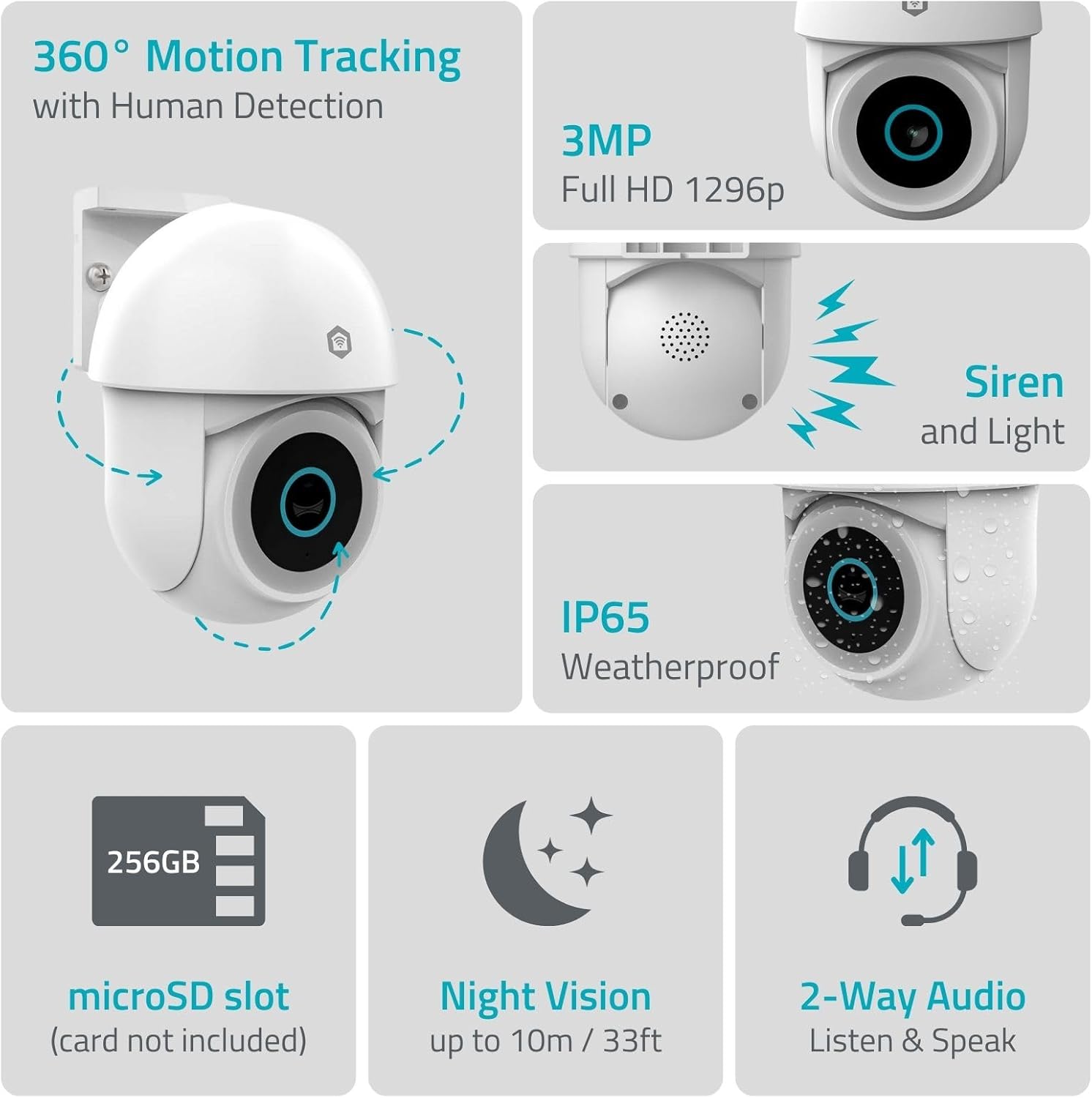
1.1. irudia: Amaituview of NEDIS SmartLife Outdoor Camera features, including 360-degree motion tracking, 3MP resolution, siren and light, IP65 weatherproofing, microSD slot, night vision, and two-way audio.
2. Paketearen edukia
Mesedez, egiaztatu paketea elementu hauek dituen:
- NEDIS SmartLife Outdoor Pan-Tilt Spotlight Camera (WIFICO22CWT)
- Korronte egokitzailea (5 V DC)
- Muntatzeko euskarria eta torlojuak
- Hasierako gida azkarra (eskuliburu hau)
3. Konfigurazioa
3.1. Aplikazioaren instalazioa
- Deskargatu Nedis SmartLife aplikazioa App Store-tik (iOS) edo Google Play Store-tik (Android).
- Erregistratu kontu berri bat lortzeko edo hasi saioa dagoeneko baduzu.
3.2. Piztea eta hasierako konexioa
- Konektatu kamera korronte-moldagailura eta konektatu entxufe elektriko batera.
- Wait for the camera's indicator light to flash, indicating it is ready for pairing.
- Open the Nedis SmartLife app, tap '+' to add a new device, and follow the on-screen instructions to connect the camera to your 2.4 GHz Wi-Fi network.
3.3. MicroSD txartelaren instalazioa (aukerakoa)
For local storage of recordings, install a microSD card (up to 256GB, not included).
- Locate the microSD card slot on the camera (refer to the camera diagram in the quick start guide).
- Kontu handiz sartu microSD txartela zirrikituan klik egin arte.
- Format the microSD card via the camera settings in the Nedis SmartLife app.
3.4. Kamera muntatzea
The camera comes with a wall/ceiling mount. Choose a suitable location with a clear view and within Wi-Fi range.

Image 3.1: Camera dimensions for mounting reference.
- Markatu zulatzeko posizioak muntatzeko euskarria txantiloi gisa erabiliz.
- Beharrezkoa bada, zuloak egin eta takoak sartu horman.
- Lotu muntatzeko euskarria horman edo sabaian torlojuekin.
- Attach the camera to the mounting bracket and adjust its initial angle.
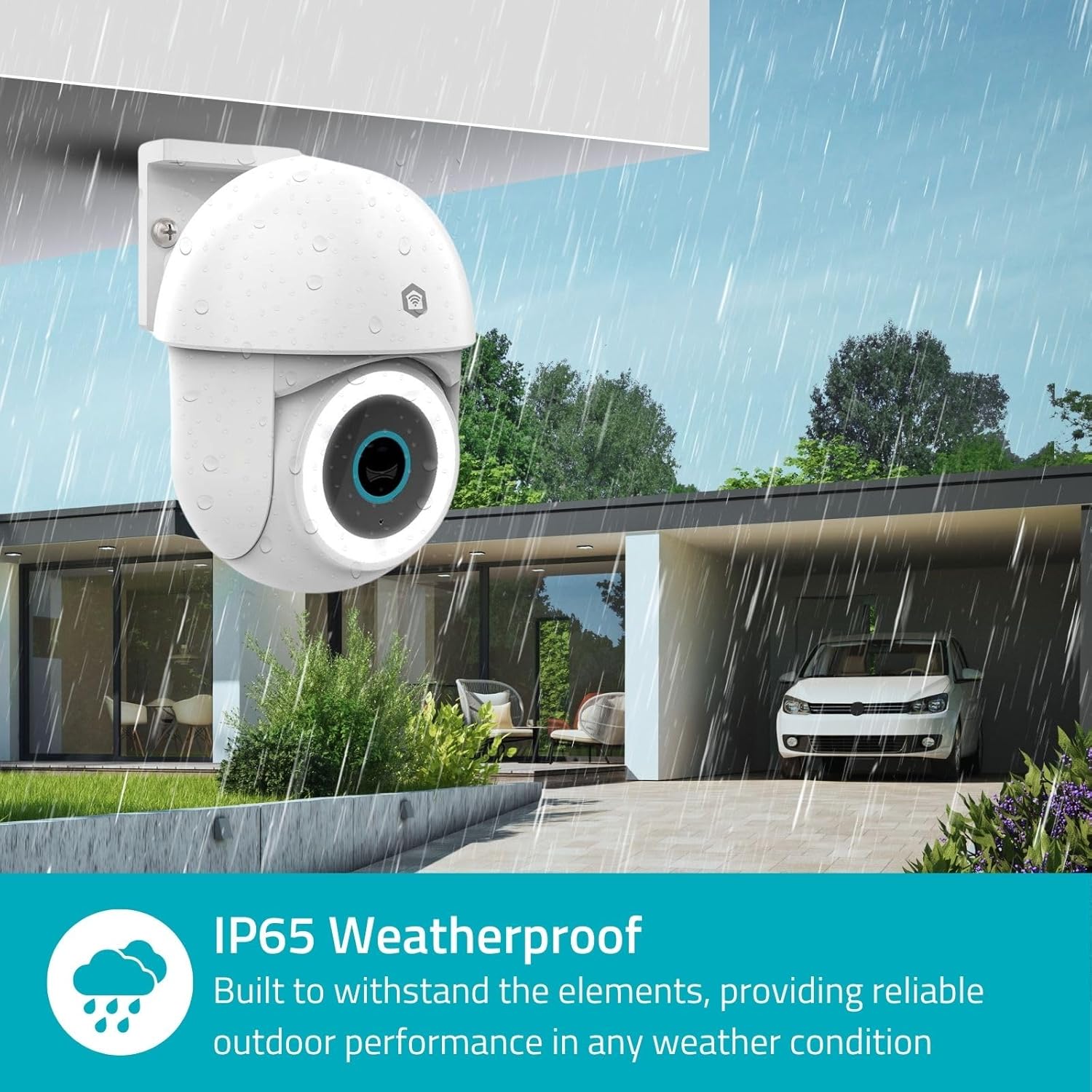
Image 3.2: The IP65 weatherproof design ensures reliable outdoor performance in various weather conditions.
4. Funtzionamendu-argibideak
4.1. Bizi View eta Pan/Tilt kontrola
Access the live feed from your camera through the Nedis SmartLife app. Use the on-screen controls to remotely pan (horizontal) and tilt (vertical) the camera to monitor a wide area.
4.2. Mugimenduaren detekzioa eta jarraipena
The camera features advanced motion detection, including human detection, to minimize false alarms. You can customize detection zones within the app.
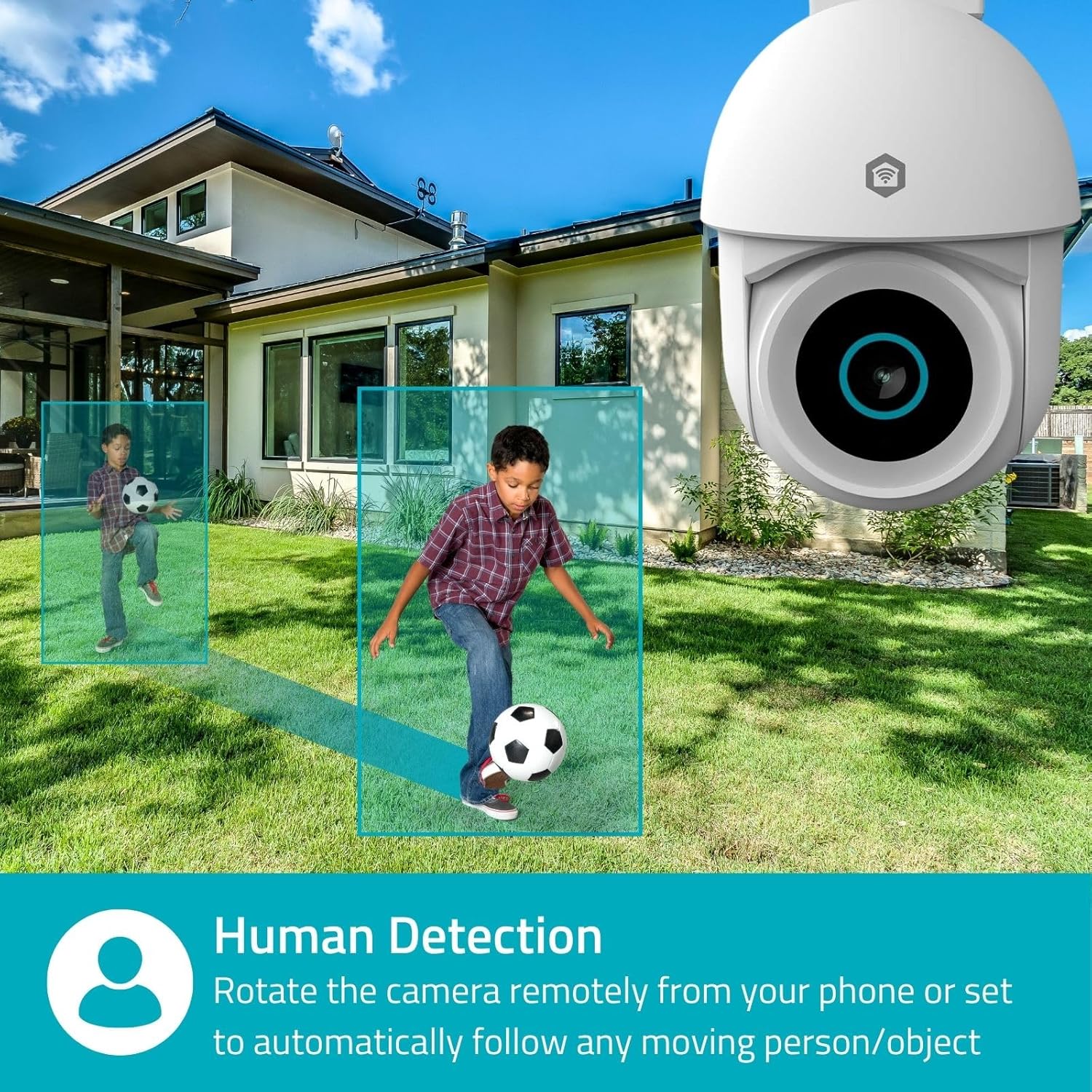
Image 4.1: Human Detection allows the camera to automatically follow moving persons or objects.
Gaitu Jarraipen automatikoa in the app settings to have the camera automatically follow detected movement.
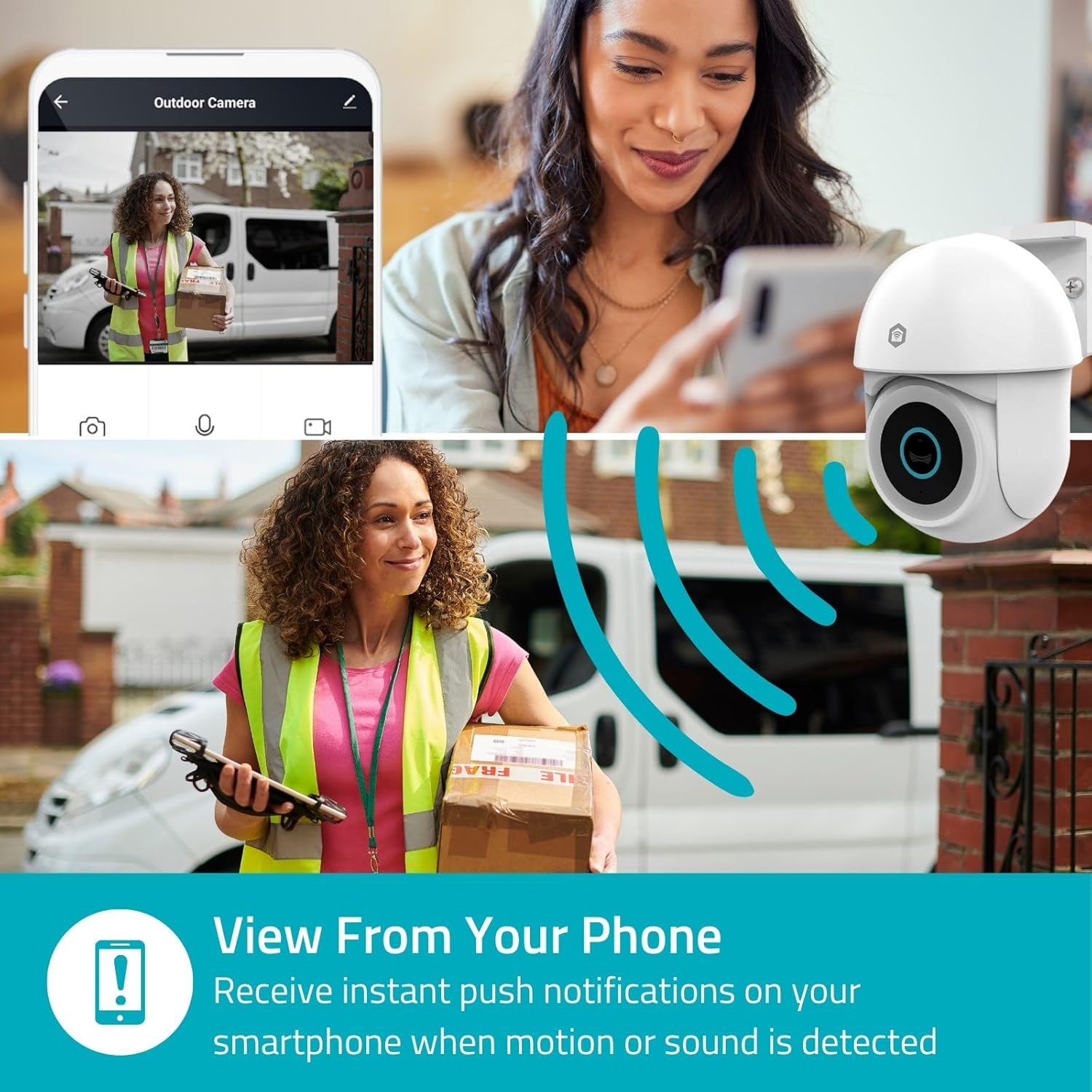
Image 4.2: Receive instant push notifications on your smartphone when motion or sound is detected.
4.3. Bi norabideko audioa
Utilize the built-in microphone and speaker for two-way communication. You can listen to the environment and speak through the camera via the app.
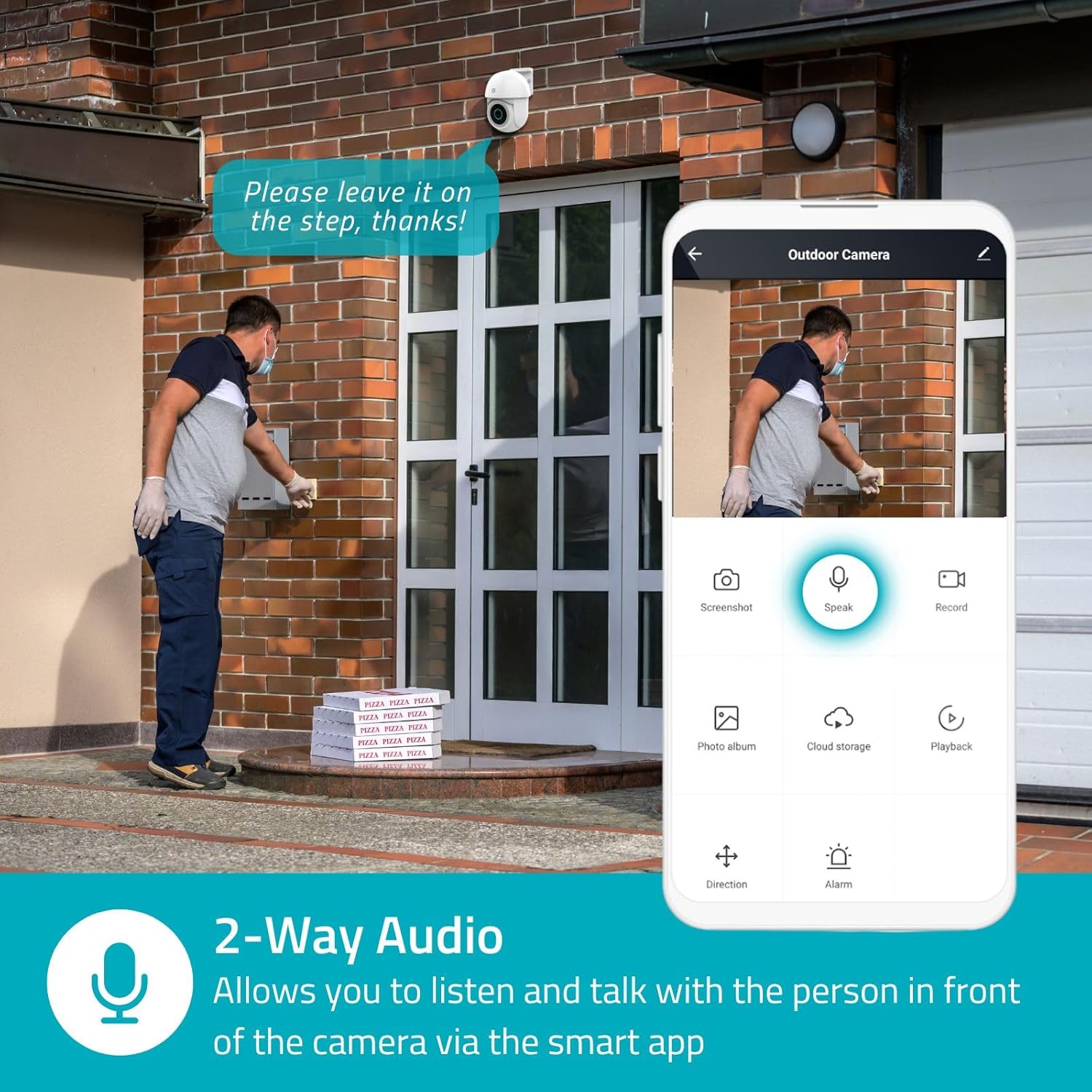
Image 4.3: Two-Way Audio allows you to listen and talk with individuals in front of the camera.
4.4. Gaueko Ikusmena
Kamerak bi gaueko ikusmen modu onartzen ditu:
- Kolore Gaueko Ikusmena: Achieved using dimmable white LEDs, providing full-color images in low light.
- Gaueko infragorria: Standard black and white night vision using infrared LEDs, effective up to 10 meters (33 feet).

Image 4.4: Comparison of Day Mode and Night Mode, illustrating the camera's 3MP resolution and 10m night vision capability.
4.5. Spotlight and Siren
When motion is detected, you can configure the camera to activate its white LEDs (spotlight) and/or a siren. This can deter intruders or provide illumination.

Image 4.5: The camera's light and siren can be activated upon motion detection to deter unwanted visitors.
4.6. Grabaketa eta Erreprodukzioa
Recordings can be stored on a microSD card (up to 256GB) or via optional cloud storage. Access and playback recorded footage through the Nedis SmartLife app.
4.7. Pribatutasun modua
Activate Privacy Mode in the app to temporarily disable recording and live view when you are home, ensuring your privacy.
4.8. Smart Home Integrazioa
The camera is compatible with Google Home and Amazon Alexa, allowing for voice control and integration into your smart home ecosystem.
5. Mantentzea
- Garbiketa: Garbitu astiro kameraren lentea eta gorputza zapi leun batekin,amp oihal. Ez erabili produktu kimiko gogorrak edo garbitzaile urratzaileak.
- Firmware eguneraketak: Regularly check the Nedis SmartLife app for available firmware updates to ensure optimal performance and security.
- Elikatze-iturria: Ziurtatu korronte-egokitzailea eta kablea kalterik gabe daudela.
6. Arazoak
6.1. Kamera ez da Wi-Fira konektatzen
- Ensure your Wi-Fi network is 2.4 GHz. The camera does not support 5 GHz Wi-Fi.
- Egiaztatu Wi-Fi pasahitza behar bezala idatzita dagoela.
- Jarri kamera zure Wi-Fi bideratzailetik gertuago konfigurazioan zehar.
- Berrabiarazi zure bideratzailea eta kamera.
6.2. Bideoaren kalitate eskasa
- Egiaztatu zure Wi-Fi seinalearen indarra. Seinale ahul batek bideoaren kalitatea kaltetu dezake.
- Ziurtatu kameraren lentea garbi eta oztoporik gabe dagoela.
- Adjust the video resolution settings in the app if your network bandwidth is limited.
6.3. Mugimendu detekzioak ez du funtzionatzen
- Egiaztatu mugimenduaren detekzioa gaituta dagoela aplikazioaren ezarpenetan.
- Check the sensitivity settings and detection zones.
- Ensure there are no physical obstructions blocking the camera's view.
6.4. No Audio or Two-Way Audio Issues
- Check the microphone and speaker volume settings in the app.
- Ensure your smartphone's microphone is not muted when speaking through the app.
- Egiaztatu sareko konexioa denbora errealeko audio transmisiorako.
7. Zehaztapenak
| Ezaugarri | Zehaztapena |
|---|---|
| Modelo zenbakia | WIFICO22CWT |
| Ebazpena | 3 MP (1296p) |
| Konektibitatea | Wi-Fi (2.4 GHz) |
| Pan/Tilt Function | Bai |
| Eguraldi Erresistentearen Balorazioa | IP65 |
| Gaueko Ikusmena | Color (white LEDs) & IR (up to 10m) |
| Bi norabideko audioa | Bai |
| Biltegiratze-aukerak | MicroSD (up to 256GB, not included), Cloud Storage (optional) |
| Potentzia Sarrera | 5V DC |
| Neurriak (L x W x H) | 10 x 8.3 x 11 cm |
| Pisua | 292 gramo |
| Ezaugarri bereziak | Human Detection, Auto-Tracking, Spotlight, Siren, Privacy Mode, Onvif support |
| Bateragarritasuna | Google Home, Amazon Alexa |
8. Bermea eta Laguntza
This product comes with a standard manufacturer's warranty. For detailed warranty information, please refer to the warranty card included in your package or visit the official NEDIS webgunea.
For technical support, troubleshooting assistance, or further inquiries, please contact NEDIS customer service through their official webgunea edo produktuaren ontzian emandako harremanetarako informazioa.
Sareko baliabideak:
- Bisitatu NEDIS webgunea for product updates and support.
- Check the Nedis SmartLife app for FAQs and in-app support options.


