Introduction to Your Google Pixel 9a
This manual provides detailed, step-by-step instructions to help you navigate your new Google Pixel 9a smartphone with ease. Designed for both first-time Pixel users and those upgrading from a previous model, this guide covers essential functions, customization options, and troubleshooting tips to ensure the best user experience.
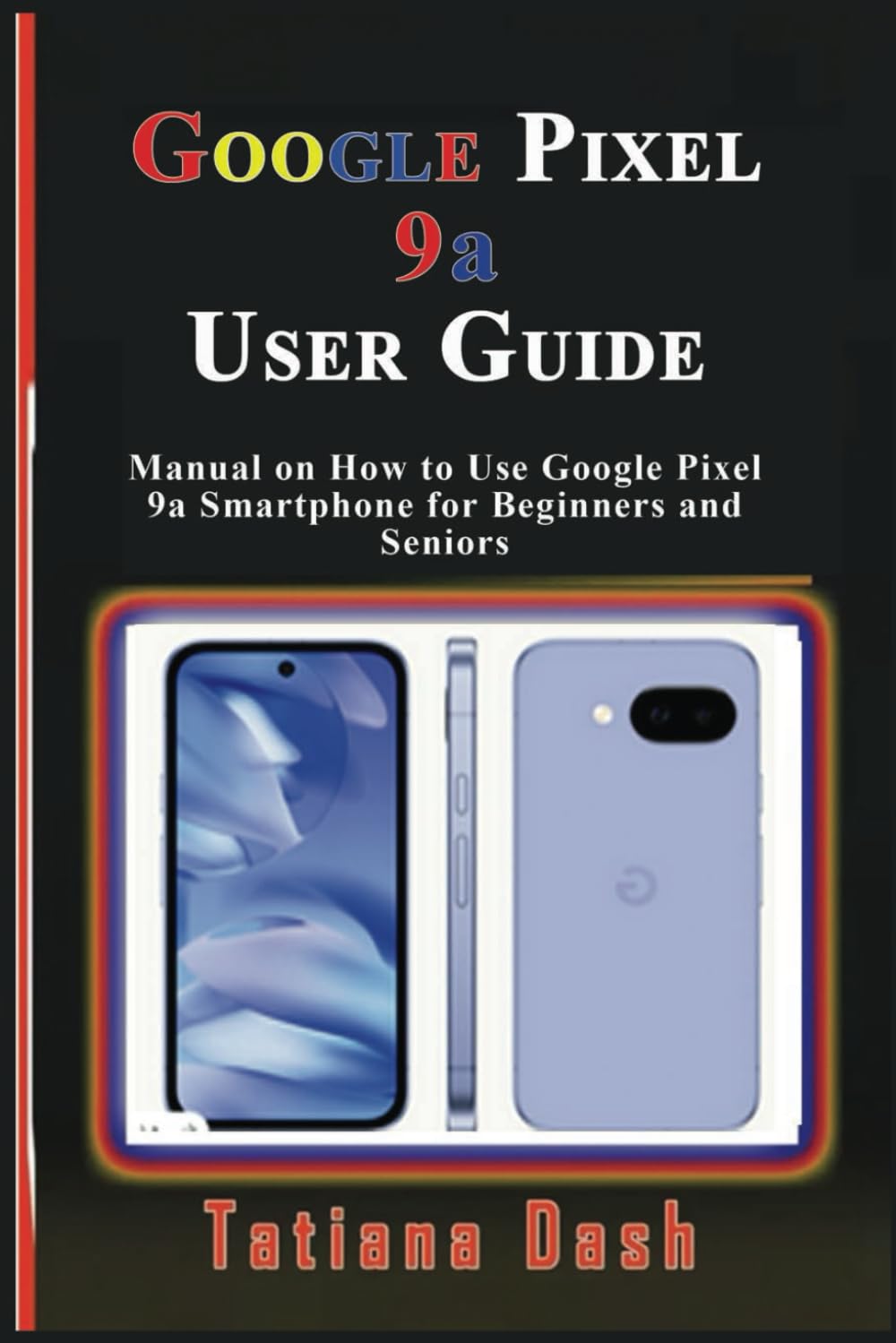
Image: Front cover of the Google Pixel 9a User Guide. This image displays the title and author of the manual.
1. Gailuaren konfigurazioa
Begin your Pixel 9a experience by setting up your device and configuring your network settings.
1.1 Hasierako gailuaren konfigurazioa
- Piztu: Sakatu eta eutsi pizteko botoiari Google logotipoa agertu arte.
- Hizkuntza hautaketa: Aukeratu nahiago duzun hizkuntza zerrendatik.
- Konektatu wifira: Select an available Wi-Fi network and enter the password if required.
- Kopiatu aplikazioak eta datuak: Jarraitu pantailan agertzen diren argibideei datuak gailu zahar batetik transferitzeko edo berri gisa konfiguratzeko.
- Google kontuaren saioa hastea: Sartu zure Google kontuaren kredentzialak edo sortu kontu berri bat.
1.2 eSIM or SIM Card Settings
- Physical SIM: Insert your nano-SIM card into the SIM tray using the provided SIM ejector tool.
- eSIM aktibazioa: Nabigatu Ezarpenak > Sarea eta internet > SIM txartelak and follow the instructions to add an eSIM profile.
2. Zure Pixel 9a erabiltzea
Familiarize yourself with the core functionalities and interface of your smartphone.
2.1 Mastering the Interface
- Hasierako pantaila: Learn to navigate between home screens, add widgets, and organize apps.
- Nabigazio keinuak: Understand swipe gestures for home, back, and recent apps.
- Ezarpen azkarrak: Swipe down from the top of the screen to access essential settings like Wi-Fi, Bluetooth, and flashlight.
- Jakinarazpenak: Manage and respond to notifications from the notification shade.
2.2 Pertsonalizazio aukerak
- Horma-irudiak: Change your home and lock screen wallpapers via Ezarpenak > Horma-papera eta estiloa. Explore AI wallpapers for unique designs.
- Gaiak: Apply different themes to alter the overall look and feel of your device.
- Widgetak: Add widgets to your home screen for quick access to information and functions.
- Pantailaren ezarpenak: Adjust brightness, dark theme, night light, and screen timeout in Ezarpenak > Pantaila.
2.3 Calls, Messages, & Contacts
- Deiak egitea: Use the Phone app to dial numbers or select contacts.
- Ahots-postaren konfigurazioa: Configure your voicemail service through your carrier's instructions.
- Google Messages: Send and receive text messages, including RCS chats, using the Messages app.
- Kontaktuak kudeatzea: Add, edit, and organize contacts in the Contacts app. Sync contacts with your Google Account for backup.
2.4 Connectivity Essentials
- Wi-Fi: Konektatu haririk gabeko sareetara honen bidez Ezarpenak > Sarea eta Internet > Internet.
- Datu mugikorrak: Enable or disable mobile data and manage data usage in Ezarpenak > Sarea eta internet > SIM txartelak.
- Bluetootha: Parekatu Bluetooth gailuekin, hala nola entzungailuekin edo bozgorailuekin, bidez Ezarpenak > Konektatutako gailuak.
- Inguruko partekatzea: Partekatu files quickly with nearby Android devices.
- Gune pertsonala: Turn your Pixel 9a into a Wi-Fi hotspot to share your mobile data connection.
- USB & Bluetooth Tethering: Share your internet connection with other devices via USB cable or Bluetooth.
2.5 Google Camera & Photos
- Argazkiak ateratzea: Ireki Kamera aplikazioa eta sakatu obturadorearen botoia.
- Kamera moduak: Explore various modes such as Portrait, Night Sight, Panorama, and Video.
- Google Argazkiak: Automatically back up your photos and videos to Google Photos for secure storage and easy access across devices.
3. Battery & Performance Optimization
Optimize your device's battery life and overall performance.
- Bateria aurrezlea: Gaitu bateria aurrezteko modua hemen: Ezarpenak > Bateria > Bateria aurrezlea to extend battery life by limiting background activity.
- Bateria moldagarria: This feature learns your usage patterns to prioritize power for apps you use most.
- Kudeatu biltegia: Regularly check and free up storage space via Ezarpenak > Biltegiratzea errendimendu optimoa mantentzeko.
- Ongizate digitala: Use Digital Wellbeing features to monitor and manage your screen time and app usage.
4. Privacy & Security
Protect your personal information and secure your device.
- Aurkitu nire gailua: Set up Find My Device to locate, lock, or erase your phone remotely if it's lost or stolen.
- Safe Browsing: Ensure Safe Browsing is enabled in your browser settings to protect against malicious webguneak.
- Aplikazioaren baimenak: Review and manage app permissions in Ezarpenak > Aplikazioak > Ikusi aplikazio guztiak > [Aplikazioaren izena] > Baimenak.
- Pribatutasun-panela: Access the Privacy Dashboard to see which apps have accessed your location, camera, or microphone recently.
5. Troubleshooting & Updates
Solutions for common issues and information on software updates.
5.1 Arazo eta irtenbide ohikoenak
- Aplikazioaren hutsegiteak: Clear app cache/data or reinstall the app.
- Konektibitate arazoak: Toggle Wi-Fi/Bluetooth off and on, restart your device, or reset network settings.
- Gailuak ez du erantzuten: Perform a soft reset by holding the power button for about 30 seconds.
5.2 Gailua berrezarri
- Soft Berrezarri: Simply restart your phone.
- Hard Reset (Factory Data Reset): Joan zaitez Ezarpenak > Sistema > Berrezarri aukerak > Ezabatu datu guztiak (fabrika berrezarri). Warning: This will erase all data on your device. Back up important information first.
5.3 Software eguneraketak
Your Pixel 9a will receive regular software updates to improve performance, add new features, and enhance security. Check for updates in Ezarpenak > Sistema > Sistemaren eguneraketa.
6. Tips, Tricks & Hidden Features
Discover advanced functionalities to enhance your Pixel 9a experience.
- Sakatu azkarra: Assign custom actions to a double-tap on the back of your phone.
- Errutinak: Automate tasks based on specific conditions (e.g., turn on Wi-Fi when you arrive home).
- Hidden Pixel 9a Features: Explore unique Pixel-exclusive features for photography, AI, and more.
- Comparison to Pixel 8a: Understand the key improvements and differences if you are upgrading from a Pixel 8a.

Image: Back cover of the Google Pixel 9a User Guide. This image shows the ISBN barcode and publishing details.
ISBN-13: 979-8315618027
7. Zehaztapenak
Key technical specifications for the Google Pixel 9a User Guide (Paperback).
| Ezaugarri | Xehetasuna |
|---|---|
| ASIN | B0F2MZQW46 |
| Argitaletxea | Independenteki argitaratua |
| Argitalpen data | 26ko martxoaren 2025a |
| Hizkuntza | ingelesa |
| Inprimatu luzera | 60 orrialde |
| ISBN-13 | 979-8315618027 |
| Elementuaren pisua | 5 ontza |
| Neurriak | 6 x 0.14 x 9 hazbete |
8. Bermeari eta laguntzari buruzko informazioa
Information regarding product warranty and customer support is not available in the provided data for this user manual. Please refer to the official Google Pixel 9a documentation or Google's support website for warranty details and assistance.


