1. Sarrera
Thank you for choosing the SEHMUA 2K Solar Security Cameras. This manual provides essential information for the proper installation, operation, and maintenance of your wireless outdoor security cameras. Please read this manual thoroughly before use and retain it for future reference.
These cameras are designed to provide reliable outdoor surveillance with features such as 2K HD resolution, low-light color night vision, 360° panoramic monitoring, PIR motion detection, two-way audio, and solar power for continuous operation.
2. Paketearen edukia
Egiaztatu behean zerrendatutako elementu guztiak zure paketean sartuta daudela. Elementuren bat falta bada edo hondatuta badago, jarri harremanetan bezeroarentzako arreta-zerbitzuarekin.
- Kamera × 2
- Solar Panel (with 3m Cable) ×2
- Charging Cable (0.5m) ×2
- Wall Mount Bracket ×2
- Kamera torlojuen paketea ×2
- Eguzki-panelen torloju-paketea ×2
- Positioning Sticker Set ×2
- Erabiltzailearen eskuliburua ×1

Image: All components included in the SEHMUA 2K Solar Security Camera package, including two cameras, two solar panels, mounting hardware, and cables.
3. Ezaugarri nagusiak
- 2K HD bereizmena: Bideo argi eta zehatza ateratzen dutage, ensuring important details are visible. The camera delivers vivid, true-to-life visuals powered by an upgraded image processor for greater clarity.

Image: A family enjoying a backyard barbecue, demonstrating the 2K HD resolution and 4x digital zoom capability of the camera.
- Low-Light Color Night Vision: Provides enhanced color imaging even in low-light conditions, without needing to activate LEDs. This ensures 24/7 sharp imaging.

Image: A SEHMUA camera mounted on the exterior of a house at dusk, illustrating its low-light color night vision capability for clear viewing in minimal light.
- 360° Panoramic Monitoring: Offers flexible pan, tilt, and zoom controls to monitor every angle of your property. This ensures comprehensive coverage for areas like storefronts, driveways, or backyards.

Image: A diagram showing the camera's 360° rotation capability, positioned above a commercial parking lot to illustrate its wide coverage.
- PIR detekzio adimenduna: Combines Passive Infrared (PIR) sensing with AI analysis to reduce false alarms and accurately detect human motion. This provides more reliable alerts.
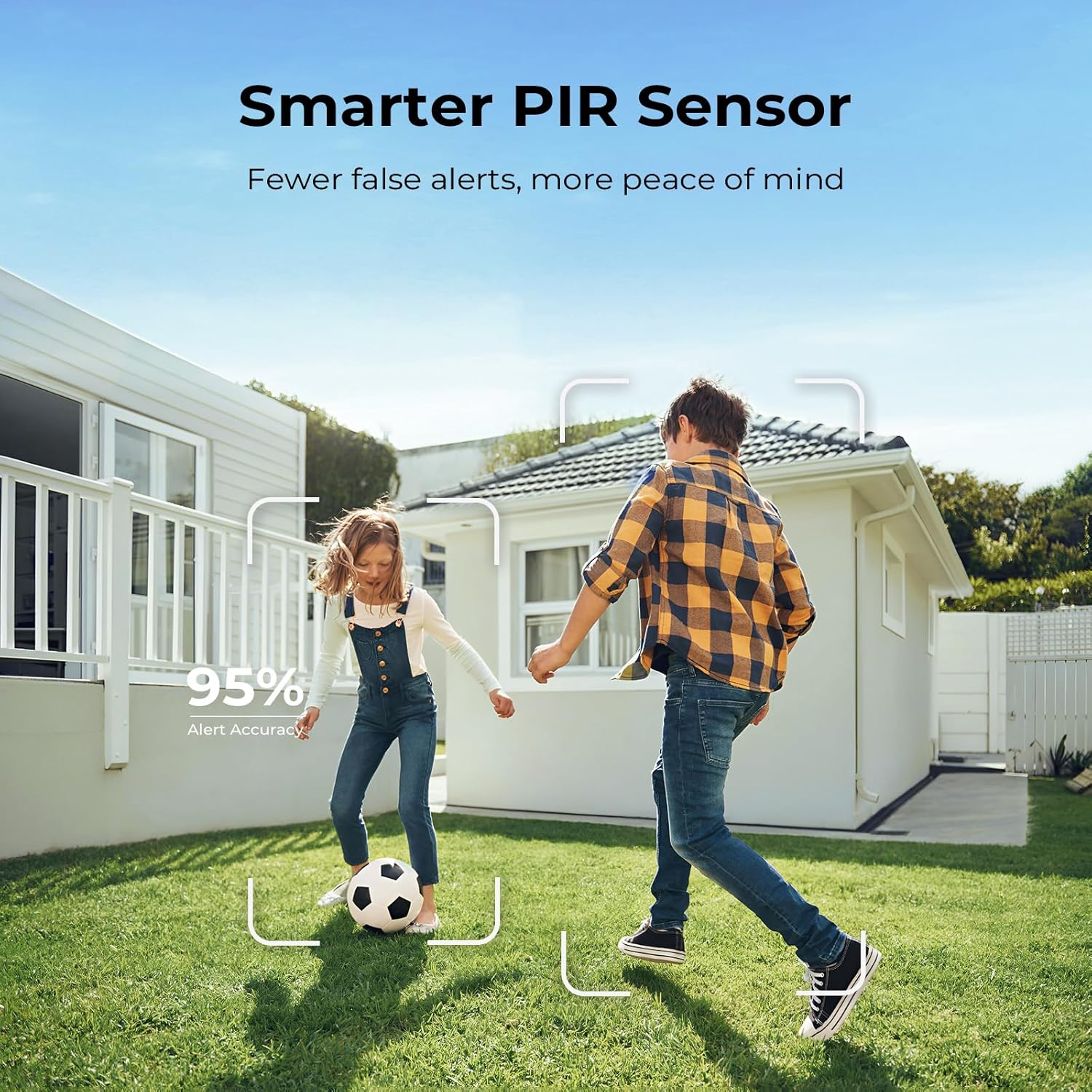
Image: Two children playing soccer in a backyard, with a graphic overlay indicating the camera's smart PIR sensor detecting human movement with 95% alert accuracy.
- Hassle-Free Solar Power: Equipped with a large capacity rechargeable battery and a solar panel, allowing for wire-free operation and continuous protection. This eliminates the need for frequent battery changes or complex wiring.

Image: A SEHMUA security camera mounted on a wall, connected to an external solar panel, highlighting its continuous solar power feature.
- 2-Way Talk: Enables real-time communication through the camera, allowing you to see, hear, and respond instantly from anywhere using the mobile application.

Image: A couple walking towards a house, with speech bubbles indicating two-way audio communication through the camera, allowing interaction with visitors.
- Stable 2.4GHz Wi-Fi Connectivity: Connects easily with stable 2.4GHz Wi-Fi for smooth and reliable operation. (Note: 5GHz Wi-Fi is not supported). This frequency offers better penetration through walls and furniture.

Image: A diagram showing a house with a 2.4GHz Wi-Fi signal extending through walls, emphasizing reliable and uninterrupted connection for the camera.
- IP65 Eguraldiarekiko erresistentea: Designed to withstand various weather conditions, including rain and dust, ensuring year-round protection and seamless operation outdoors.

Image: A SEHMUA camera and solar panel mounted outdoors during a rain shower, demonstrating its IP65 weatherproof rating for harsh conditions.
- Biltegiratze aukera malguak: Supports secure cloud storage with a 30-day free trial and local storage via a memory card (up to 128GB, not included) for convenient access and playback of recordings.

Image: Icons representing cloud storage (with a 30-day trial) and memory card storage (up to 128GB), illustrating the flexible recording options for the camera.
4. Konfigurazio gida
Follow these steps for initial setup and installation of your SEHMUA security cameras.
4.1 Kamera kargatzea
Before installation, ensure the camera's internal battery is fully charged. Connect the camera to a power source using the provided charging cable. The solar panel will maintain the charge after installation, but an initial full charge is recommended.
4.2 Mugikorretarako aplikazioen instalazioa
- Download the designated mobile application (e.g., UBox app) from your smartphone's app store (iOS or Android).
- Erregistratu kontu bat eta hasi saioa.
4.3 Kameraren parekatzea
- Piztu kamera.
- Open the mobile app and follow the on-screen instructions to add a new device.
- Ziurtatu zure telefonoa 2.4 GHz-ko Wi-Fi sare batera konektatuta dagoela. Kamerak ez du 5 GHz-ko Wi-Firik onartzen.
- Scan the QR code on the camera or follow the app's pairing process.
- Once paired, you can name your camera and configure initial settings.
4.4 Kamera eta eguzki-panela muntatzea
Choose a mounting location that provides optimal surveillance coverage and sufficient sunlight exposure for the solar panel. Use the provided wall mount brackets and screws.
- Kameraren kokapena: Mount the camera at a height that offers a clear view of the area you wish to monitor. Ensure it is within range of your 2.4GHz Wi-Fi network.
- Eguzki-panelaren kokapena: Position the solar panel in an area that receives direct sunlight for several hours each day to ensure continuous charging. Avoid shaded areas. The solar panel can be mounted separately from the camera using its 3-meter cable for flexibility.

Image: A collage demonstrating the ease of setup, real-time viewing on a smartphone, two-way audio communication, and the ability to share camera access with family members.
5. Funtzionamendu-argibideak
Once your camera is set up and connected, you can access and control it via the mobile application.
5.1 Bizi View eta Erreprodukzioa
- Open the app and select the desired camera to view zuzeneko jarioa.
- Use the on-screen controls to pan, tilt, and digitally zoom the camera view.
- Sartu grabatutako footage from the cloud storage or inserted memory card through the app's playback function.
5.2 Bi norabideko audioa
Sakatu mikrofonoaren ikonoa zuzeneko emanaldian view to speak through the camera's speaker. Tap the speaker icon to hear audio from the camera's microphone.
5.3 Mugimenduaren detekzioa eta alertak
- Configure motion detection sensitivity and detection zones within the app settings.
- Enable push notifications, siren warnings, or spotlight activation upon motion detection.
- The camera uses PIR and AI analysis to reduce false alarms, focusing on human shapes.

Image: A screenshot of the mobile application interface, showing options to adjust schedule settings, arming periods, motion detection sensitivity (High, Medium, Low), and human detection settings.
5.4 Biltegiratze kudeaketa
- Hodeiko biltegiratzea: Manage your cloud subscription and access recorded events.
- Memoria txartela: Insert a Micro SD card (up to 128GB, not included) into the designated slot for local storage. Format the card via the app if necessary.
6. Mantentzea
Regular maintenance helps ensure optimal performance and longevity of your security cameras.
- Garbiketa: Aldian-aldian garbitu kameraren lentea eta eguzki-panelaren gainazala oihal leun eta lehor batekin.amp cloth to remove dust, dirt, or debris that may obstruct the view or reduce charging efficiency. Do not use harsh chemicals.
- Firmware eguneraketak: Check the mobile application regularly for available firmware updates. Installing updates ensures your camera has the latest features and security enhancements.
- Bateria osasuna: While solar-powered, extreme weather or prolonged periods of low sunlight may affect battery levels. Monitor battery status via the app and manually charge if necessary.
- Konexioaren egiaztapena: Periodically verify the Wi-Fi connection strength in the app, especially after any network changes or environmental shifts.
7. Arazoak
If you encounter issues with your SEHMUA security camera, refer to the following common problems and solutions.
- Kamera ez da wifira konektatzen:
- Ziurtatu zure Wi-Fi sarea 2.4 GHz-koa dela. Kamerak ez du 5 GHz-ko maiztasuna onartzen.
- Egiaztatu Wi-Fi pasahitza zuzena dela.
- Move the camera closer to your Wi-Fi router to improve signal strength. Obstacles like thick walls can significantly reduce range.
- Berrabiarazi zure Wi-Fi bideratzailea eta kamera.
- Bideoaren kalitate eskasa edo atzerapena:
- Check your Wi-Fi signal strength in the app. A weak signal can cause performance issues.
- Ensure your internet connection speed is adequate for streaming video.
- Clean the camera lens if it appears dirty or smudged.
- Solar Panel Not Charging Effectively:
- Ensure the solar panel is positioned in an area that receives direct sunlight for most of the day.
- Remove any obstructions (trees, buildings, dirt) that might be shading the panel.
- Clean the surface of the solar panel regularly.
- Verify the connection cable between the solar panel and the camera is secure.
- Maiz gertatzen diren alarma faltsuak:
- Adjust the motion detection sensitivity settings in the app to a lower level.
- Configure specific detection zones to exclude areas with frequent non-human movement (e.g., swaying trees).
- Ensure the camera's AI human detection feature is enabled.
- Bi norabideko audio-arazoak:
- Egiaztatu bolumenaren ezarpenak zure telefonoan eta aplikazioan.
- Ensure the microphone and speaker icons are enabled in the live view.
- Verify network connectivity for real-time audio transmission.
If these steps do not resolve your issue, please contact SEHMUA customer support for further assistance.
8. Zehaztapenak
| Modelo zenbakia | RBX-S44 |
| Bideo Harrapaketa Ebazpena | 2K |
| Konektibitate Teknologia | Haririk gabeko (WiFi) |
| Haririk gabeko Komunikazio Teknologia | Wi-Fi (2.4 GHz bakarrik) |
| Energia iturria | Eguzki-energia |
| Barruko/Kanpoko erabilera | Kanpoan |
| Nazioarteko Babesteko Balorazioa | IP65 (iragazgaitza) |
| Viewangelua | 360 gradu |
| Gaueko Ikusmenaren barrutia | 66 Oin |
| Argi gutxiko teknologia | Black Light Night Vision |
| Onartutako Flash memoria Gehienezko tamaina | 128 GB (Mikro SD) |
| Alerta mota | Mugimendua bakarrik |
| Kontrolagailu mota | Smartphone |
| Muntatze Mota | Hormako Muntaia |
| Elementuaren pisua | 3.85 kilo |
9. Bermea eta Laguntza
SEHMUA products are designed for reliability and performance. For warranty information, please refer to the warranty card included in your package or visit the official SEHMUA webgunea.
For technical support, troubleshooting assistance, or any questions regarding your product, please contact SEHMUA customer service. Contact details can typically be found on the product packaging, the official webgunearen barruan, edo mugikorretarako aplikazioan.
We are committed to providing excellent support to ensure your satisfaction with our products.


