1. Sarrera
This manual provides essential information for the safe and efficient use of your Lenovo IdeaPad Slim 3 Business Laptop. This model features an AMD Ryzen 7 7730U processor, a 15.6-inch Full HD display, 16GB of RAM, and a 1TB PCIe SSD, running on Windows 11. Please read this manual thoroughly before operating your device.

Figure 1: Lenovo IdeaPad Slim 3 Laptop overview, highlighting key features like Windows 11, AMD Ryzen 7 processor, and the included WOWPC Recovery USB.
2. Konfigurazioa
2.1 Kutxatik ateratzea eta hasierako ikuskapena
Carefully remove all components from the packaging. Verify that all items listed in the packing list are present and undamaged. If any items are missing or damaged, contact your retailer immediately.

2 Irudia: Gainetikview of the Lenovo IdeaPad Slim 3 Laptop's main specifications, including Operating System, Processor, Graphics, RAM, Storage, Wi-Fi, Bluetooth, and WOWPC Recovery USB.
2.2 Energia-konexioa
- Konektatu korronte-egokitzailea ordenagailu eramangarriaren sarrera-atakara.
- Entxufatu korronte-egokigailua entxufe elektriko egoki batean.
- Utzi bateria kargatzen gutxienez 30 minutuz lehenengo aldiz erabili aurretik, edo bateriaren adierazleak karga nahikoa erakutsi arte.
2.3 Hasierako abiarazpena eta Windows 11 konfigurazioa
- Sakatu pizteko botoia ordenagailu eramangarria pizteko.
- Follow the on-screen instructions to complete the Windows 11 setup process. This includes selecting your language, region, connecting to a network, and creating a user account.
- The included WOWPC recovery USB can be used for system restoration or troubleshooting if needed.
3. Funtzionamendua
3.1 Bistaratzeko Ezaugarriak
Your laptop is equipped with a 15.6-inch Full HD (1920x1080) TN display with 250 nits brightness and an anti-glare coating. This design reduces reflections and enhances visibility, providing a clear and comfortable viewesperientzia.
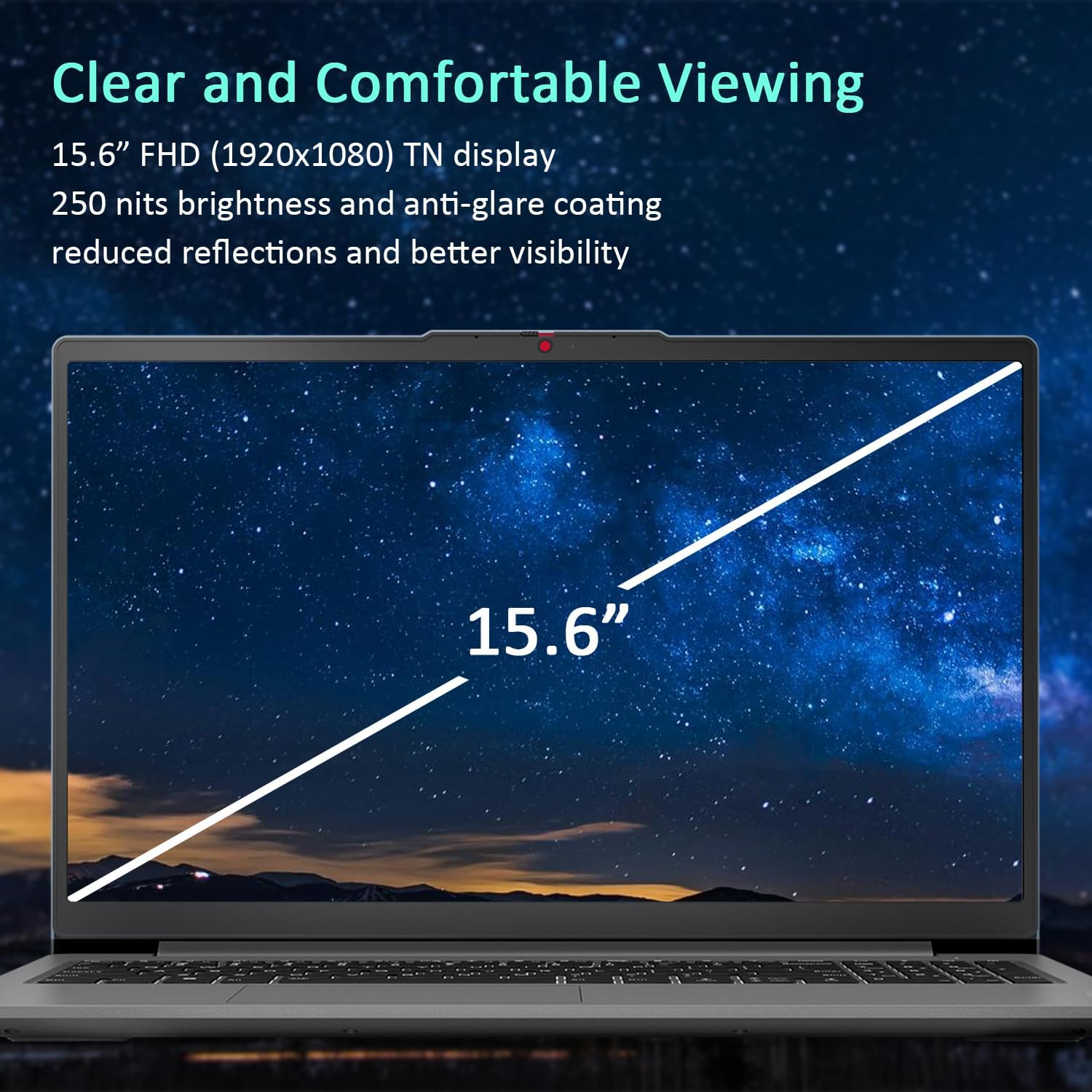
Figure 3: The 15.6-inch Full HD TN display with anti-glare coating for clear and comfortable viewing.
3.2 Prozesadorea eta errendimendua
The AMD Ryzen 7 7730U Processor, with 8 cores and 16 threads, delivers reliable performance for various tasks, from daily productivity to more demanding applications. Coupled with 16GB of DDR4 RAM and integrated AMD Radeon Graphics, the system ensures smooth multitasking and efficient operation.
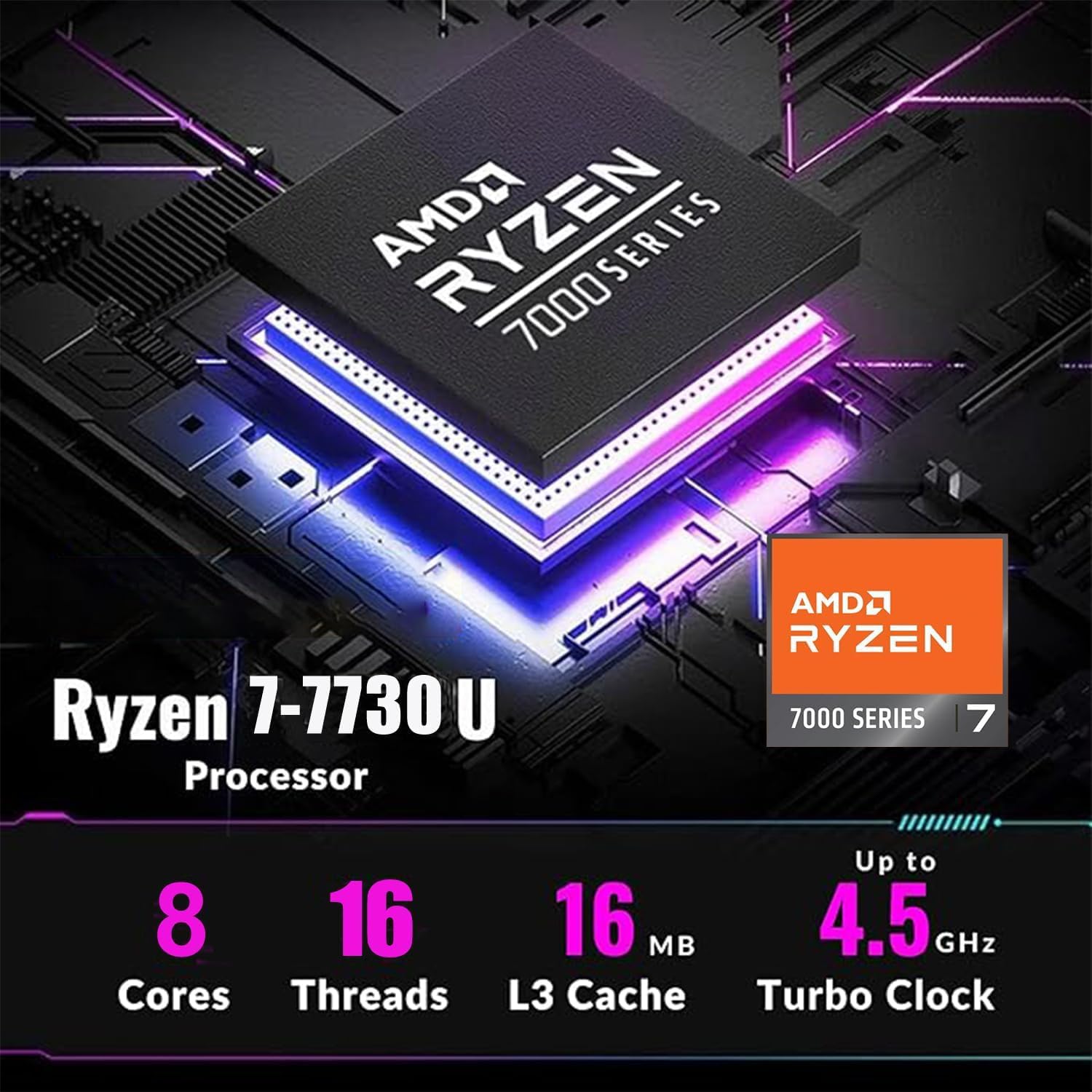
Figure 4: Detailed specifications of the AMD Ryzen 7 7730U Processor, emphasizing its core count, thread count, and turbo clock speed.

Figure 5: The laptop efficiently handles multiple applications simultaneously, showcasing its multitasking capabilities powered by the AMD Ryzen 7 7730U and AMD Radeon Graphics.
3.3 Konektibitatea
The IdeaPad Slim 3 offers comprehensive connectivity options:
- Portuak: 1x USB-C 3.2 Gen 1, 2x USB-A 3.2, 1x HDMI 1.4 Output, 1x Headphone/microphone combo jack, 1x SD Card Reader.
- Haririk gabekoa: Wi-Fi 6 (802.11ax 2x2) and Bluetooth 5.2 for fast and stable wireless connections.

6. irudia: Aldea view illustrating the available ports for connecting external devices and peripherals.

Figure 7: Highlighting the advanced Wi-Fi 6 and Bluetooth 5.2 capabilities for seamless connectivity.
3.4 Teklatua eta ukipen-panela
The laptop features a US English keyboard and a responsive touchpad for navigation. The keyboard is designed for comfortable typing.
3.5 WebPribatutasun-obturagailua duen kamera
A built-in HD 720p webcam is included for video calls and conferences. For enhanced privacy, a physical privacy shutter is integrated, allowing you to block the camera lens when not in use.
4. Mantentzea
4.1 Ordenagailu eramangarria garbitzea
- Erabili zapi leun eta lihorik gabeko bat pantaila eta kanpoko gainazalak garbitzeko.
- Orban egoskorretarako, arinki garbituampGarbitu oihal bat urarekin edo pantailarentzat segurua den garbitzaile batekin.
- Saihestu produktu kimiko gogorrak, urratzaileak edo disolbatzaileak erabiltzea.
4.2 Bateria zaintzea
- Bateriaren iraupena luzatzeko, saihestu bateria maiz erabat deskargatzea.
- Denbora luzez erabiltzen ez duzunean, gorde ordenagailu eramangarria leku fresko eta lehor batean.
4.3 Software eguneraketak
Regularly check for and install operating system and driver updates to ensure optimal performance and security.
5. Arazoak
5.1 Ohiko arazoak eta irtenbideak
- Ordenagailu eramangarria ez da pizten: Ziurtatu korronte-egokitzailea ondo konektatuta dagoela eta bateriak nahikoa karga duela. Saiatu beste korronte-hartune batekin.
- Ez dago pantailarik: Konektatu kanpoko monitore bat arazoa ordenagailu eramangarriaren pantailan dagoen egiaztatzeko. Berrabiarazi ordenagailu eramangarria.
- Errendimendu motela: Close unnecessary applications, check for malware, or consider using the WOWPC recovery USB for a system refresh if performance issues persist.
- Sareko konexio arazoak: Verify Wi-Fi is enabled, restart your router, or check network adapter settings in Windows.
5.2 WOWPC berreskuratze USBa erabiltzea
Your device includes a WOWPC recovery USB. This tool is designed to assist with system restoration, driver installation, and other troubleshooting steps. Refer to the instructions provided with the USB for detailed usage.
6. Zehaztapenak
| Ezaugarri | Xehetasuna |
|---|---|
| Prozesadorea | AMD Ryzen 7 7730U (8 nukleo, 16 hari, 4.5 GHz arte) |
| Grafikoak | AMD Radeon grafiko integratuak |
| Sistema eragilea | Windows 11 Pro |
| Memoria (RAM) | 16GB Soldered DDR4-3200 RAM |
| Biltegiratzea | 1TB PCIe NVMe SSD (Up to 2TB SSD M.2 PCIe NVMe supported) |
| Bistaratzea | 15.6" FHD (1920x1080) TN 250nits Anti-glare Display |
| Konektibitatea | Wi-Fi 6 (802.11ax 2x2), Bluetooth 5.2 |
| Portuak | 1x USB-C 3.2 Gen 1, 2x USB-A 3.2, 1x HDMI 1.4, 1x Headphone/microphone combo jack, 1x Card reader |
| Webkamara | HD 720p pribatutasun obturadorearekin |
| Audioa | User-facing stereo speakers, 1.5W x2, optimized with Dolby Audio |
| Kolorea | Gris Artikoa |
| Neurriak (L x W x H) | 14.15 x 9.25 x 0.70 hazbete |
| Pisua | 3.57 lb-tik aurrera |
| Osagarria | WOWPC berreskuratze USBa |

Figure 8: Physical dimensions and weight of the Lenovo IdeaPad Slim 3 Laptop, highlighting its slim design.
7. Bermea eta Laguntza
7.1 Produktuaren bermea
This product is typically covered by a manufacturer's warranty. For specific warranty terms and conditions, please refer to the documentation included with your purchase or visit the official Lenovo support webgunea. Babes-plan luzatuak ere eros daitezke.
7.2 Bezeroarentzako laguntza
For technical assistance, troubleshooting, or service inquiries, please contact Lenovo customer support. You can find contact information on the official Lenovo webgunean edo zure produktuaren dokumentazioan.
Return Policy: This product typically has a 30-day return/replacement policy. Please check with your retailer for specific return details.


