Cosmic Byte Nexus Haririk gabeko Kontrolagailua Ordenagailurako - Argibide Eskuliburua
Model: Nexus
Sarrera
This manual provides comprehensive instructions for the setup, operation, maintenance, and troubleshooting of your Cosmic Byte Nexus Wireless Controller. Please read this manual carefully before using the product to ensure optimal performance and longevity.

Irudia: Aurrealdea view of the Cosmic Byte Nexus Wireless Controller, showcasinbere diseinu ergonomikoa eta botoien kokapena.
Paketearen edukia
Ziurtatu elementu guztiak paketean daudela:
- Cosmic Byte Nexus Wireless Controller
- USB Haririk gabeko Hargailua
- Argibide eskuliburua (dokumentu hau)
Note: 2x AAA batteries are required and are not included in the package.
Konfigurazio Gida
1. Bateriaren instalazioa
- Bilatu bateriaren konpartimentua kontrolatzailearen atzealdean.
- Ireki bateriaren estalkia.
- Sartu bi (2) AAA pila, polaritate zuzena (+/-) ziurtatuz.
- Itxi bateriaren estalkia ongi.

Image: Illustration showing the battery compartment and the insertion of 2x AAA batteries into the controller.
2. PCra konektatzea
- Insert the USB Wireless Receiver into an available USB port on your PC.
- The PC will automatically detect and install the necessary drivers. This process may take a few moments.
- Once the drivers are installed, the controller is ready for use. No additional software is typically required for Windows PCs.
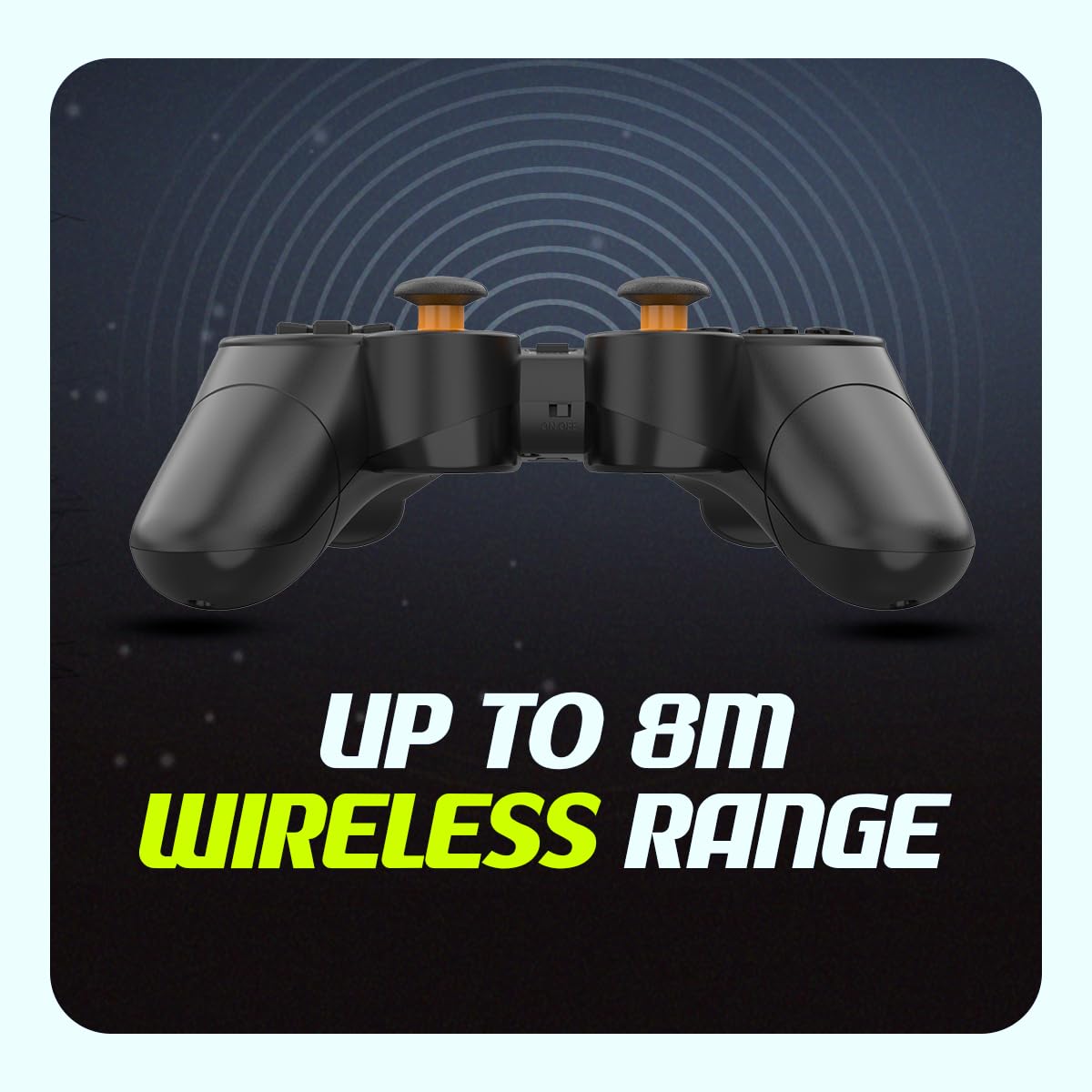
Image: The compact USB wireless receiver, ready to be plugged into a PC.
3. Piztu/Itzaltzea
- To power on the controller, ensure batteries are installed and slide the ON/OFF switch located on the top edge of the controller to the "ON" position.
- To power off the controller, slide the ON/OFF switch to the "OFF" position.
Irudia: Gertuko planoa view of the controller's top edge, highlighting the ON/OFF switch for easy power management.
Funtzionamendu-argibideak
Haririk gabeko konexioa
The Cosmic Byte Nexus controller utilizes 2.4GHz wireless technology, providing a stable connection with a range of up to 8 meters from the USB receiver. Ensure no significant obstructions are between the controller and the receiver for optimal performance.
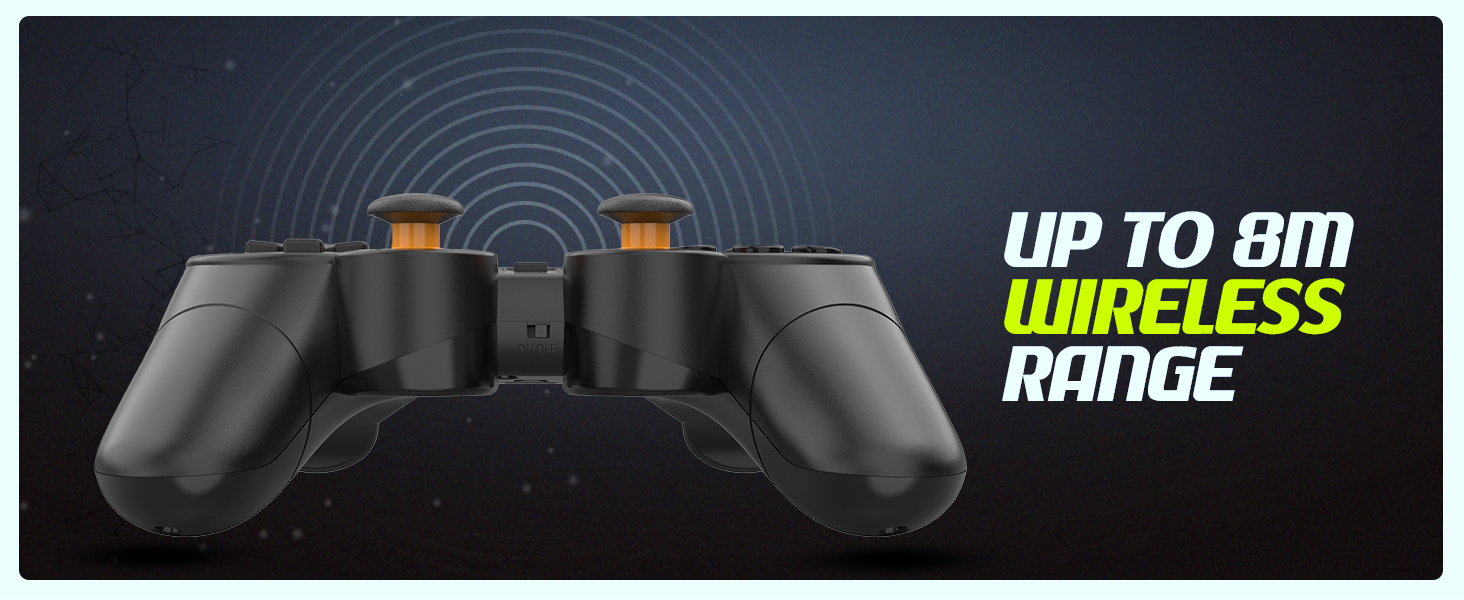
Image: Visual representation of the controller's wireless range, indicating connectivity up to 8 meters.
Kontrolatzailearen diseinua eta funtzioak
The controller features a standard gamepad layout with responsive buttons and sensitive analog triggers for precise control.
- Norabide-panel-a (D-Pad): Norabideko sarrerarako.
- Ezkerreko/eskuineko analogikoen makilak: 360 graduko mugimendua eta kameraren kontrola lortzeko.
- Ekintza botoiak (A, B, X, Y): Joko barruko ekintzetarako.
- Sorbaldako botoiak (L1, R1) eta abiarazleak (L2, R2): For additional in-game functions. The triggers are designed for sensitive input.
- HAUTATZEKO/ATZERAKO botoia: Typically used for menu navigation or specific game functions.
- HASI botoia: Typically used for pausing games or accessing menus.
- MODE botoia: May switch between different input modes (e.g., X-Input/D-Input) if supported by the controller.

Irudia: Xehetasun handikoa view of the controller's front, highlighting the various buttons, D-pad, and analog sticks.
Bibrazio bikoitzeko motorrak
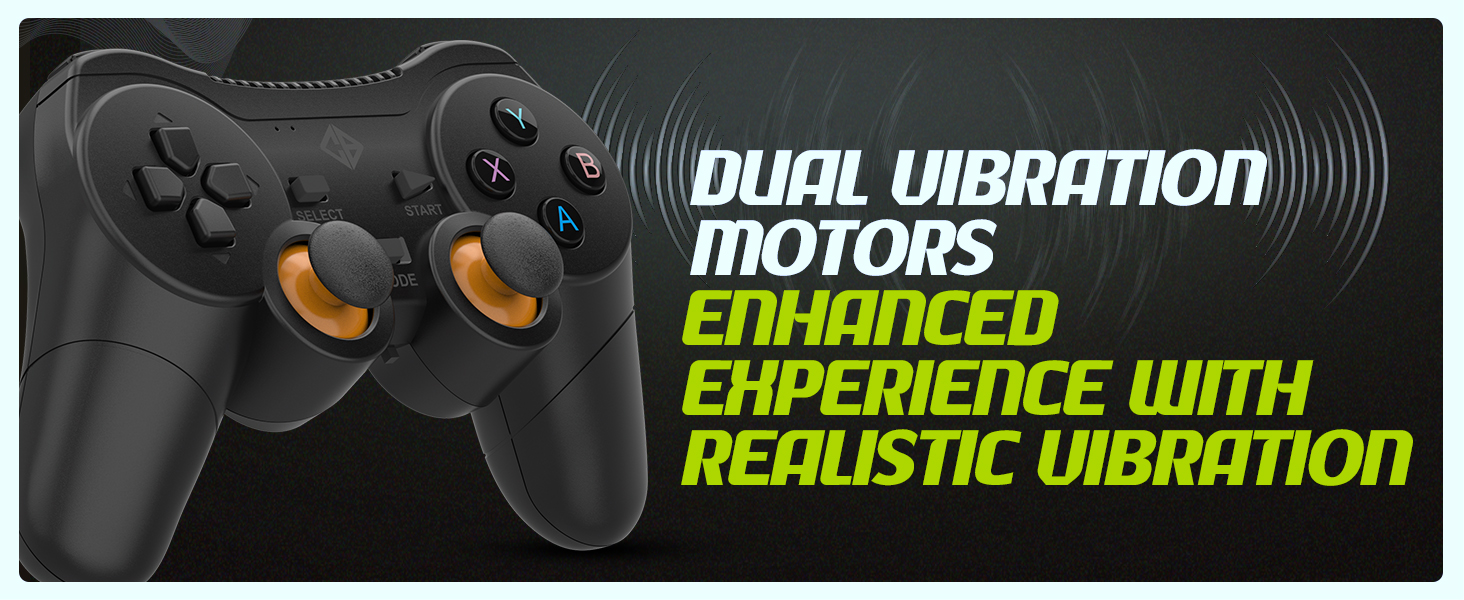
The controller is equipped with dual vibration motors that provide immersive feedback, enhancing your gaming experience by reacting to in-game events such as explosions, crashes, or impacts.
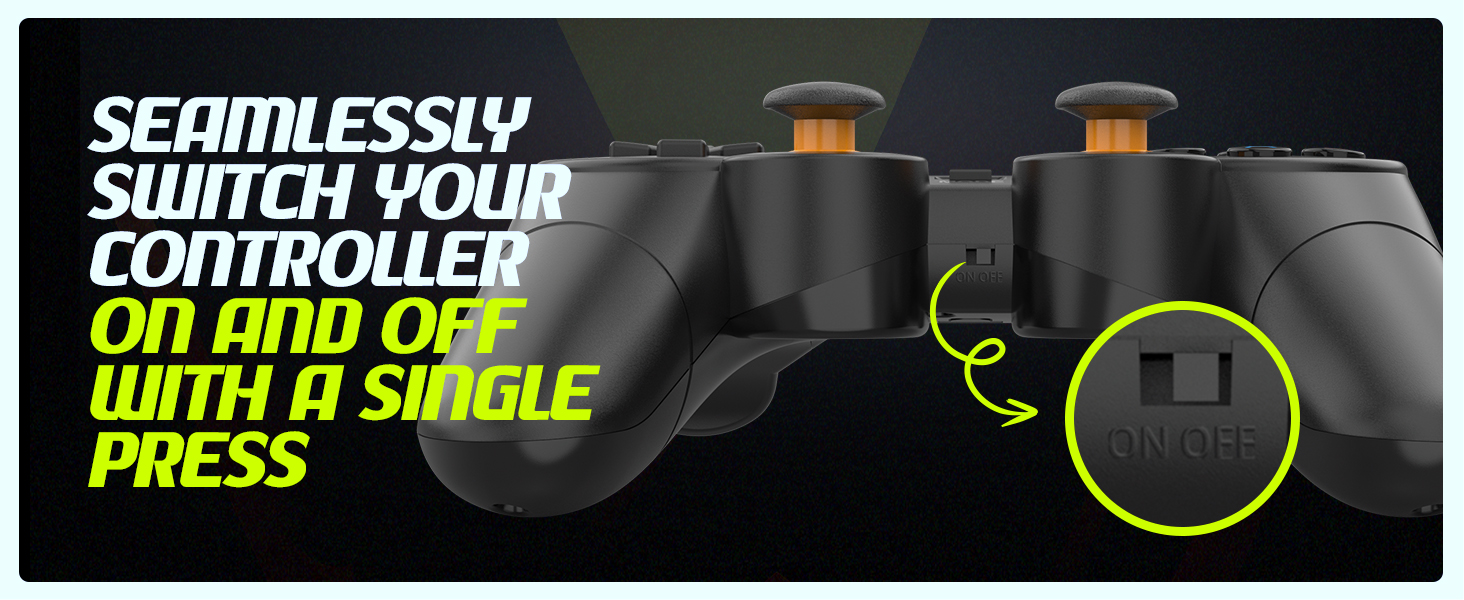
Image: Controller with visual cues indicating the presence and function of dual vibration motors.
X-Input and D-Input Support
The Cosmic Byte Nexus controller supports both X-Input and D-Input modes, ensuring broad compatibility with a wide range of PC games. X-Input is the standard for modern PC games, while D-Input provides compatibility with older titles.
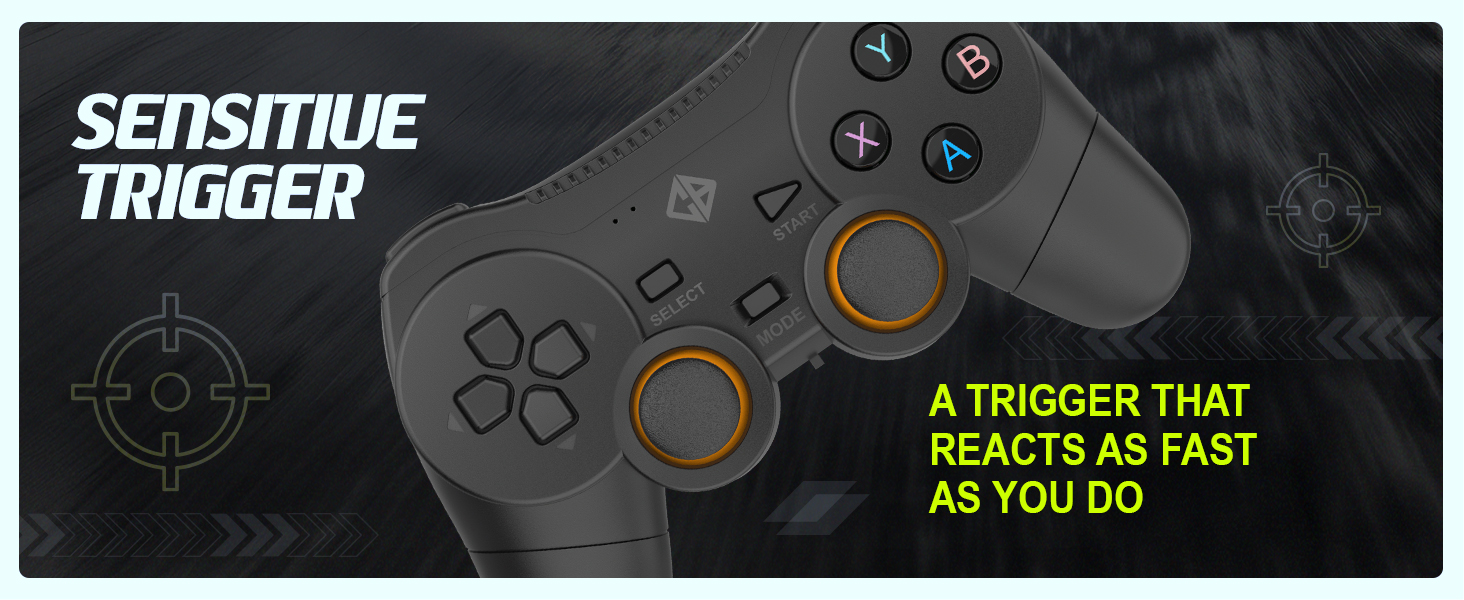
Image: Controller with text indicating support for X-Input and D-Input for seamless compatibility.
Mantentzea
Bateria ordezkatzea
When the controller's performance degrades or it fails to power on, it is time to replace the AAA batteries. Follow the battery installation steps outlined in the "Setup Guide" section.
Tip: Consider using rechargeable AAA batteries for an eco-friendly and cost-effective solution.
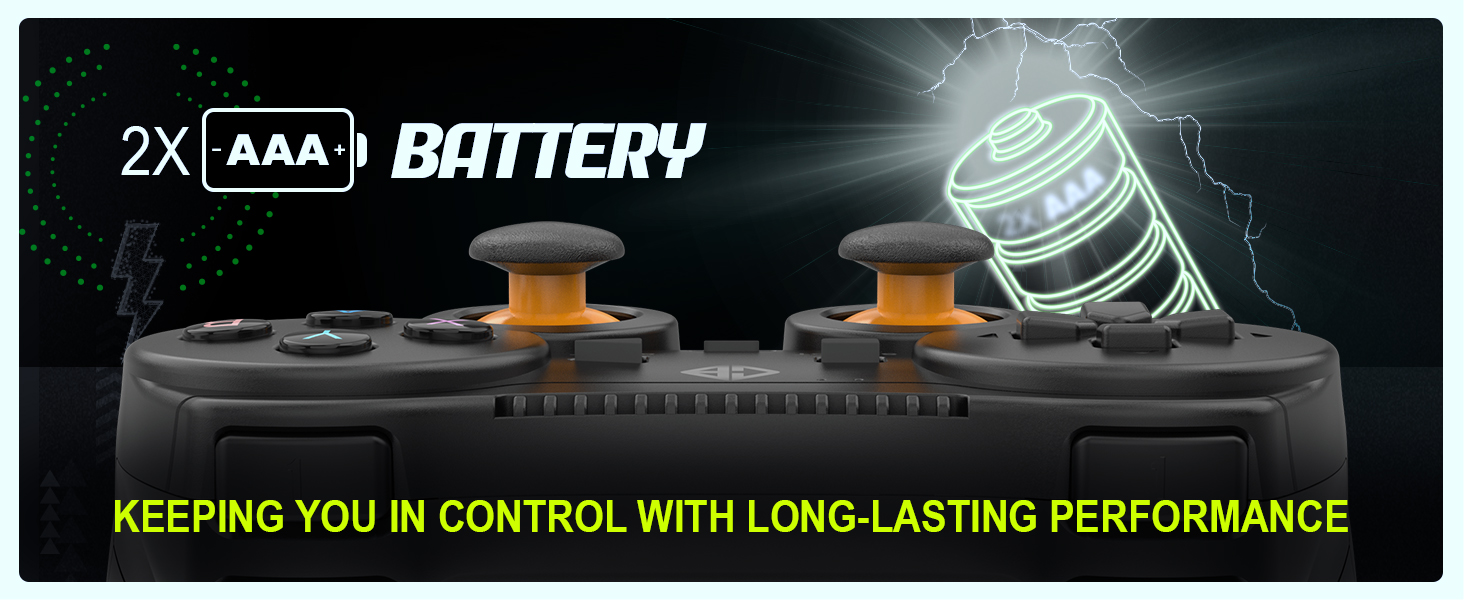
Image: Controller with an illustration of AAA batteries, emphasizing long-lasting performance.
Garbiketa
Kontrolagailua garbitzeko, erabili zapi leun eta lehor bat. Zikinkeria egoskorra bada, garbitu zapi pixka bat.amp cloth can be used, but ensure no moisture enters the device. Avoid using harsh chemicals or abrasive cleaners.
Arazoak konpontzea
| Arazoa | Kausa posiblea | Irtenbidea |
|---|
| Kontrolagailua ez da pizten. | Bateriak hilda edo gaizki instalatuta. | Replace batteries with fresh AAA batteries, ensuring correct polarity. Check the ON/OFF switch is in the "ON" position. |
| Controller not connecting to PC. | USB receiver not properly inserted or driver issue. | Ensure the USB receiver is fully inserted into a working USB port. Try a different USB port. Restart your PC. |
| Input lag or dropped connection. | Interference or distance from receiver. | Reduce distance between controller and receiver. Remove any large metallic objects or other wireless devices that may cause interference. Ensure batteries are not low. |
| Bibrazioak ez du funtzionatzen. | Game does not support vibration or feature is disabled. | Check in-game settings to ensure vibration feedback is enabled. Verify the game supports controller vibration. |
| Buttons or analog sticks unresponsive/inaccurate (e.g., "stick drift"). | Wear and tear, or manufacturing defect. | Ensure the controller is clean. If issues persist, contact customer support for further assistance. |
Zehaztapenak
| Ezaugarri | Xehetasuna |
|---|
| Marka | Byte kosmikoa |
| Ereduaren izena | Nexus |
| Konektibitate Teknologia | Haririk gabeko (2.4 GHz) |
| Gailu bateragarriak | PC (Windows) |
| Kontrolagailu mota | Gamepad |
| Energia iturria | 2 x AAA bateria (ez daude barne) |
| Elementuaren pisua | 100 g |
| Produktuaren neurriak (LxWxH) | 12 x 8 x 4 cm |
| Jatorrizko Herrialdea | Txina |
Bermea eta Laguntza
For warranty information, technical support, or service inquiries, please refer to the contact details provided with your purchase documentation or visit the official Cosmic Byte webgunea. Gorde erosketa-agiria erosketaren frogagiri gisa.
Fabrikatzailea / Inportatzailea: Cosmic Byte, Prakash Warehousing, S. No.163, Hissa No 1-2-3-4-5A-5B/2/1, Phursungi, Pune 412308, Maharashtra, India


