1. Sarrera
Welcome to the user manual for your new SKYWORTH 86X8700G 86 Inch Google TV. This television is designed to provide an exceptional visual and audio experience, featuring advanced MiniLED display technology, a high 144Hz variable refresh rate, and a powerful 2.1.2 channel audio system with Dolby Atmos. Powered by Google TV, it offers seamless access to streaming services, integrated Chromecast, and hands-free voice control. This manual will guide you through the setup, operation, maintenance, and troubleshooting of your television to ensure optimal performance and enjoyment.

Amaituview of the SKYWORTH 86X8700G 86 Inch Google TV's key features.
2. Segurtasun informazioa
Mesedez, irakurri arretaz segurtasun-jarraibide guztiak telebista erabili aurretik. Gorde eskuliburu hau etorkizunean erreferentzia gisa.
- Elikatze-iturria: Ziurtatu elikadura hornidura boltage matches the rating label on the TV.
- Aireztapena: Ez blokeatu aireztapen-irekidurak. Mantendu nahikoa leku telebistaren inguruan aire-fluxu egokia lortzeko.
- Ura eta hezetasuna: Ez jarri telebista euripean edo hezetasunean. Ez jarri likidoz betetako objekturik telebistaren gainean.
- Bero iturriak: Keep the TV away from heat sources such as radiators, heat registers, stoves, or other apparatus that produce heat.
- Garbiketa: Deskonektatu telebista hormako entxufetik garbitu aurretik. Erabili zapi leun eta lehor bat. Ez erabili garbitzaile likidorik edo aerosol garbitzailerik.
- Muntaketa: If wall-mounting, ensure the wall mount is suitable for the TV's weight and installed by qualified personnel.
- Haurrak: Supervise children to ensure they do not climb on the TV or stand.
3. Paketearen edukia
Egiaztatu elementu guztiak paketean daudela:
- SKYWORTH 86X8700G 86 Inch Google TV
- Urruneko Kontrola
- TV Stand (Base)
- Elikatze kablea
- Erabiltzailearen eskuliburua (dokumentu hau)
- Hasierako gida azkarra
- Euskarri muntaketarako torlojuak
4. Konfigurazioa
4.1 Physical Setup (Stand Assembly)
- Kontu handiz jarri telebista aurpegia behera gainazal bigun eta lau batean, pantaila kaltetu ez dadin.
- Attach the stand base to the TV using the provided screws. Ensure the stand is securely fastened.
- With assistance, carefully lift the TV to an upright position and place it on a stable, level surface.
4.2 Konexioak
Connect your devices to the TV using the appropriate ports. The TV supports multiple HDMI 2.1 ports for high-speed connectivity.
Atzekoa view telebistaren konexio-atakak.
- Potentzia: Konektatu elikatze-kablea telebistara eta gero hormako entxufe batera.
- HDMI: Connect external devices (e.g., gaming consoles, Blu-ray players) to the HDMI 2.1 ports.
- Antena/Kablea: Connect your antenna or cable TV signal to the DVB tuner input.
- Ethernet (LAN): Interneteko konexio egonkor bat lortzeko, konektatu Ethernet kable bat LAN atakara.
- USBa: Konektatu USB biltegiratze gailuak multimedia erreproduzitzeko.
- Audio irteera: Use optical or HDMI eARC for external sound systems.
4.3 Hasierako piztea
After connecting all necessary cables, plug in the TV. Follow the on-screen instructions to complete the initial setup, including network connection (Wi-Fi or Ethernet), Google account login, and channel scanning.
5. Zure telebista funtzionatzea
5.1 Urruneko kontrola baino gehiagoview
The remote control allows you to navigate the Google TV interface, adjust settings, and control playback. Familiarize yourself with the button layout for easy operation.
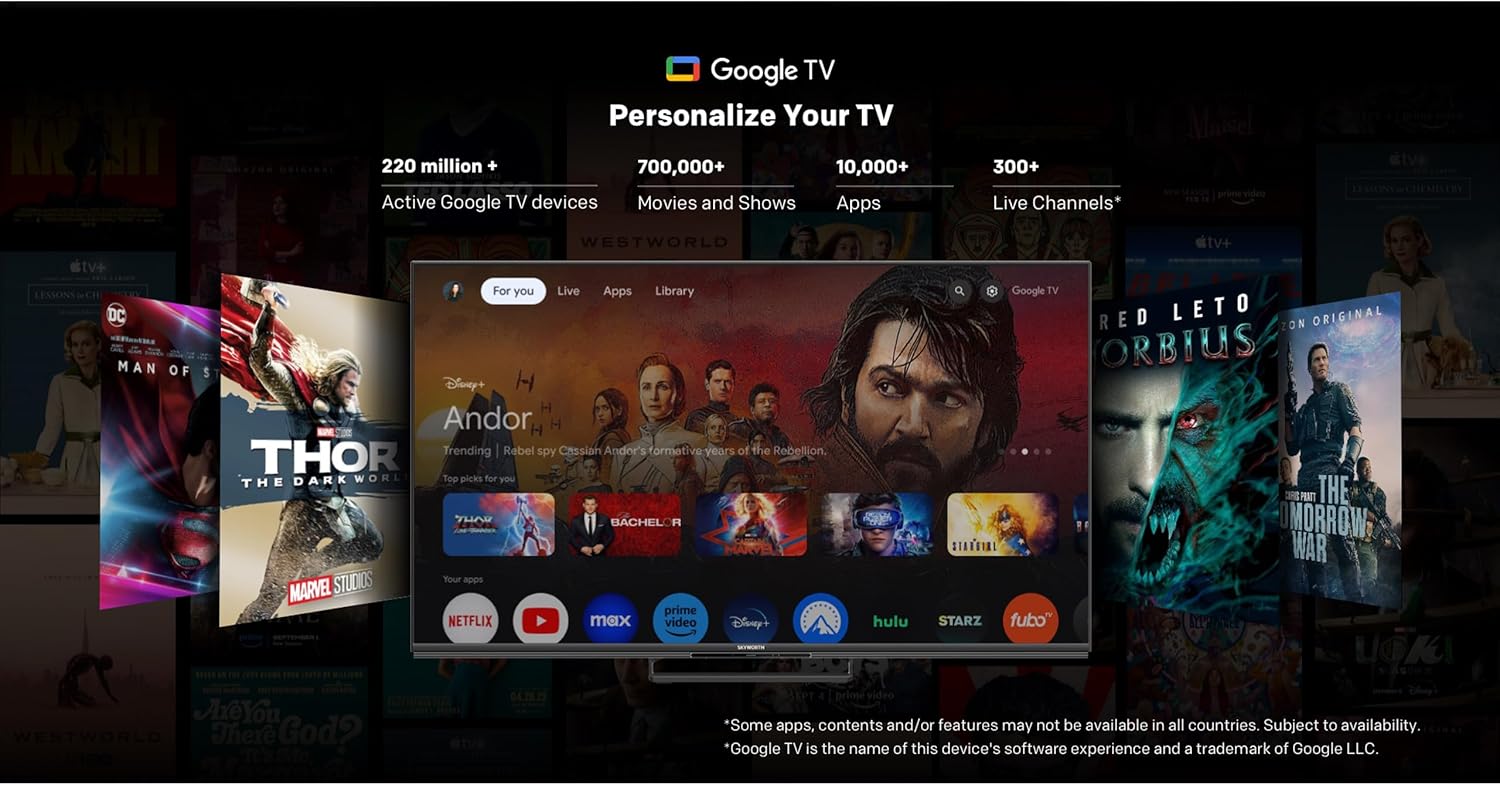
5.2 Google TV interfazea
Your SKYWORTH TV runs on Google TV, providing a personalized home screen with content recommendations, access to popular streaming apps, and integrated Google Assistant.

The Google TV interface for easy content discovery.
- Hasierako pantaila: Access your favorite apps, movies, and shows.
- Google Laguntzailea: Use hands-free voice commands to search for content, control smart home devices, and get information.
- Chromecast integratua: Edukia zure telefonotik edo tabletetik zuzenean telebistara igorri.
- App Store: Download additional apps from the Google Play Store.
5.3 Irudi ezarpenak
Optimizatu zure viewing experience with the advanced picture technologies of your TV.
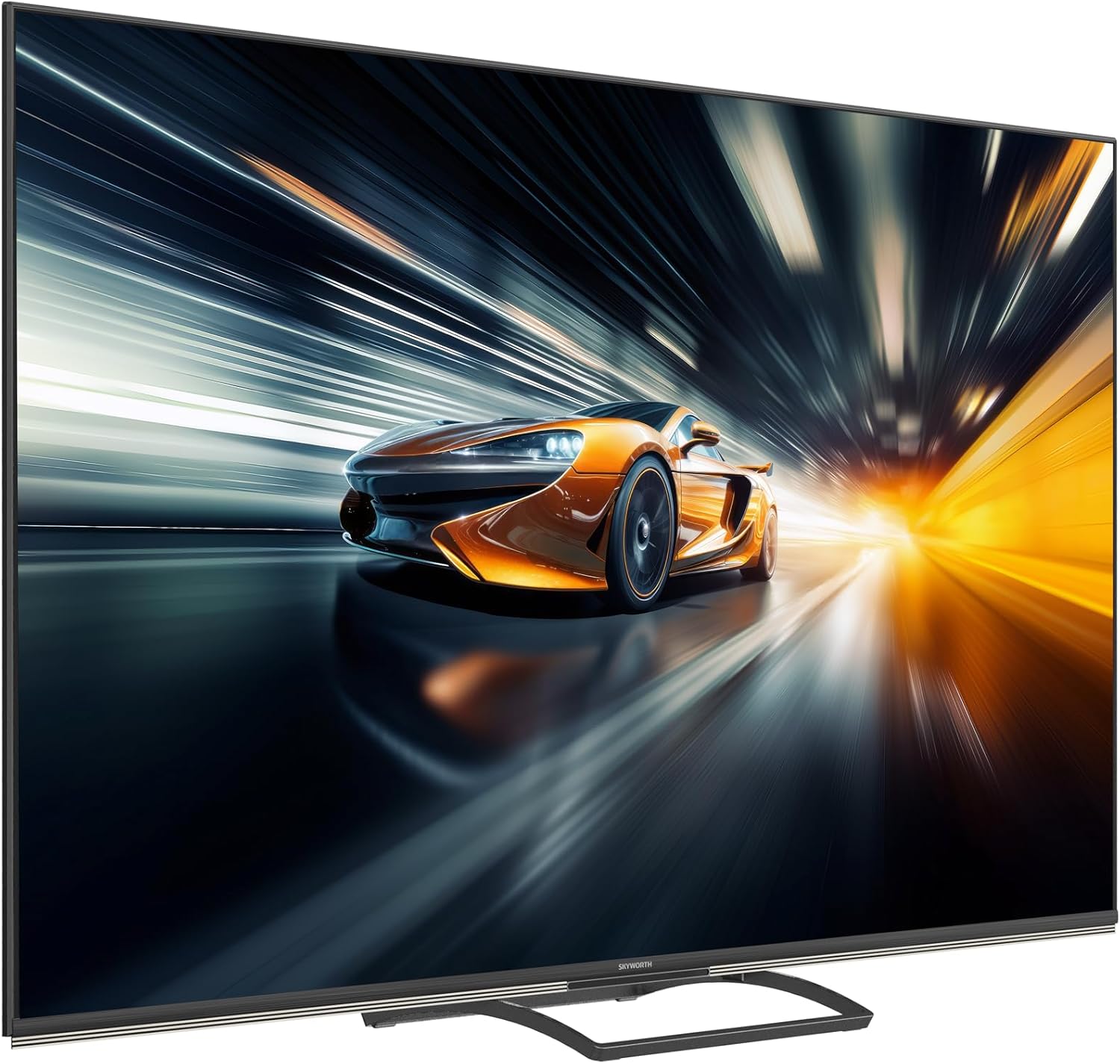
QD-Mini LED technology for stunning visuals.
AI Picture enhancements for resolution, contrast, clarity, and color.
- MiniLED Display: Enjoy superior brightness, contrast, and color accuracy with precise local dimming.
- Dolby Vision eta HDR 10+: Experience content with expanded contrast and a wider range of colors.
- AI Irudia: The TV intelligently optimizes picture quality for various content types, enhancing resolution, contrast, clarity, and color.
5.4 Soinu ezarpenak
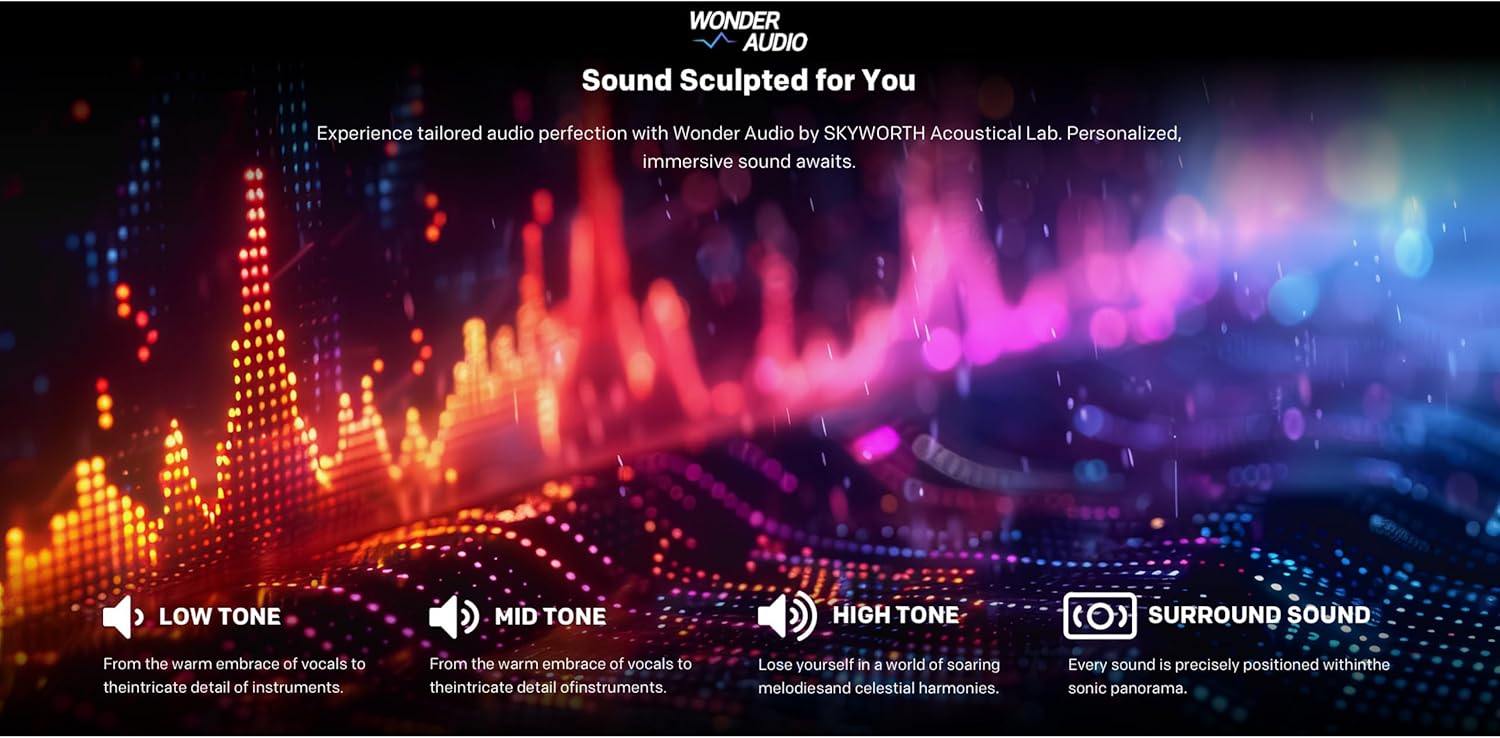
Immerse yourself in rich, dynamic audio with the TV's integrated sound system.

Wonder Audio for a sculpted sound experience.
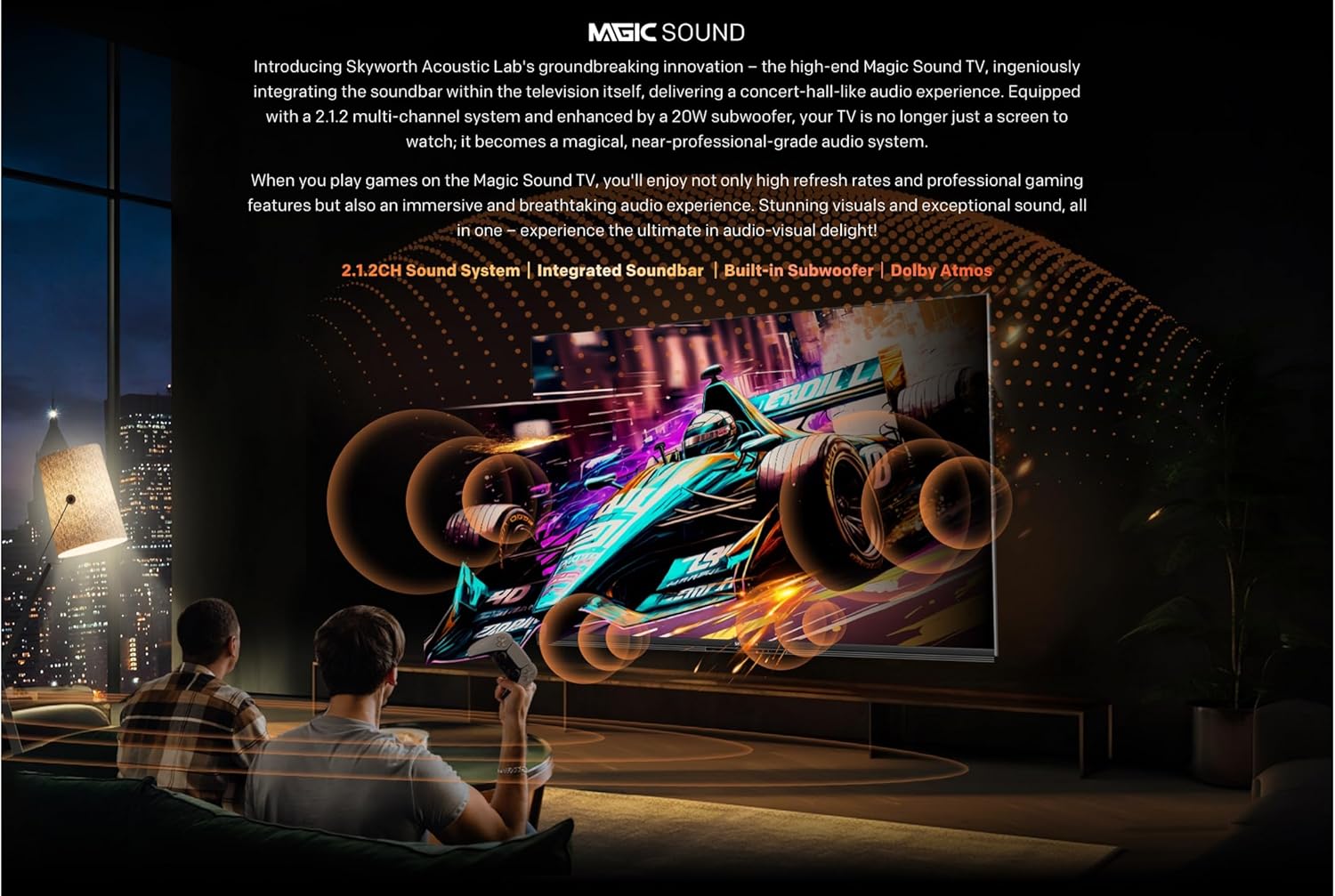
Integrated soundbar with multiple speakers.

Audio Drum for deep, room-filling bass.
- 2.1.2 kanaleko audioa: Enjoy a powerful 50W sound output through strategically placed speakers.
- Dolby Atmos: Experience multi-dimensional sound that flows around you.
- Integrated Subwoofer: Delivers deep, impactful bass for a cinematic audio experience.
5.5 Jokoen Ezaugarriak
The 86X8700G is optimized for gaming with features designed for smooth, responsive gameplay.

Gaming features for an enhanced experience.
- 144Hz-ko freskatze-tasa aldakorra (VRR): Ensures ultra-smooth motion and eliminates screen tearing.
- HDMI2.1: Supports high bandwidth for 4K@144Hz gaming.
- Joko modua: Automatically optimizes settings for gaming, reducing input lag.
- Latentzia baxuko modu automatikoa (ALLM): Automatically switches to the lowest latency setting when a game console is detected.
5.6 Ezaugarri adimendunak
Leverage the intelligence of Google TV for a connected and convenient experience.
- Esku libreko ahots kontrola: Control your TV and smart home devices using just your voice.
- Aurkitu nire urrunekoa: A convenient feature to locate your remote control.
- Dual Wi-Fi & Bluetooth 5.1: Reliable wireless connectivity for streaming and accessories.
- 32GB Storage & 3GB RAM: Ample space for apps and smooth multitasking.
6. Mantentzea
Mantentze egokiak zure telebistaren iraupena eta errendimendu optimoa bermatzen ditu.
- Pantaila garbitzea: Garbitu pantaila astiro-astiro zapi leun eta pelusik gabeko batekin. Orban egoskorrak izanez gero, erabili pantailarako garbiketa-soluzio espezifikoa zapian aplikatuta, ez zuzenean pantailan.
- Armairuen garbiketa: Erabili zapi leun eta lehor bat telebistaren armairua garbitzeko.
- Hautsa botatzea: Aldian-aldian, hautsa kendu aireztapen-irekiduretatik gehiegi berotzea saihesteko.
- Elikatze kablea: Inspect the power cord periodically for any damage. If damaged, contact customer support for replacement.
- Software eguneraketak: Ensure your TV's software is up to date for the best performance and latest features. Updates are usually automatic via Wi-Fi.
7. Arazoak
Telebistarekin arazoak badituzu, jo ezazu ohiko irtenbide hauetara:
| Arazoa | Kausa posiblea | Irtenbidea |
|---|---|---|
| Botererik ez | Kable elektrikoa deskonektatuta; Entxufea akastuna | Egiaztatu kablearen konexioa; Saiatu beste entxufe batekin. |
| Irudirik ez, soinua bakarrik | Incorrect input source; Backlight issue | Verify input source; Contact support if issue persists. |
| Soinurik ez, irudia bakarrik | Volume muted/low; External audio system issue | Increase volume; Check external audio connections. |
| Urruneko kontrola ez dabil | Bateriak agortuta; Oztopoa; Urrutiko agintea irismenetik kanpo | Replace batteries; Remove obstructions; Move closer to TV. |
| Sareko konexio arazoak | Wi-Fi signal weak; Router issue; Incorrect password | Check Wi-Fi signal strength; Restart router; Re-enter password. |
For more complex issues, please refer to the full troubleshooting guide on the manufacturer's webwebgunean edo jarri harremanetan bezeroarentzako laguntzarekin.
8. Zehaztapenak
Detailed technical specifications for the SKYWORTH 86X8700G 86 Inch Google TV:
- Eredua: 86X8700G
- Marka: SKYWORTH
- Pantailaren tamaina: 86 hazbete
- Bistaratzeko teknologia: Mini LED
- Ebazpena: 4K UHD (3840 x 2160)
- Freskatze-tasa: 144Hz Variable Refresh Rate (VRR)
- HDR euskarria: Dolby Vision, HDR 10+
- Sistema eragilea: Google TV
- Barne biltegiratzea: 32 GB
- RAM: 3 GB
- Audio-sistema: 2.1.2 Channel, 50W Total Output
- Audio Teknologiak: Dolby Atmos, Audio Drum
- Konektibitatea: HDMI 2.1 (multiple ports), USB, Ethernet (LAN), Dual Wi-Fi, Bluetooth 5.1, DVB-C/T/T2/S2 Tuner
- Ezaugarri bereziak: Hands-free Voice Control, Google Assistant, Chromecast Built-in, Game Mode, Auto Low Latency Mode (ALLM), Find My Remote
- Aspektu-erlazioa: 16:9
- Produktuaren neurriak (W x D x H): 167.5 x 36.5 x 102 cm
- Pisua: 35 kg
- Jatorrizko herrialdea: Txina
9. Bermea eta Laguntza
Your SKYWORTH 86X8700G 86 Inch Google TV comes with a limited manufacturer's warranty. Please refer to the warranty card included in your package for specific terms and conditions, including coverage period and service procedures.
For technical support, service inquiries, or to purchase replacement parts, please contact SKYWORTH customer service through their official webgunea edo bermearen dokumentazioan emandako harremanetarako informazioa.
Sareko baliabideak:
- Visit the official SKYWORTH webMaiz egiten diren galderen, softwarearen eguneraketen eta laguntza-baliabide gehigarrien gunea.
- Check the Google TV support pages for assistance with smart features and apps.


