Sarrera
The NVD RTX PRO 6000 Blackwell is a state-of-the-art professional workstation graphics card engineered for demanding applications in artificial intelligence, complex design, advanced simulation, and high-end engineering. Featuring 96GB of GDDR7 ECC memory, 4th Gen RT Cores, and 5th Gen Tensor Cores, this GPU delivers unparalleled performance and efficiency for critical workloads.
Konfigurazio Gida
1. Desontziratzea eta ikuskatzea
Carefully remove the graphics card from its packaging. Inspect the card for any visible damage. Ensure all accessories, if any, are present. This product is supplied in bulk OEM packaging.
2. Sistemaren eskakizunak
- PCIe Gen 5 x16 slot on your motherboard.
- Power supply unit capable of delivering sufficient power, supporting up to 600W for the graphics card.
- Compatible operating system (e.g., Windows 10/11, Linux).
- Sufficient case airflow for optimal cooling.
3. Instalazio fisikoa
- Power off your computer and disconnect the power cable.
- Ireki zure ordenagailuaren kaxa.
- Locate an available PCIe Gen 5 x16 slot.
- Remove the necessary expansion slot covers from your case.
- Kontu handiz lerrokatu grafiko-txartela PCIe zirrikituarekin eta sakatu ondo ondo sartu arte. Ziurtatu plaka baseko atxikipen-klipak klik egiten duela.
- Lotu txartel grafikoa kaxari torlojuekin.
- Connect the required power cables from your power supply to the graphics card. The RTX PRO 6000 Blackwell requires significant power; ensure all necessary connectors are used.
- Itxi ordenagailuaren zorroa.
4. Pantailak konektatzea
The RTX PRO 6000 Blackwell features DisplayPort 2.1 outputs. Connect your monitors to the DisplayPort outputs on the graphics card. This interface supports high resolutions up to 8K at 240 Hz and 16K at 60 Hz.
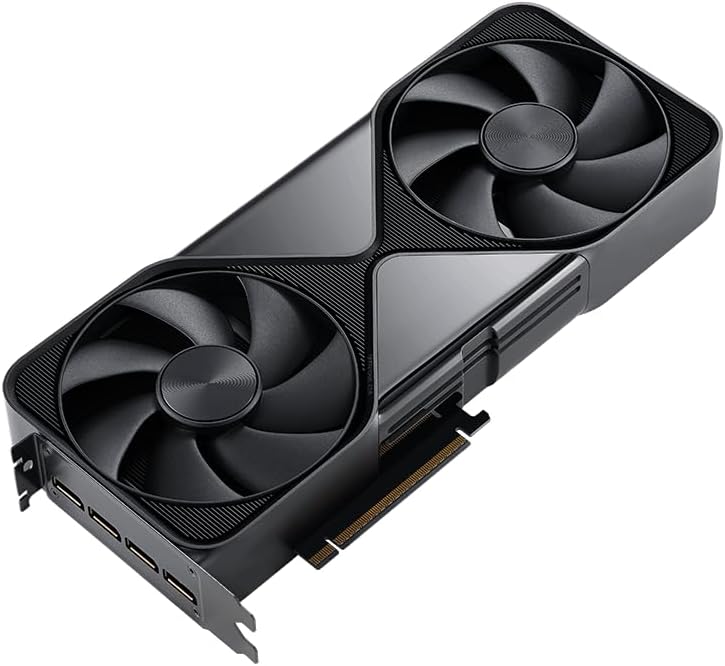
1. irudia: Angeludun view of the NVD RTX PRO 6000 Blackwell Graphics Card, highlighting the DisplayPort 2.1 outputs for high-resolution display connections.
5. Gidariaren instalazioa
- Piztu ordenagailua.
- Download the latest drivers for the NVD RTX PRO 6000 Blackwell from the official NVD webgunea.
- Jarraitu pantailan agertzen diren argibideei kontrolatzailearen instalazioa osatzeko. Baliteke sistema berrabiarazi behar izatea.
Txartel grafikoaren funtzionamendua
Once installed and drivers are updated, the RTX PRO 6000 Blackwell is ready for operation. This card is optimized for professional applications requiring significant computational power.
Funtsezko Ezaugarriak eta Errendimendua
- NVIDIA Blackwell Streaming Multiprocessor (SM): Features increased processing throughput and neural shaders for advanced AI and graphics rendering.
- DLSS 4: Utilizes Multi Frame Generation for ultra-smooth frame pacing, ideal for lifelike simulations.
- 5. belaunaldiko tentsore nukleoak: Delivers up to 3X performance improvement over previous generations, with FP4 precision support for faster AI model processing and reduced memory usage, enabling local fine-tuning of LLMs and generative AI.
- 4th Gen Ray Tracing Cores: Doubles the ray-triangle intersection rate, enabling photorealistic, physically accurate scenes and immersive 3D designs with RTX Mega Geometry, supporting up to 100X more ray-traced triangles.
- 96 GB GDDR7 ECC Memory: Provides 1.8 TB/s bandwidth, allowing the card to handle massive 3D and AI projects, fine-tune AI models locally, explore large-scale VR environments, and manage extensive multi-application workflows.
- Universal MIG (Multi-Instance GPU): Allows a single RTX PRO 6000 Blackwell to be divided into multiple isolated instances, each with dedicated resources. This enables concurrent execution of multiple workloads, optimized GPU utilization, and secure isolation for different applications or users.
Hozte Sistema
The RTX PRO 6000 Blackwell incorporates a Double-Flow-Through cooling design. This design optimizes efficiency and airflow to maintain peak performance, even under sustained 600W power loads. Ensure adequate case ventilation to support this cooling system.
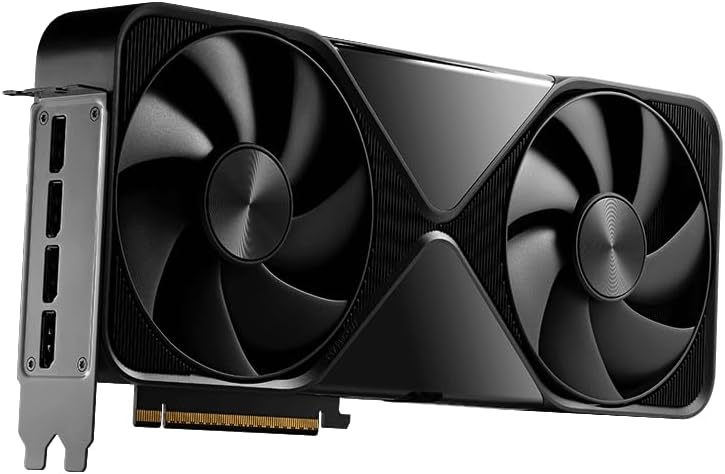
2. irudia: Aldea view of the NVD RTX PRO 6000 Blackwell Graphics Card, showcasing its Double-Flow-Through cooling design with dual fans.

3. irudia: Aurrealdea view of the NVD RTX PRO 6000 Blackwell Graphics Card, highlighting the efficient dual fan cooling system.
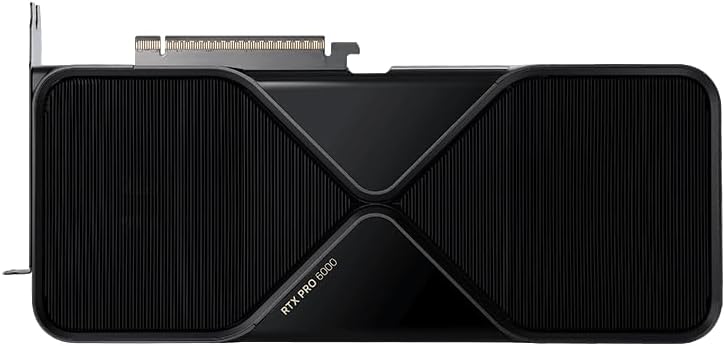
4. irudia: Goikoa view of the NVD RTX PRO 6000 Blackwell Graphics Card, clearly displaying the 'RTX PRO 6000' model designation.
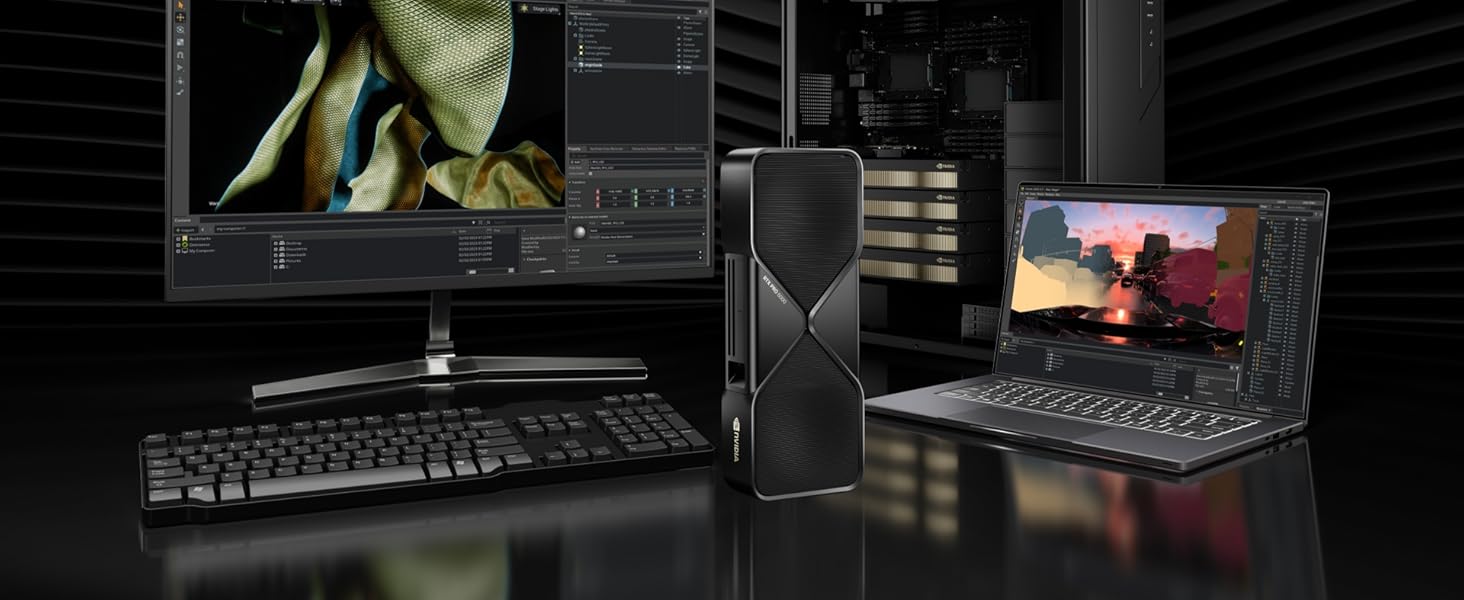
5. irudia: Adibample workstation setup demonstrating the NVD RTX PRO 6000 Blackwell Graphics Card integrated into a high-performance computing environment.
Mantentzea
To ensure the longevity and optimal performance of your RTX PRO 6000 Blackwell graphics card, regular maintenance is recommended.
- Hautsa kentzea: Aldian-aldian garbitu hautsa haizagailuetatik eta bero-hustugailutik aire konprimitua erabiliz. Ziurtatu sistema itzalita eta deskonektatuta dagoela garbitu aurretik.
- Aire-fluxua: Ensure your computer case has good airflow to prevent heat buildup. Keep the area around your computer clear of obstructions.
- Gidarien eguneraketak: Regularly check the official NVD webbateragarritasuna eta errendimendua hobetzea bermatzeko azken gidarien eguneraketak lortzeko gunea.
Arazoak konpontzea
Ez dago pantaila-irteerarik
- Verify that the monitor cables are securely connected to the graphics card and the monitor.
- Ziurtatu txartel grafikoa PCIe zirrikituan guztiz sartuta dagoela.
- Confirm that all necessary power cables are connected to the graphics card from the power supply.
- Egiaztatu zure monitorearen sarrera-iturri zuzena konfiguratuta dagoen.
- Try connecting to a different display output on the card or a different monitor if available.
Performance Issues / Overheating
- Ensure your system drivers are up to date.
- Check for dust buildup on the graphics card fans and heatsink. Clean if necessary.
- Verify that your computer case has adequate ventilation and that case fans are functioning correctly.
- Monitor GPU temperatures using system monitoring software. If temperatures are consistently high, consider improving case airflow or professional assistance.
- Ensure your power supply unit meets the recommended wattage for your system, especially under load.
Zehaztapenak
| Ezaugarri | Zehaztapena |
|---|---|
| Koprozesadore grafikoa | RTX PRO 6000 Blackwell |
| Chipset marka | NVD |
| Txartel grafikoaren RAM tamaina | 96 GB |
| RAM grafiko mota | GDDR7 |
| Hardware Plataforma | PC |
| Elementuaren pisua | 4 kilo |
| Paketearen neurriak | 15 x 7 x 5 hazbete |
| Bideo Irteerako Interfazea | DisplayPort 2.1 |
| Energia-kontsumoa (gehienez) | Gehienez 600W |
| PCIe Interfazea | PCIe Gen 5 |
Bermearen informazioa
The NVD RTX PRO 6000 Blackwell Graphics Card comes with a 3 urteko fabrikatzailearen bermea. Please retain your proof of purchase for warranty claims. This warranty covers defects in materials and workmanship under normal use. It does not cover damage caused by accident, misuse, unauthorized modification, or improper installation.
Laguntza
For technical support, driver downloads, or further assistance, please visit the official NVD website or contact Empowered PC customer service. Ensure you have your product model and serial number available when seeking support.


