1. Sarrera
This manual provides essential information for setting up, operating, maintaining, and troubleshooting your Roku Smart TV 2025 – 24-Inch Select Series 720p HD TV. Please read these instructions carefully before using your television.
The Roku Select Series HD TV offers a streamlined entertainment experience. It features bright HD picture quality, auto speech clarity, and a night mode. Access free live television directly from the home screen and utilize the voice remote for content discovery across various applications. This television is suitable for various rooms including bedrooms, living rooms, kitchens, or children's rooms.
2. Zer dago kutxan
Egiaztatu osagai guztiak ontzian daudela:
- Roku Select Series 24" HD TV
- Euskarriak eta torlojuak
- Roku Voice Remote with batteries
- Hasierako gida azkarra

Image: The Roku Select Series TV box contents, showing the television, remote, and stand components.
3. Konfigurazioa
3.1 Telebista-euskarriak lotzea
- Kontu handiz jarri telebistaren pantaila beherantz gainazal leun eta garbi batean, marradurak saihesteko.
- Lerrokatu euskarri bakoitza telebistaren behealdean dauden torloju-zuloekin.
- Lotu euskarriak emandako torlojuak erabiliz. Ziurtatu ondo estututa daudela.
3.2 Periferikoak konektatzea
Your Roku TV includes multiple ports for connecting external devices:
- HDMI atakak: Connect devices such as cable boxes, gaming consoles, or Blu-ray players. The HDMI 1 (ARC) port supports Audio Return Channel for simplified audio connections.
- USB ataka: For media playback from a USB drive or powering compatible devices.
- Antena/kable sarrera: Konektatu antena bat aireko emankizunetarako edo kable bidezko telebistarako konexiorako.
- Audio Irteera Optikoa: Soinu-barra edo audio-hargailu batera konektatzeko.
- AV sarrera: Bideo konposatu eta audio estereo kableak erabiliz gailu zaharragoak konektatzeko.

Image: Close-up of the back of the Roku TV, highlighting the HDMI, USB, optical, and AV input ports.
3.3 Hasierako piztea eta sareko konexioa
- Konektatu elikatze-kablea telebistara eta gero hormako entxufe batera.
- Insert the included AAA batteries into the voice remote.
- Sakatu urrutiko agintearen pizteko botoia telebista pizteko.
- Jarraitu pantailan agertzen diren argibideei zure hizkuntza hautatzeko, zure Wi-Fi sarera konektatzeko eta zure Roku kontua aktibatzeko.
4. Operating Your Roku TV
4.1 Ahots-urrutiko agintea erabiltzea
The Roku Voice Remote simplifies navigation and content search. It features dedicated buttons for popular streaming services and voice control capabilities.
- Ahots botoia: Press and hold to speak commands for searching content, launching apps, or controlling playback.
- Nabigazio Pad: Use the directional arrows and OK button to move through menus and select items.
- Aplikazioko lasterbideak: Dedicated buttons provide quick access to services like Netflix, Disney+, and Prime Video.
- Bolumen kontrolak: Adjust TV volume directly from the remote.
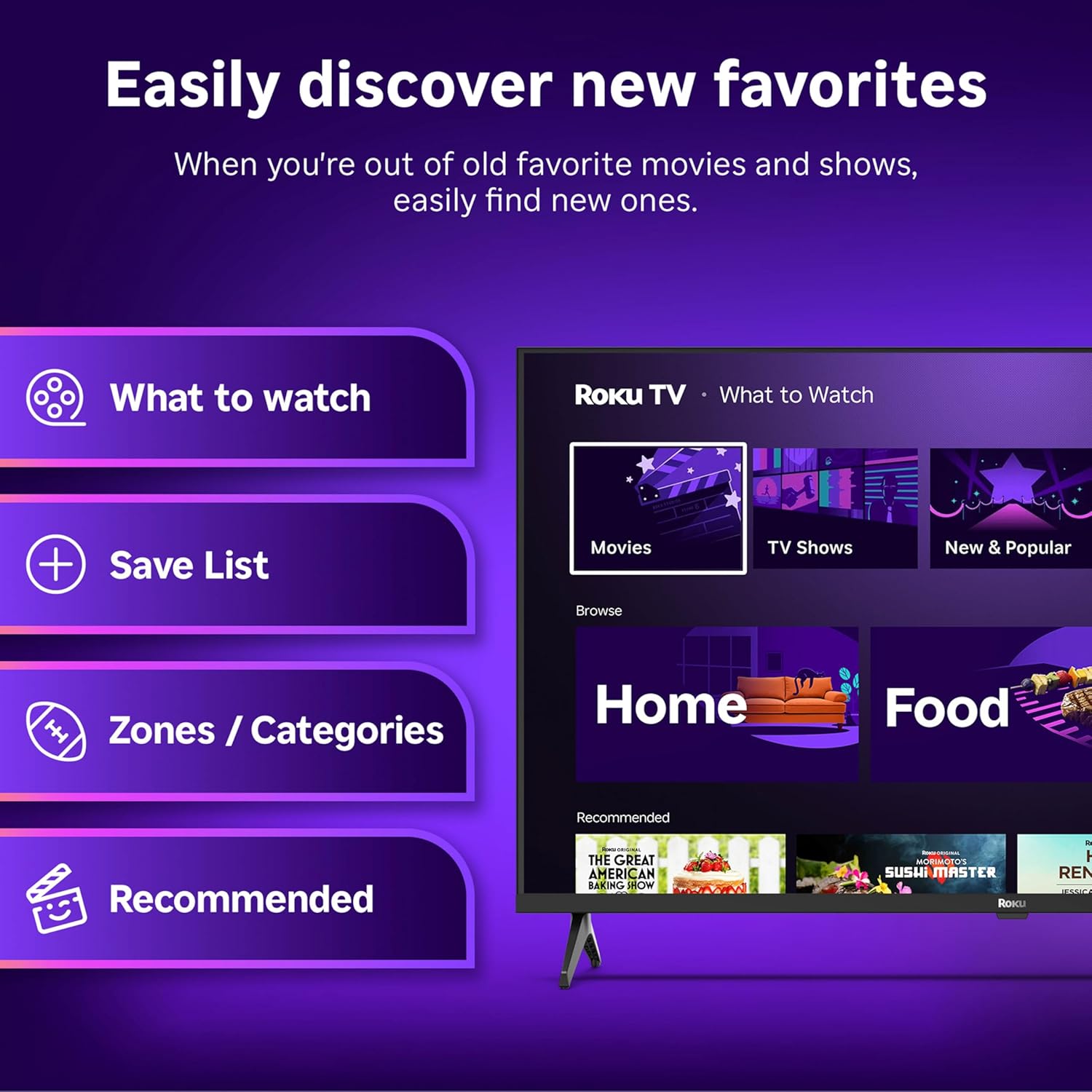
Image: The Roku Voice Remote, showing its layout and key functions.
4.2 Streaming and App Navigation
The Roku TV home screen provides quick access to all your streaming channels and inputs. You can customize the order of your apps for personalized access.
- Hasierako pantaila: Displays your installed apps, recommended content, and TV inputs.
- Streaming denda: Browse and add new streaming channels.
- Zuzeneko telebista: Access free live television channels directly from the home screen.
- Bilatu: Use the search function or voice remote to find movies, shows, actors, or directors across various services.

Image: The Roku TV user interface, showing the home screen with app tiles and menu options.
4.3 Irudi eta soinu ezarpenak
Your Roku TV features Smart Picture technology to optimize viewing and offers enhanced audio features.
- Smart Picture: Automatically adjusts picture settings based on the content being viewed (e.g., movie, sports, vivid, standard).
- Audio Clarity: Designed for clear speech and louder sound.
- Bluetooth entzungailuen modua: Connect your wireless headphones for private listening.

Image: A vibrant nature scene displayed on the Roku TV, demonstrating the clear picture quality.
4.4 Etxe Adimendunaren Integrazioa
The Roku TV integrates with various smart home ecosystems for convenient voice control and content sharing.
- Ahots kontrola: Compatible with Roku Voice, Siri, Alexa, and Google Assistant for hands-free operation.
- Apple AirPlay: Effortlessly share videos, photos, and music from your Apple devices to your TV.

Image: A Roku TV screen with a smart speaker nearby, illustrating voice control integration with smart home systems.
5. Mantentzea
5.1 Zure telebista garbitzea
- Deskonektatu beti telebista garbitu aurretik.
- Erabili zapi leun eta lihorik gabeko bat pantaila eta kabina astiro-astiro garbitzeko.
- Marka egoskorretarako, arinki garbituampGarbitu zapi bat urarekin edo pantaila-garbitzaile leun eta ez-urratzaile batekin. Ez ihinztatu inoiz garbitzailea zuzenean pantailan.
- Saihestu produktu kimiko gogorrak, zapi urratzaileak edo disolbatzaileak erabiltzea.
5.2 Software eguneraketak
Your Roku TV receives automatic software updates to provide new features and improve performance. Ensure your TV is connected to the internet to receive these updates.
6. Arazoak
If you encounter issues with your Roku TV, try the following basic troubleshooting steps:
- Potentziarik gabe: Ziurtatu kablea ondo konektatuta dagoela telebistara eta funtzionatzen duen entxufe batera. Saiatu beste entxufe batekin.
- Irudi/soinurik ez: Verify that the correct input source is selected. Check all cable connections (HDMI, AV, etc.) are secure.
- Urrunekoek ez dute erantzuten: Ordeztu urrutiko agintearen pilak. Ziurtatu ez dagoela oztoporik urrutiko agintearen eta telebistaren artean.
- Sareko konexio arazoak: Restart your Wi-Fi router. Go to the TV's network settings to reconnect to your Wi-Fi.
- Aplikazioa ez da kargatzen: Try restarting the app. If the issue persists, remove the app and reinstall it from the Streaming Store.
- Fabrikaren berrezarpena: As a last resort, a factory reset can resolve many software issues. This will erase all personal settings and installed apps. Access this option through the TV's Settings menu.
7. Zehaztapenak
| Ezaugarri | Zehaztapena |
|---|---|
| Marka | Roku |
| Modelo zenbakia | 24R2D5 |
| Pantailaren tamaina | 24 hazbete |
| Bistaratzeko Teknologia | LED |
| Ebazpena | 720p |
| Freskatze tasa | 60 Hz |
| Aspektu-erlazioa | 16:9 |
| Konektibitate Teknologia | Bluetooth konexioa, Wi-Fi |
| Ezaugarri bereziak | Bluetooth Headphone Mode, Dolby Audio, Voice Remote |
| Elementuaren pisua | 5.7 kilo |
| Produktuaren neurriak | 7 x 21.1 x 14.3 hazbete |
| Beharrezko bateriak | 2 AAA pila (urrutiko agintearentzat) |
8. Bermea eta Laguntza
For warranty information and technical support, please refer to the documentation included with your product or visit the official Roku support webgunea. Gorde erosketa-agiria berme-erreklamazioetarako.
Roku offers various support resources, including online FAQs, troubleshooting guides, and customer service contact options.


