Sarrera
This manual provides essential information for the setup, operation, maintenance, and troubleshooting of your Lenovo V15 (83CC0053IN) laptop. Please read this document thoroughly to ensure proper use and to maximize the lifespan of your device.
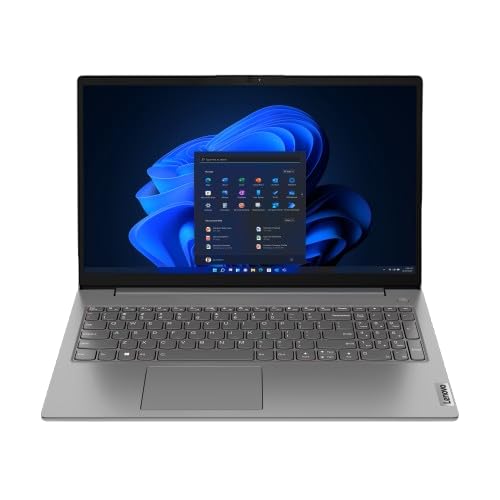
Image: The Lenovo V15 laptop, showcasing its full display and keyboard. The screen displays a graphical user interface, indicating a functional system.
Konfigurazioa
1. Deskargatzea
Kontu handiz atera osagai guztiak paketetik. Egiaztatu elementu hauek daudela:
- Lenovo V15 ordenagailu eramangarria
- Elikatze-moldagailua
- Erabiltzailearen eskuliburua (dokumentu hau)
2. Potentziara konektatzen
Connect the power adapter to the laptop's power input port and then plug the adapter into a grounded electrical outlet. The battery will begin charging automatically.
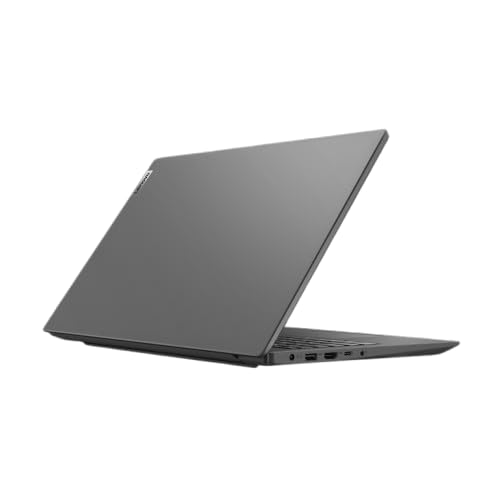
Irudia: Alboko profesional batfile of the Lenovo V15 laptop, highlighting the various ports available for connectivity, including the power input.
3. Initial Boot
Press the power button located on the keyboard deck to turn on the laptop. Since the laptop comes with DOS, you will need to install an operating system (e.g., Windows, Linux) to utilize its full functionality. Follow the on-screen prompts or your chosen operating system's installation guide.
Ordenagailu eramangarria erabiltzea
Piztu/Itzali
- Piztu: Sakatu pizteko botoia.
- Itzali: From your operating system, select the shutdown option. Alternatively, press and hold the power button for several seconds for a forced shutdown (use only when necessary).
Teklatua eta Touchpad
The laptop features a 6-row, spill-resistant keyboard with multimedia Fn keys and a numeric keypad. The buttonless Mylar surface multi-touch touchpad supports Precision TouchPad gestures.
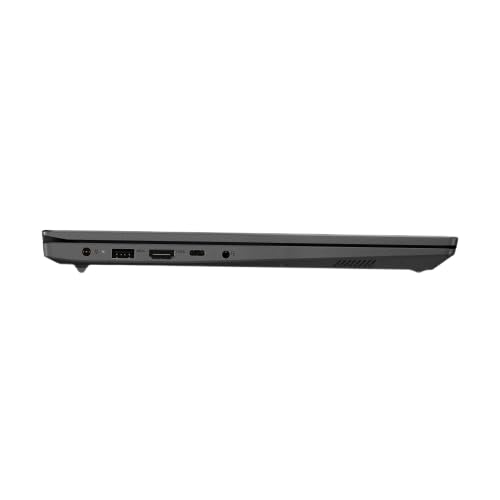
Irudia: Goitik behera argi eta garbi view of the Lenovo V15 laptop's keyboard, including the numeric keypad, and the integrated touchpad below.
Kanpoko gailuak konektatzea
The Lenovo V15 offers various ports for connecting peripherals:
- USB atakak: 1x USB 2.0, 1x USB 3.2 Gen 1, 1x USB-C 3.2 Gen 1 (supports data transfer, Power Delivery (20V only), and DisplayPort 1.2).
- HDMI: 1x HDMI 1.4b for connecting to external displays.
- Ethernet: 1x RJ-45 port for wired network connection.
- Audioa: 1x Headphone/microphone combo jack (3.5mm).
Mantentzea
Ordenagailu eramangarria garbitzea
- Erabili lipurrik gabeko zapi leun bat dampPantaila garbitzeko, urarekin edo pantaila-garbitzaile batekin garbitu.
- Teklatuarentzat eta xasisarentzat, erabili oihal leun bat. Saihestu produktu kimiko gogorrak edo material urratzaileak.
- Ziurtatu ordenagailu eramangarria itzalita eta deskonektatuta dagoela garbitu aurretik.
Bateria zaintzea
- Saihestu bateria maiz erabat deskargatzea.
- Denbora luzez erabiltzen ez baduzu, gorde ordenagailu eramangarria leku fresko eta lehor batean.
- Ez jarri bateria muturreko tenperaturetara.
Biltegiratzea
When storing the laptop, especially for long durations, ensure it is turned off and disconnected from power. Protect it from dust and extreme environmental conditions.
Arazoak konpontzea
This section addresses common issues you might encounter with your Lenovo V15 laptop.
Botererik ez
- Ziurtatu korronte-egokitzailea ondo konektatuta dagoela ordenagailu eramangarrira eta funtzionatzen duen entxufe elektriko batera.
- Egiaztatu entxufea funtzionatzen duela beste gailu bat konektatuz.
- Bateria guztiz agortuta badago, utzi kargatzen minutu batzuetan pizten saiatu aurretik.
Bistaratzeko arazoak
- If the screen is blank, try adjusting the display brightness using the keyboard function keys.
- If an external monitor is connected, ensure the display output is correctly configured (e.g., duplicate, extend).
- Berrabiarazi ordenagailu eramangarria.
Peripheral Not Detected
- Ensure the peripheral is correctly plugged into the appropriate port.
- Try connecting the peripheral to a different port or another device to confirm its functionality.
- Berrabiarazi ordenagailu eramangarria.
Zehaztapenak
| Ezaugarri | Xehetasuna |
|---|---|
| Eredua | Lenovo V15 (83CC0053IN) |
| Prozesadorea | 13th Gen Intel Core i7-13620H (10 Cores, up to 4.9 GHz) |
| Memoria (RAM) | 16GB DDR4 3200 MHz (upgradable up to 16GB) |
| Biltegiratzea | 512GB SSD M.2 (upgradable up to 1TB) |
| Sistema eragilea | DOS |
| Bistaratzea | 15.6" FHD (1920x1080) Antiglare, 250 nits |
| Grafikoak | Intel UHD Graphics (DirectX 12.1) |
| Portuak | 1x USB 2.0, 1x USB 3.2 Gen 1, 1x USB-C 3.2 Gen 1 (data/PD/DP), 1x HDMI 1.4b, 1x Ethernet (RJ-45), 1x Headphone/mic combo, 1x Power Connector |
| Teklatua | 6 errenkadako, isuri-erresistenteak, multimedia Fn teklak, zenbakizko teklatua |
| Ukipen-panela | Buttonless Mylar surface multi-touch, Precision TouchPad support |
| Pisua | 1.65 kg |
| Pilak | 1 AAA battery required (included) - 38 Wh Lithium-Ion (2 cells) |
Bermea eta Laguntza
Your Lenovo V15 laptop comes with a 1-year Carry-in Warranty. To avail of service, visit your nearest authorized service center.
It is recommended to register your laptop's warranty, starting from the date of your Amazon invoice. You can do this by visiting the official Lenovo support portal:
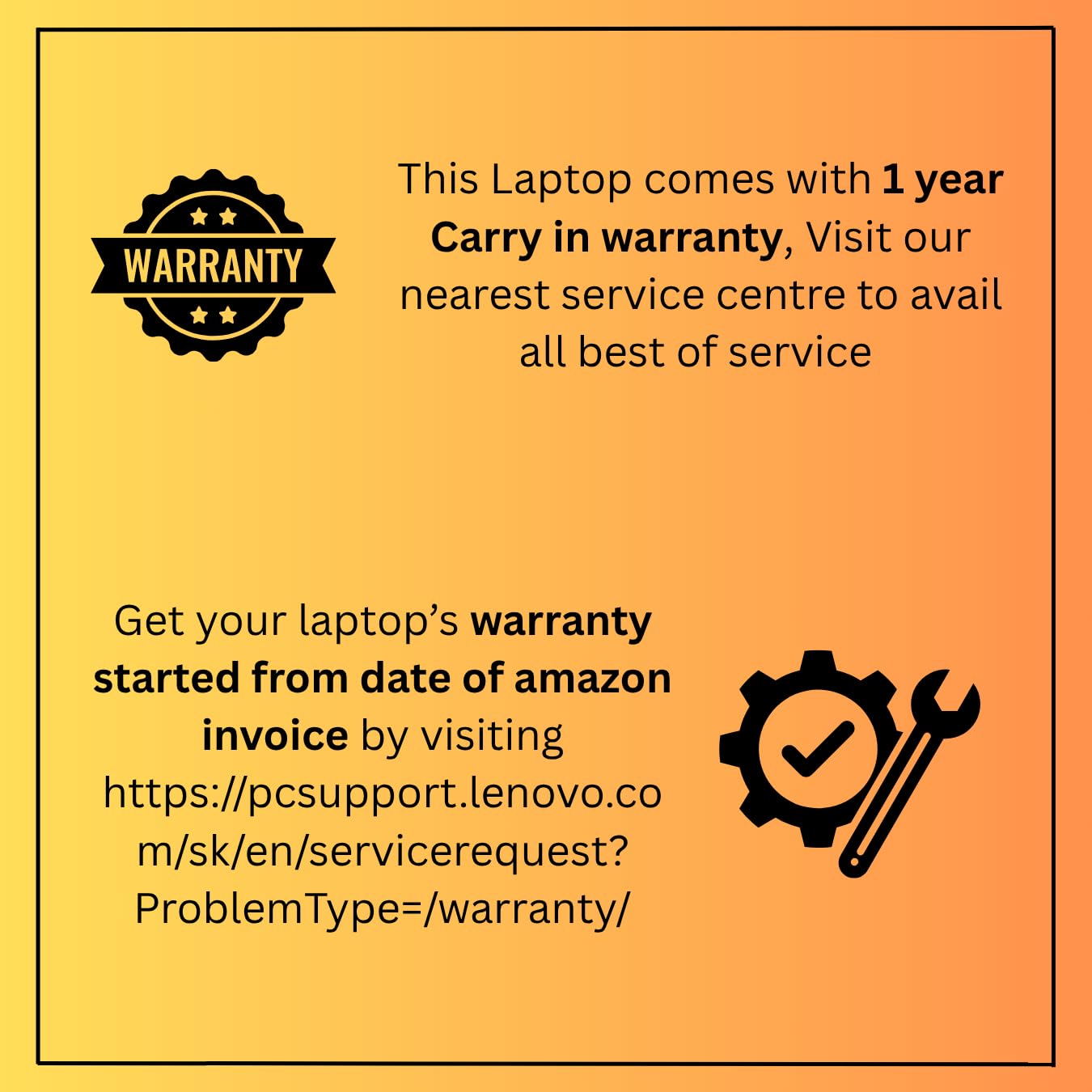
Image: A graphic detailing the 1-year carry-in warranty and providing instructions and a link for warranty registration via the Lenovo support webgunea.


